








































































































Free ai caricature generator from photo
Sign In

Free ai caricature generator from photo

Upload one clear portrait, choose a style, and edit the note. Eligible new users currently receive 40 welcome credits—enough for one 40-credit 1K Nano Banana 2 image. Generation uses credits; welcome-credit images include a watermark. The prompt keeps identity and the complete head while avoiding cruel or sensitive-trait exaggeration.

Choose one art direction, then use the notes field to control mood or exaggeration.

Upload One Portrait*
Try a Fictional Portrait

0 / 500

Public Visibility
Copy Protection
Credits required:-

Free ai caricature generator from photo

Image

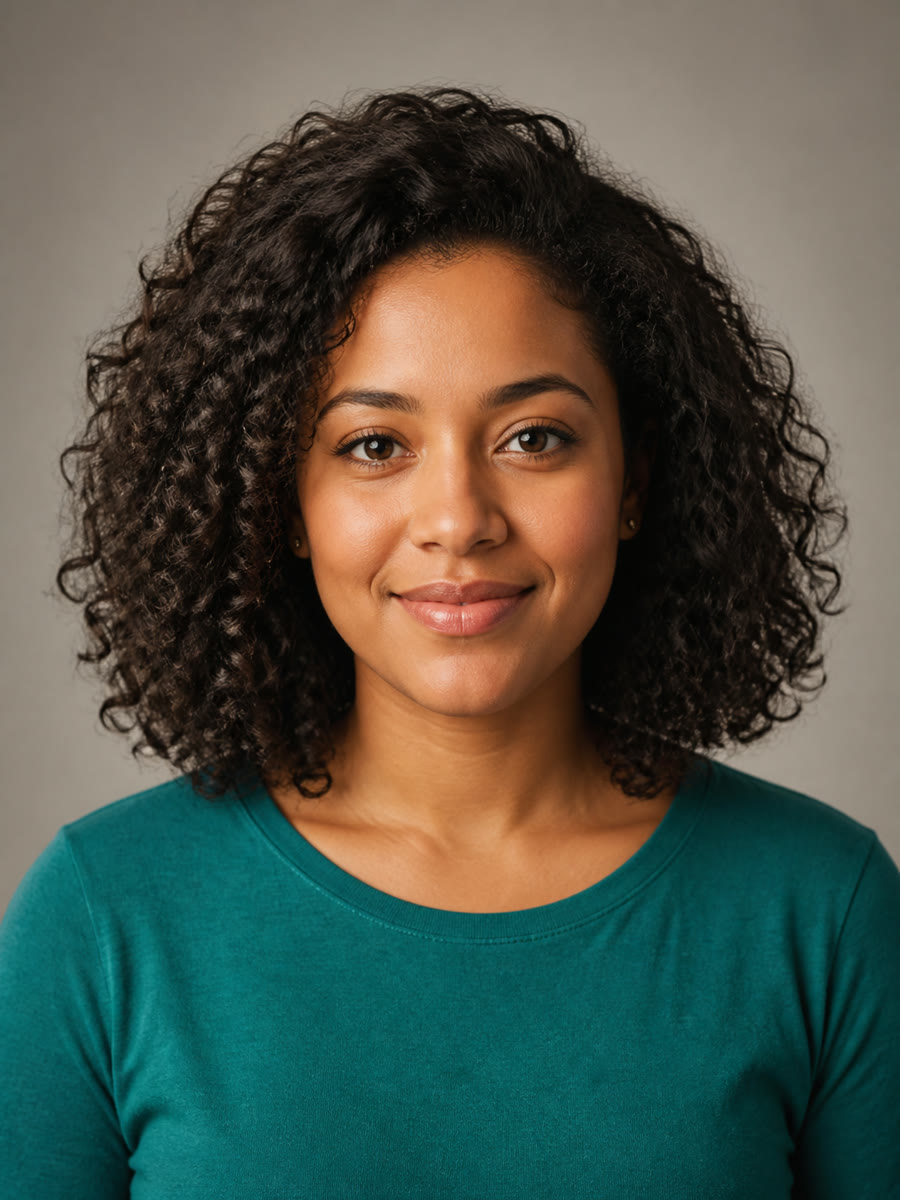
Fictional woman in a studio portrait before using the AI caricature generator
Photo
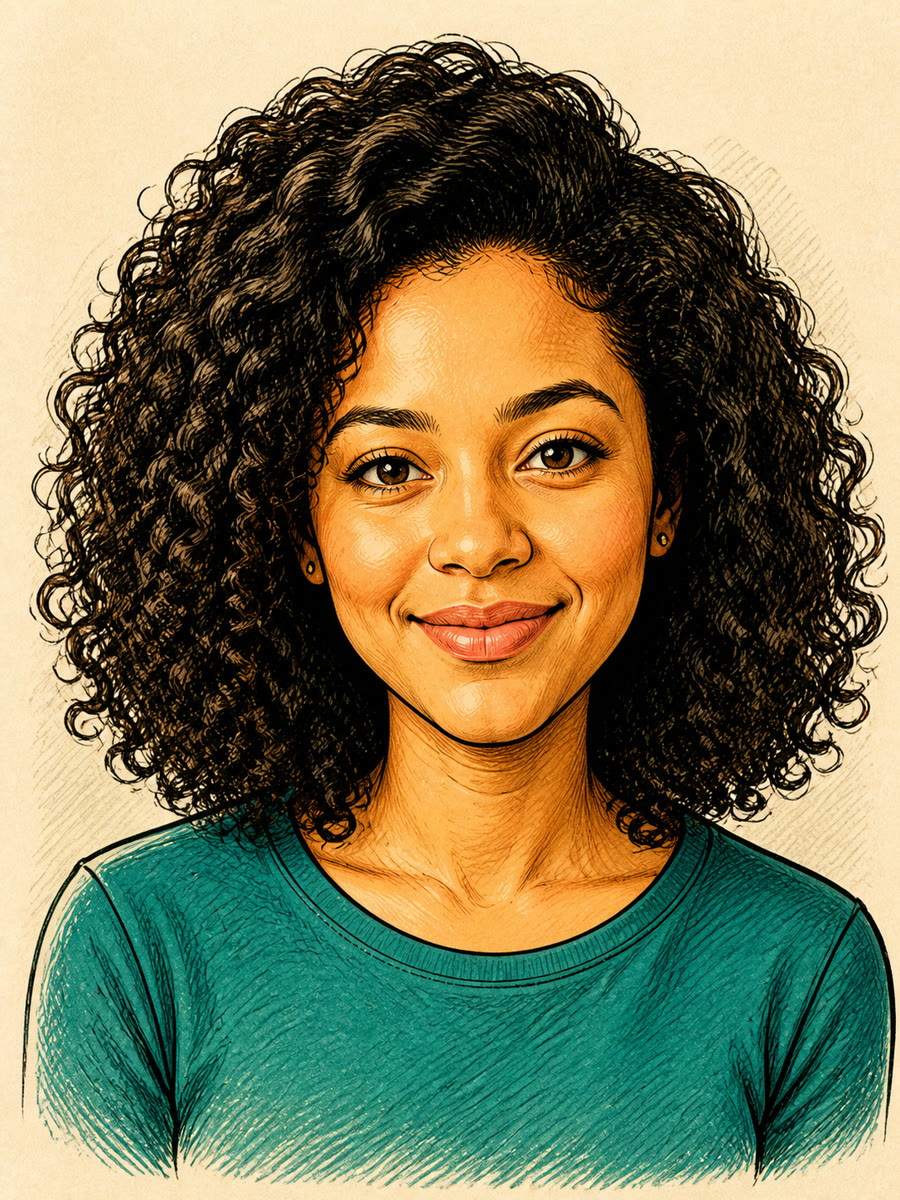
Recognizable friendly editorial ink caricature with the complete head visible
Editorial Ink
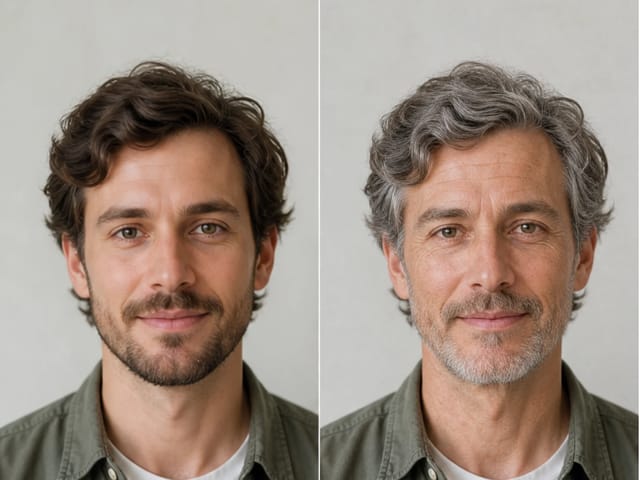
Before and after comparison of a studio portrait and friendly editorial ink caricature

Make the Portrait Playful Without Making the Person the Joke

A useful caricature amplifies expression and visual rhythm while the person remains easy to recognize. NanoPic starts from a real reference photo and applies a controlled direction: a gently oversized head, livelier brows or smile, and compact shoulders. The fixed prompt also protects the complete head and asks the model not to mock or exaggerate ethnicity, skin tone, disability, age, body size, scarring, religion, gender expression, or another sensitive trait. Choose Editorial Ink for a classic drawn portrait, Watercolor for softer paper texture, Clay 3D for tactile sculpted forms, or Pop Art for crisp graphic color. The result is an AI-generated creative portrait, not an exact biometric copy, so compare the face, hairline, expression, accessories, and framing before you download or share it.

Caricature Examples with Different People and Materials

These original examples use fictional adults created for NanoPic. They vary age, gender presentation, skin tone, hair, setting, and medium so you can judge both stylistic range and whether the subject remains recognizable.

Studio Portrait to Editorial Ink

The source photo has natural curls, a restrained smile, a teal shirt, and a plain studio background. The output uses dark ink contours, cross-hatching, and warm cream paper while keeping the eye shape, hair silhouette, skin tone, earrings, and clothing color readable. The head is gently enlarged, but the full hair and both shoulders remain inside the frame. This balance works well for profile art, creator illustrations, and personalized cards.

Try Editorial Ink
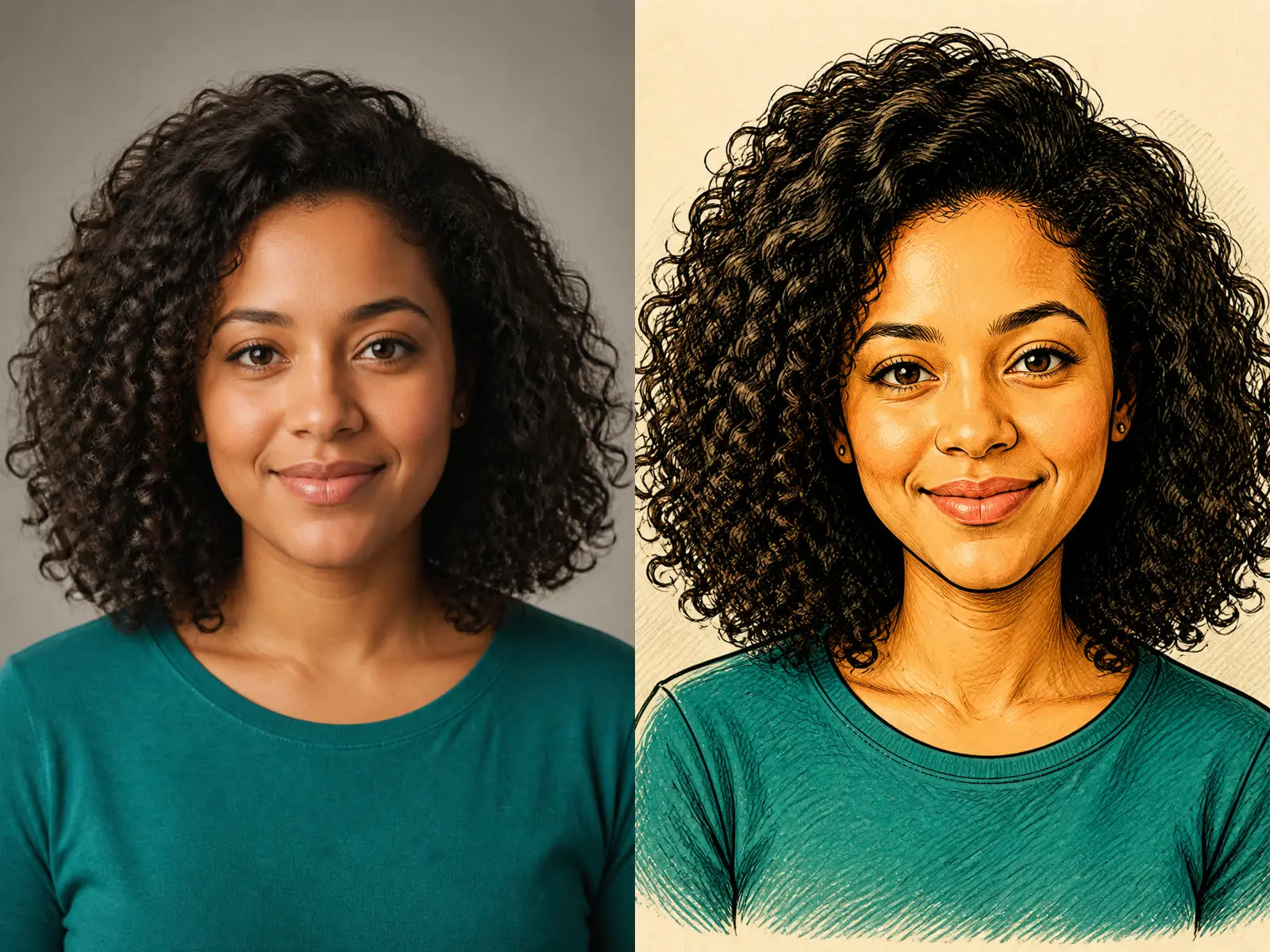
Studio portrait beside a friendly editorial ink caricature

Outdoor Portrait to Colored Pencil

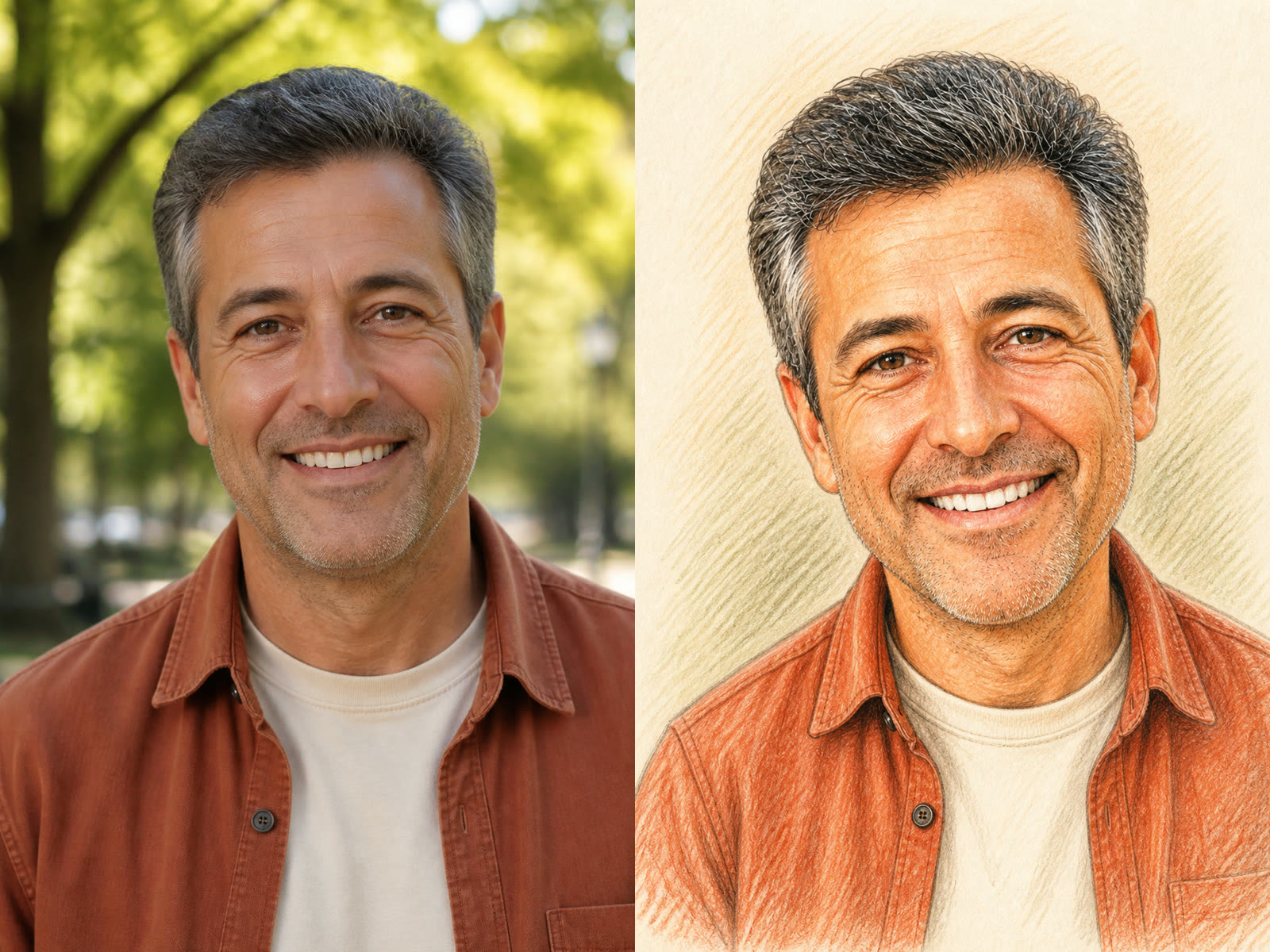
A fictional middle-aged man photographed in a park becomes a textured colored-pencil drawing. Salt-and-pepper hair, smile lines, rust overshirt, cream T-shirt, and open smile stay visible. The treatment adds energy through pencil strokes and mild proportion changes without erasing age or pushing the nose, teeth, or ears into ridicule. It is a useful direction for birthday gifts, team portraits, or an approachable author avatar.

Use a Portrait Photo
Outdoor portrait beside a recognizable colored-pencil caricature

Home Portrait to Soft Gouache

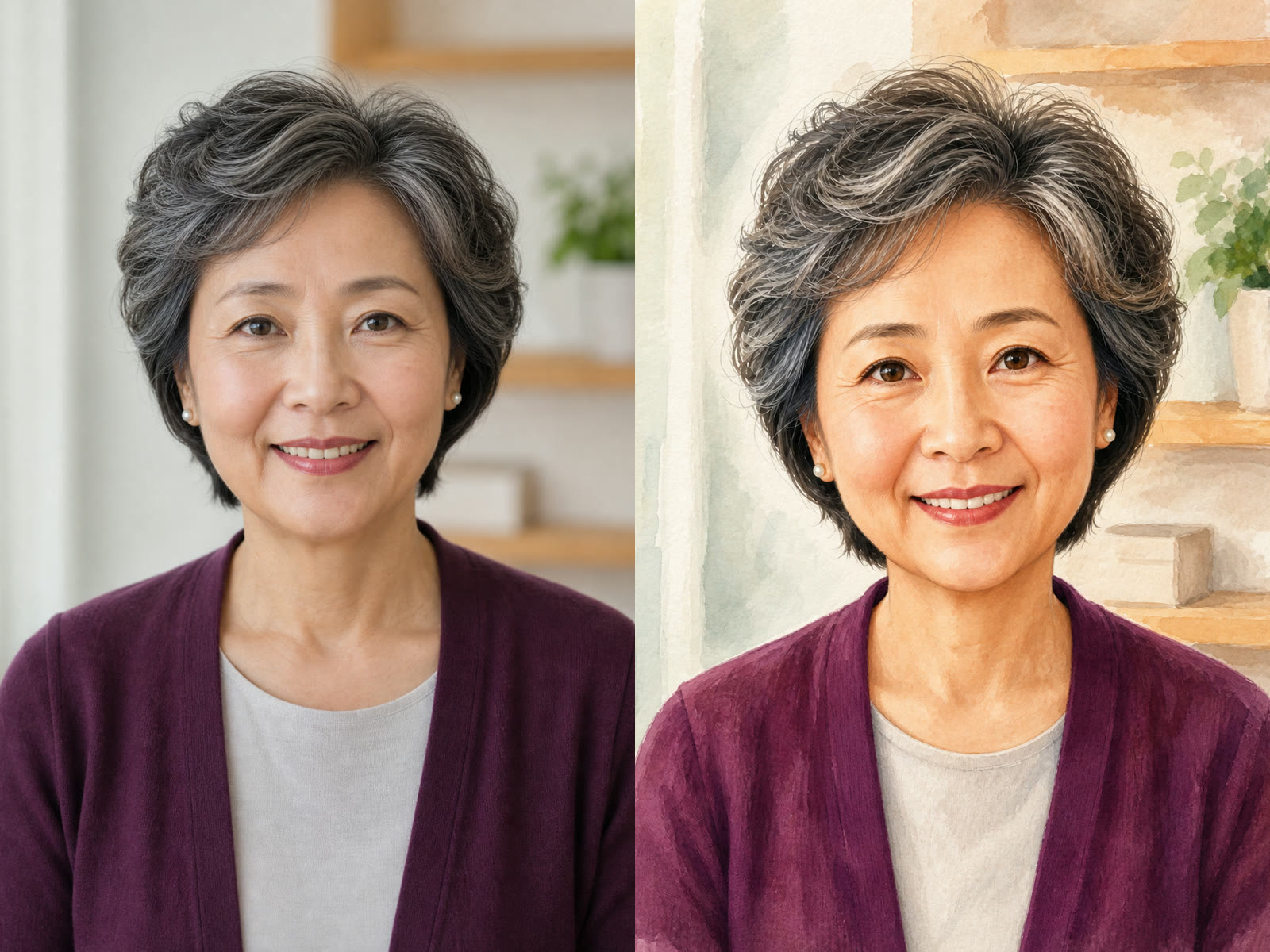
The third example keeps an older woman’s visible age, silver-black hair, pearl-like earrings, plum cardigan, and calm smile. Soft opaque paint simplifies the room and adds a gentle illustrated finish while retaining age lines and dignity. This example matters because a respectful caricature should not make every adult look younger or turn age, ethnicity, or another personal trait into the source of humor.

Create a Keepsake
Older woman’s portrait beside a dignified soft-gouache caricature

One Face, Four Clear Style Directions

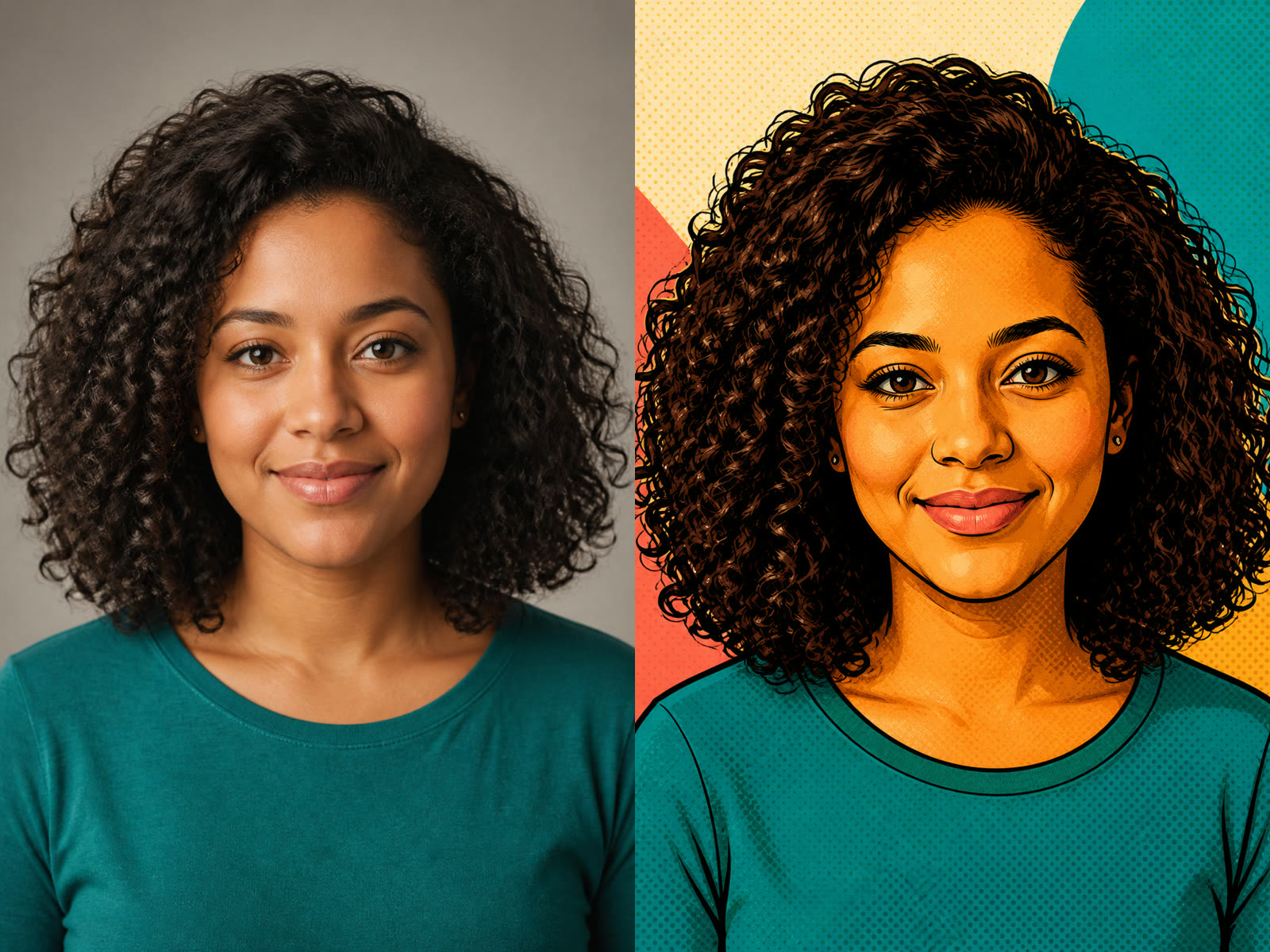
Editorial Ink, Watercolor, Clay 3D, and Pop Art use different materials, edge treatments, shading, and color logic. The style cards show output art rather than the original input, so you can choose the effect you actually want. Keep the same source photo when comparing styles; changing one variable at a time makes identity drift and framing differences easier to spot.

Compare the Styles
Studio portrait beside a recognizable bold pop art caricature

How to Use the AI Caricature Generator

A strong result depends on a readable source, one coherent art direction, and a quick identity-and-safety review after generation.

1. Upload a Clear Portrait with Space Around the Head

Choose a front-facing or gently angled portrait with the eyes in focus, even light, and the complete top of the head visible. Leave margin around curls, hats, ears, and shoulders because caricature proportions often need more room than a tight selfie crop. Avoid heavy beauty filters, severe motion blur, sunglasses, tiny group faces, or hands covering important features. Only upload a photo you are authorized to use.

Upload a Portrait
Clear fictional portrait with full head and shoulders visible

2. Choose a Style and Edit the Default Note

Pick Editorial Ink, Watercolor, Clay 3D, or Pop Art. The default note already asks for gentle exaggeration, a warm expression, recognizable identity, and full-head framing. You can edit it to keep glasses, simplify a background, lower the exaggeration, or request a specific mood. Keep the note focused; combining five unrelated styles or demanding extreme anatomy makes the result harder to control.

Choose a Style
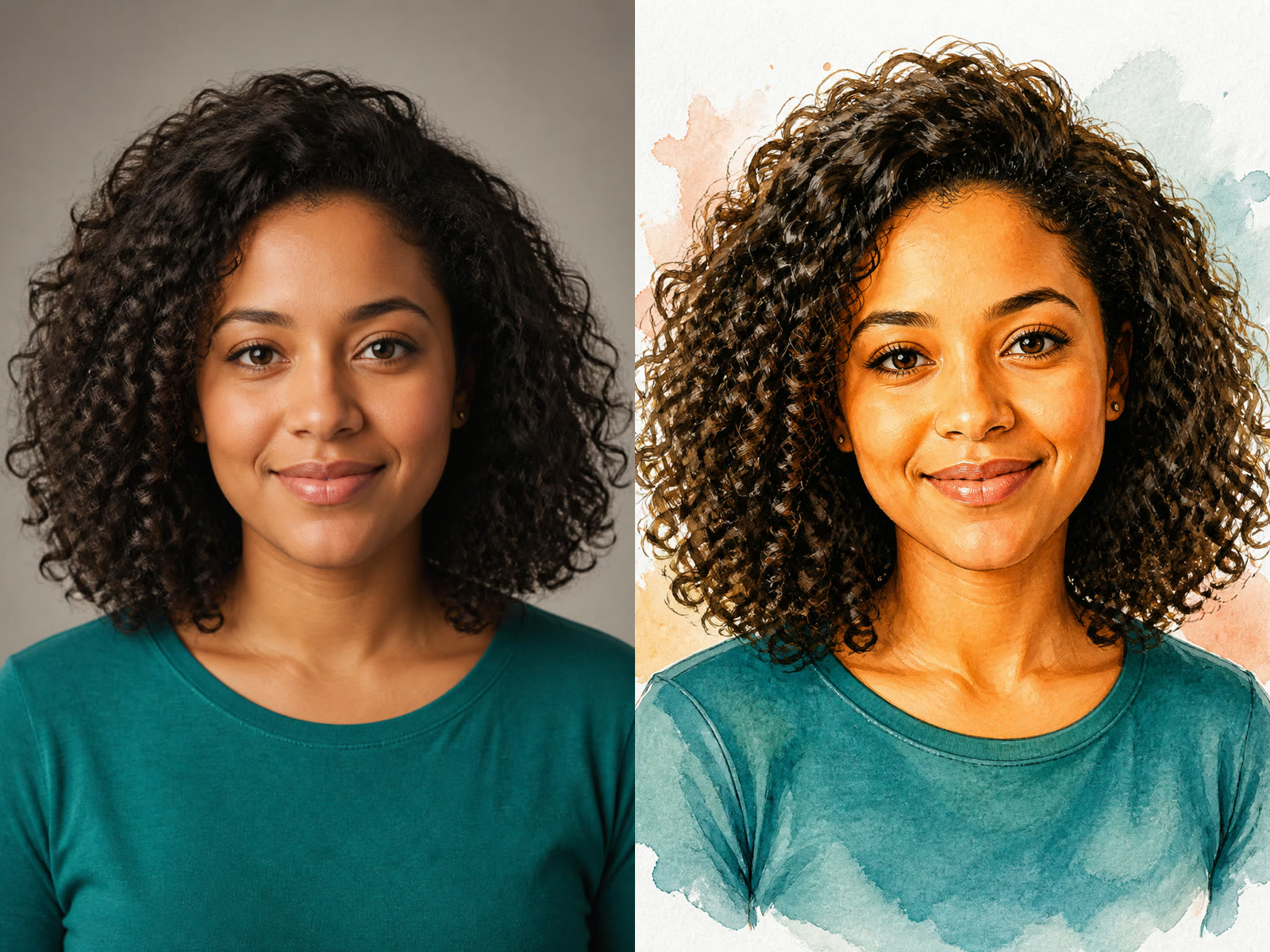
Photo and watercolor caricature comparison showing gentle exaggeration

3. Generate, Compare, and Correct One Detail at a Time

After the task finishes, open the output and compare it with the source. Check eye shape, face outline, hairline, visible age, skin tone, expression, glasses or earrings, and the complete top of the head. Also confirm that the humor comes from the drawing style, not from a sensitive characteristic. If one detail drifted, reuse the same photo and add one concise correction such as ‘keep my glasses’ or ‘use subtler exaggeration’ before generating again.

Generate and Review
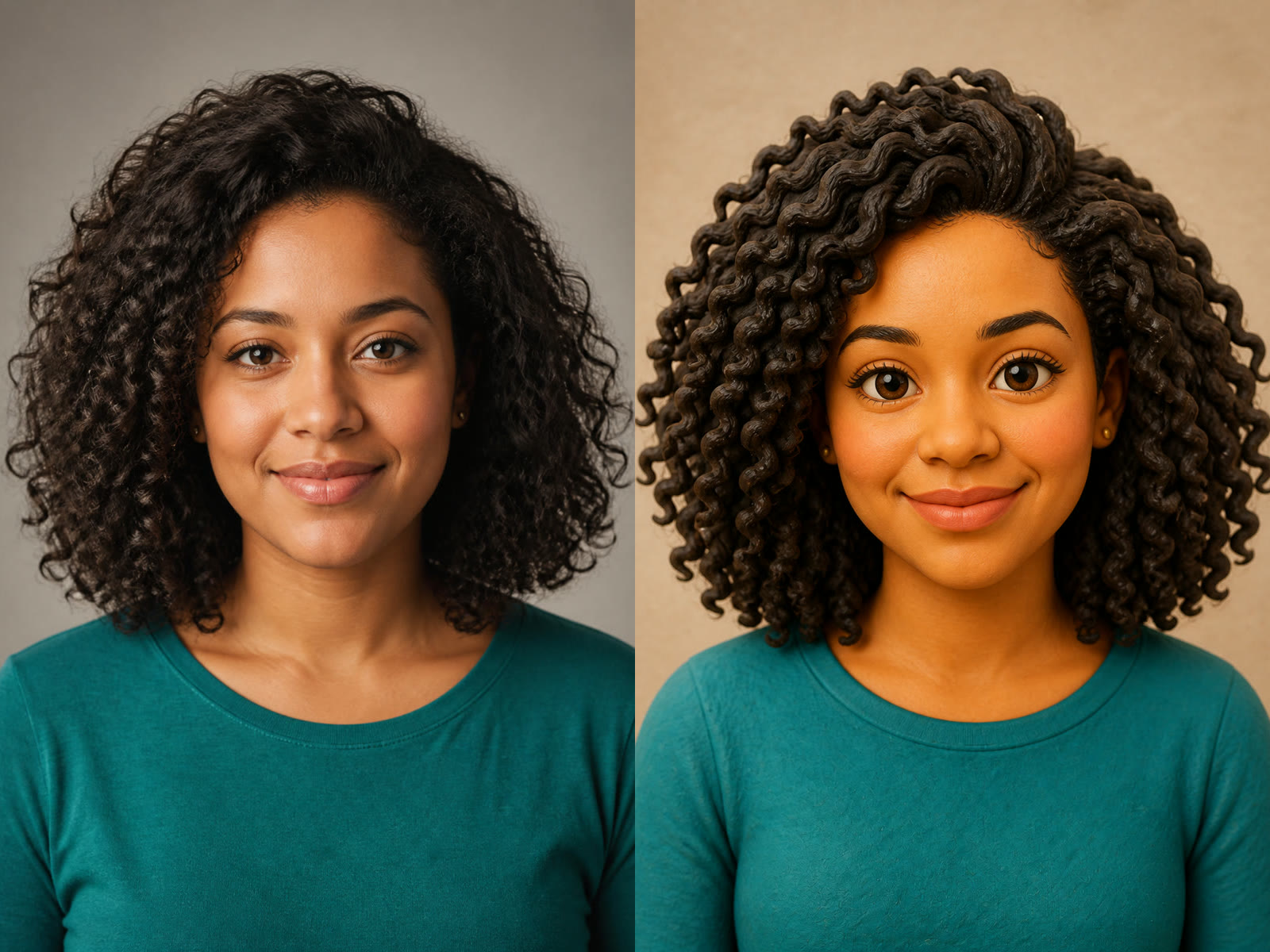
Photo beside a clay 3D caricature for identity and framing review

Controls That Keep Exaggeration Friendly and Useful

The template combines identity-aware instructions, editable guidance, distinct materials, and practical framing rules instead of applying one generic cartoon filter.

Recognizable Identity Cues

The prompt asks the model to retain facial structure, visible age, skin tone, eyes, nose, lips, hairline, hairstyle, expression, clothing colors, and accessories. The output is still generative, so these cues are review targets rather than a guarantee.

Respectful Exaggeration Guardrails

A gently oversized head and livelier expression provide caricature energy. Separate restrictions reject mockery, grotesque distortion, and exaggeration of ethnicity, disability, age, body size, skin tone, scarring, religion, gender expression, or another sensitive trait.

Four Distinct Art Materials

Ink, watercolor, clay, and pop art differ in texture, edge handling, light, and color. The cards use actual style outputs so selection is based on visible treatment rather than an abstract label.

Editable Notes and Output Shapes

Refine glasses, background, mood, or exaggeration strength in the prompt field, then choose 3:4, 4:5, 2:3, or square output. A locked 1K PNG request keeps the template consistent while the available controls remain honest.

Useful Ways to Create a Caricature from a Photo

A recognizable, friendly portrait can support personal gifts, social identity, editorial illustration, and event concepts when you have permission to use the source image.

Profile Pictures and Creator Avatars

Use a clear head-and-shoulders photo and moderate exaggeration for an avatar that stays readable at small size. Editorial Ink and Pop Art provide strong contours; verify the face and hair silhouette before replacing a professional profile image.

Birthday, Retirement, and Thank-You Gifts

Turn an authorized portrait into a warm keepsake, then add names and dates in a separate design tool for exact typography. Colored-pencil, watercolor, and gouache-like directions feel personal without requiring a joke about someone’s appearance.

Team, Speaker, and Newsletter Illustrations

Create a consistent visual direction for founders, speakers, or team members. Generate and approve each person separately; do not assume one exaggeration level suits every face, age, or context.

Invitations and Event Portrait Concepts

A caricature can become the visual starting point for a wedding sign, reunion card, booth sample, or informal event graphic. Keep brand marks and event text out of the generation prompt, then place accurate copy afterward in layout software.

AI Caricature Generator FAQ

Answers about photo quality, likeness, exaggeration, styles, credits, privacy, and responsible use.

What is an AI caricature generator?

It is an image-to-image tool that uses a portrait as a visual reference, then redraws the person with deliberate but controlled exaggeration. This page keeps identity and framing instructions active while applying a selected material such as editorial ink, watercolor, clay 3D, or pop art.

How is a caricature different from a cartoon portrait?

A cartoon portrait can simplify a person while keeping mostly natural proportions. A caricature intentionally amplifies expression or proportion, often with a larger head and compact shoulders. NanoPic keeps that exaggeration moderate so the person remains recognizable and the humor does not depend on a sensitive trait.

Will the generated caricature still look like the person?

The template asks Nano Banana 2 to preserve facial structure, visible age, skin tone, hair, expression, clothing cues, accessories, pose, and camera angle. Generative models can still drift, especially with blur, occlusion, tiny faces, or extreme prompts, so compare every output with the source and correct one detail at a time.

What photo gives the best caricature result?

Use a sharp portrait with even light, visible eyes, the complete top of the head, and space around hair and shoulders. A front-facing or gently angled pose is easier to compare. Avoid severe blur, beauty filters, sunglasses, hands covering the face, clipped hair, or a group photo where every face is very small.

Can I control how exaggerated the result is?

Yes. Start with the default gentle direction, then edit the notes with phrases such as ‘subtle exaggeration,’ ‘slightly larger head,’ or ‘keep natural facial proportions.’ Avoid asking for extreme changes to one facial feature. If a result feels too strong, reuse the same source and request a smaller, more balanced change.

Free ai caricature generator: can I start for free?

Yes—you can start with welcome credits instead of paying upfront. NanoPic currently grants eligible new users 40 welcome credits; this template's locked 1K Nano Banana 2 image-to-image task currently costs 40 credits. Opening the page, choosing a style, and editing the note do not use credits, but every generation does. Images funded only by welcome or other free credits include NanoPic's free-credit watermark; generations funded by paid credits do not include that watermark.

Can I caricature a group photo?

This template accepts one uploaded image, but a photo can contain more than one person. Single-person portraits are more reliable. For a group, keep every head large and complete, use moderate exaggeration, and inspect each identity, hand, and overlap carefully before sharing the result.

Is it okay to exaggerate any facial feature?

Keep the portrait affectionate and context-appropriate. Do not use the tool to mock someone or amplify ethnicity, disability, age, body size, skin tone, scarring, religion, gender expression, or another sensitive characteristic. Get permission when the image is not your own, and stop if the subject would reasonably find the result demeaning.

Can I use a generated caricature for a gift or commercial project?

Only upload photos you are authorized to use, and review the output for likeness, privacy, brand, platform, and licensing requirements that apply to your project. NanoPic provides a creative generation workflow, not consent, legal clearance, or an identity guarantee. Add exact names, dates, and logos afterward in a design tool.

Create a Friendly Caricature from Your Photo

Upload a complete portrait, choose one material, keep the default identity and respect guardrails, and review the final likeness before downloading or sharing.