
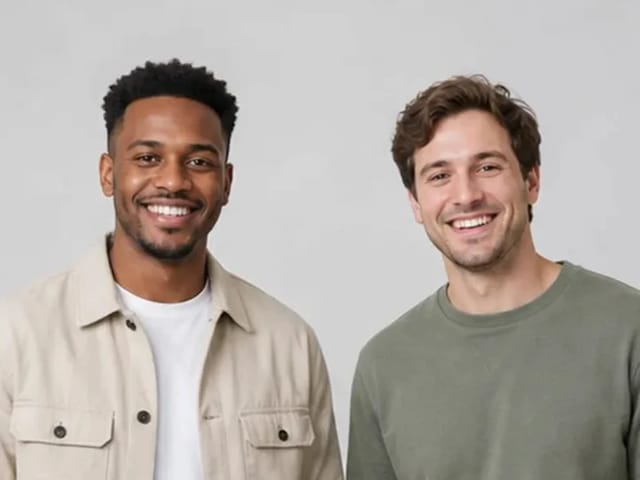
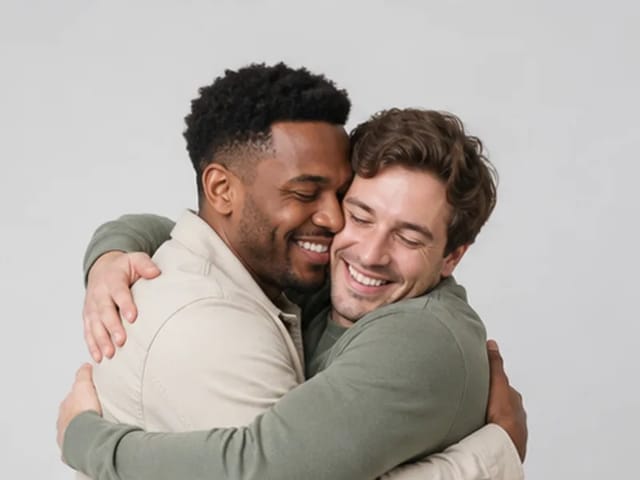
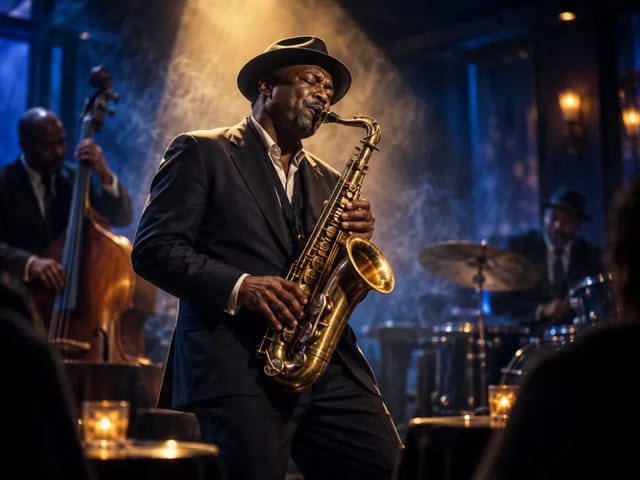





Save up to 73% on plans

Animate Picture Online with AI Motion
Sign In

Animate Picture Online with AI Motion

Upload one photo you own or may animate, then describe what should move and how the camera should behave. NanoPic uses a real Seedance image-to-video model and shows the current credit requirement inside the generator before submission.

Upload a Picture You May Animate*(0/1)
Try a Fictional Adult Sample

155 / 1,000

Public VisibilityAllow this result to appear in public inspiration surfaces.

Animate Picture Online with AI Motion

Video

More AI Video Models & Effects

Browse every other AI video model and effect published on this site in a continuous carousel.

Actual Materials and Result

Add a Small Movement to a Portrait

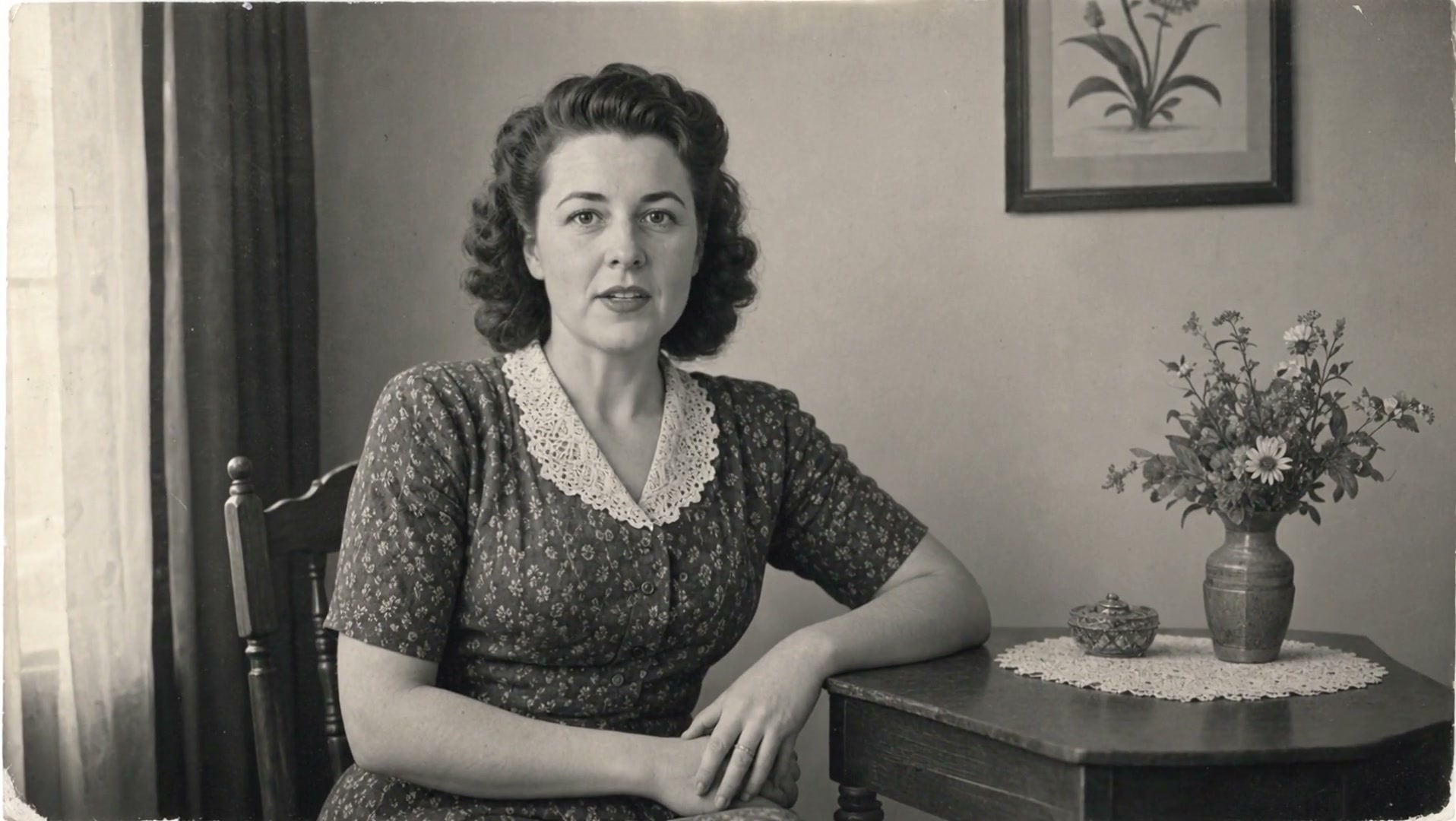
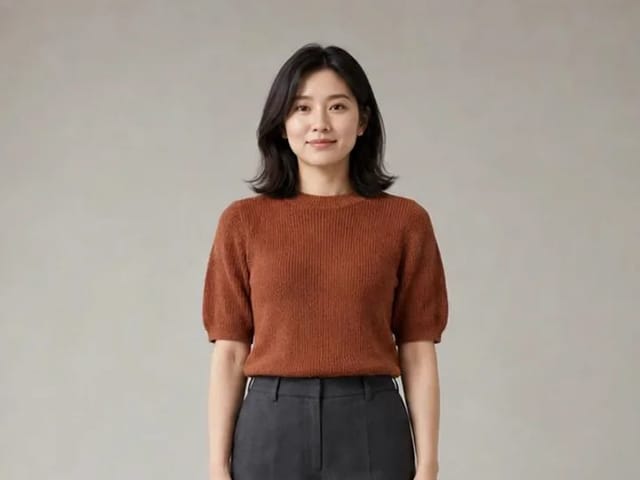
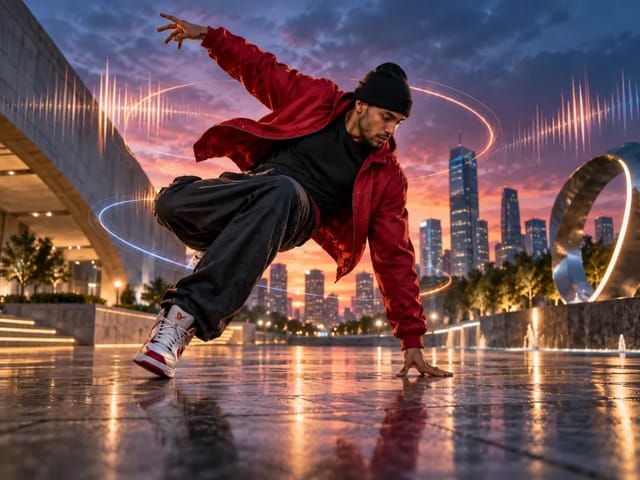
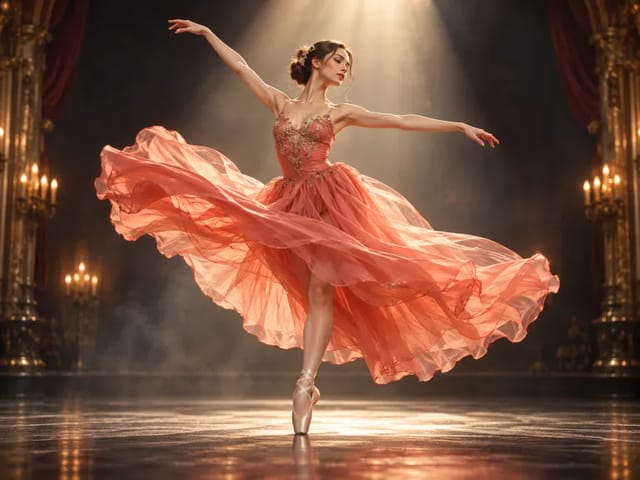
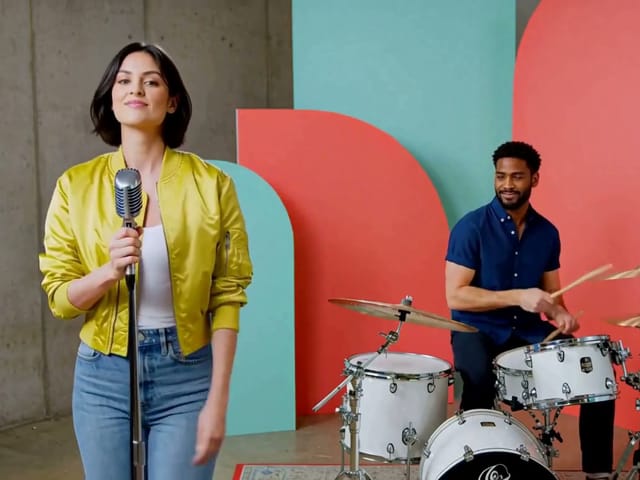
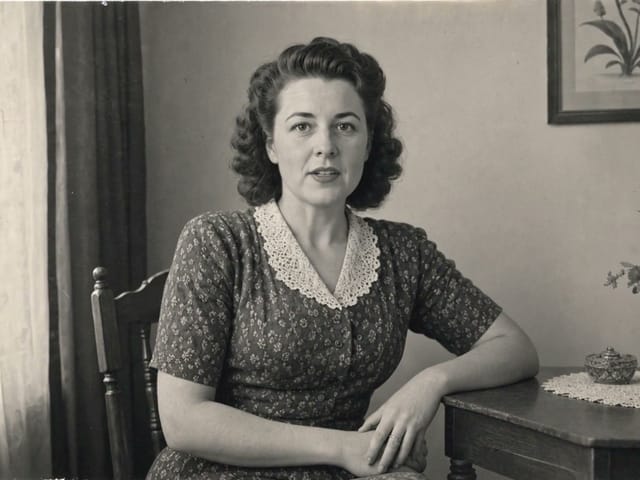
Seedance 2.0 Mini turns the pictured character into a five-second clip. Compare the hand position, outfit and background as the subject moves. This is an AI interpretation of a still image, not a recording of an actual event.
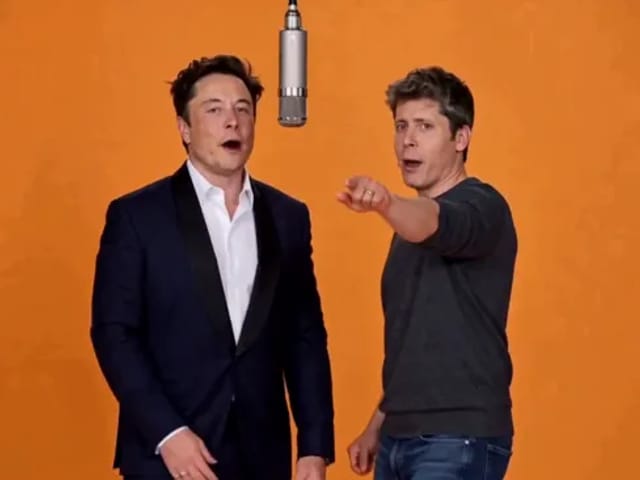
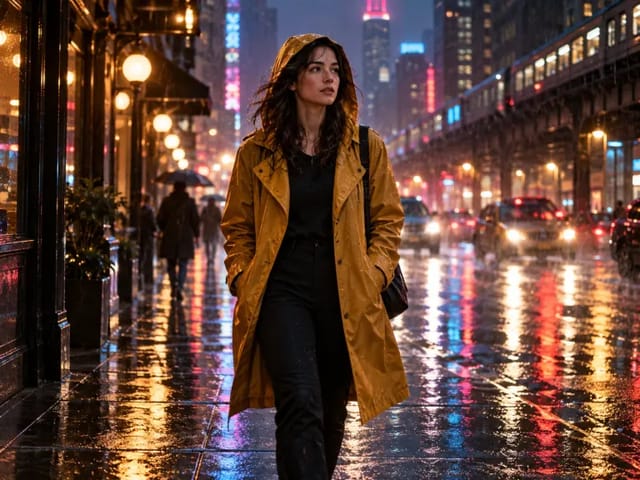
Fictional adult portrait ready to animate into a short video

Turn One Still Picture into a Deliberate Short Video

An animate picture tool should do more than apply a looping zoom. NanoPic sends the uploaded image as the opening frame of a generative video task, then uses your motion direction to infer movement across the subject, environment, and camera. A portrait can blink and shift naturally, fabric can respond to a breeze, a pet can turn its head, or a landscape can gain restrained cloud and foliage motion. The result is newly generated video rather than restored documentary footage, so compare the opening frame, identity, hands, edges, background geometry, and any important objects before sharing. The strongest requests name one main action, one camera behavior, and what must stay unchanged. This page does not claim frame-perfect preservation, lip-sync, motion capture, or proof that the pictured event happened.

How to Animate a Picture in Three Steps

Start with the working generator, then use this checklist to keep the request focused and reviewable.

1. Upload One Clear Authorized Picture

Choose an image you own, created, licensed, or have permission to process. A visible main subject, clean silhouette, and uncropped hands or feet give the model better temporal cues. Avoid confidential documents, tiny faces, heavy compression, or pictures in which the intended subject is ambiguous.

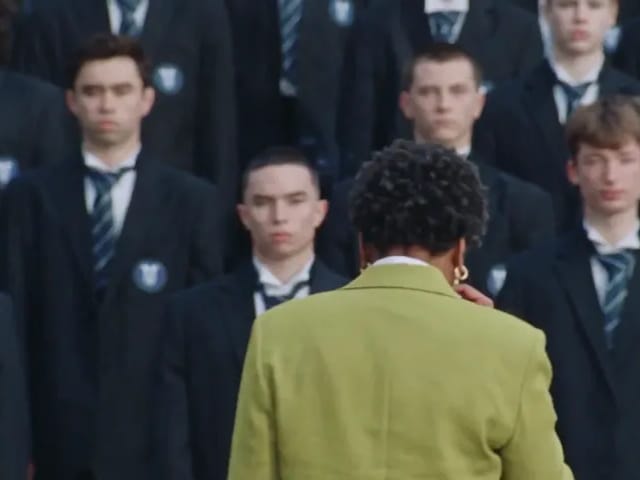
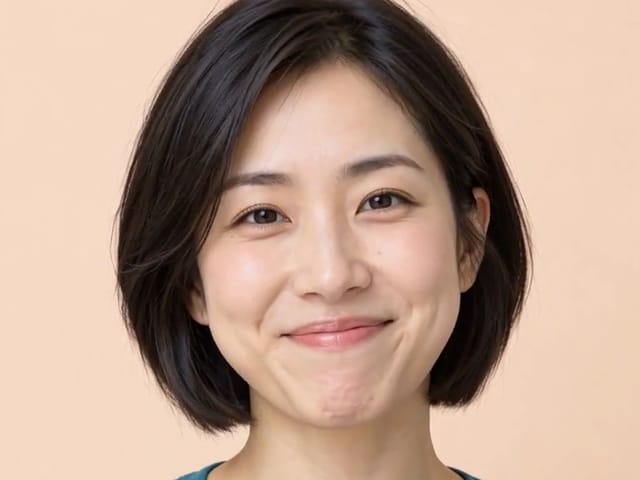
Clear fictional portrait used as an animation source

2. Describe Motion, Not a New Picture

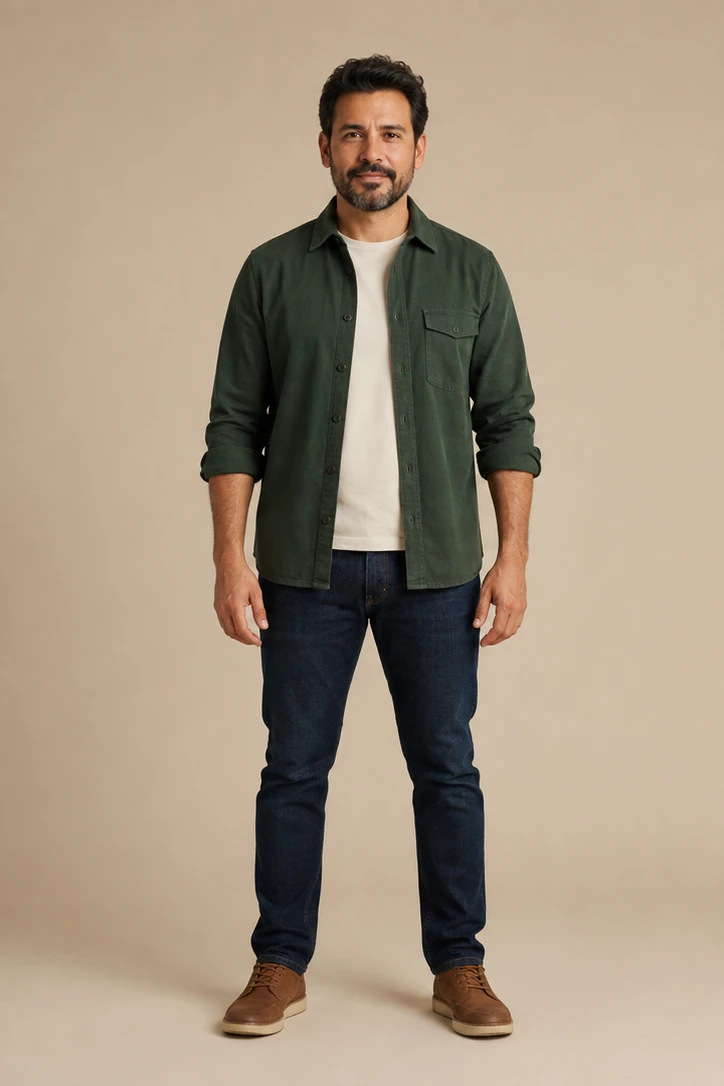
Write a short shot direction: who or what moves, the direction and pace, what the environment does, and whether the camera stays locked, pans, pushes in, or follows. Add preservation instructions for identity, clothing, product shape, room layout, or background when those details matter. One coherent action is usually easier to maintain than several unrelated events.

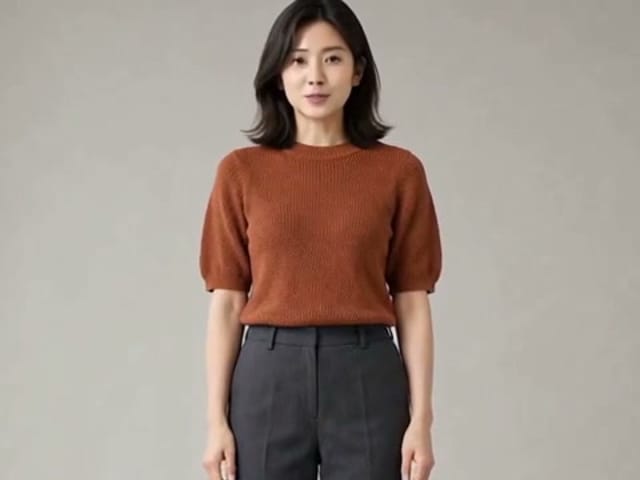
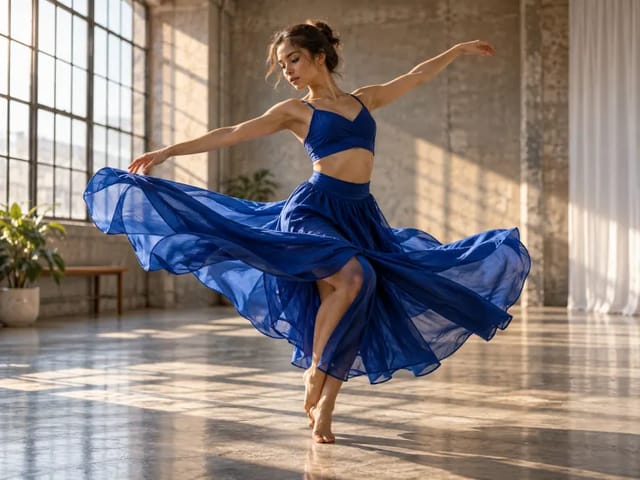
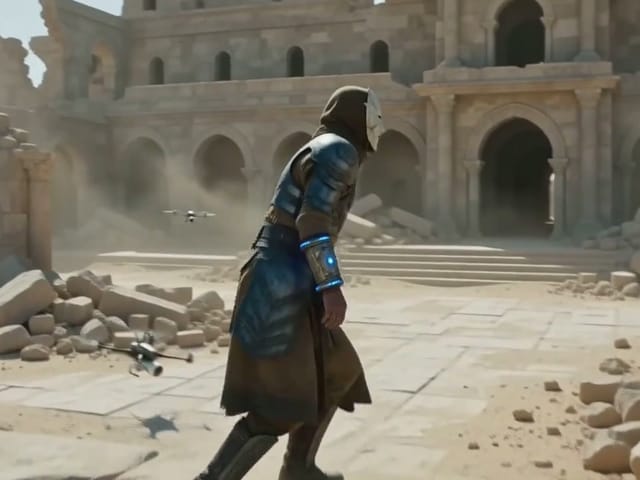
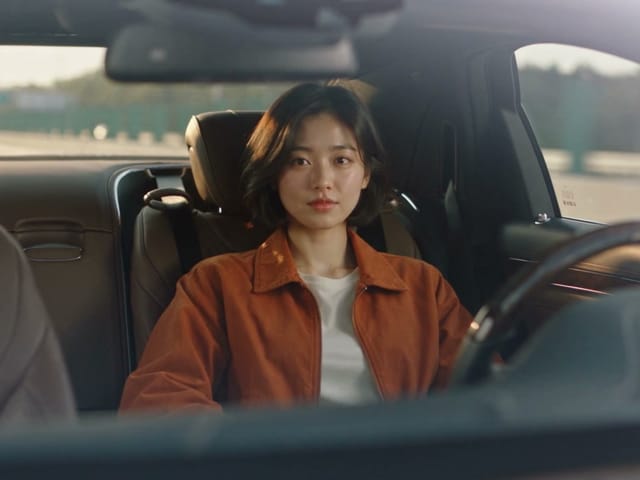
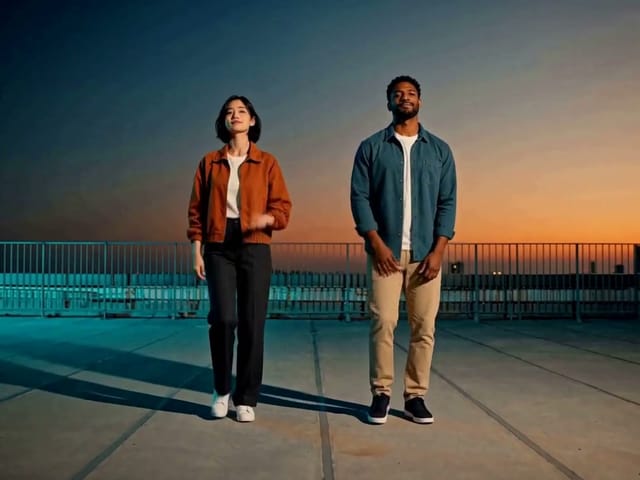
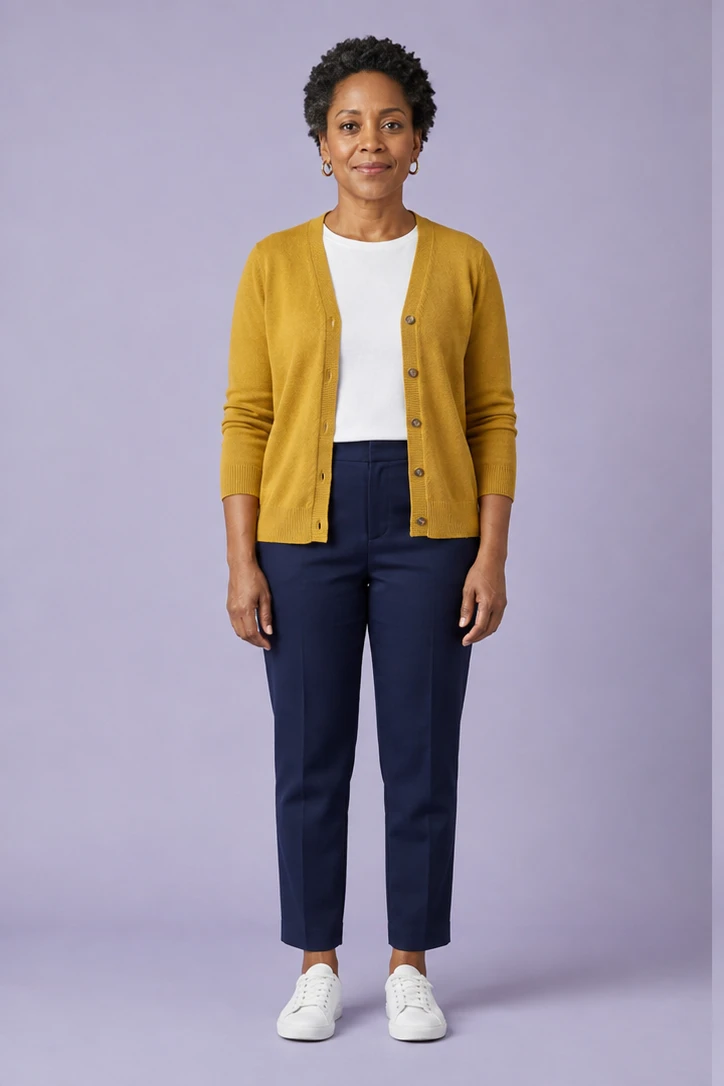
Full-body fictional adult suitable for a clear motion direction

3. Generate and Inspect the Whole Clip

Review the duration, aspect ratio, audio choice, and live credit notice before submission. After generation, play the video from beginning to end. Check the first-frame match, facial stability, hands, object contact, background edges, camera continuity, and whether the requested action actually occurs. Download only a result that passes your use case.

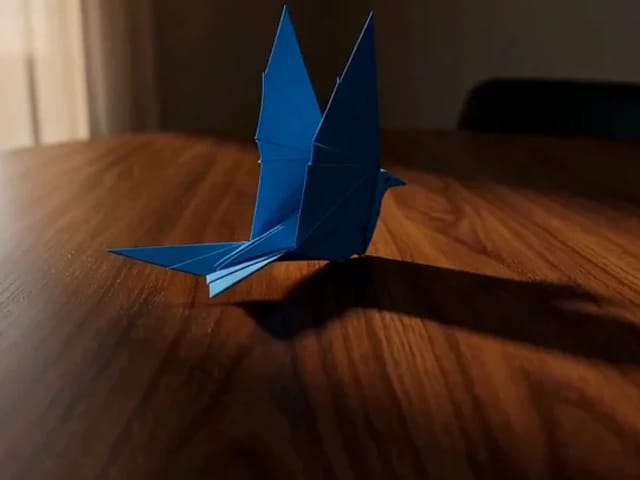
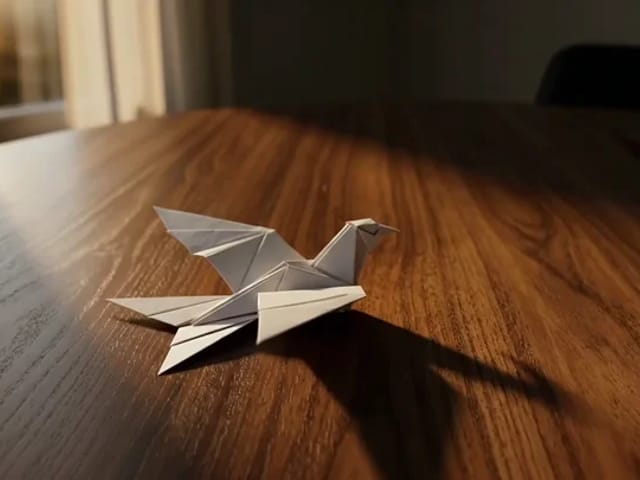
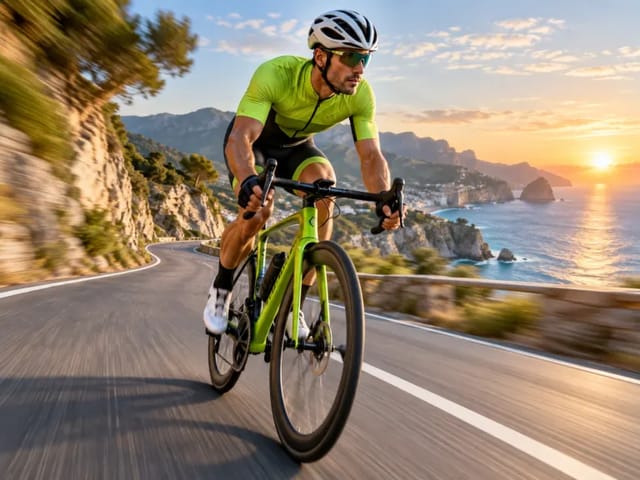
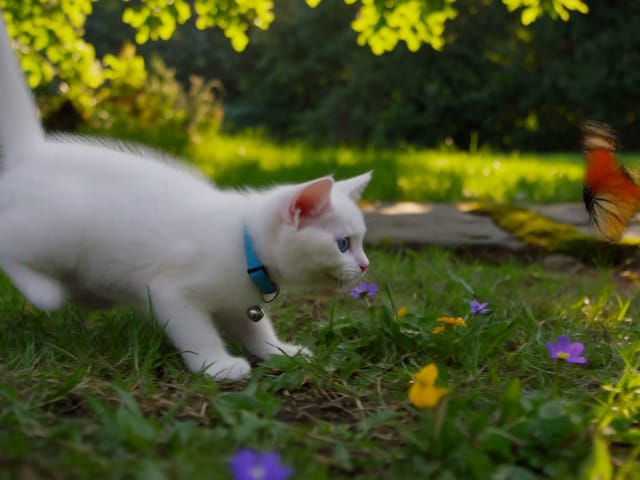
Thumbnail from a completed picture animation for review

Motion Prompts That Are Easier to Control

A compact shot brief gives the model fewer conflicting decisions.

Portrait Motion

Ask for a small gaze shift, one natural blink, subtle breathing, limited hair movement, and a steady or slowly pushing camera. Avoid combining dialogue, singing, dancing, and a location change in the same short clip.

Products and Objects

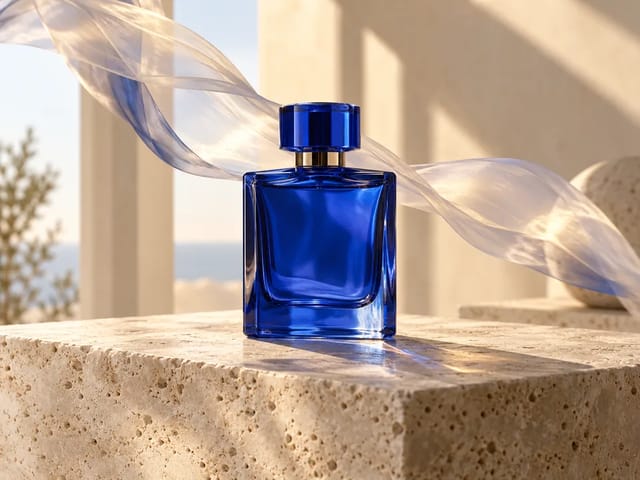
Name the exact object, the surface it contacts, the movement path, and which geometry, label, color, and material should remain stable. Generative video can still alter branding or dimensions, so it is a concept tool rather than a product-specification renderer.

Landscapes and Rooms

Specify environmental movement such as clouds, water, curtains, tree branches, or changing light while asking the architecture, horizon, and camera position to stay anchored. Review straight lines and repeated textures closely.

Pets and Animals

Use gentle, species-appropriate actions such as a head turn, ear movement, breathing, or a few steps. Keep the full body visible when gait matters and reject extra limbs, sudden species changes, or unsafe scenarios.

Practical Uses for an Animated Picture

Short picture animations work best as reviewed creative inserts rather than unedited factual footage.

Social Story Openers

Animate a licensed campaign still or original portrait into a short vertical opener, then add exact text, branding, captions, and music in your editor.

Product Concept Motion

Explore a turn, camera reveal, fabric response, or environmental movement before investing in a physical shoot. Verify product geometry and claims separately.

Family-Safe Creative Memories

Create a gentle interpretation from a personal picture with consent. Label generated motion when viewers could mistake it for an authentic recording.

Animate Picture FAQ

Answers about source photos, prompts, identity, audio, cost, and responsible use.

How does the Animate Picture generator work?

It uploads one image as the opening visual reference and combines it with a motion prompt for a Seedance image-to-video task. The returned file is a newly generated video, not a simple CSS zoom or a recovered recording.

Can I animate a picture for free?

You can explore the tool and prepare your motion brief without charge. Generating a video uses NanoPic credits, and the current amount is displayed in the generator before you submit. Signed-in users may apply eligible welcome or earned credits.

Will the person stay exactly the same?

No generative video model guarantees exact identity or geometry in every frame. Clear sources and restrained motion help, but you must inspect the face, hair, hands, clothing, and background throughout the result.

Can it make a person speak?

This page is for general picture animation, not synchronized speech. Use a dedicated lip-sync workflow when mouth timing must follow an audio track.

What pictures work best?

Use a sharp, well-lit image with one obvious subject, enough room around the intended motion, and no important body parts cut by the frame. Simple backgrounds and readable silhouettes are easier to animate.

May I animate someone else's photo?

Only if you have a lawful basis and permission appropriate to the person and intended use. Do not create deceptive evidence, impersonation, harassment, or undisclosed endorsements.

Does the tool add audio?

The selected Seedance model can generate audio when enabled. Review the audio switch and current credit cost in the generator, then listen to the complete result before publishing.

Why did the background or hands change?

The model synthesizes new frames and can drift on fine details, contact points, or repeated textures. Reduce the requested motion, simplify the prompt, use a clearer source, and regenerate only when necessary.

Animate a Picture with a Clear Motion Brief

Upload one authorized image, describe one coherent action and camera move, then inspect every frame before downloading or sharing the generated clip.

Related tools