






































Seedance 2.5 AI Video Generator
Sign In
CreditsCost

Seedance 2.5 AI Video Generator

Seedance 2.5

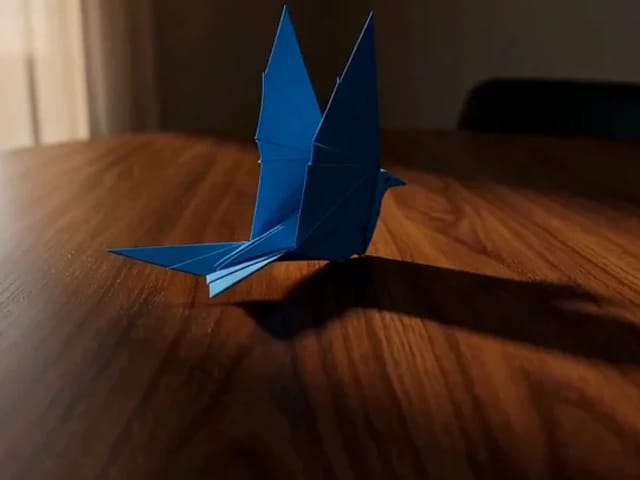
Compatibility-route studio motion example

A compact cinematic art-studio video of three premium paint brushes hovering above a glass palette with glossy blue, violet, and pink paint, soft rim light, smooth camera push-in, realistic reflections, stable shapes, gentle studio ambience, no text, no watermark.

Seedance 2.0 Mini compatibility-route poster used on the Seedance 2.5 preview

Explore the Seedance 2.5 Video Model Direction

This page follows Seedance 2.5 search interest without pretending that NanoPic already has a verified native endpoint. The generator displays Seedance 2.5, while actual text-to-video, image-to-video, and reference-to-video tasks currently resolve to the closest reviewed option, Seedance 2.0 Mini. The preview video and poster are compatibility-route assets and are not presented as native Seedance 2.5 output.

Seedance 2.5 Availability on NanoPic

Early public information describes Seedance 2.5 as an upcoming model, but NanoPic has not verified a complete official provider contract. Until the exact endpoint, request schema, pricing, callbacks, and task results pass live checks, this is a compatibility preview.

Display name separated from provider route

The page and selector use Seedance 2.5 for the user-facing topic. Server routing maps that name to the existing KIE Seedance 2.0 Mini model ID, keeping provider behavior and credit calculation tied to a route that NanoPic already understands.

Controls match the route that runs

The current generator offers the reviewed compatibility controls: text, image, or reference workflows; 480p or 720p; 4 to 15 seconds; common social and landscape aspect ratios; and optional audio where supported. It does not expose rumored future controls.

Native rollout remains gated

NanoPic will change the provider model ID only after official documentation can be checked and a real request succeeds through the UI, creates a provider task, reaches a successful status, and returns a usable video. Until then, this page stays on the compatibility route.

What the Seedance 2.5 Preview Generator Can Do Today

Use the preview for short, reviewable motion concepts backed by the Seedance 2.0 Mini route.

Text-to-video concept drafts

Describe one subject, one action, one environment, one camera movement, and an optional sound direction. Short prompts with a clear visual beat are easier to evaluate than long scripts with several scene changes and competing instructions.

Image-to-video with a visual anchor

Upload a source image when a product, character, poster, or composition should remain recognizable. Ask for restrained movement such as a slow push-in, fabric motion, changing light, subtle particles, or a small environmental action.

Reference-driven direction tests

Use the compatibility reference workflow to communicate visual direction with supporting material. Keep references relevant and licensed, avoid private or unauthorized likenesses, and review the result for identity drift or unintended changes.

How to Use the Seedance 2.5 Preview

Start small, understand the fallback, and review motion before increasing complexity.

1. Choose the closest supported workflow

Select text-to-video for a new concept, image-to-video when a source frame should anchor the composition, or reference-to-video when supporting visual direction matters. The displayed Seedance 2.5 name resolves to Seedance 2.0 Mini for the provider request.

Open Generator
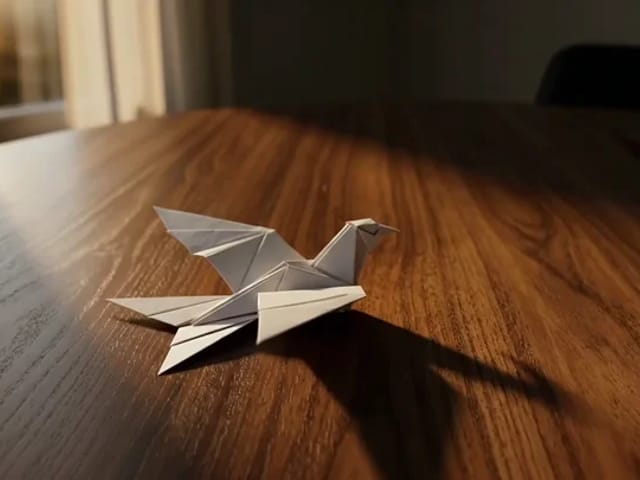
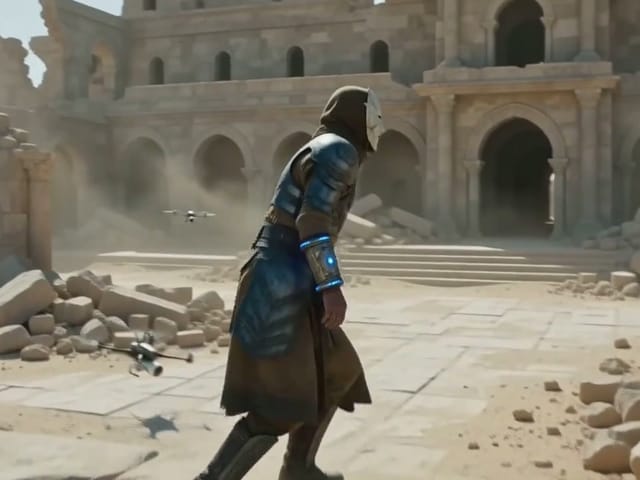
Seedance compatibility-route studio preview

2. Keep the first test short

Use 720p and 5 seconds for an easy-to-review first pass, or 480p when only the motion direction matters. Pick the destination aspect ratio before generating so the subject is framed correctly instead of relying on a large crop later.

Create a Motion Draft
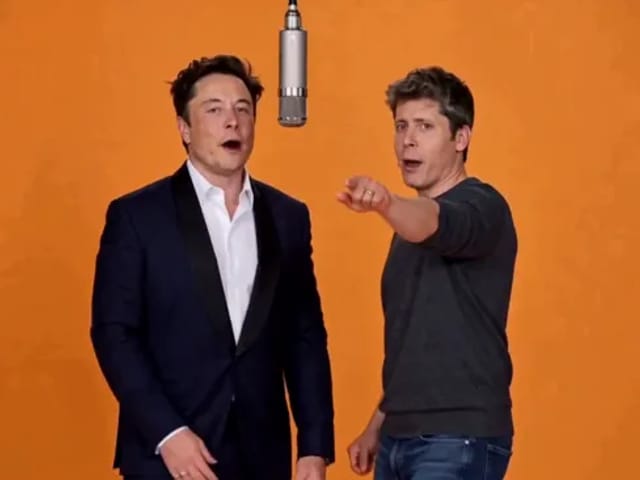
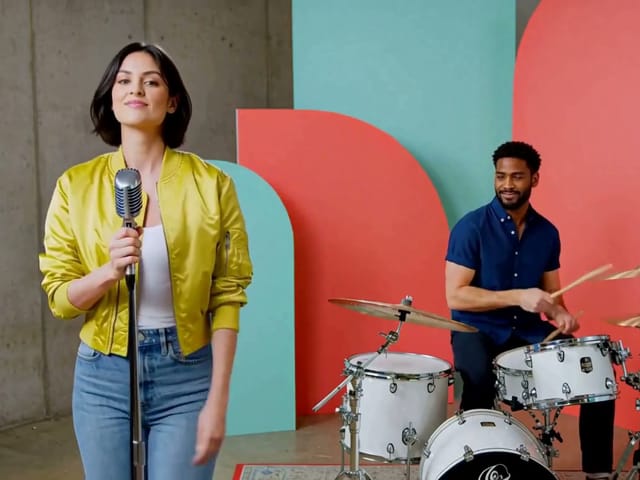
Product motion poster from the current compatibility route

3. Review motion, sound, and consistency

Watch the complete clip with sound. Check subject stability, hand and face motion, product shape, camera continuity, generated speech, ambient audio, and transition artifacts. Revise one major instruction at a time so each test produces useful feedback.

Refine the Prompt
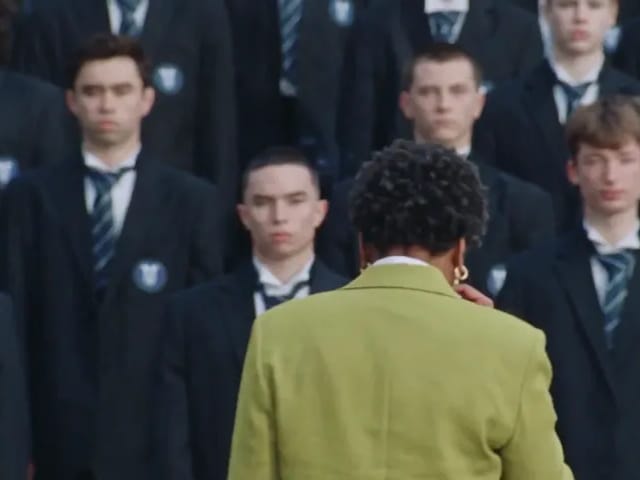
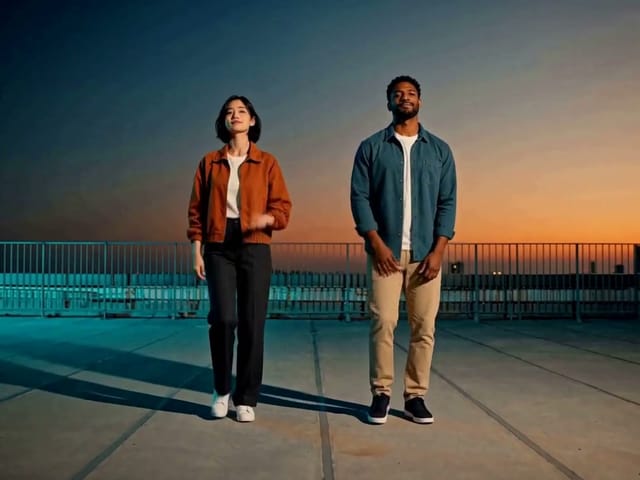
Cinematic compatibility-route video review poster

Practical Seedance 2.5 Preview Use Cases

Treat the current page as a rapid ideation and pre-production tool, not a benchmark of an unavailable native route.

Product motion studies

Animate a clear product frame with controlled camera movement, reflections, material details, and ambient sound. Review geometry and packaging before using any output in public advertising.

Social video concepts

Test vertical, square, or landscape framing for a short hook, mood shot, reveal, or transition. Keep the first clip focused on one action so it can be reused in a larger edit if the direction works.

Storyboards and pitch frames

Turn a prompt or source image into a motion reference for collaborators. Record that the clip came from the Seedance 2.0 Mini compatibility route so review notes do not confuse it with future native-model behavior.

Seedance 2.5 AI Video Generator FAQ

Current answers about NanoPic's preview route and verified controls.

Is Seedance 2.5 natively available on NanoPic?

Not yet. NanoPic displays Seedance 2.5 for this preview page, but actual provider tasks currently use the Seedance 2.0 Mini compatibility route through KIE.

Are the example videos generated by Seedance 2.5?

No. The preview media was produced by the existing Seedance 2.0 Mini route and is labeled as compatibility material. It demonstrates the current workflow rather than native Seedance 2.5 quality.

Which generation modes work on this page?

The compatibility route supports text-to-video, image-to-video, and reference-to-video. The current controls and prices come from Seedance 2.0 Mini, not from unverified future specifications.

Which settings should I use first?

Start with a 5-second 720p clip and a clear target aspect ratio. Use one subject, one action, one environment, and one camera move. Add audio direction only when sound materially improves the concept.

When will the native model replace the fallback?

After an official provider publishes the exact API and NanoPic verifies its payload, callback or polling behavior, price, UI controls, provider task creation, successful completion, and returned video.

Try the Seedance 2.5 Preview Workflow

Explore the new model topic now with a transparent, working Seedance 2.0 Mini compatibility route.