




Save up to 73% on plans

AI Rap Battle Generator
Sign In

AI Rap Battle Generator

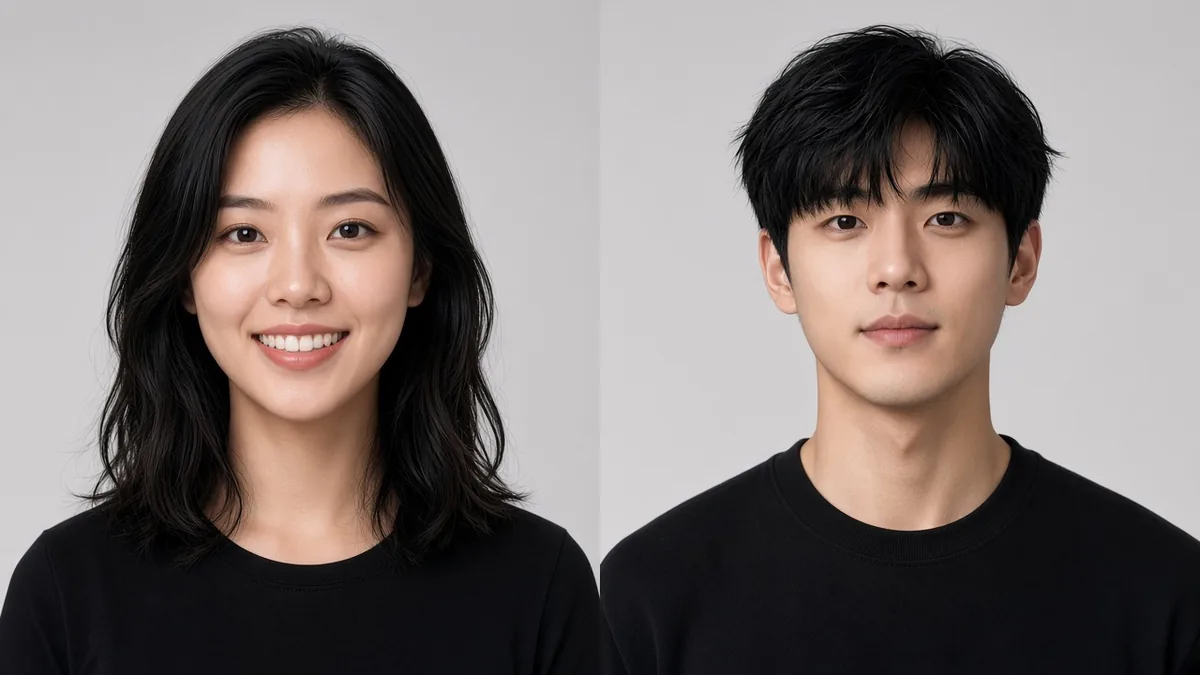
Upload two clear photos for a short AI rap battle generator clip. The left photo opens the exchange and the right photo answers, following a built-in turn-taking performance.

Left side (opens first)*
Try sample
Right side (answers)*
Try sample

Please add the required Left side (opens first), Right side (answers) before generating.

0 / 500

Public VisibilityAllow this result to appear in public inspiration surfaces.

Battle preview

Video

Left opens, right answers

More AI Video Models & Effects

A turn-taking battle clip from two photos

An AI rap battle generator turns two authorized photos into a short performance where sides take turns. NanoPic maps each portrait onto a left-opens, right-answers staging with instrumental timing from the fixed reference. This is performance-oriented battle footage—not a lyric writer that invents personal roast bars from a topic. Review the full clip before you share it with friends.

See a turn-taking battle example

Sample faces and the battle reference were newly generated for NanoPic—no duo same-stage reuse.

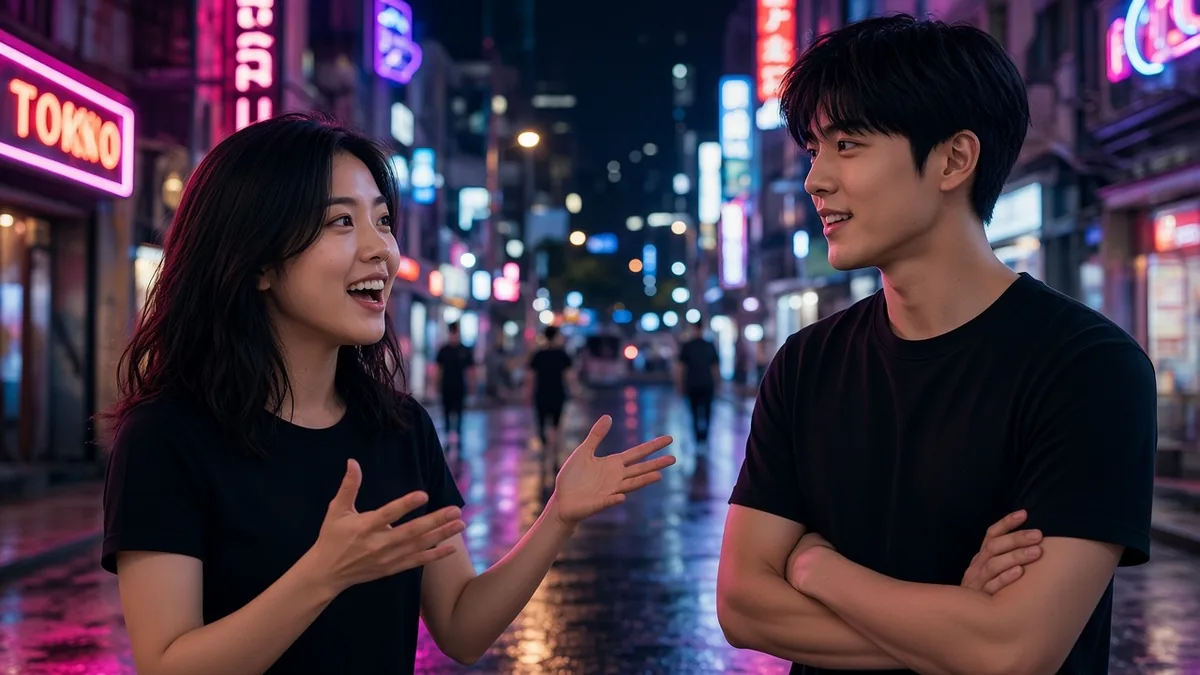
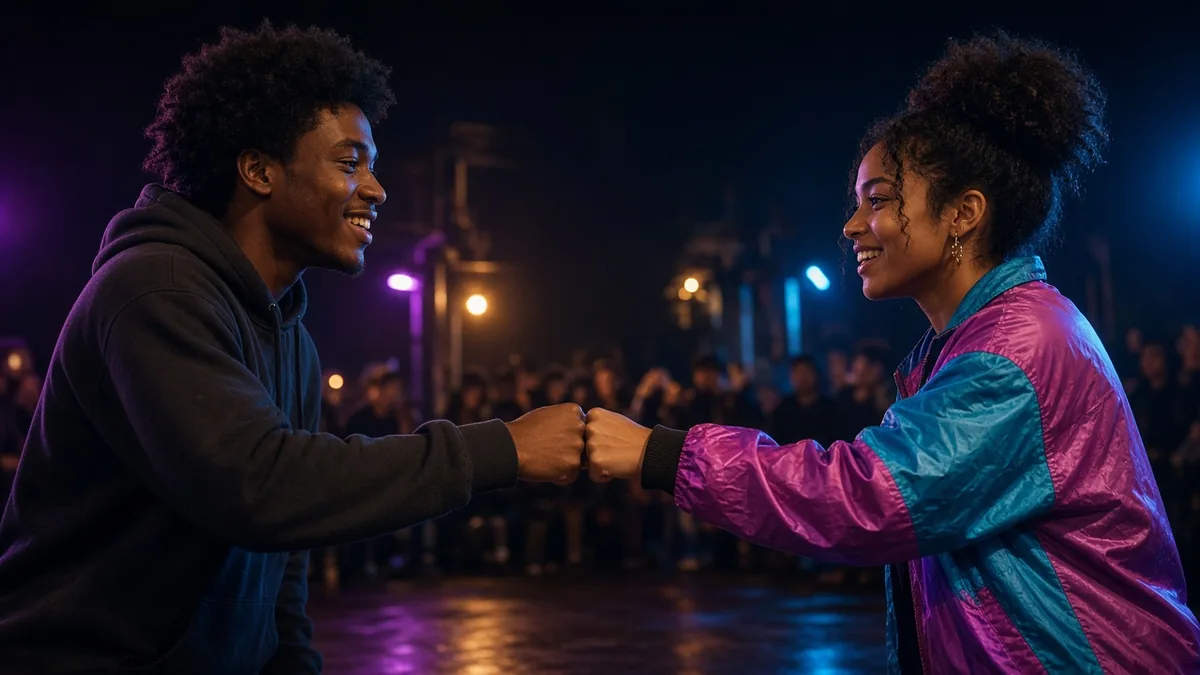
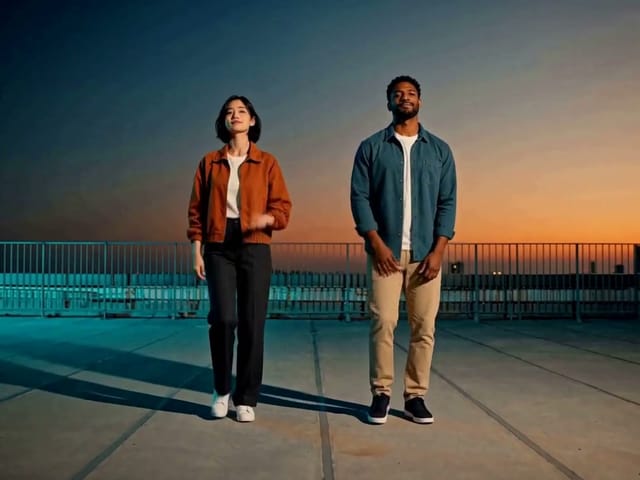
Left opens, right answers

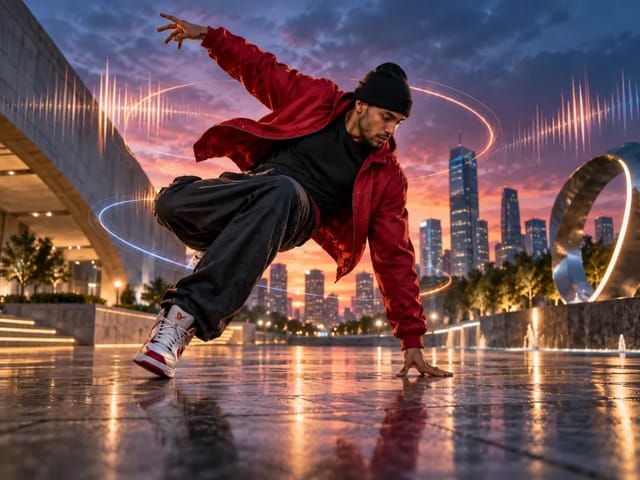
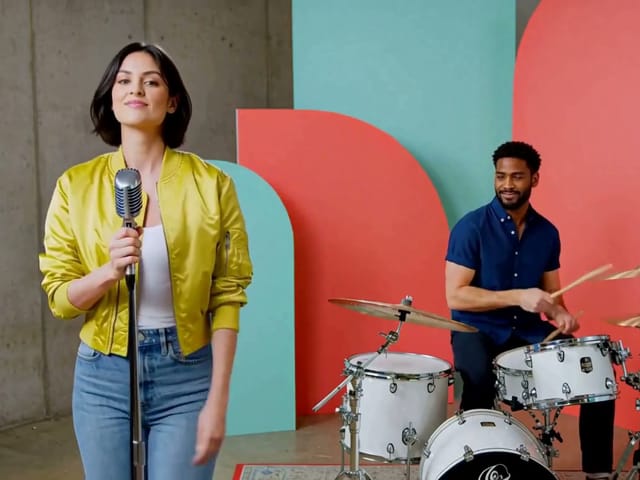
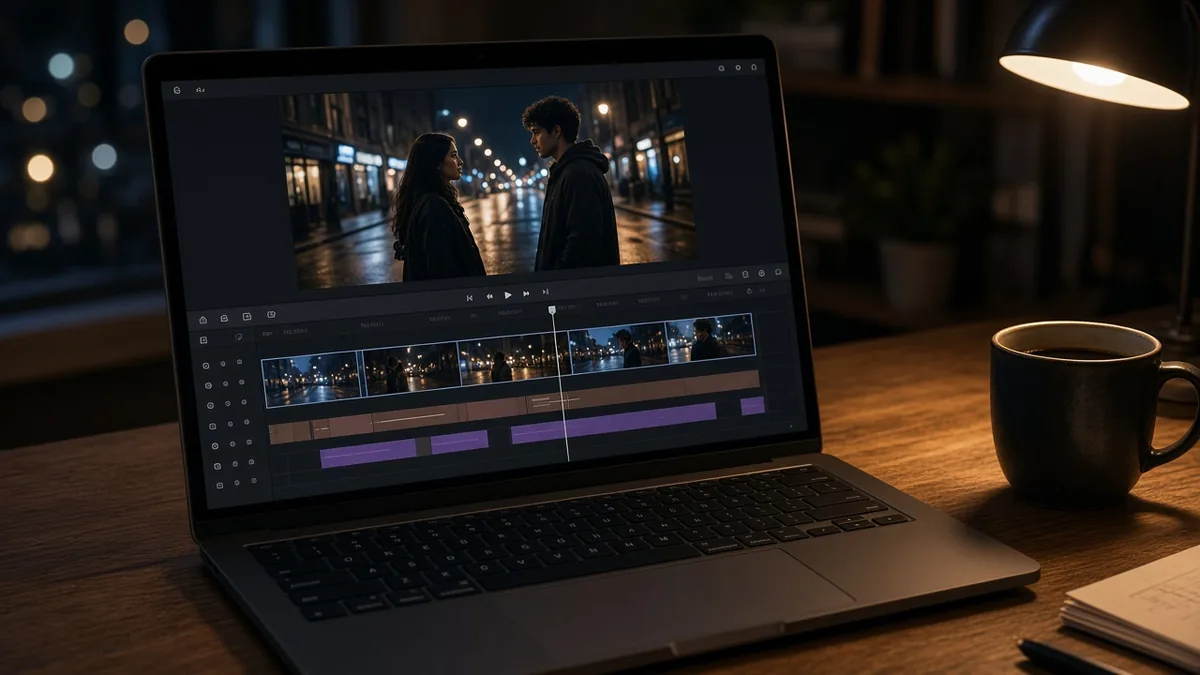
This AI rap battle generator sample shows two adults in a night-street staging with clear left and right roles. The left side leads the energy first; the right side responds so the clip reads as an exchange. Use it to judge motion and framing before you upload your own pair. The reference is original performance footage, not the rooftop duo clip from AI Rap Duo. When your photos are ready, jump to the generator and cast both sides.

Try my photos
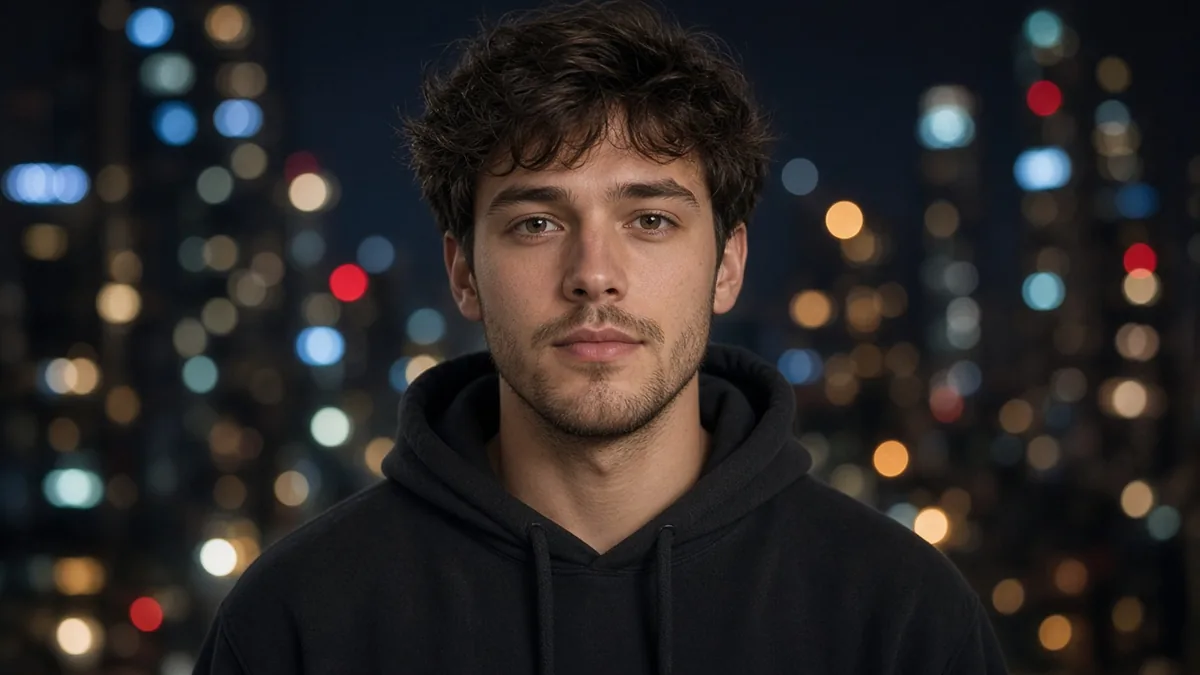
What an AI rap battle generator delivers

A two-photo battle clip with clear turns, not a lyrics pad and not a same-stage duet.

Two faces, alternating turns

An AI rap battle generator places one portrait on the left and one on the right, then follows a turn-taking performance. You get a short battle-shaped video you can scrub frame by frame before anyone posts. Expect performance energy and instrumental timing rather than a typed transcript of personal insults. That left-then-right handoff is what makes the clip read as a matchup instead of a shared chorus.

Cast two faces

Built-in staging you can review first

Motion, camera, and beat timing come from a fixed battle reference in this flow. You focus on casting two clear photos and an optional note about vibe while this flow handles staging. NanoPic stays honest about performance footage instead of promising authored diss lyrics. Watch every draft end to end, confirm both identities, then download only the cut everyone approves.

Preview a battle draft
Review an AI rap battle generator draft before posting

Two clear photos, one topic or vibe

Photo quality matters more than clever rivalry wording for this performance pipeline.

One subject per photo

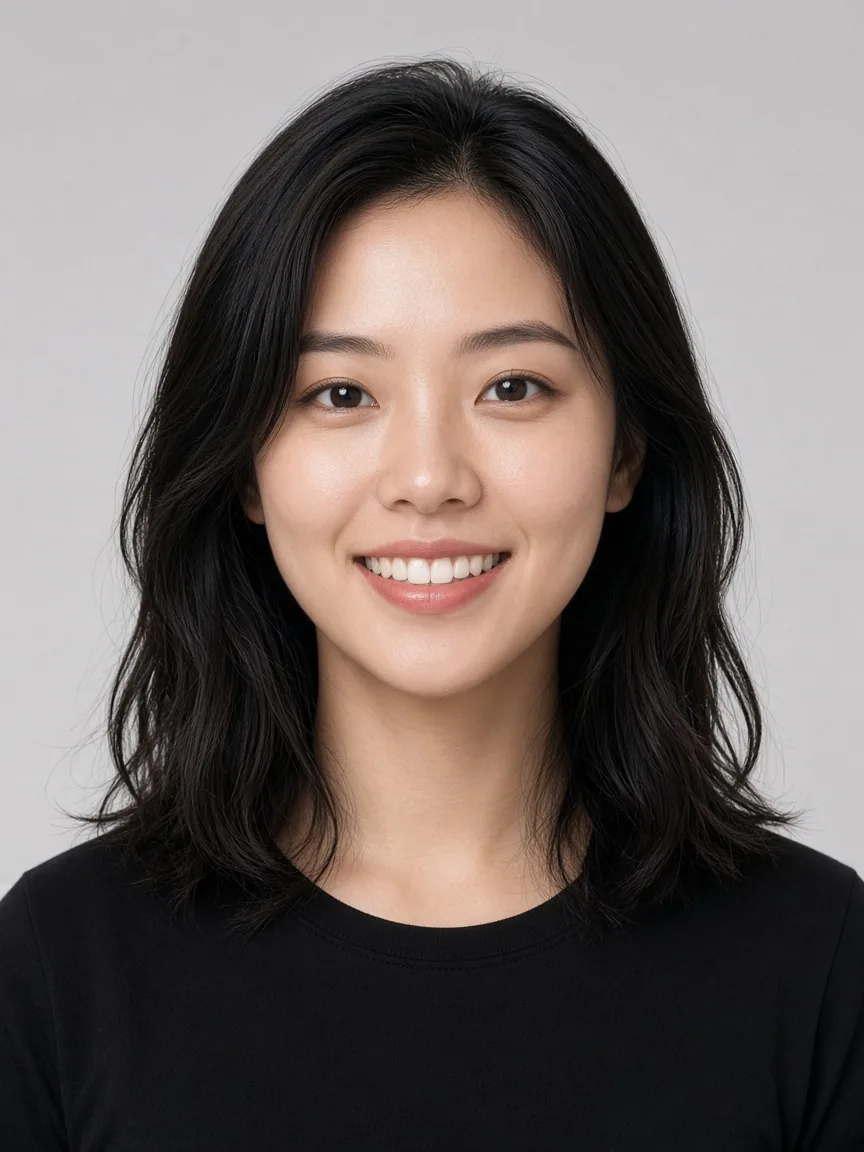
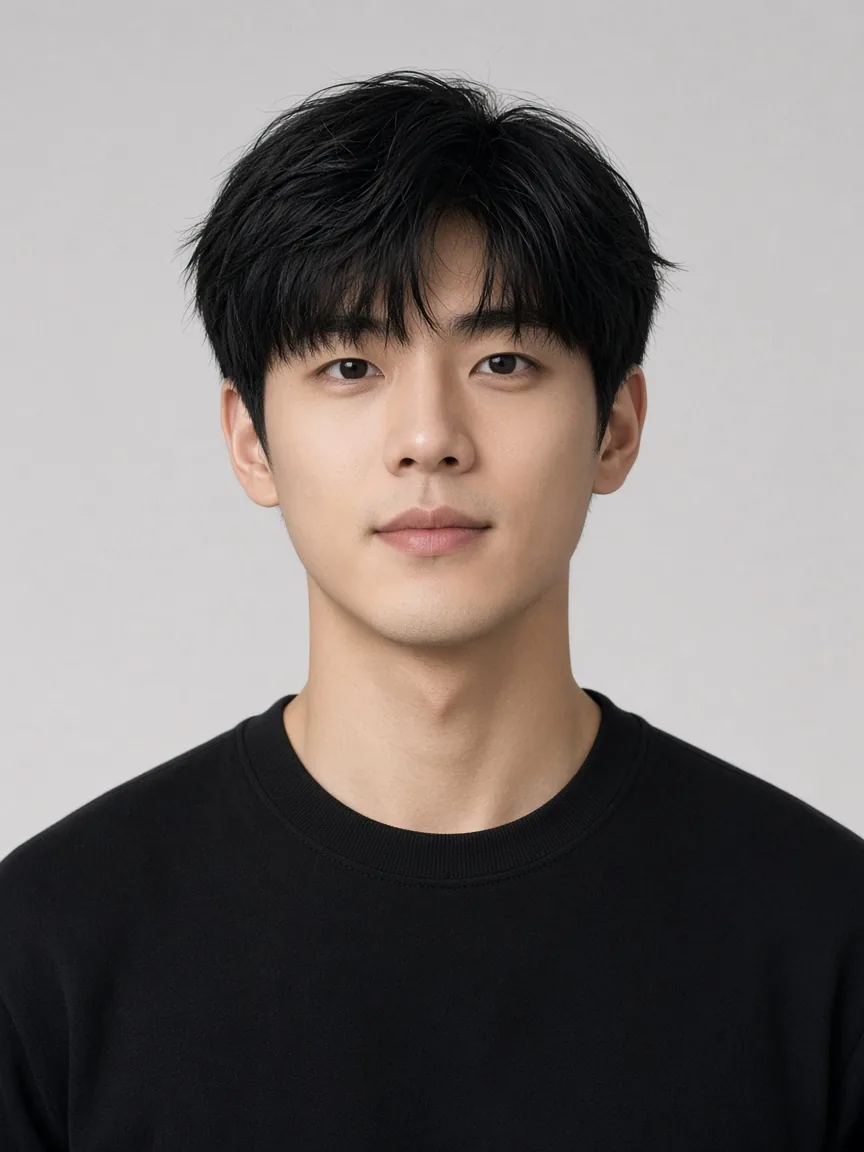
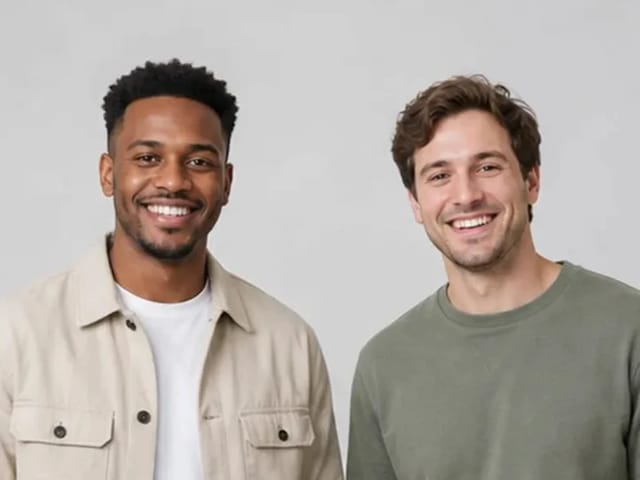
Give each side of the AI rap battle generator a separate portrait—never a crowded group crop. Front-facing faces with visible mouths and even light outperform heavy filters. Simple backgrounds keep both identities readable when the camera moves between turns. Full-body shots can help clothing continuity, but a sharp face still matters most.

Upload clear portraits
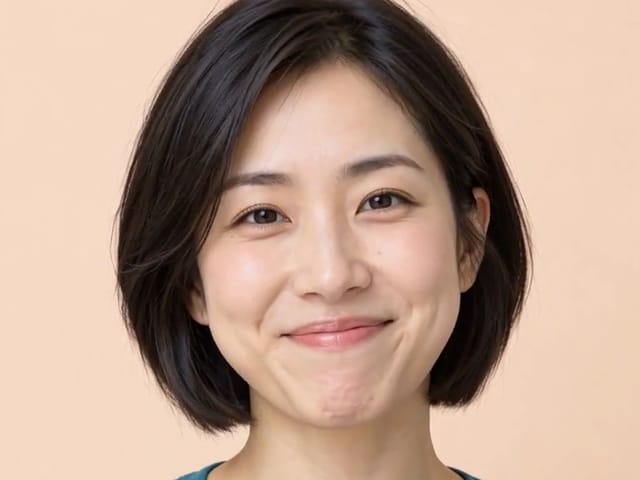
Clear single portrait for an AI rap battle generator

Optional vibe, pets, and characters

You may add a short note about mood—roommate habits, cooking skills, or who queues better music. The pipeline still follows fixed battle motion; it will not write verse text that argues your topic word for word. A pet or original character can take a side when the photo is sharp and consented. Skip minors and celebrity likenesses you do not control, and keep the roast playful.

Add a friendly vibe
Two portraits ready for an AI rap battle generator

How to create a battle clip in NanoPic

Four beats from two photos to a reviewable AI rap battle generator draft.

1–2. Choose photos and assign left vs right

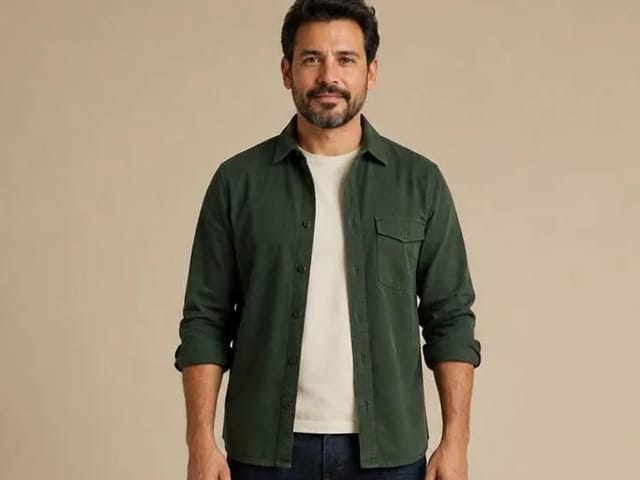
Start your AI rap battle generator run with two clear, consented portraits. Put the opener in the left slot and the responder in the right so the exchange reads as turns. Confirm both people—or pet owners—agree to appear before you upload. Swap the files anytime if you want the other person to open the matchup.

Assign left and right
Left-side portrait slot for AI rap battle generator

3–4. Add a vibe note, generate, and review

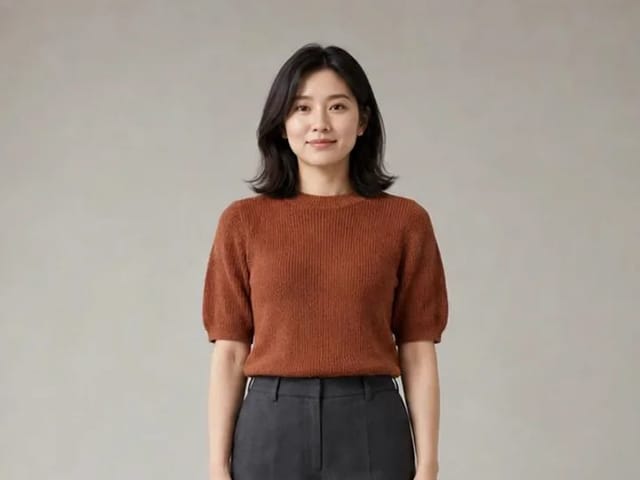
Leave an optional friendly note if you like, then hit generate. Watch the full draft end to end—faces, left-to-right handoff, and tone. Download only the version everyone approves, and add any required synthetic-media label before posting. A cleaner portrait usually improves a remake more than a long prompt rewrite.

Generate and review
Right-side portrait slot for AI rap battle generator

Make the AI rap battle generator feel like your matchup

Photos, turn-taking, review, and consent—each block keeps the battle framing clear.

Two photos become one AI rap battle generator matchup

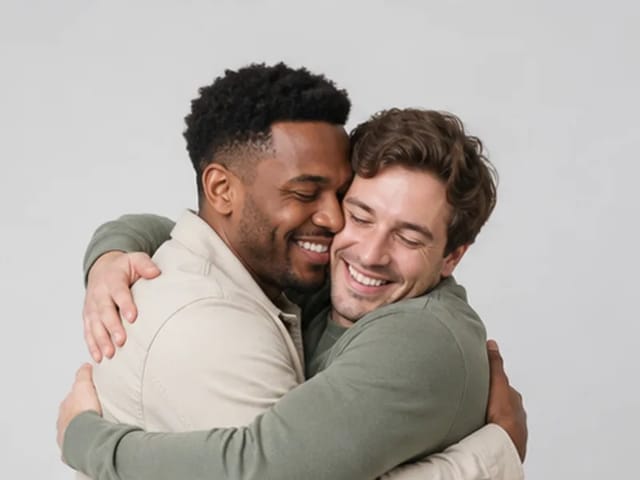
An AI rap battle generator starts with two clear faces, not a joint selfie. Assign one authorized portrait to the left side and one to the right so each person owns a turn. Even lighting, unobstructed mouths, and simple backgrounds help both identities stay readable while the battle moves. Friends in different places can still share one clip because the photos never need to be shot together. Pets or original characters can take a side when the photo is sharp and consented.

Start with two photos
Two portraits for an AI rap battle generator

How verses trade left and right

In this workflow, the left performer opens while the right listens, then the right answers. The built-in reference guides gestures, framing, and timing so the exchange feels like turns rather than a shared chorus. That left-then-right rhythm is what separates a battle staging from a same-stage duo performance. Watch the full draft to confirm both faces stay recognizable when the focus shifts. If one side drifts, try a sharper photo for that slot and generate again.

See the battle flow
Left and right turns in an AI rap battle generator scene

Performance footage you can review first

You receive a short reviewable clip with original instrumental timing from the reference. It does not promise custom roast lyrics that reply line-by-line to a typed feud. Treat the result as playful performance footage you and your partner can approve before posting. Check mouth motion, outfit continuity, and whether the left-right cast stays fixed. A second attempt with cleaner portraits often improves a battle draft more than rewriting a long prompt.

Make my battle clip

Friendly battles only: consent and tone

Use this flow only with people—or pet owners—who agree to appear. Keep the vibe playful: habits and harmless rivalries work better than attacks on appearance or identity. Skip celebrity lookalikes and anyone who is not in on the joke. Share the draft privately first, then post only after both sides are happy. Label synthetic media when a platform asks, and keep the clip social rather than hostile.

Create a friendly battle
Friendly AI rap battle generator pairing

Related duo and lobby workflows

Battle clips trade turns; other NanoPic pages cover shared-stage performances.

AI Rap Duo for same-stage energy

When you want both people performing together rather than trading openings and answers, open AI Rap Duo. That workflow is a shared rooftop-style performance, while an AI rap battle generator emphasizes alternating turns. Use duo for chemistry; use battle for left-versus-right timing.

Hotel Lobby AI for the orange-booth look

Hotel Lobby AI places two photos into a familiar lobby-rap staging with a fixed reference. It pairs well when you want that orange-booth vibe instead of a street-battle exchange. Keep Hotel Lobby for the lobby scene and stay on NanoPic battle flow for turn-taking exchanges.

AI rap battle generator FAQ

Photos, turns, duo differences, pets, lyrics honesty, consent, and posting.

What is an AI rap battle generator?

An AI rap battle generator turns two photos into a short video where the left side opens and the right side answers in a turn-taking performance. On NanoPic it is performance-oriented battle footage guided by a fixed reference, not a standalone lyrics notepad.

Do I need two photos?

Yes. Upload one clear portrait for each side. You do not need a joint photo; separate shots work for this matchup.

How is this different from AI Rap Duo?

AI Rap Duo stages a same-stage shared performance. An AI rap battle generator emphasizes alternating turns—left opens, right answers—so the clip reads as a battle exchange rather than a duet.

Can pets battle?

Yes, when the pet photo is sharp and the owner consents. Keep expectations playful; animal anatomy should stay consistent across the draft.

Can I write my own bars?

You can add a short vibe note, but NanoPic does not promise custom roast lyrics that rebut a typed feud line by line. The clip follows built-in battle motion and instrumental timing.

Who goes first?

The left photo opens; the right photo answers. Swap the uploads if you want the other person to start the exchange.

Is this only lyrics or a real video?

It is a real short video. Many search results for battle tools are lyrics-only; this flow outputs a reviewable clip with two faces.

Is NanoPic an official social app tool?

No. NanoPic is not an official TikTok, Instagram, YouTube, or Meta product. Label synthetic media when a platform asks.

What photo setup works best?

Use front-facing, evenly lit portraits with visible mouths and minimal filters. One subject per frame gives the cleanest identity lock.

Can I post on TikTok or Reels?

Yes after both people approve the draft. Download the clip, add any required AI labels, and keep the roast friendly. Vertical crops may help if you reframe a 16:9 export.

How do I turn two photos into an AI rap battle video?

Upload left and right portraits, optionally note a friendly vibe, generate, then review the full turn-taking clip before sharing.

Can I make two people rap against each other using AI?

That is the job here: two photos, alternating performance turns, and a short clip you can check together.

Ready to run an AI rap battle generator clip?

Upload two consented photos, keep the tone friendly, and review the turn-taking draft before you post.

Related tools

25th Anniversary Video Maker

25th Anniversary Video Maker

Make a short silver 25th anniversary video concept from one or two authorized couple photos. Add names, year, mood, motion, and editor-ready greeting space.

Open tool
Storyboard cover of two fictional adults sharing a hug

AI Hug Video Generator

AI Hug Video Generator turns an authorized photo of consenting adults into a five-second friendly hug. Review faces, hands, clothing and scene throughout.

Open tool
Animate Picture

Animate Picture

Animate a picture into a short AI video. Upload one authorized photo, describe subject and camera motion, review the live credit cost, and generate with Seedance.

Open tool
Birthday Video Maker

Birthday Video Maker

Create a short birthday video concept from one or two authorized photos. Direct the theme, transition, motion, format, and clean space for exact editor-added greetings.

Open tool
Draw to Video: Animate Images with Motion Arrows

Draw to Video: Animate Images with Motion Arrows

Draw to Video lets you add arrows, text and brush strokes to an image, then generate an AI video from your motion guide. Edit, save, create and download.

Open tool
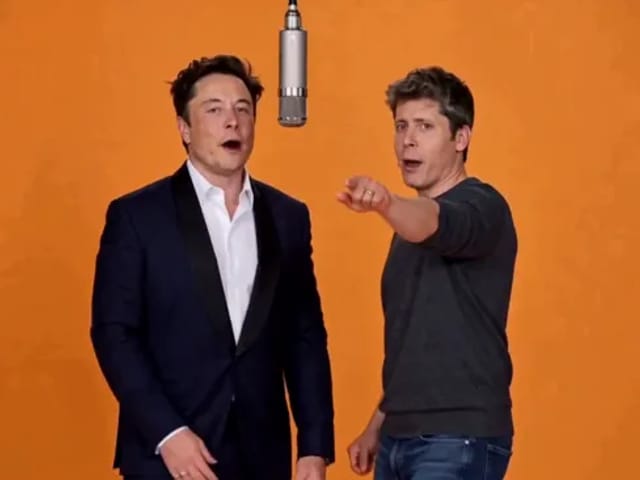
Elon Musk + Sam Altman

Hotel Lobby AI

Turn two photos into a 15-second orange-studio rap duo with MiniMax H3. Explore five actual videos, inspect their inputs and choose your left and right performers.

Open tool
STORM II dance with a lead and coordinated supporting dancers

STORM II Dance AI Video Generator | NanoPic

Create a STORM II dance with your lead photo and an AI-generated motion reference. Add a supporting cast, compare three videos and review your result.

Open tool
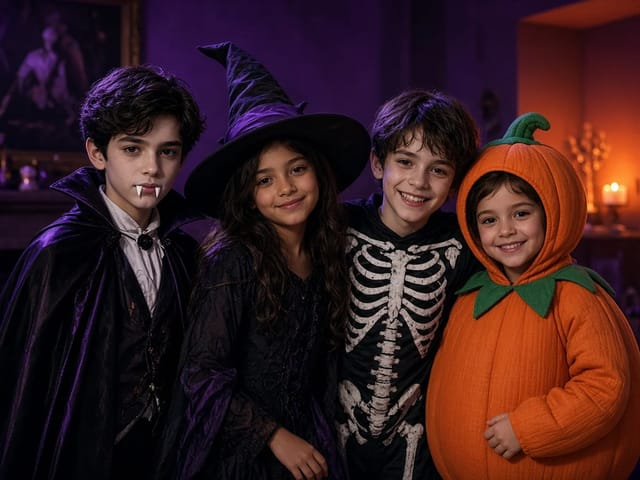
Four children dressed as a vampire, a witch, a skeleton and a pumpkin posing together in a candlelit room

AI Halloween Costume Transformation Video | NanoPic

AI Halloween costume transformation from one photo: pick a vampire, witch, skeleton or pumpkin look and watch your outfit change in smoke in a short video.

Open tool
Cover still for anijam ai video maker

Anijam AI Video Maker Online | NanoPic

Use anijam ai video maker on NanoPic: upload one authorized photo, describe motion in plain words, review credits, and check every frame before sharing.

Open tool
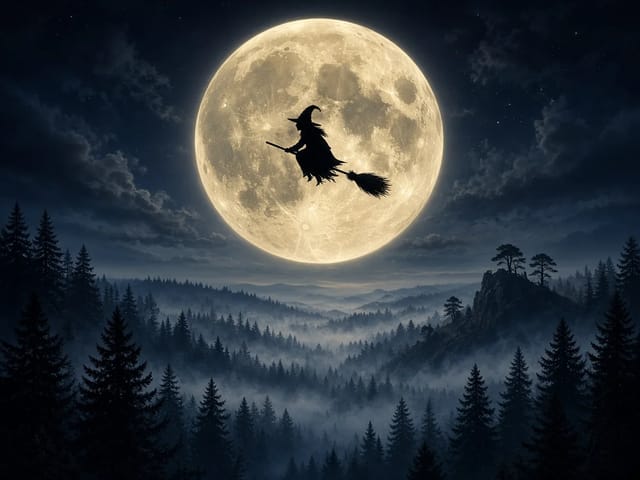
Silhouette of a witch riding a broomstick across a full moon over a misty forest

Broom Riding AI - My Ride Is Here Broom Video | NanoPic

Broom Riding AI puts you on a flying broom beside a moving car in the My Ride Is Here trend. Upload one photo, get a 10-second clip and add your own sound.

Open tool

EveryGen AI Video Generator | NanoPic

EveryGen AI video generator: describe a scene in plain words, choose a frame shape and turn your idea into a short AI video you can watch and download.

Open tool
Creative desk with a printed lake photo, a phone showing a sunset and a watercolour flower sketch

EzCreate AI Image & Video Generator: Edit and Animate Photos

Use the EzCreate AI Image & Video Generator online to turn your own photos and ideas into new pictures and short video clips.

Open tool

Hedra Character 3 AI Video Generator: Lip Sync | NanoPic

Hedra Character 3 AI video generator: upload a portrait, mascot or cartoon, type a line, and get a lip-synced talking or singing character video.

Open tool
Two stills side by side: a bearded man playing guitar on a park bench in autumn on the left, and an elderly woman in a red cardigan in the same pose on the same bench on the right

Higgsfield Genjutsu AI Video Generator – Recast | NanoPic

Higgsfield Genjutsu style video editing on NanoPic: keep the motion and camera of your clip and recast the person, outfit, product or setting from photos.

Open tool
Open notebook on a desk at night with glowing film frames of a castle, a forest and a starry sky rising from the page

LoreMotion AI Video Generator: Text to Video | NanoPic

Write a short scene or upload a photo and the LoreMotion AI video generator turns it into a short AI video clip you can download and share.

Open tool
White and orange sneaker on a round turntable with a circular motion arc

MiniMax H3 360 Orbit AI Video Generator | NanoPic

Turn one photo into a MiniMax H3 360 orbit video: upload a product, shoe, figure or portrait and watch your subject turn a full circle in place.

Open tool

Opus Clip Free AI Video Generator: Vertical Clips | NanoPic

Opus Clip free AI video generator: describe a scene in a few sentences and turn it into a short vertical 9:16 video clip.

Open tool
Pavo AI Video Generator: Turn Text into AI Video

Pavo AI Video Generator: Text to Video | NanoPic

Pavo AI video generator: write one scene, pick the length and frame shape, and turn your text into a short AI video with natural motion and steady framing.

Open tool
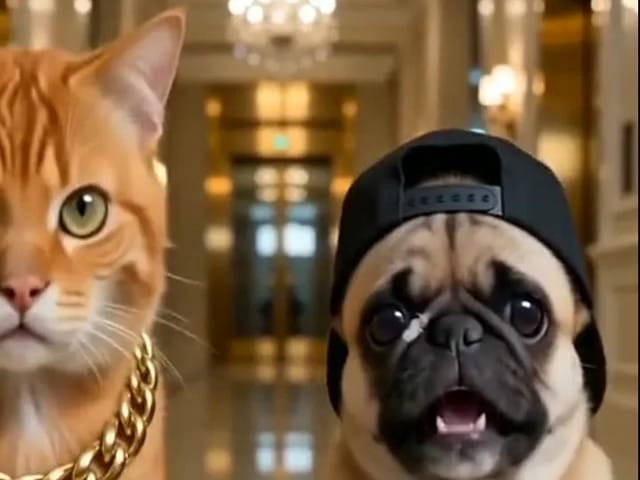
Orange tabby cat and pug rapping in a grand lobby for a pet rap video cover

Pet Rap Video Generator: Make Your Dog or Cat Rap | NanoPic

Turn clear pet photos into a short pet rap video. Cast left and right subjects, generate a vertical draft, and review identity before you share.

Open tool
Storyboard cover of fictional adults for a kissing motion

pollo ai kissing — Couple Photo or Two Singles | NanoPic

Run pollo ai kissing on NanoPic: upload one authorized adult couple photo or two single adult photos for a five-second tender kiss clip. Confirm consent and review every frame.

Open tool
Illustrative tiny desk ai desk-concert cover

tiny desk ai — Desk-Concert Video from Photos | NanoPic

Make a tiny desk ai desk-concert clip from 1–5 adult photos. Vertical 15s 9:16 office soul-band with model-generated audio.

Open tool
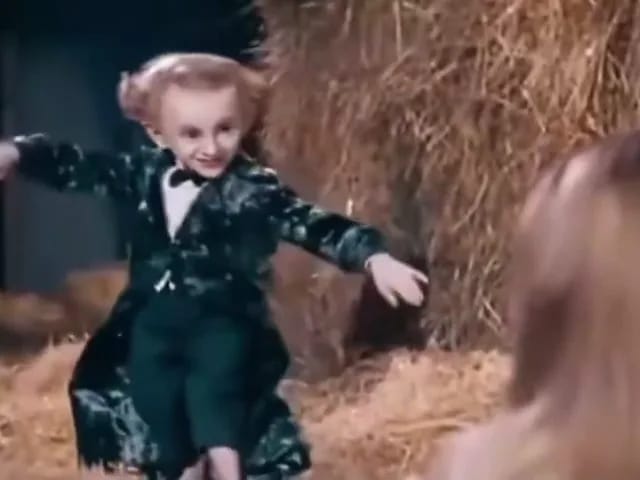
Performer in a dark tailcoat tiptoeing through a hay-filled barn with arms spread as a blonde woman watches from the foreground

Tip Toe In My Jordans AI Video Generator | NanoPic

Make a tip toe in my jordans AI video: upload two photos and see you and a friend sneak through the barn tiptoe dance as the lead and the stunned watcher.

Open tool