



















































































































Free AI Outfit Generator for Complete Looks
Sign In

Free AI Outfit Generator for Complete Looks

Upload a full-body or three-quarter photo, edit the complete-outfit brief, and generate a coordinated look for your occasion or aesthetic.

Upload One Person Photo*
Try a Fictional Person Sample

619 / 700

Public Visibility
Copy Protection
Credits required:-

Free AI Outfit Generator for Complete Looks

Image

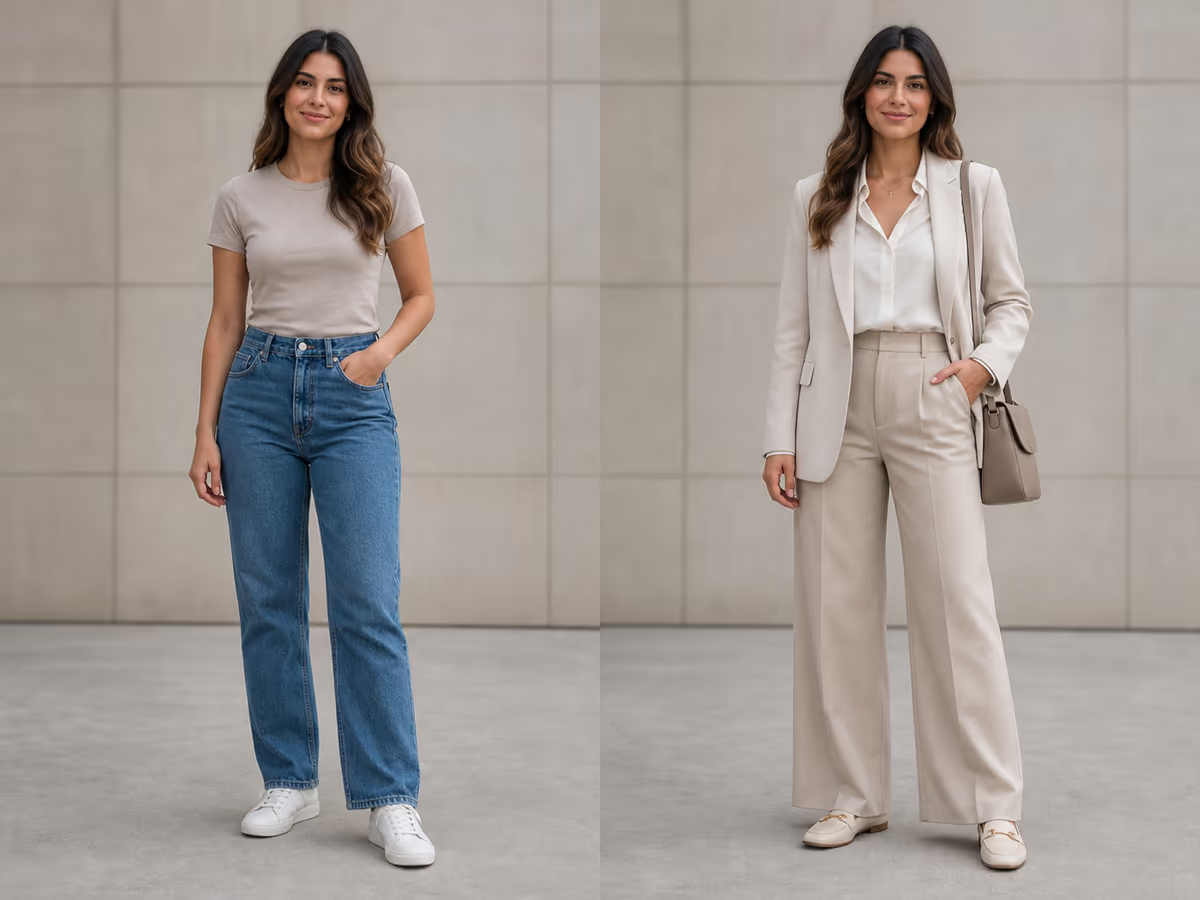
Woman in a casual T-shirt and jeans before planning a conference outfit
Source photo
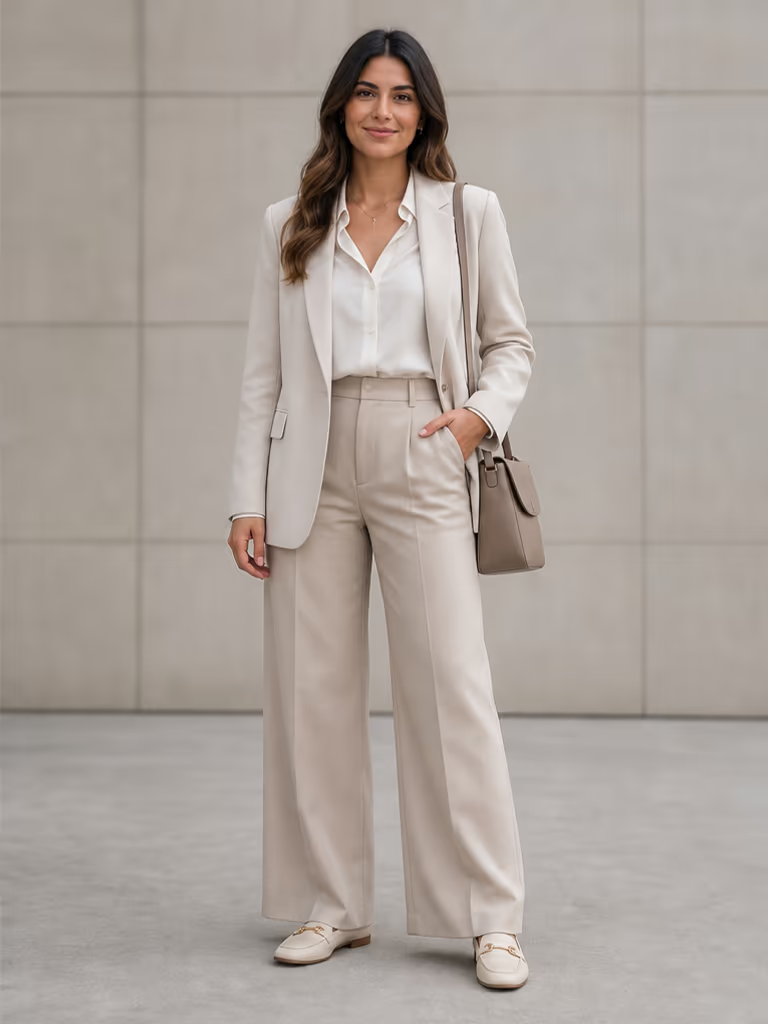
Same woman in a coordinated ivory conference outfit after using the AI outfit generator
Complete look
Casual source photo beside a coordinated conference outfit generated by AI

Plan a Head-to-Toe Look, Not Just One Replaced Garment

NanoPic treats an outfit as a coordinated system: occasion, silhouette, palette, fabric, layers, shoes, bag, and accessories. Start with a person photo and a visible, editable brief, then preview how the whole look reads together. Use the result for personal styling inspiration, a shoot brief, a travel packing direction, or an event mood board. It is a visual concept, not a promise that a specific retail item will fit or match perfectly.

How to Use the AI Outfit Generator

Give the model a useful visual anchor, write one complete styling direction, and review the result as a whole.

1. Upload a Clear Person Photo

Choose a photo you have permission to use. A straight or lightly angled full-body image makes it easier to evaluate the complete silhouette, layers, trouser or skirt length, shoes, and accessories. Keep the head and feet in frame, avoid crossed arms that hide the torso, and use even light. A three-quarter photo can work, but the model has less information for shoes and lower-body styling.

Upload a Photo
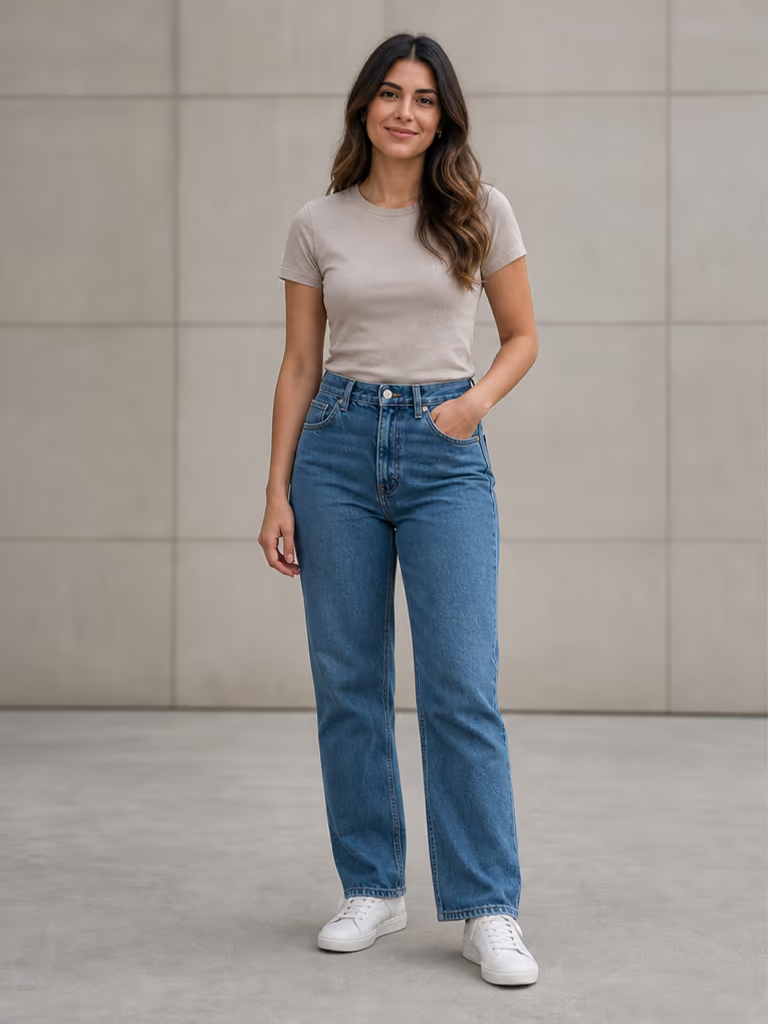
Clear full-body source photo ready for an AI outfit generator

2. Describe the Occasion and Complete Look

Edit the default prompt with the real context: conference, date night, beach trip, winter city day, creative presentation, or another occasion. Add an aesthetic, two or three colors, preferred silhouette, weather, footwear, and one or two accessories. Ask to preserve identity, pose, visible age, proportions, lighting, and background. A coherent brief is more useful than a long list of unrelated trend words.

Edit the Outfit Brief
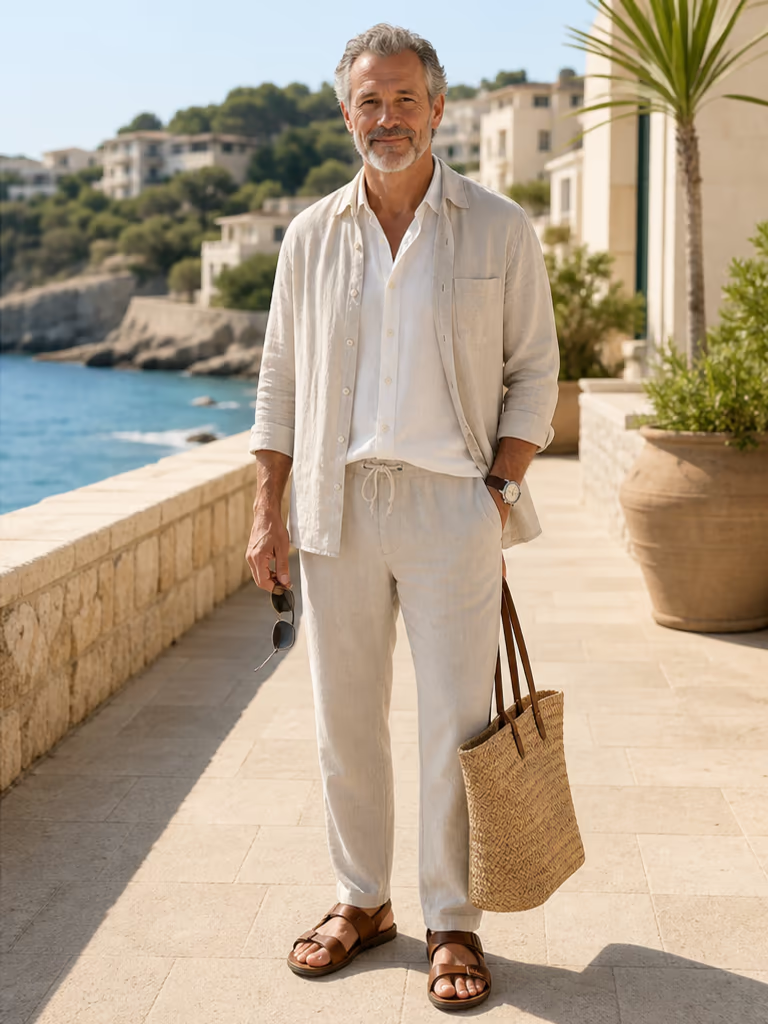
Complete resort linen outfit with coordinated shoes and bag

3. Generate, Compare, and Refine

Review the new look from head to toe. Check whether the face and body still resemble the source, then inspect garment edges, hands, hems, shoe shape, bag straps, layering, and light direction. If one area fails, revise one constraint instead of replacing the entire brief. Save the strongest image as inspiration, and verify real garments, sizing, weather suitability, and dress codes separately.

Generate and Review
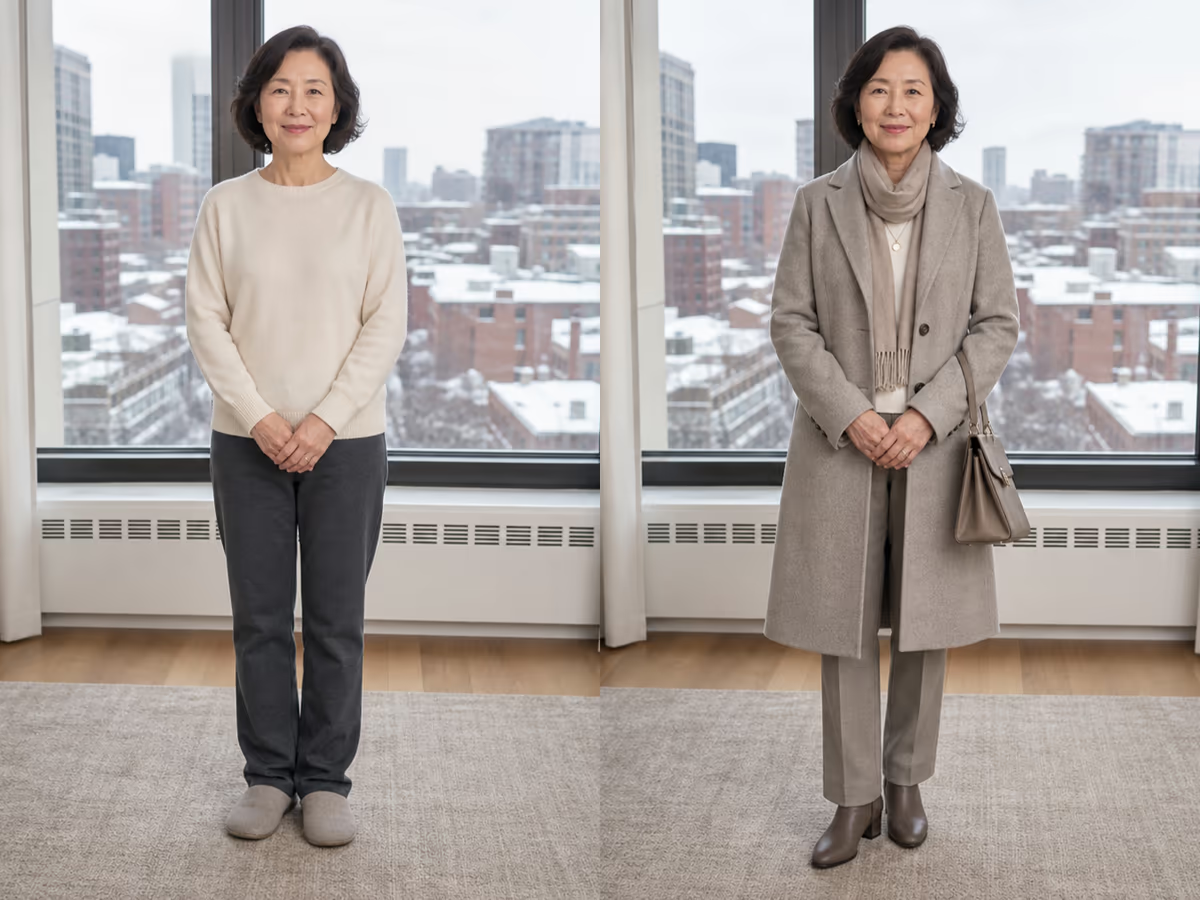
Before and after comparison for a complete winter city outfit

Build a Better Complete-Outfit Brief

A strong outfit prompt connects practical context with visible styling decisions.

Occasion, Season, and Dress Code

Start with where the look will be used and under what conditions. “Warm-weather gallery opening, smart casual” is more actionable than “make it stylish.” Add temperature, walking needs, indoor or outdoor context, and any dress-code boundary that affects layers or footwear.

Aesthetic, Palette, and Silhouette

Name one main aesthetic, a restrained color palette, and a clear fit direction. Try relaxed minimal tailoring, tonal resort linen, polished romantic eveningwear, or practical layered streetwear. Say whether you prefer structured, fluid, oversized, fitted, high-waisted, cropped, or long-line shapes.

Layers, Shoes, Bag, and Accessories

Complete the look deliberately. Specify a base layer and outer layer when needed, footwear that fits the activity, a practical bag, and a small accessory direction. Ask for material coherence and realistic drape. This helps the model produce one outfit story instead of disconnected clothing pieces.

Identity and Composition Protection

Tell the model to keep the same face, visible age, hairstyle, body proportions, pose, framing, hands, feet, lighting, and background. These instructions guide the edit but cannot guarantee perfect preservation. Compare every output with the source and regenerate if identity or anatomy drifts.

Complete Outfit Ideas for Real Situations

Explore a coordinated direction before you buy, pack, brief a stylist, or arrange a shoot.

Work and Presentations

Compare polished business-casual or creative-professional directions, including layers, comfortable shoes, and a bag that fits the setting. Treat the image as a styling brief and confirm the actual workplace dress code.

Dates and Evening Events

Explore an outfit that balances venue, season, comfort, and personal aesthetic. Prompt for the complete silhouette and accessories without changing the person into a different age, body, or identity.

Travel and Resort Days

Visualize breathable layers, repeatable neutrals, walking-friendly shoes, and a practical bag for a destination. The generator does not know your real itinerary or forecast, so validate both before packing.

Festivals and Creative Events

Test layered streetwear, color accents, hands-free bags, and footwear as one coherent direction. Review whether the generated pieces remain physically plausible and suitable for the venue.

Seasonal Outfit Planning

See how a coat, knit, trousers, boots, and accessories could work together for cold weather, or how lighter materials build a summer look. Confirm real fabric warmth and performance separately.

Shoot and Mood-Board Briefs

Give a creator, photographer, stylist, or client a visual starting point for wardrobe direction. Generated concepts can guide discussion, but final public assets still require normal rights, product, and accuracy review.

What This Outfit Tool Does—and Does Not Do

Use NanoPic for visual ideation with clear expectations about fit, products, and identity.

Complete-Look Ideation

This page is designed around a coordinated head-to-toe direction. If your only goal is to replace one exact shirt, dress, or jacket while controlling that single item, a dedicated clothes-changer workflow has a narrower primary intent.

Not a Wardrobe Organizer

NanoPic does not catalog your closet, check local weather, create a calendar, or confirm which exact garments you own. Describe relevant constraints yourself and use the image as inspiration rather than an automated daily wardrobe plan.

Not a Fit or Inventory Guarantee

Generated clothing may not map to a purchasable product, real size, fabric behavior, stock level, or tailoring outcome. Verify garments and measurements with the retailer or maker before purchasing.

Review Rights and Representation

Upload only images you are authorized to use. Inspect identity, age, anatomy, cultural details, logos, and background changes before saving or sharing. Do not present a generated scene as documentary proof of an event.

AI Outfit Generator FAQ

Straight answers about credits, photos, complete-look prompts, realistic limits, and responsible use.

Is the AI outfit generator free?

You can open the page and configure the outfit brief for free. New NanoPic accounts receive welcome credits, and each generation uses credits shown in the generator. Images created with free credits include the current NanoPic watermark; paid-credit generations do not include the free-credit watermark. This is not an unlimited-free offer.

How is an AI outfit generator different from a clothes changer?

This page plans a coordinated complete look around an occasion, aesthetic, palette, silhouette, layers, shoes, bag, and accessories. A clothes changer usually has a narrower single-garment replacement goal. You can mention a hero garment here, but the primary result should still read as one head-to-toe outfit.

What photo works best for a complete outfit preview?

Use one authorized full-body or three-quarter photo with even light and a clear view of the head, torso, arms, legs, and shoes. Avoid group photos, heavy blur, crossed arms that hide clothing, clipped heads or feet, and complex foreground objects. The clearer the source, the easier the result is to compare.

What should I write in the outfit prompt?

Include the occasion, season or weather context, dress code, aesthetic, two or three colors, silhouette, main garments, layers, shoes, bag, and restrained accessories. Also ask to preserve the same face, visible age, body proportions, pose, framing, lighting, and background.

Can it generate outfit ideas for work, dates, travel, and events?

Yes. Those are useful briefing contexts because they connect style with practical needs. Describe the real setting and comfort constraints, then treat the output as visual inspiration. Check actual dress codes, forecasts, venue rules, and walking needs yourself.

Will the generated clothes exist in a store or fit me?

Not necessarily. The output is a generated visual concept, not a retailer catalog, inventory search, sizing tool, or tailoring simulation. A color, fabric, seam, logo, or accessory may be invented. Verify products, measurements, materials, and availability before buying or producing anything.

Will the AI preserve my face, body, pose, and background?

The editable prompt asks the model to preserve those details, but image generation can still change identity, visible age, anatomy, proportions, hands, shoes, or background elements. Compare the output with the source at full size and regenerate with one focused correction when something drifts.

Can I use a generated outfit as a stylist or shoot brief?

Yes, it can be a useful visual starting point for a stylist, photographer, creator, client, or small retail team. Label it as a concept, check rights for the uploaded photo, and confirm real garments and product claims. Do not treat a generated image as proof that a garment, event, or location exists.

Can I upload someone else's photo?

Only if you have permission and the intended use is lawful. Do not upload private, exploitative, or unauthorized images. Review the result for respectful representation, misleading identity changes, visible logos, and invented contextual details before sharing it.

Create a Complete Outfit Direction

Upload one clear person photo, edit the occasion and styling brief, then generate a coordinated head-to-toe look to review and refine.