









Save up to 73% on plans

Couple Back Tattoo AI
Sign In

Couple Back Tattoo AI

Photo 1: Face for the Tattoo*
Photo 2: Partner's Back (Optional)

Please add the required Photo 1: Face for the Tattoo before generating.

132 / 900

Public VisibilityAllow this result to appear in public inspiration surfaces.
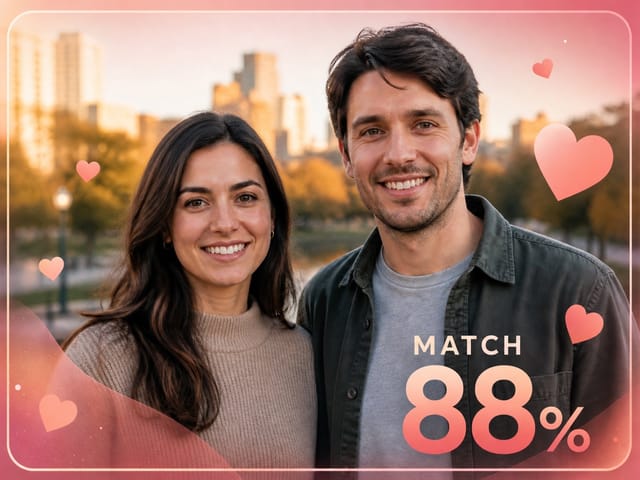
Adult couple smiling together in an autumn park
Before
The same couple as a back tattoo photo: her portrait inked on his back with roses and Love You
After

More AI Image Models & Effects

What Is Couple Back Tattoo AI?

Couple back tattoo AI is a photo effect that recreates the romantic picture you keep seeing in couple feeds. One partner stands with their bare upper back to the camera, and across that back sits a large black-and-grey portrait tattoo of the other partner's face. Shaded roses and leaves frame the portrait, the words Love You run under it in flowing script, and the person in the tattoo hugs the tattooed partner from the side while looking into the lens. Nobody gets inked. The tattoo, the rose wall and the pose are drawn by AI, so you can try the idea for an anniversary post, a surprise for your partner or a couple challenge without a needle. You decide who goes where: the first photo is the face for the tattoo, and an optional second photo shows the partner whose back carries it. With only one selfie, couple back tattoo AI creates the other partner from behind; with a photo of both of you, it keeps both faces. If you would rather design real ink, the AI Tattoo Generator and Virtual Tattoo Try On help you plan a design and see it on skin.

How to Make a Couple Back Tattoo Photo

Three steps take you from everyday photos to a finished portrait tattoo picture of the two of you.

Upload the Face and the Back

Put the face you want inked in Photo 1: a sharp, front-facing picture of an adult with good light and nothing covering the eyes. If you also have a photo of your partner from behind, add it as Photo 2 so couple back tattoo AI can keep their hair, skin tone and build. A single couple photo works too, as long as both faces are clear, and a solo selfie is enough when you are happy with a partner created by AI. Only upload adults, and only photos both of you agreed to use.

Create Our Back Tattoo
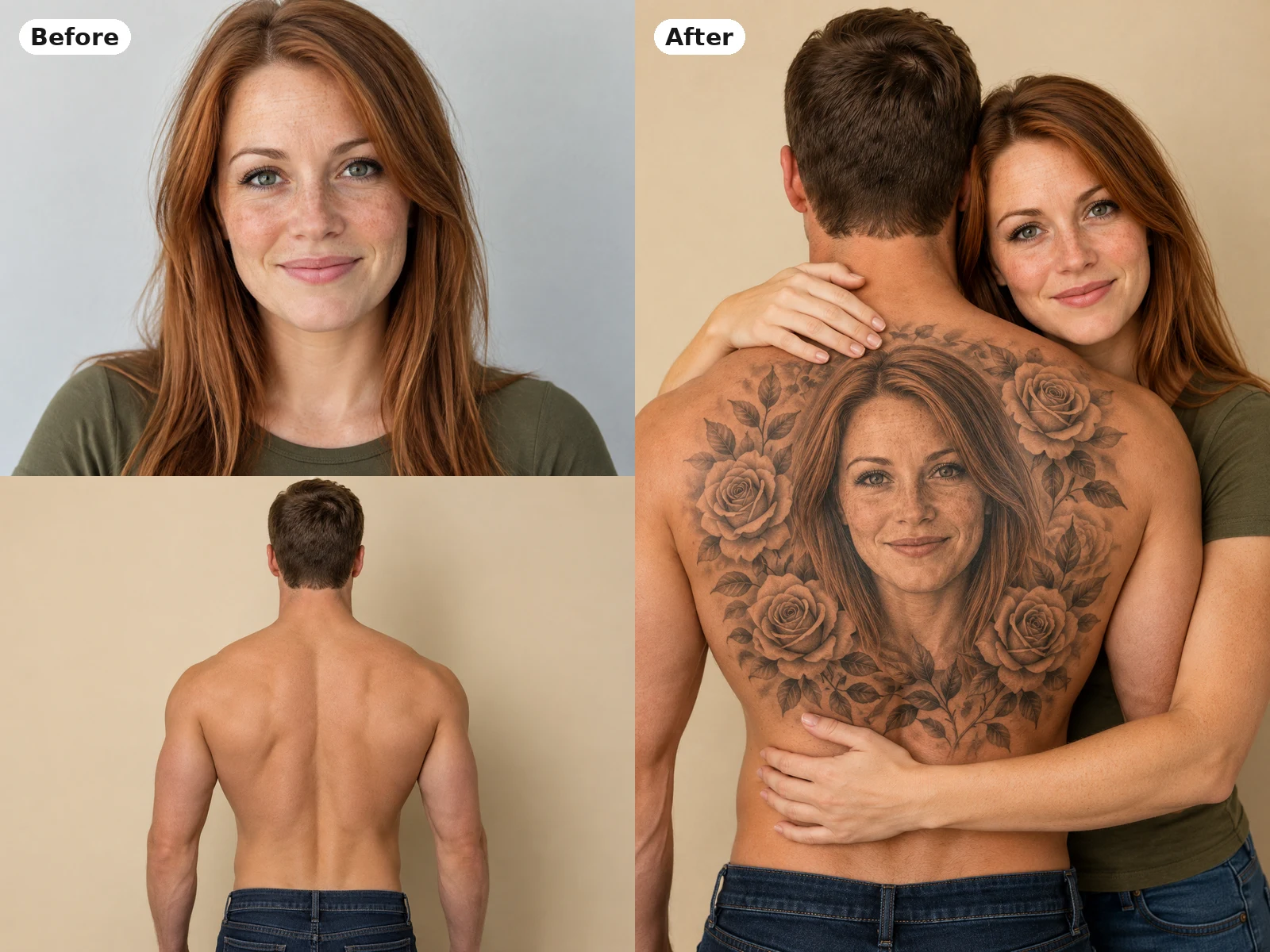
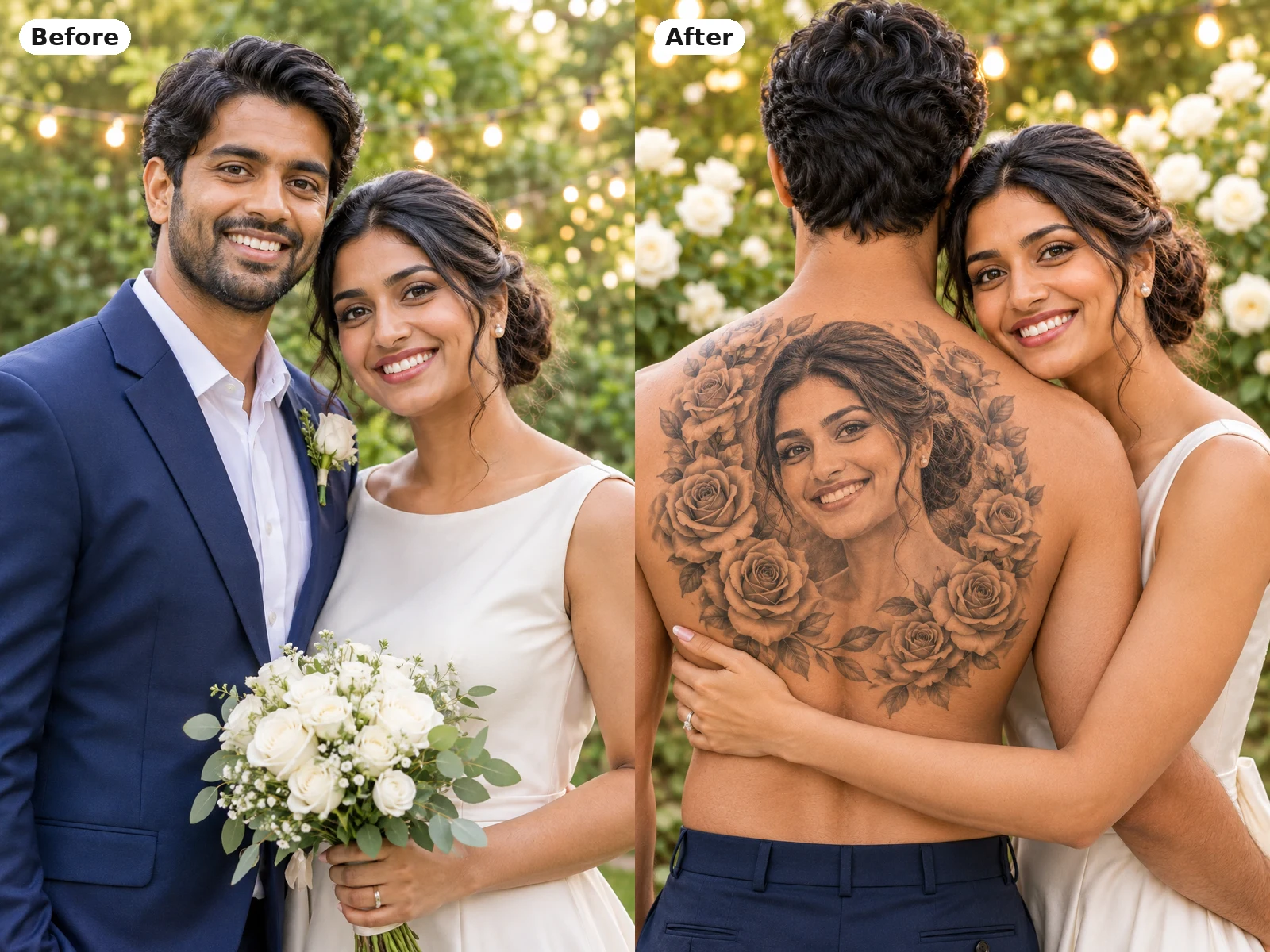
Before and after: a woman's portrait and a man's back photo combined into a back tattoo picture with her face inked on him

Add Your Details

The tattoo details box starts with the classic look: a portrait framed by roses, Love You in script and a small red heart in front of a white rose wall. Change any part of it in plain words, such as your names instead of Love You, sunflowers instead of roses, or a dark studio instead of flowers. Keep the note short and specific; the picture comes out as a 1:1 square. Press Create Our Back Tattoo and couple back tattoo AI builds the picture around your photos.

Create Our Back Tattoo
Before and after: a wedding couple photo turned into a picture of the bride's portrait tattooed on the groom's back

Check, Adjust and Save

Look at the tattoo face first, then the hugging face, the hair and the hands. If the likeness or lettering is off, change one thing in the details or try a clearer photo, then run it again. When you are happy, download the image for a post, a story or a printed card. Credits for each run show in the generator, and a failed run returns its credits.

Create Our Back Tattoo
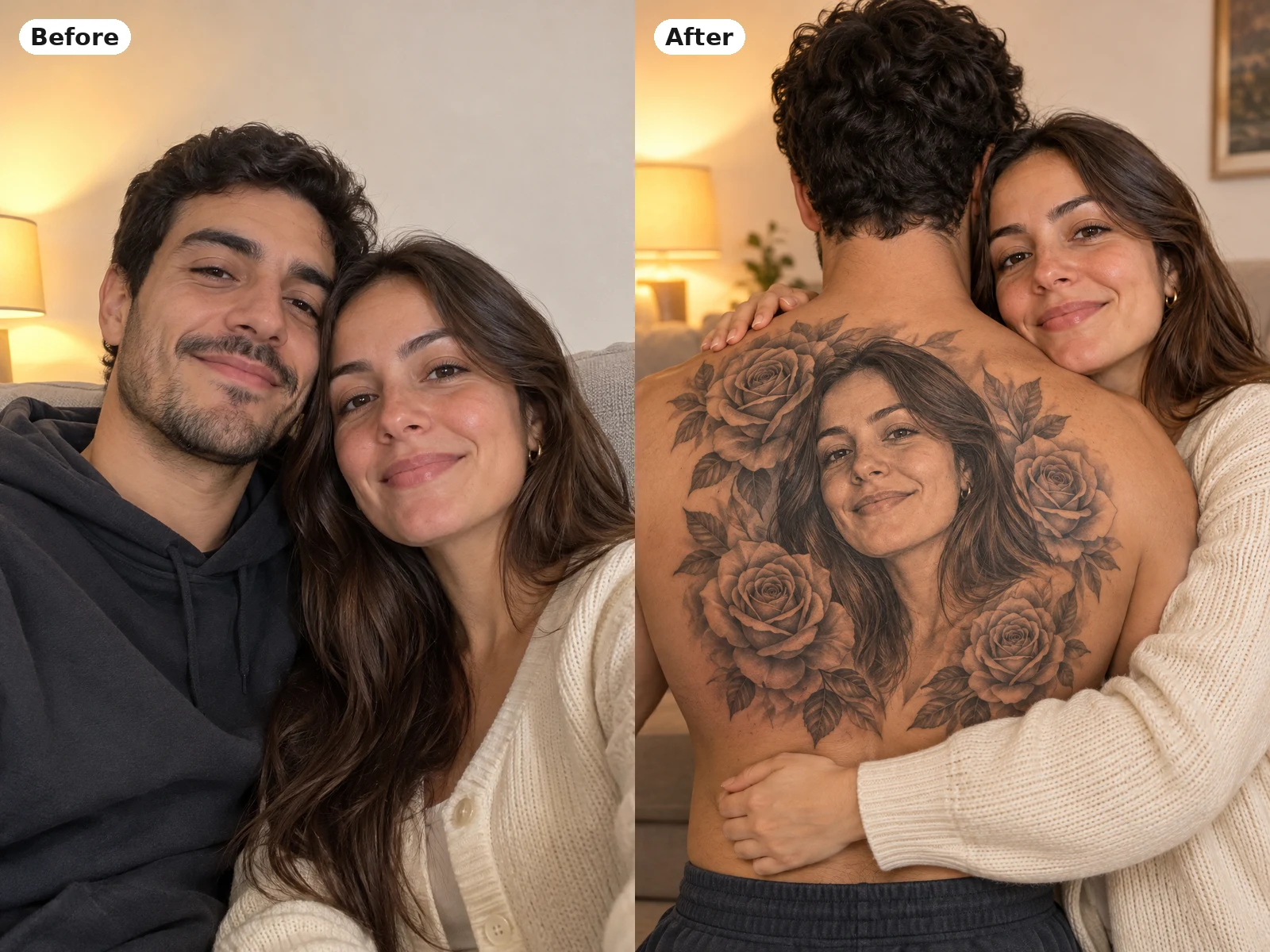
Before and after: a couple selfie on a sofa turned into a back tattoo picture with roses around her portrait

Back Tattoo Looks You Can Create

Every look keeps the same idea, one partner's face inked on the other's back, and changes the details around it.

Black-and-Grey Realism Portrait

The classic result is a healed black-and-grey portrait that looks like real ink on skin. Soft shading follows the shoulder blades and spine, so the face bends with the body instead of sitting flat on top of it. Curly hair, freckles and smile lines carry into the tattoo, which is why a sharp source photo matters so much. Couple back tattoo AI keeps the same face in the hug beside the shoulder, so the picture reads as one moment between two people.

Create Our Back Tattoo
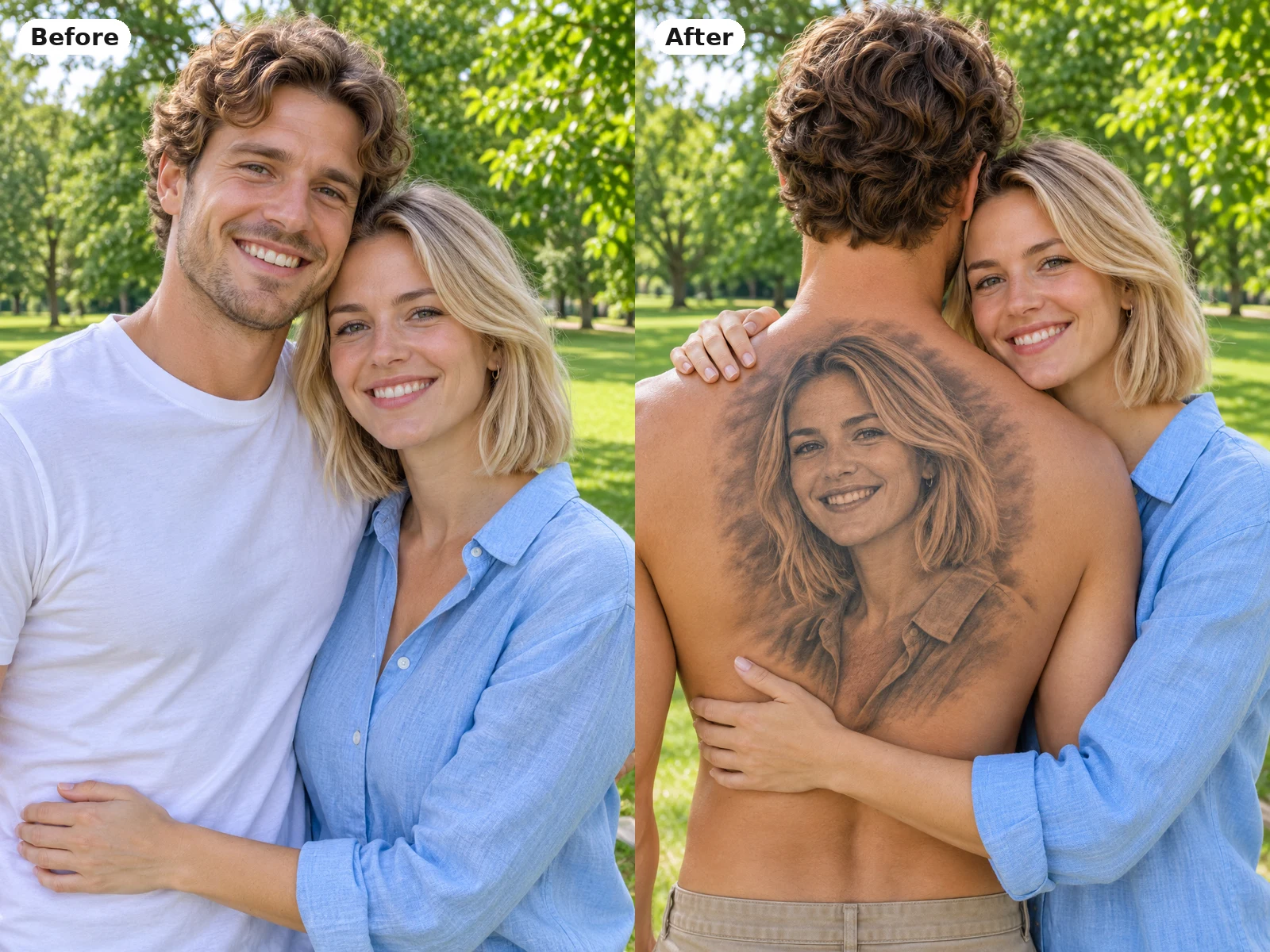
Before and after: a couple in a park turned into her black-and-grey portrait tattoo on his back

Rose Frame and Love You Script

Roses and leaves wrap the portrait like a frame, and Love You in flowing script sits underneath with a tiny red heart. This is the version most people recognize from the trend, and it is the default look in the details box. You can swap the roses for peonies, lilies or sunflowers, or ask for a thinner frame so the face takes more space. A cream or white top on the hugging partner keeps the soft, bright mood of the rose wall.

Create Our Back Tattoo
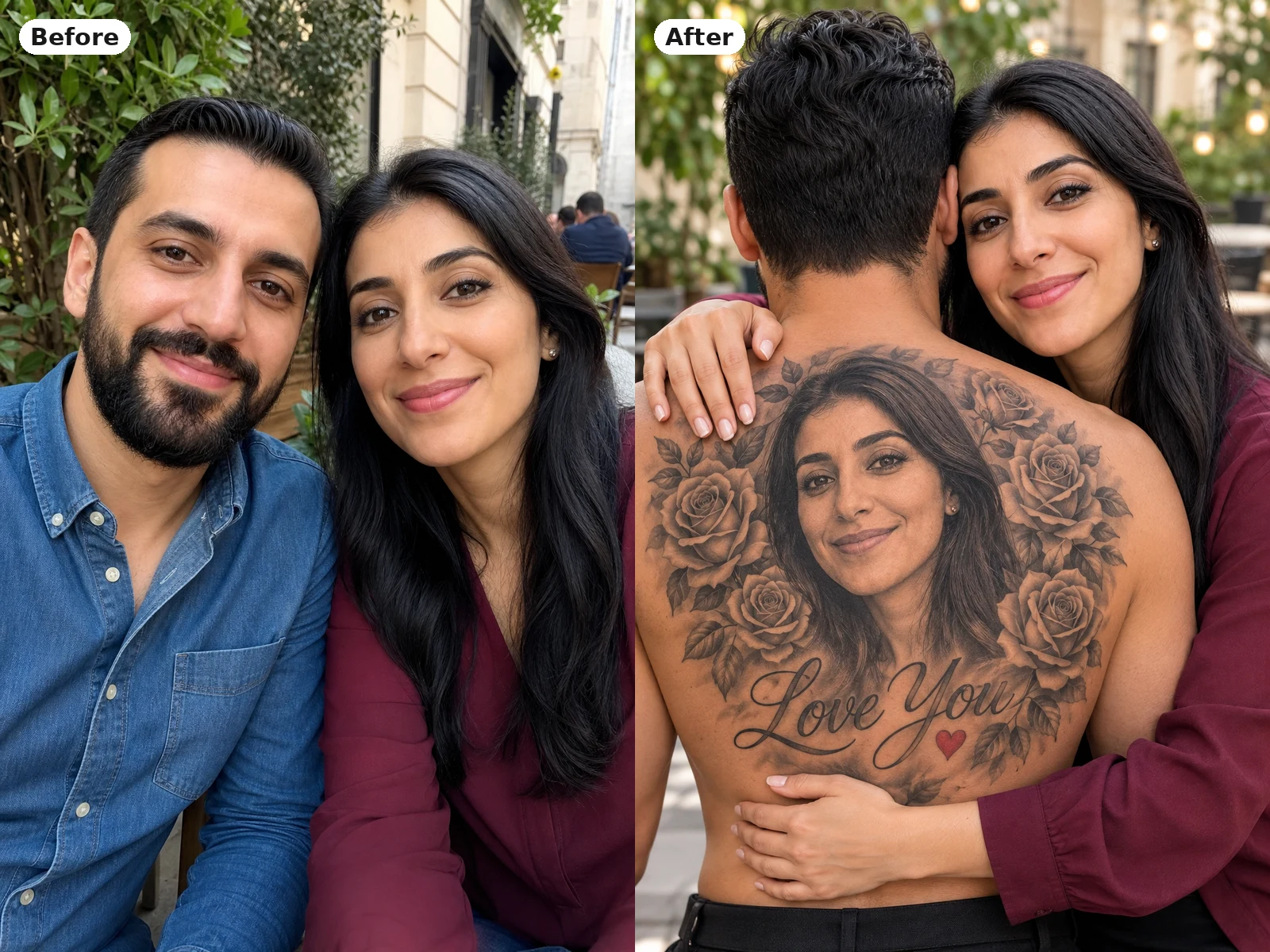
Before and after: a cafe selfie of a couple turned into a rose-framed portrait tattoo with Love You script

Your Names, Dates and Settings

Make the picture personal by replacing Love You with your names, an anniversary date or a short phrase you both use. Short words come out cleanest, so keep lettering to a few words and check the spelling in the result. The background can change as well: try a candlelit room, a beach at sunset or a plain dark studio for a moodier picture. Couple back tattoo AI follows these notes while the portrait tattoo stays at the center of the image.

Create Our Back Tattoo
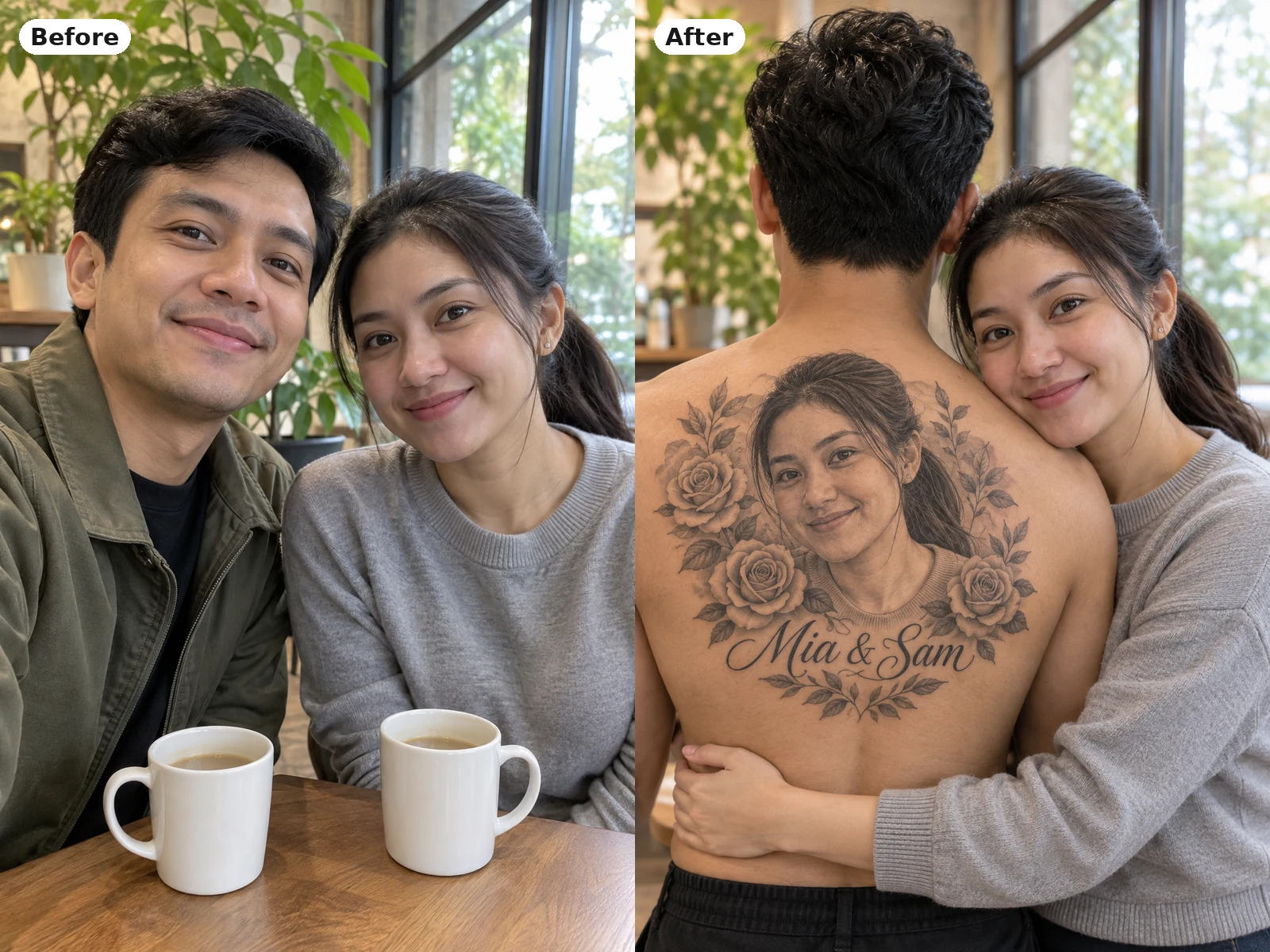
Before and after: a coffee shop couple selfie turned into a back tattoo picture with her portrait and script lettering

Photo Tips for a Clear Portrait Tattoo

The tattoo copies the face line by line, so the face photo matters most. Choose a picture where the eyes, brows and jawline are sharp and evenly lit, with the face filling a good part of the frame. Skip sunglasses, heavy filters, hats and hands near the face, since anything on the face can end up in the ink. The hairstyle in the photo is the hairstyle in the tattoo, so pick one you like. For the back photo, any clear shot from behind with relaxed arms is enough; the background is replaced. Want to design real ink later? The AI Tattoo Generator turns an idea into a tattoo concept, and Virtual Tattoo Try On shows a design on your own skin.

Couple Back Tattoo AI FAQ

Answers about photos, likeness, lettering and sharing your picture.

What is couple back tattoo AI?

It is a photo effect that makes a romantic couple picture: one partner seen from behind with the other partner's face as a black-and-grey portrait tattoo on their back, roses, Love You script, and the two of them in a hug.

How do I make a couple back tattoo photo?

Upload the face for the tattoo as Photo 1, add your partner's back as Photo 2 if you have it, edit the details if you like, and press Create Our Back Tattoo. Review the picture and download the one you like.

Which photo goes first?

Photo 1 is the face that becomes the tattoo, and that person also appears in the hug. Photo 2 is the partner whose back carries the tattoo. Swap the two photos to put his face on her back instead.

Can I use just one selfie or one couple photo?

Yes. With one selfie, the other partner is created by AI and shown from behind. With one photo of both of you, both faces are kept; name whose face goes in the tattoo in the details box.

What photos work best?

Sharp, well-lit, front-facing photos of adults in JPG, PNG or WebP under 10 MB. Avoid sunglasses, strong filters, tiny faces and group shots.

Will the tattoo look like my partner?

Couple back tattoo AI keeps the main features of the face, hair and skin tone, but it is still an AI picture, so small details can differ. A clearer photo gives a closer likeness.

Can I change Love You, the flowers or the background?

Yes. Write your names, a date, other flowers or a new setting in the details box. Keep lettering short and check the spelling before you share.

Is the tattoo real, and can I take it to a tattoo artist?

No. It is an AI-generated picture for fun and sharing, not a stencil. For a real design, talk to a tattoo artist or start with the AI Tattoo Generator.

Can I use someone else's photo?

Only photos of adults who agreed to it. Do not use the effect to mislead people about a real tattoo or a real relationship.

How do credits work?

Credits for each run show in the generator before you start, and a failed run returns its credits.

Ready to Create Your Couple Back Tattoo?

Upload the face for the tattoo, add your partner's back, and make a couple back tattoo AI picture to keep or share.

Related tools

80s Photo Filter

80s Photo Filter

80s Photo Filter adds warm, faded film color to your photo in the browser. Adjust strength, preserve clothing and framing, and download a PNG.

Open tool
AI Age Filter

AI Age Filter

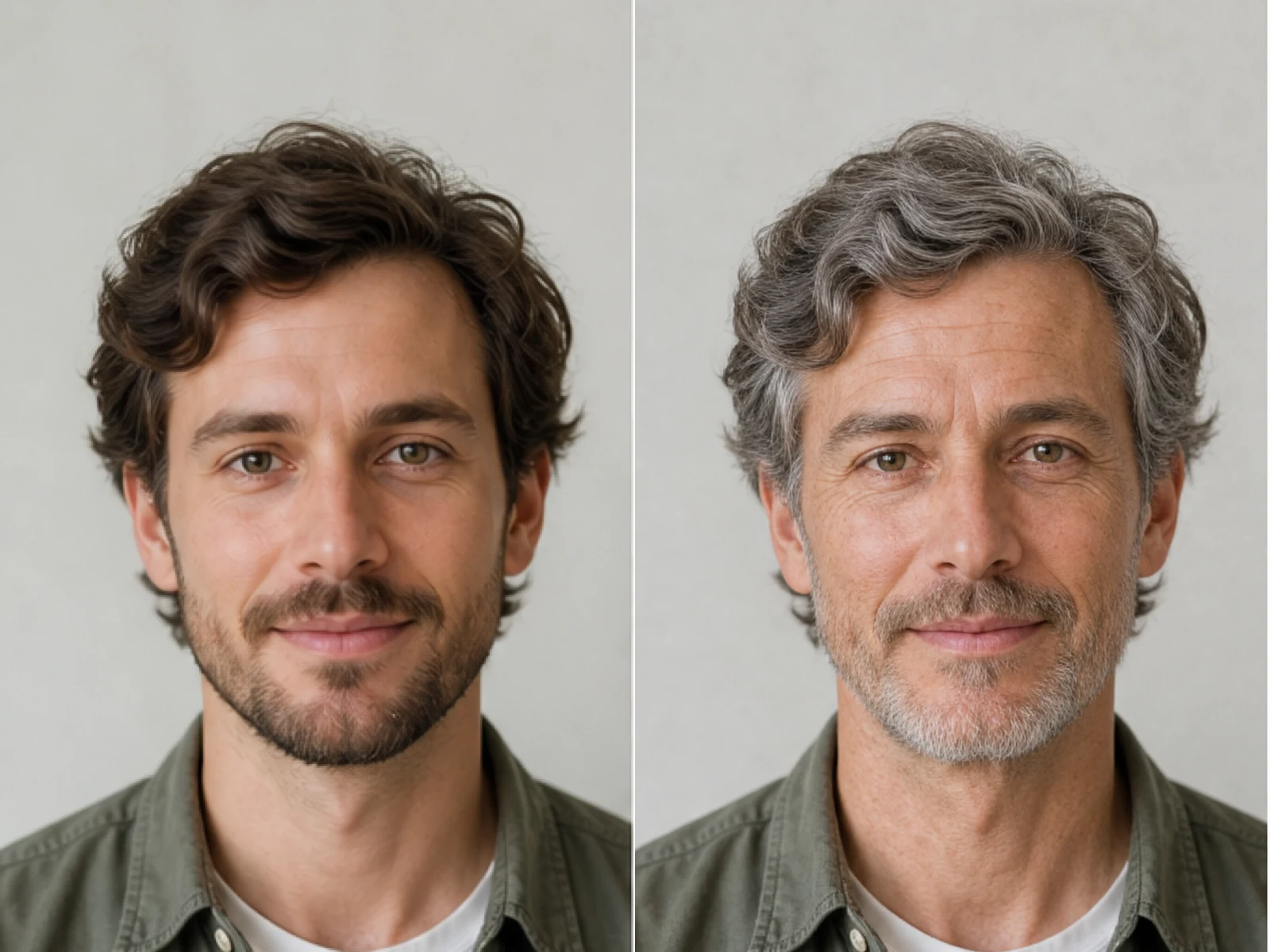
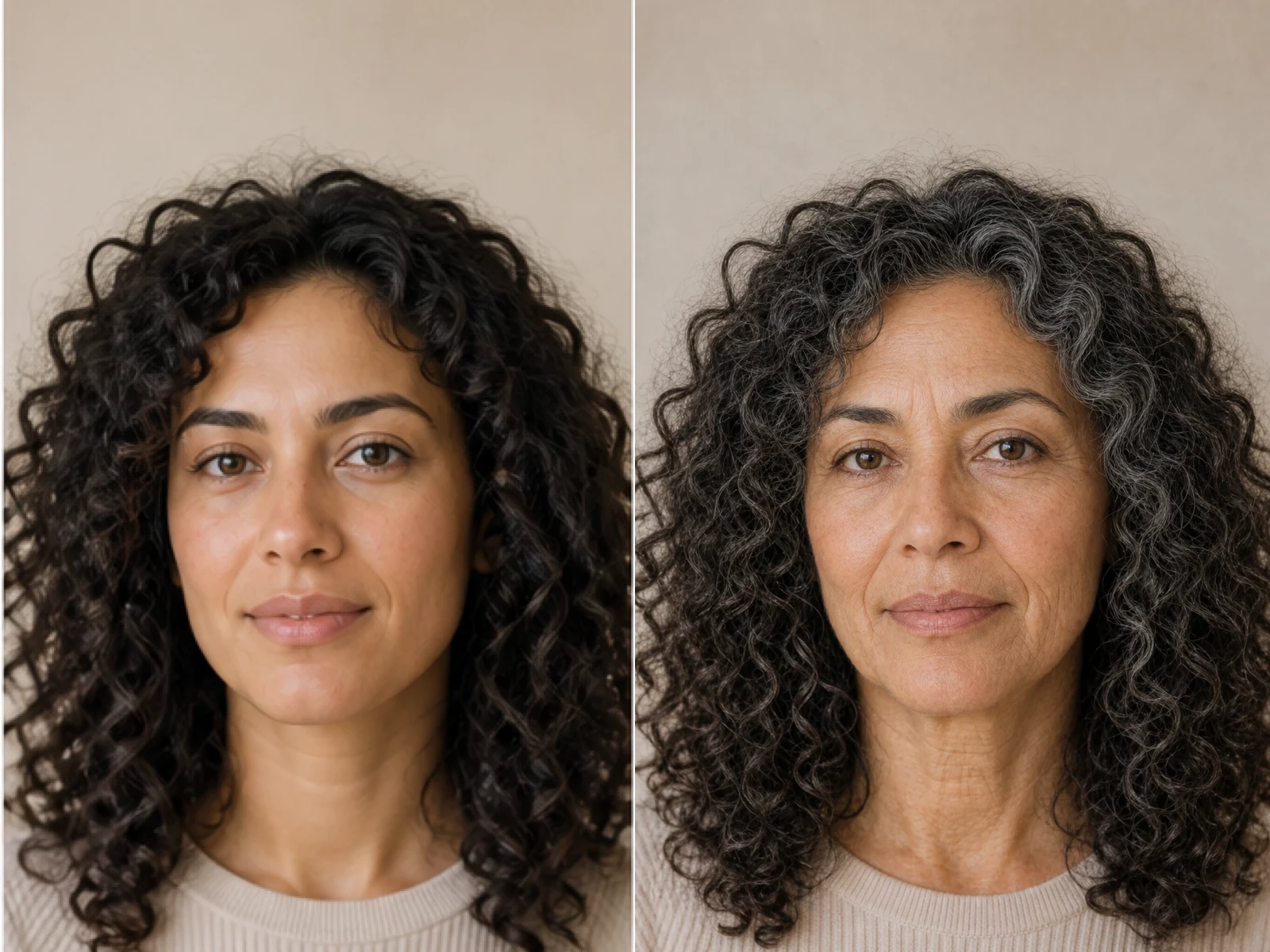
AI Age Filter creates a natural older-look concept from an authorized adult portrait. Review identity, complete-head framing, light and scene after editing.

Open tool
AI Age Progression

AI Age Progression

AI Age Progression creates a target-age concept from an authorized adult portrait. Set an age interval and review identity, framing and scene after editing.

Open tool
AI Labubu Generator

AI Labubu Generator

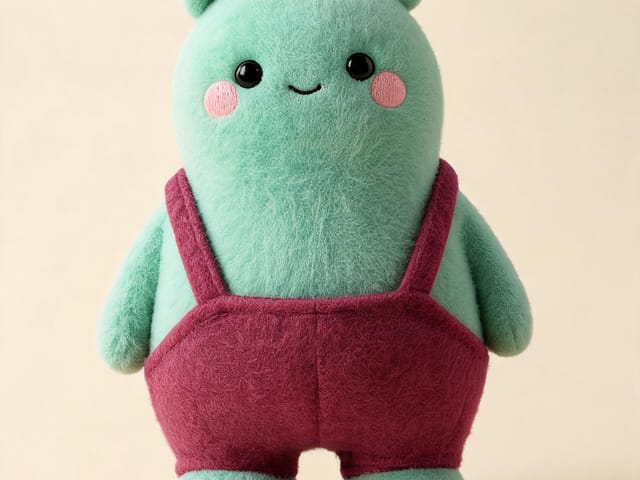
AI Labubu Generator helps explore your own monster doll concept from an authorized reference. Create original shapes and outfits, with no official affiliation.

Open tool
Camera Roll AI

Camera Roll AI

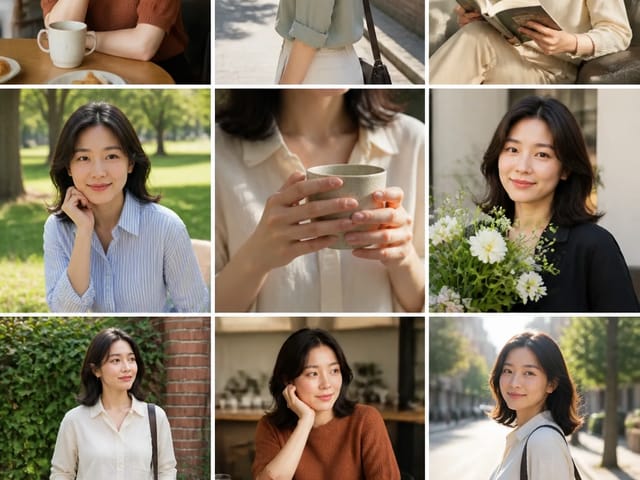
Camera Roll AI turns an authorized reference photo into one lifestyle collage. Plan varied scenes and a phone-gallery-inspired layout, then save one image.

Open tool
Face in Hole Generator

Face in Hole Generator

Face in Hole Generator places an authorized face into your chosen photo or template. Upload two references, refine the blend, and save a creative portrait.

Open tool
Hotpot AI Image Generator

Hotpot AI Image Generator Online | NanoPic

Create still images with the Hotpot AI Image Generator on NanoPic. Write a clear scene, generate with Nano Banana 2, refine the look, and download the picture you like.

Open tool
Make Image Higher Resolution

Make Image Higher Resolution

Make Image Higher Resolution with real 2× or 4× browser resizing. Compare pixel dimensions and download PNG without claiming recovered detail.

Open tool
Remove Glare from Glasses in Photos

Remove Glare from Glasses in Photos

Remove Glare from Glasses in photos with an editable AI image prompt. Upload your portrait, reduce lens reflections, and review the result before using it.

Open tool
Wooden porch at dusk with a glowing carved jack-o'-lantern and autumn leaves

Add Pumpkin to Photo: Place Pumpkins in Your Picture | NanoPic

Add pumpkin to photo: upload one picture, say how many and where, keep faces and pets, then download a still with realistic or glowing pumpkins.

Open tool
Small mushroom-cap vinyl figure in a yellow raincoat beside a leaf-pattern box

AI Blind Box Generator: Turn a Photo into a Chibi Figure | NanoPic

AI blind box generator: upload one photo of you or your pet and get a cute chibi, plush or boxed collectible figure image to download and share.

Open tool
Young man in a red scarf smiling beside a glowing Christmas tree

AI Christmas Photo Generator: Festive Portraits & Cards | NanoPic

AI Christmas photo generator: upload one photo and get a cozy holiday portrait or a Christmas card picture that still looks like you, ready to download.

Open tool
Before and after: woman selfie beside the fisheye white-room portrait

AI Fisheye Portrait Generator: Bold Fisheye Selfies | NanoPic

AI fisheye portrait generator for selfies: upload one clear photo and get a curved, close-up fisheye lens look that still keeps your face recognizable.

Open tool
Black Friday sale scene with sneakers, knitwear and gift bags on dark stone

Black Friday Poster Maker: Product Photo to Sale Poster | NanoPic

Black Friday poster maker for sellers: upload one product photo, pick a sale style, and add an optional headline or offer text to your downloadable poster.

Open tool

Flashlight AI Photo: Tiny Character Scene | NanoPic

Turn one authorized adult portrait into a realistic flashlight scene with a miniature stylized double. Generate, then inspect identity, hands, light, scale, and crop.

Open tool
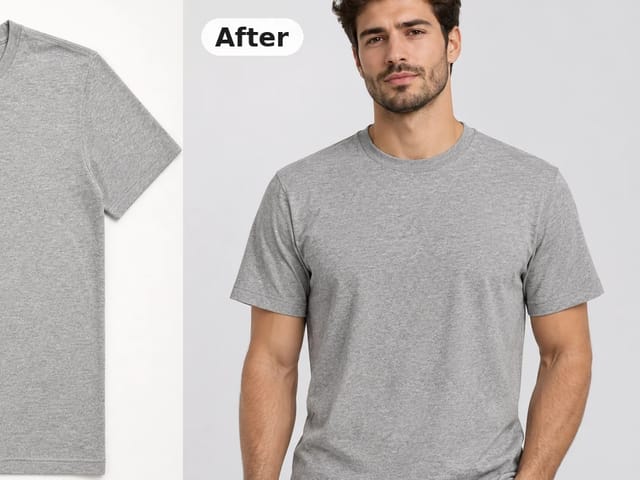
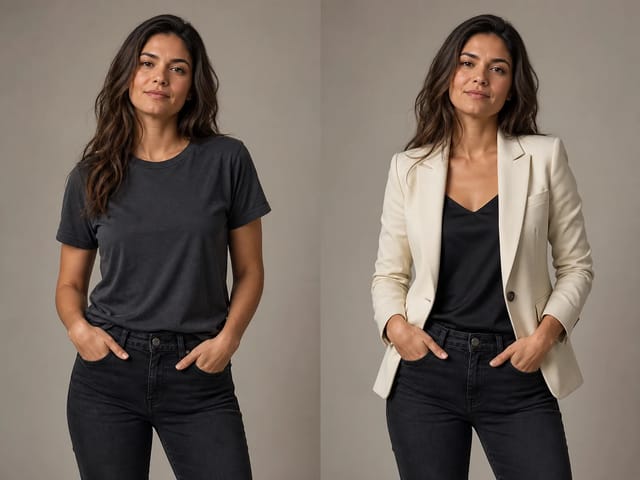
Before and after: gray crew-neck t-shirt laid flat beside the same shirt worn by a model

Flat Lay to On Model Photo: Put Clothes on an AI Model | NanoPic

Turn a flat lay, hanger or ghost mannequin shot into a flat lay to on model photo with a realistic model, pose and scene for product listings and ads.

Open tool

Funny AI Prompts — 12 Photo and Pet Editing Ideas | NanoPic

Try 12 original funny AI prompts on one authorized person or pet photo. Load, edit, generate, and review identity, anatomy, props, text, and visual coherence.

Open tool
Demo cover showing clearer detail after enhancement workflow

Magnific AI Image Generator Workflow on NanoPic | Clarity from One Photo

Run a magnific ai image generator style enhance on NanoPic: upload one photo, rebuild edges and textures toward 4K, then download after a full-size check.

Open tool

Mera Prompt AI Photo Prompts: Copy Viral Edits | NanoPic

Copy free mera prompt AI photo prompts for boys, girls, couples, festivals and cricket, then turn your own selfie into a viral edit on NanoPic.

Open tool

Minecraft Pixel Art — Turn a Photo Into Block Art | NanoPic

Turn one authorized photo into original blocky pixel art with six editable prompts. Generate, then review subject detail, geometry, text, rights, and composition.

Open tool
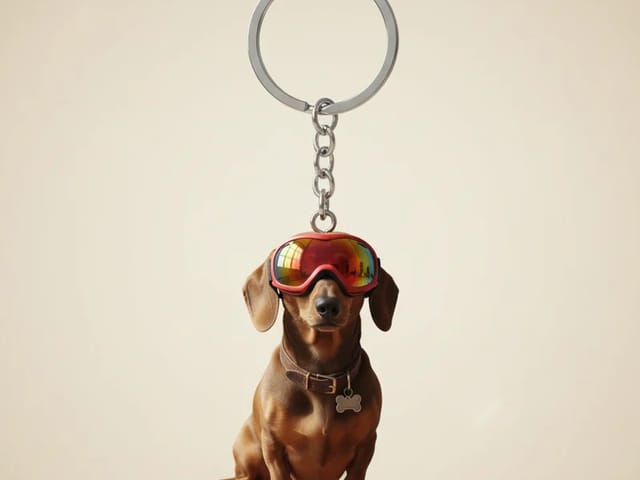
Dachshund in red goggles shown as a glossy 3D keychain charm on a metal ring

Photo to 3D Keychain: Turn Your Photo into a Mini Keychain | NanoPic

Photo to 3D keychain: upload a portrait, pet or object photo and get a glossy mini keychain image with a metal ring that keeps the look of your subject.

Open tool
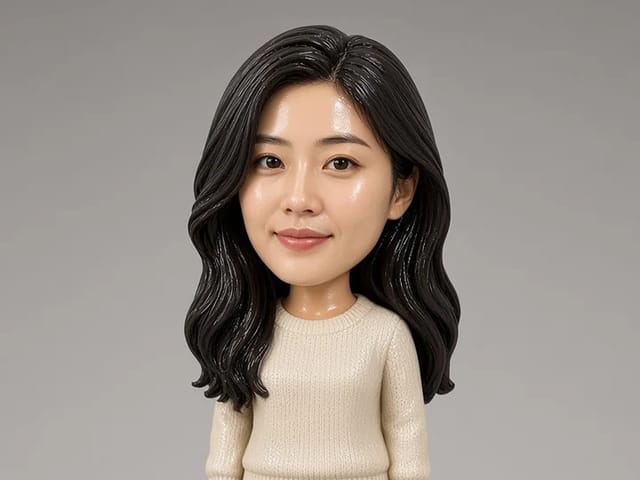
Bobblehead figurine of a woman in a cream sweater standing on a round base

Photo to Bobblehead: Turn a Portrait into a Bobblehead | NanoPic

Photo to bobblehead in a few steps: upload one clear portrait and get a big-head collectible figure image that still looks like the person, ready to save.

Open tool