































Realistic Ring Placement
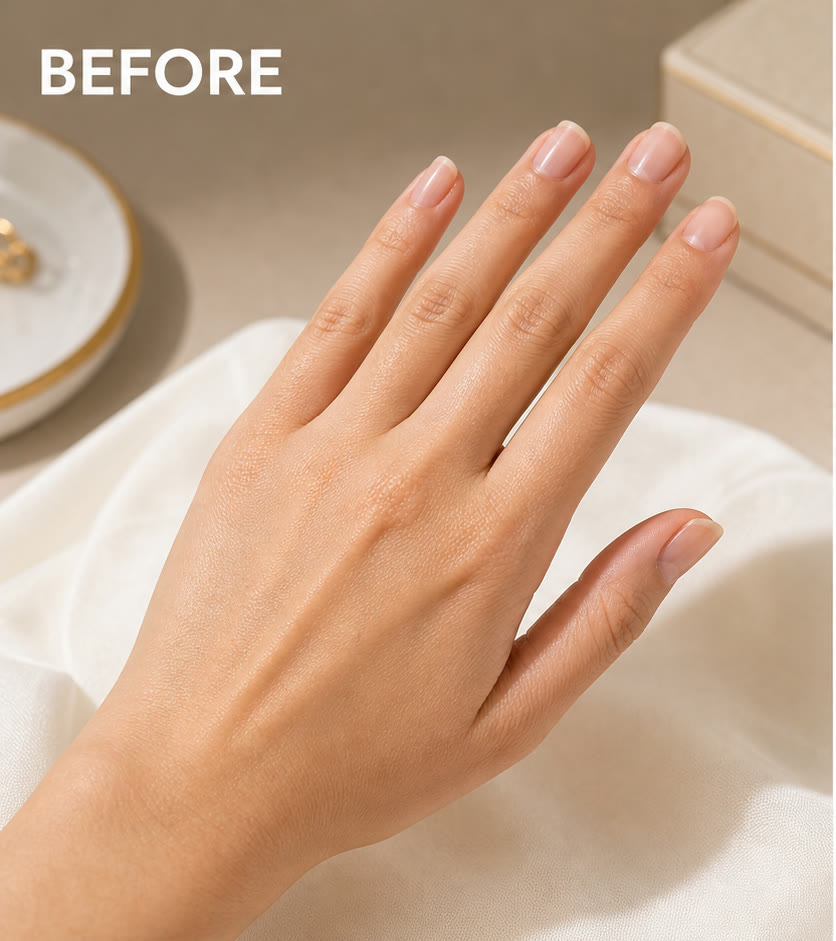
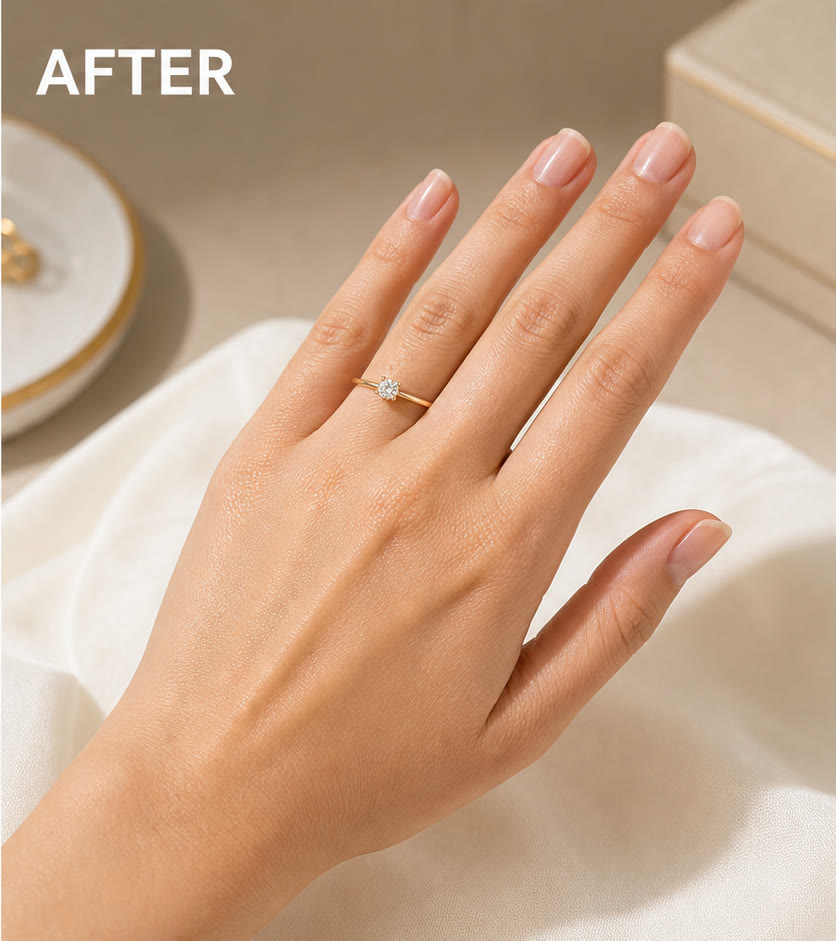
The prompt places the ring from your first image naturally on the hand in your second image with correct scale, occlusion, contact shadow, metal highlights, and gemstone detail.
Save up to 73% on plans
Image
Browse every other AI image model and effect published on this site in a continuous carousel.
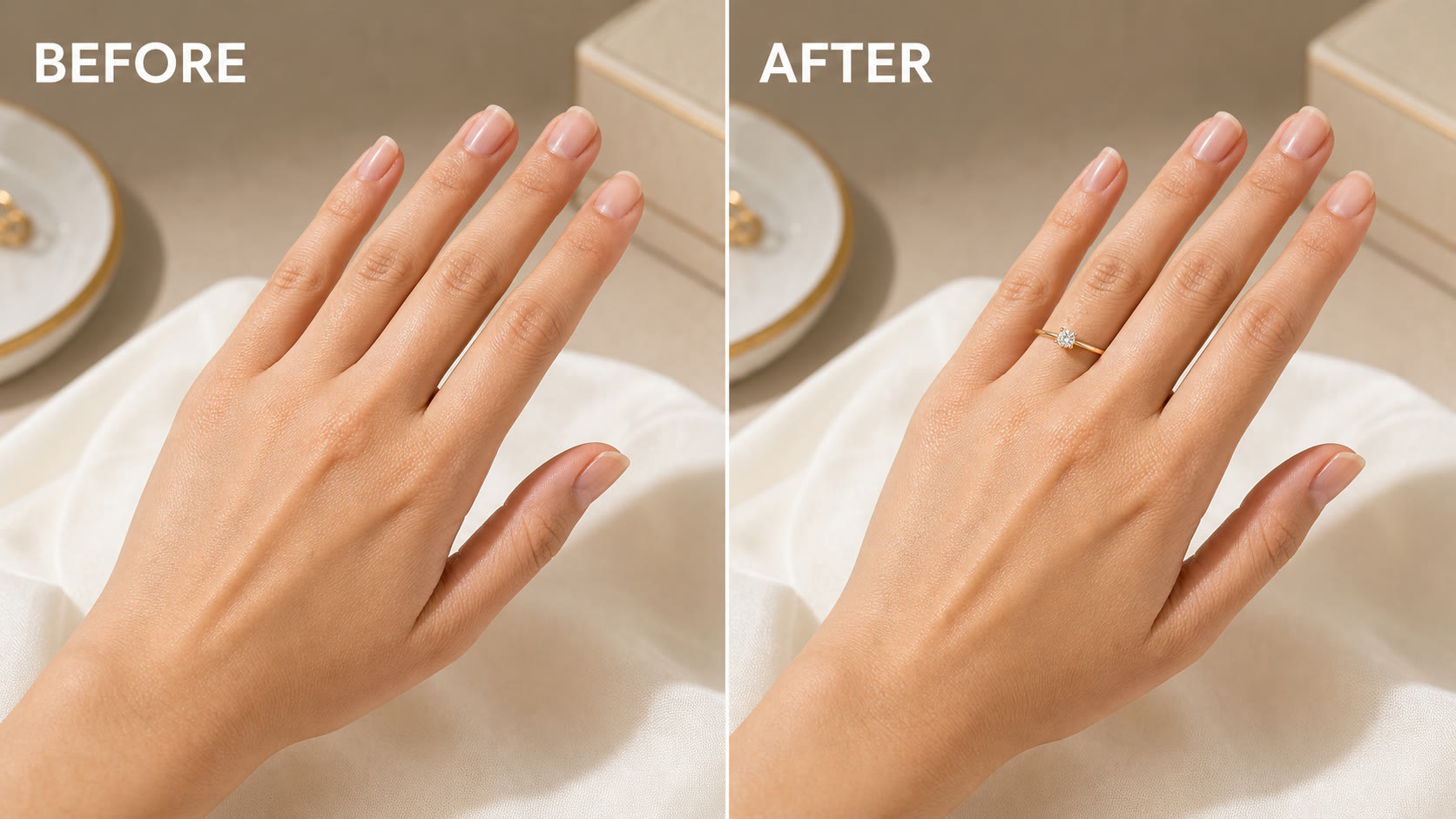
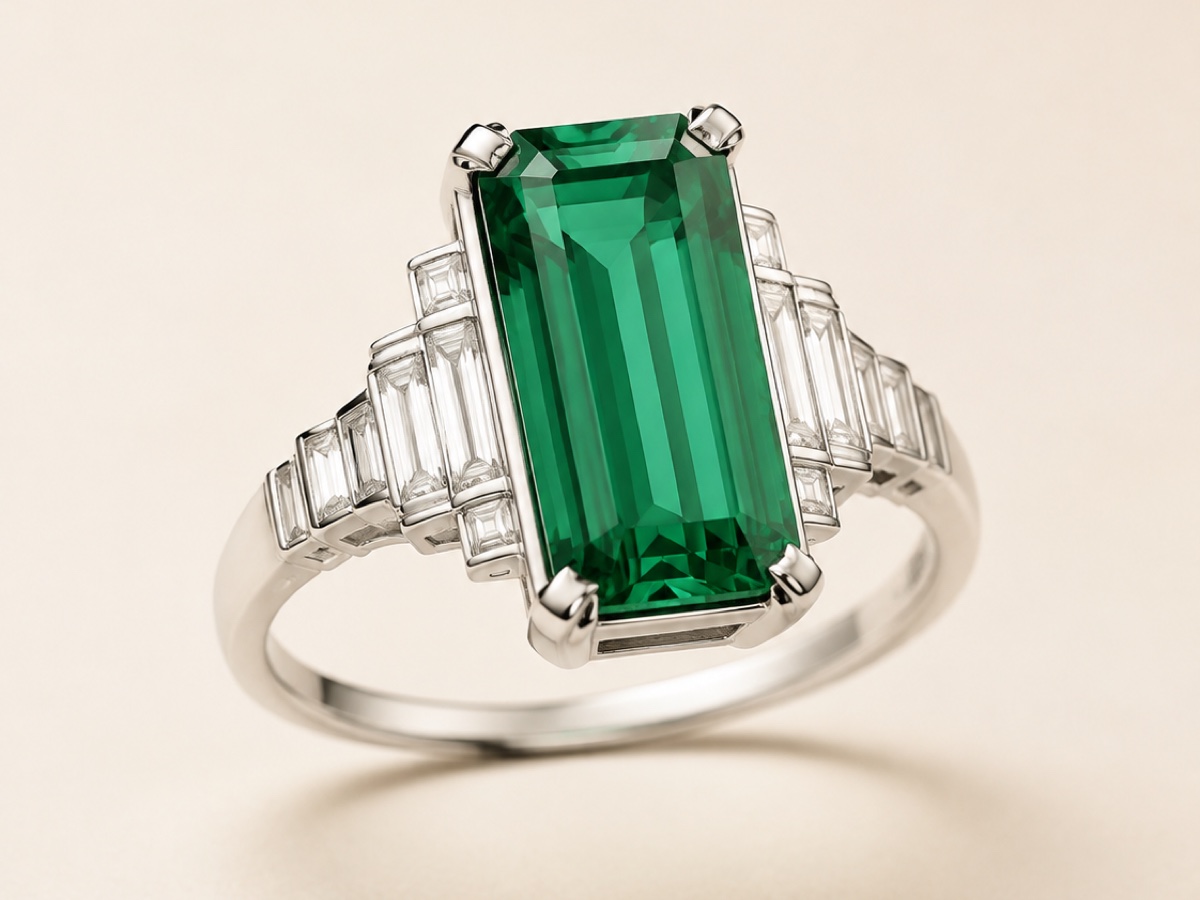
NanoPic AI virtual ring try on uses two ordered references: your ring product image first and target hand photo second. The workflow preserves recognizable band, metal, setting, and stone details while matching finger placement, scale, perspective, reflections, and skin texture for jewelry mockups, engagement previews, product visuals, and gift concepts.
The template is built for realistic jewelry placement rather than a generic accessory sticker.
The prompt places the ring from your first image naturally on the hand in your second image with correct scale, occlusion, contact shadow, metal highlights, and gemstone detail.
NanoPic keeps the uploaded hand, nail shape, skin texture, lighting, and background intact so the final image still feels like the same photo.
Upload the ring product and hand in separate labeled slots. The saved prompt assigns each image a clear role and handles placement, reflection, and artifact-prevention instructions.
Use a clear ring product photo plus a sharp hand photo with visible fingers, clean lighting, and enough space around the ring finger for the most believable result.
Preview how your chosen ring could look on a real hand before making a social post, mood board, or gift concept. The generator focuses on matching the uploaded product, natural placement, and believable jewelry reflections.
Preview Ring StyleCreate quick visual mockups for ring collections, product ideas, ecommerce experiments, or ad concepts without booking a hand model for every style.
Create Jewelry MockupTry a specific ring on a personal hand photo for outfit planning, creator content, or a polished profile detail. Upload a different ring product image whenever you want to compare another metal, setting, or stone.
Try Ring LookQuick answers for NanoPic photo-to-ring try-on edits.
No. Upload the exact ring product image in the first slot and the target hand photo in the second slot. The saved try-on prompt assigns both references automatically.
Use a clear ring product photo that shows the band, setting, and stone, plus a sharp hand photo with the ring finger visible. Avoid obscured jewelry, crossed or cropped fingers, and heavy motion blur.
Yes. The first upload is the ring product reference, so use the exact band, setting, metal, and stone you want to preview. The workflow is designed to preserve those recognizable details instead of substituting another design.
The prompt is written to preserve skin texture, nail shape, lighting, and background, but AI edits can drift. A clean source photo improves consistency.
Yes. It is useful for early visuals and creative testing, though final commercial product pages should still be checked for product accuracy.
Upload one ring product image and one hand photo to generate a realistic try-on for mockups, styling, or social content.