
Save up to 73% on plans
Your Tattoo Design Concept
Image
More AI Image Models & Effects
Browse every other AI image model and effect published on this site in a continuous carousel.





















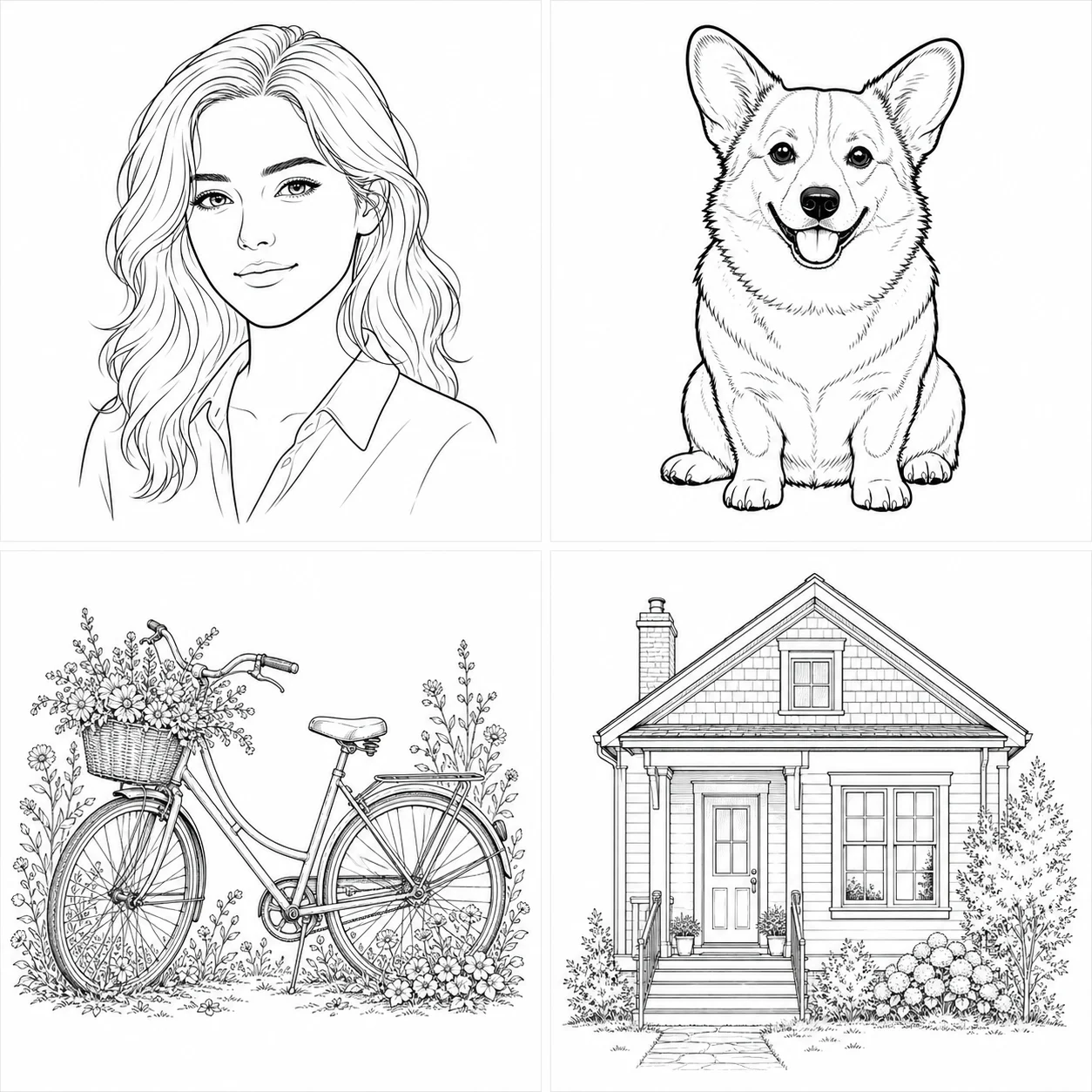
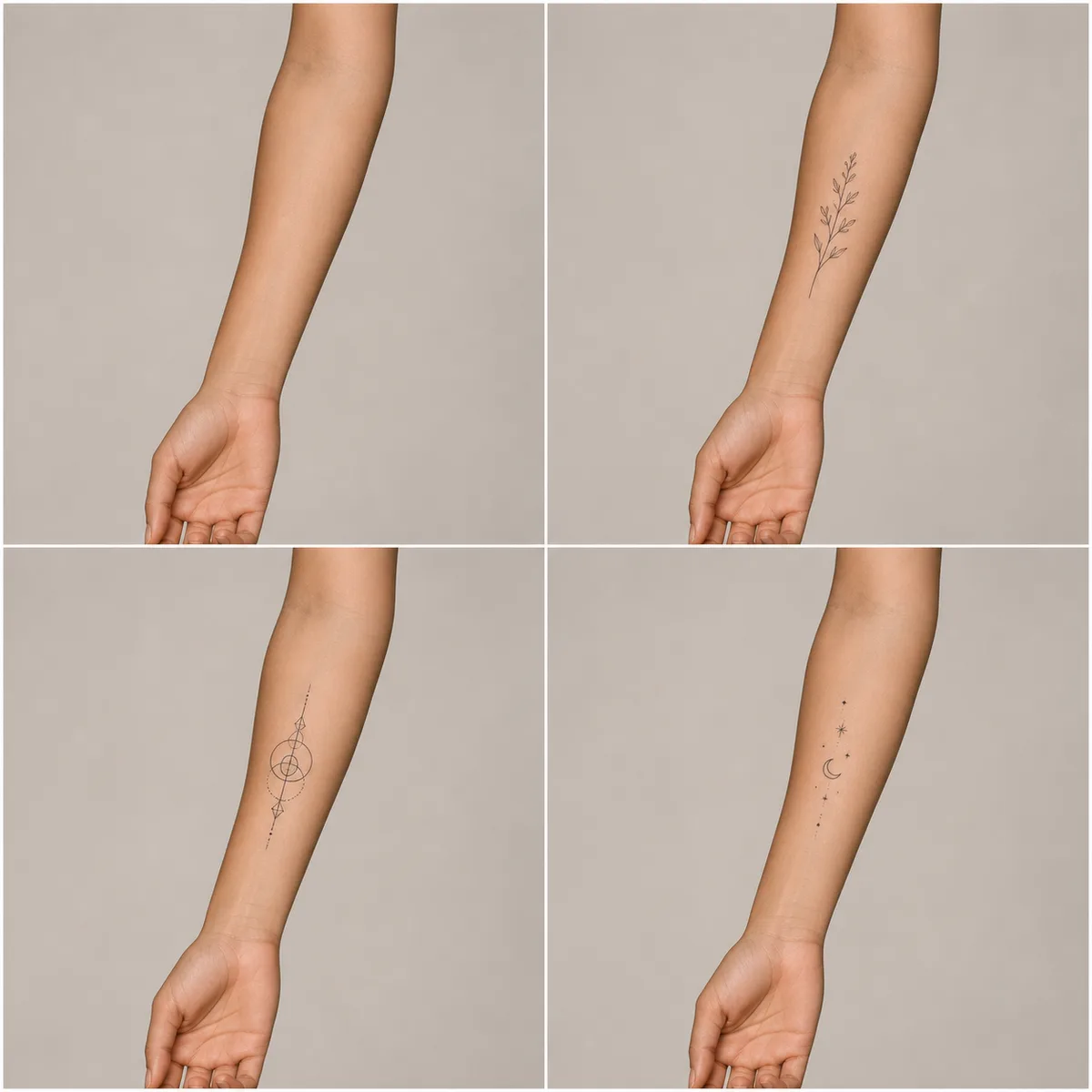

Start with meaning before choosing a tattoo style
An effective AI tattoo generator brief begins with the idea the design should communicate. Name the subject, why it matters, and any relationship between its parts. A moon with wildflowers is clearer than “something spiritual,” and two birth flowers joined by one stem is clearer than “a family tattoo.” Then add placement, approximate size, color limits, and line weight. This order separates the meaning from the visual treatment. It also gives a tattoo professional a more useful concept to review. Generated art is an exploration image, not a finished stencil, permission to copy another artist, or proof that the design will age well on skin.
Choose fine line, blackwork, botanical, or celestial direction
Fine-line tattoo concepts depend on restrained detail, consistent thin strokes, and enough space between nearby lines. Blackwork needs intentional solid shapes and skin breaks so the composition remains readable rather than becoming one dark patch. Botanical designs should keep petals, leaves, and stems recognizable. Celestial designs work best when stars, moons, and orbits form one balanced silhouette instead of scattered symbols. Select one direction first, then use the editable brief for subject and placement. Mixing every style in one request usually weakens the hierarchy. Compare the complete silhouette at thumbnail size and the line relationships at a larger view.
Use a reference without asking the model to copy it
Upload only artwork or photographs you own or may adapt. Explain what the reference contributes: perhaps a flower shape, a broad geometric rhythm, a color palette, or the proportions of an object. Do not request a duplicate of an existing tattoo, artist signature, protected logo, cultural symbol you do not understand, or recognizable commercial character. A safer brief asks for an original composition inspired by general attributes and explicitly excludes copied details. After generation, reverse-image and rights checks may still be appropriate before publication. A tattoo artist should redraw the selected direction and make it their own rather than tracing an AI result unchanged.
Match the composition to the intended placement
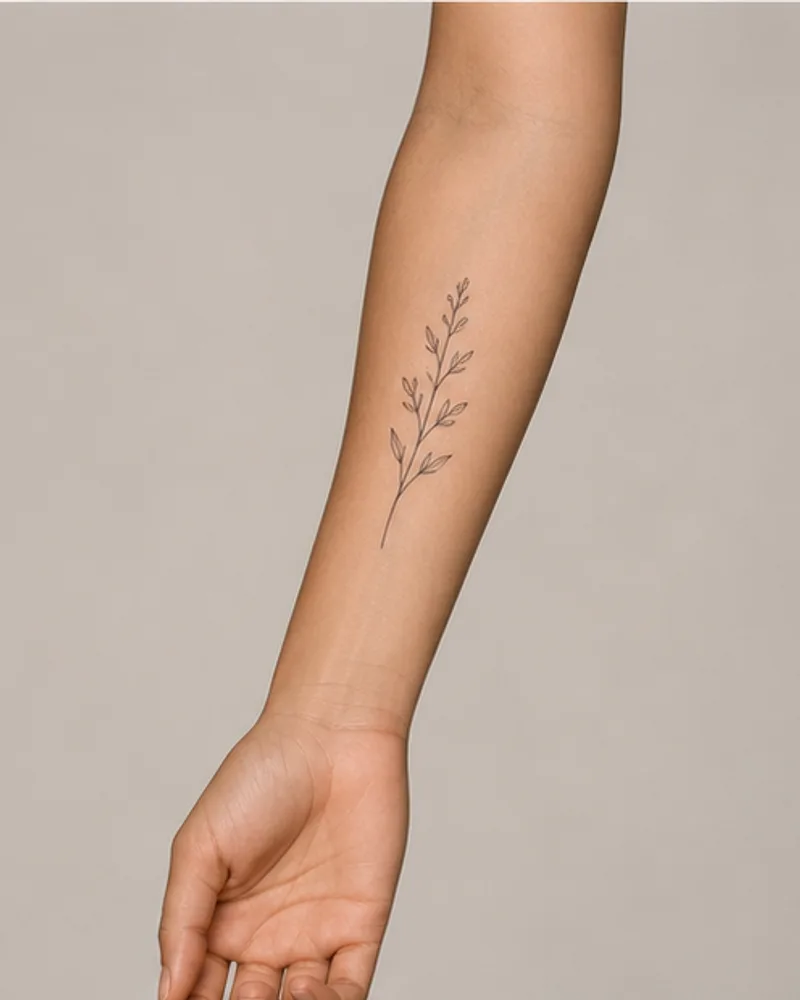
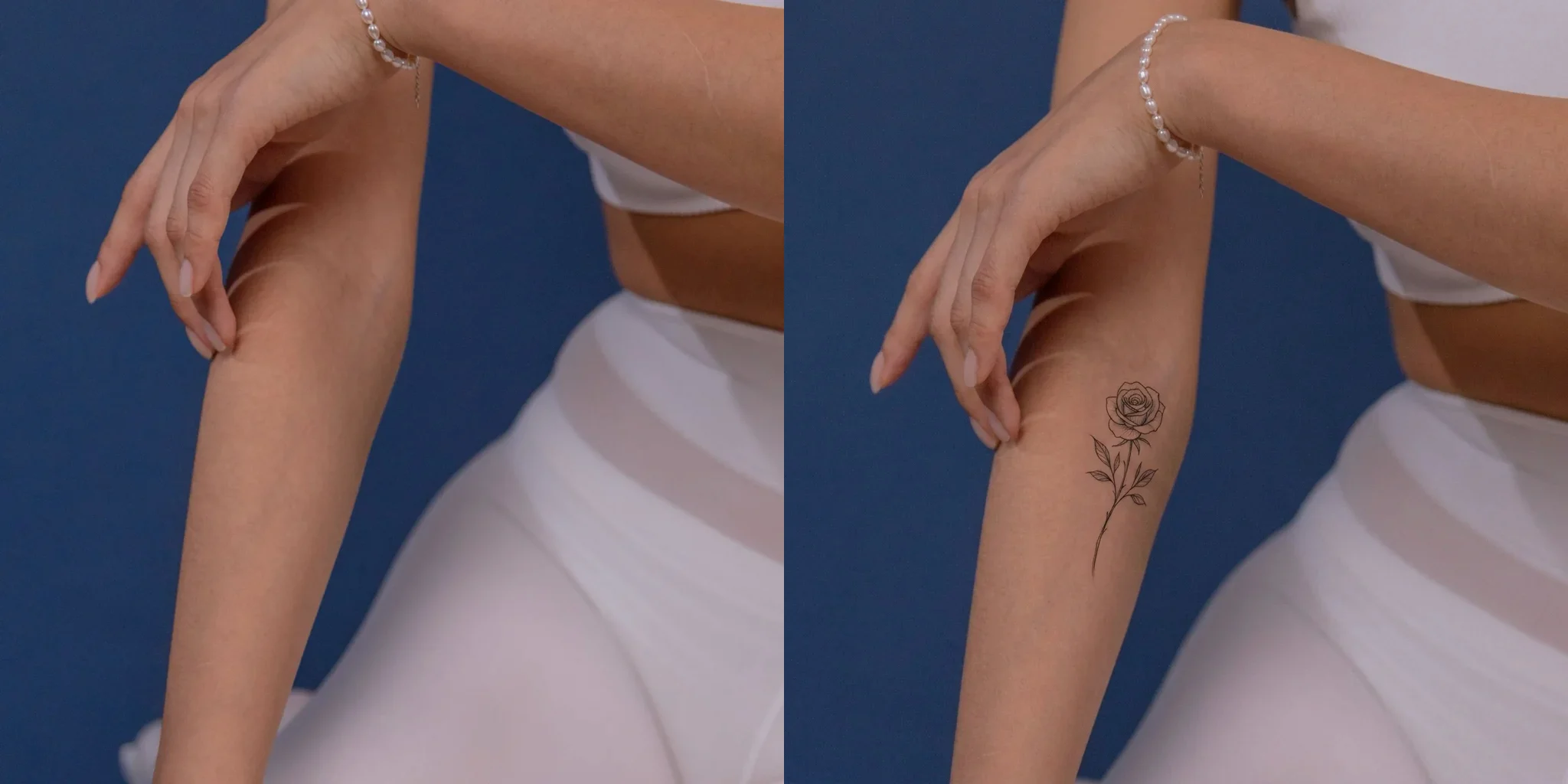
A forearm, shoulder, ankle, back, and sternum have different usable shapes and movement. Describe the intended body area and approximate dimensions, but treat the flat generated image as a planning reference only. A long vertical stem may fit an inner forearm while a circular blackwork motif may suit a shoulder. Ask for clear margins so an artist can adjust the design to anatomy. Do not assume that a square preview predicts distortion on curved or moving skin. Bring the concept and a clear placement photo to a professional who can check orientation, scale, line spacing, skin condition, and how the design will move with the body.
Review line density at both small and large size
Zoom out until the concept resembles its planned physical size. If small gaps disappear, lettering closes up, or separate leaves merge, the design may be too dense. Then inspect the larger image for broken contours, accidental tangencies, uneven symmetry, impossible anatomy, and random artifacts. Generative detail can look polished from a distance while failing under close review. Ask for fewer elements or stronger negative space rather than simply requesting “more detail.” For very small tattoos, a simpler silhouette often provides a clearer starting point. Only an experienced artist can decide what line weight and spacing are realistic for the chosen location and long-term aging.
Treat lettering, dates, and symbols as placeholders
Image models can misspell names, swap digits, or invent decorative characters. If a tattoo concept includes initials, a date, coordinates, another language, or a meaningful symbol, verify every character independently. It is often better to generate the visual composition without text and add exact lettering later with a tattoo artist or layout tool. Do not rely on an AI image to translate sacred, cultural, medical, or legal text. Research the meaning and context of any symbol before using it. When the wording is central to the tattoo, keep it in the written brief and mark generated lettering as a temporary placement guide rather than final artwork.
Compare the concept with practical tattoo constraints
A screen image does not account for needle grouping, ink spread, healing, scar tissue, allergies, existing tattoos, sun exposure, or the way skin changes over time. Color gamut on a display is not a promise of available pigment or healed appearance. Ask a qualified tattoo artist to adapt line weight, simplify tiny detail, prepare the stencil, and place the work safely. Discuss skin conditions, medications, infection risk, and aftercare with qualified professionals. NanoPic does not give medical advice. Never use generated imagery to encourage unsafe home tattooing, work on minors, non-consensual procedures, or deceptive claims about a real artist’s portfolio.
Use a short iteration loop instead of endless variants
Write one focused brief, generate a concept, and note the most important success and failure. Revise one or two variables at a time: remove a crowded flower, make the central symbol larger, simplify the border, or increase negative space. Keep subject and style stable while testing the change. This makes comparison more meaningful than generating many unrelated images. Save the accepted concept together with its prompt and intended placement. If the result is close, stop generating and take it to an artist for human adaptation. A useful AI tattoo generator helps clarify a conversation; it should not replace artistic judgment, informed consent, or professional execution.
Plan color as a limited system
Color tattoo concepts become easier to evaluate when the palette has a clear job. Name two or three hues, identify which element carries each color, and keep linework readable without color. Ask for restrained gradients rather than a full photographic spectrum. Compare the concept on a normal display and remember that screen light, pigment, skin tone, healing, fading, and sun exposure change appearance. A generated color value is not a pigment formula. Let the tattoo artist suggest inks, contrast, and touch-up expectations. If color is not essential to the meaning, request a black-line version first so the underlying composition can be judged independently.
Separate symbolic research from visual generation
When a design uses a mythic animal, religious mark, indigenous pattern, language, memorial symbol, or historical emblem, research the subject before asking for an image. Record the source, meaning, community context, and any restrictions on use. The generator can arrange shapes, but it cannot grant cultural permission or verify that a stylized symbol remains accurate. Avoid combining sacred elements merely because they look decorative. If the meaning is uncertain, choose an original non-sacred motif. Bring your research to the artist so the final redraw respects context as well as visual balance.
Prepare a concise handoff for a tattoo artist
A practical handoff includes the selected concept, the exact written meaning, intended body location, approximate dimensions, preferred line direction, color limits, and a list of details that may change. Mark all generated lettering as provisional and disclose any AI involvement when relevant. Ask the artist to redraw, simplify, and adapt the work rather than tracing it. Invite them to reject elements that will not tattoo or age well. Keep the earlier variants only as discussion references. The finished tattoo should reflect the artist’s judgment, your informed consent, and a safe professional process—not the appearance of one generated preview.
Keep the design readable across real viewing distances
A tattoo is seen at several distances: close enough to inspect the technique, at conversational distance where the main subject should be obvious, and from farther away where only the silhouette and contrast remain. Review the concept at all three scales. Identify the first shape the eye notices, the secondary detail that rewards a closer look, and any background marks that compete with them. If the design depends on tiny internal texture to explain the subject, ask for a simpler outline or larger planned size. Consider how clothing, jewelry, neighboring tattoos, body movement, and ordinary lighting may affect the visible composition. A professional artist may rotate, stretch, simplify, or separate elements to fit the chosen anatomy, and that adaptation is part of the design process rather than a failure to reproduce the AI image. Bring several clearly labeled possibilities only when each explores a meaningful decision, such as line weight or overall silhouette. Do not overwhelm the consultation with dozens of nearly identical generations. The goal is to reach a shared visual brief that an artist can interpret responsibly.
AI Tattoo Generator FAQ
Answers about originality, references, safety, lettering, placement, credits, and professional review.
Is this AI tattoo generator free?
New users receive the welcome credits shown in the live generator. Generation uses the current credit amount displayed beside the controls, and free-credit output may include a watermark.
Does it create a tattoo stencil?
No. It creates a visual concept. A qualified tattoo artist should redraw and adapt the design for anatomy, scale, line weight, stencil preparation, and safe application.
Can I copy a tattoo from a photo?
Only upload material you own or have permission to adapt. Use references for broad authorized cues, not to duplicate another artist’s tattoo, logo, signature, or protected artwork.
Can it preview the design on my skin?
This page creates a flat design concept. Use Virtual Tattoo Try On for a separate rough placement preview on an authorized adult photo, then consult a professional.
Will lettering and dates be exact?
Not reliably. Verify every character and let a professional finalize typography. Generated words and numbers should be treated as placeholders.
Is the result medical or safety advice?
No. Discuss allergies, skin conditions, medication, infection prevention, aftercare, and other risks with qualified medical and tattoo professionals.
Create an Original Tattoo Concept
Choose one direction, write a clear meaning-and-placement brief, and review the concept with a qualified tattoo artist.