













































































































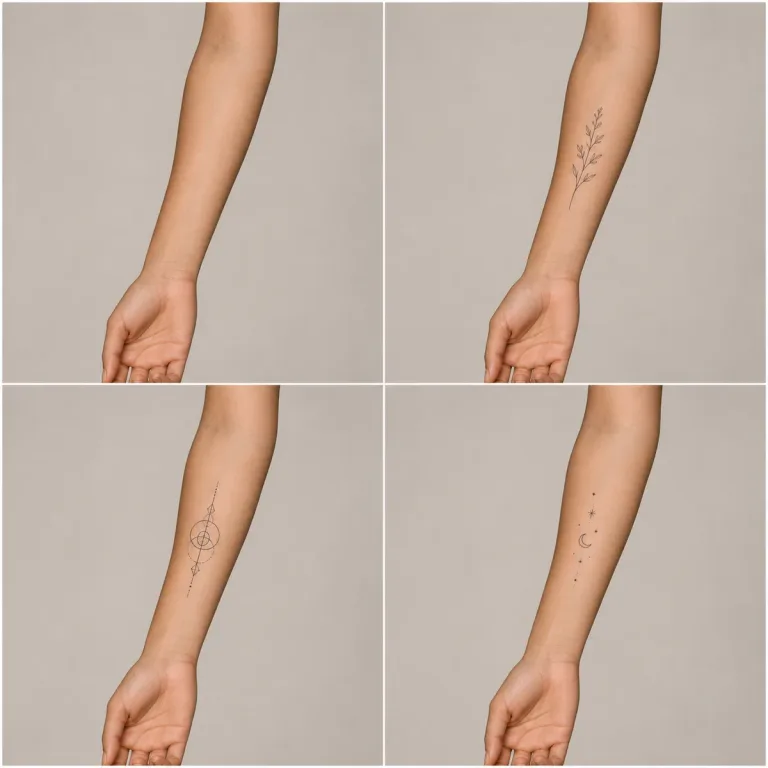
One Placement, Three Visual Directions
Use the output to discuss approximate scale and location; bring original artwork and measurements to your artist.
Try On a TattooSave up to 73% on plans
Image
Browse every other AI image model and effect published on this site in a continuous carousel.
The try-on prompt keeps the consenting adult, anatomy, skin tone and texture, pose, camera, lighting, clothing, scars, moles, and background anchored. It asks the tattoo to follow skin curvature with believable ink contrast and occlusion. AI cannot predict pain, healing, aging, allergy, scarring, exact color, artist technique, or how a stencil fits a moving body. Treat the image as a conversation draft and consult a reputable professional tattoo artist and clinician when appropriate.
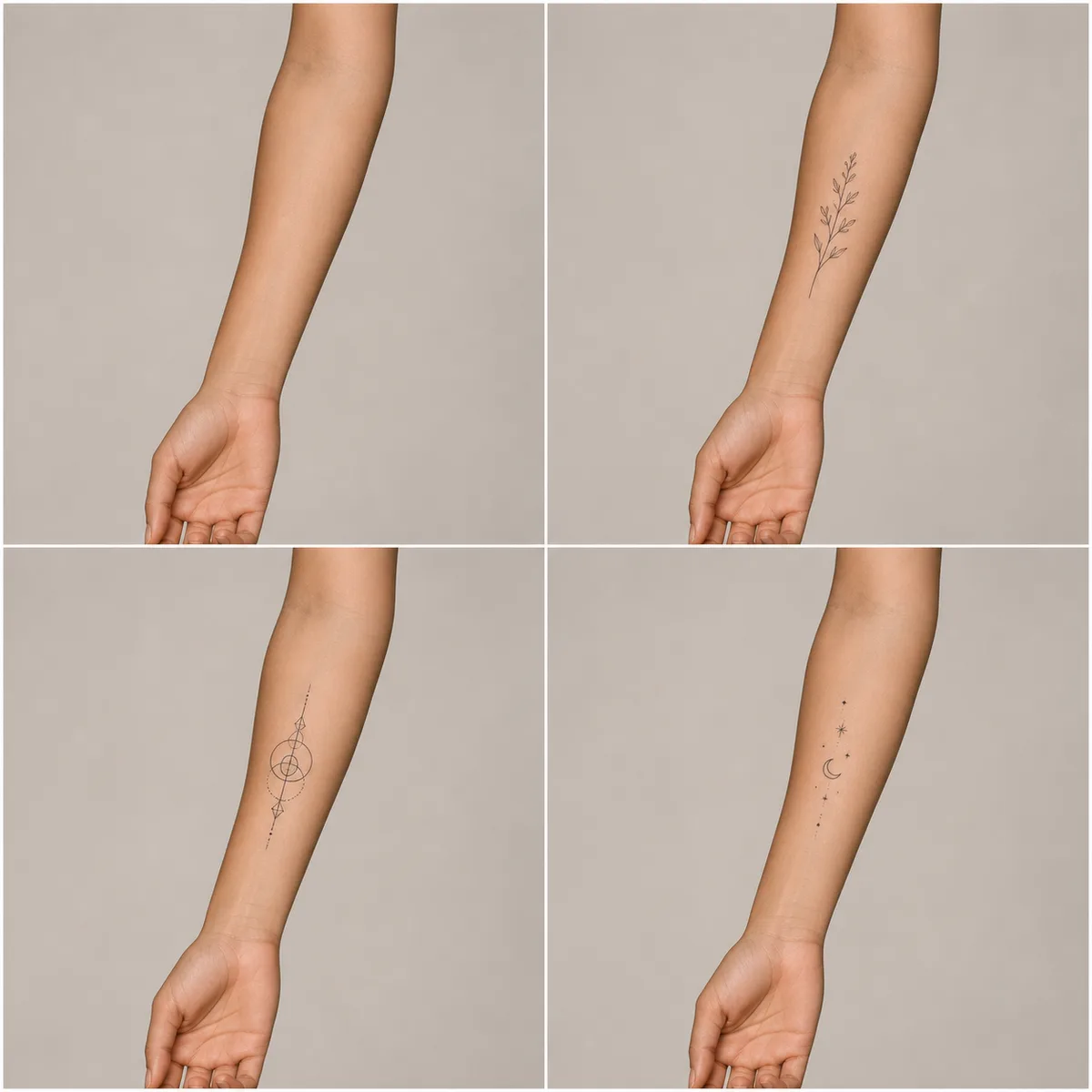
Compare fine botanical, geometric, and minimal celestial concepts on the same fictional adult forearm.
Use the output to discuss approximate scale and location; bring original artwork and measurements to your artist.
Try On a TattooA clear skin area and measured placement note produce a more useful draft.
Adults only. Use your own photo or one with clear consent, good light, an unobstructed skin area, and no sensitive or identifying context you do not want processed.
Choose an original direction and specify body area, approximate centimeters, orientation, and nearby landmarks without requesting protected art or harmful symbols.
Check anatomy, curvature, scale, skin texture, and design originality. A professional artist must adapt the concept to the body and safe tattoo practice.
The workflow limits the page to adults, authorized photos, and original designs.
The interface and prompt prohibit minors and require consent for the uploaded person.
Scale, curvature, pores, perspective, occlusion, and light are requested explicitly.
Presets avoid copied characters, logos, hate symbols, gang marks, and named artwork.
The preview cannot predict healing, reactions, pain, scarring, or final artist technique.
Answers about adults, placement, real tattoos, artwork rights, credits, and privacy.
Only use a clear photo of a consenting adult that you are authorized to process. Do not upload minors or intimate, deceptive, or non-consensual imagery.
No. Skin, placement, stencil adaptation, ink, artist technique, healing, aging, and lighting all affect the final result.
Only if you created it or have permission to use it. Ask your tattoo artist to redraw and adapt concepts rather than copying protected work.
No. Discuss allergies, skin conditions, medications, infection risk, aftercare, and other health concerns with qualified professionals.
New users receive the welcome credits shown in the generator. Generation uses NanoPic credits, and free-credit output includes a watermark.
Use an authorized adult photo, check placement, and take the draft to a professional artist.

80s Photo Filter adds warm, faded film color to your photo in the browser. Adjust strength, preserve clothing and framing, and download a PNG.
Open tool
AI Age Filter creates a natural older-look concept from an authorized adult portrait. Review identity, complete-head framing, light and scene after editing.
Open tool
AI Age Progression creates a target-age concept from an authorized adult portrait. Set an age interval and review identity, framing and scene after editing.
Open tool
AI Labubu Generator helps explore your own monster doll concept from an authorized reference. Create original shapes and outfits, with no official affiliation.
Open tool
Camera Roll AI turns an authorized reference photo into one lifestyle collage. Plan varied scenes and a phone-gallery-inspired layout, then save one image.
Open tool
Face in Hole Generator places an authorized face into your chosen photo or template. Upload two references, refine the blend, and save a creative portrait.
Open tool
Explore a Hotpot AI alternative with NanoPic’s independent Seedream 5.0 editor. Upload a reference, direct a visual concept, and review your image.
Open tool
Make Image Higher Resolution with real 2× or 4× browser resizing. Compare pixel dimensions and download PNG without claiming recovered detail.
Open tool
Remove Glare from Glasses in photos with an editable AI image prompt. Upload your portrait, reduce lens reflections, and review the result before using it.
Open toolTurn one authorized adult portrait into a realistic flashlight scene with a miniature stylized double. Generate, then inspect identity, hands, light, scale, and crop.
Open toolTry 12 original funny AI prompts on one authorized person or pet photo. Load, edit, generate, and review identity, anatomy, props, text, and visual coherence.
Open toolTurn one authorized photo into original blocky pixel art with six editable prompts. Generate, then review subject detail, geometry, text, rights, and composition.
Open tool