










Save up to 73% on plans

Free AI Drama Generator with Seedance 2
Sign In
Reference images(0/4)
Public VisibilityAllow this result to appear in public inspiration surfaces.
Credits required:—

Free AI Drama Generator with Seedance 2

Seedance 2

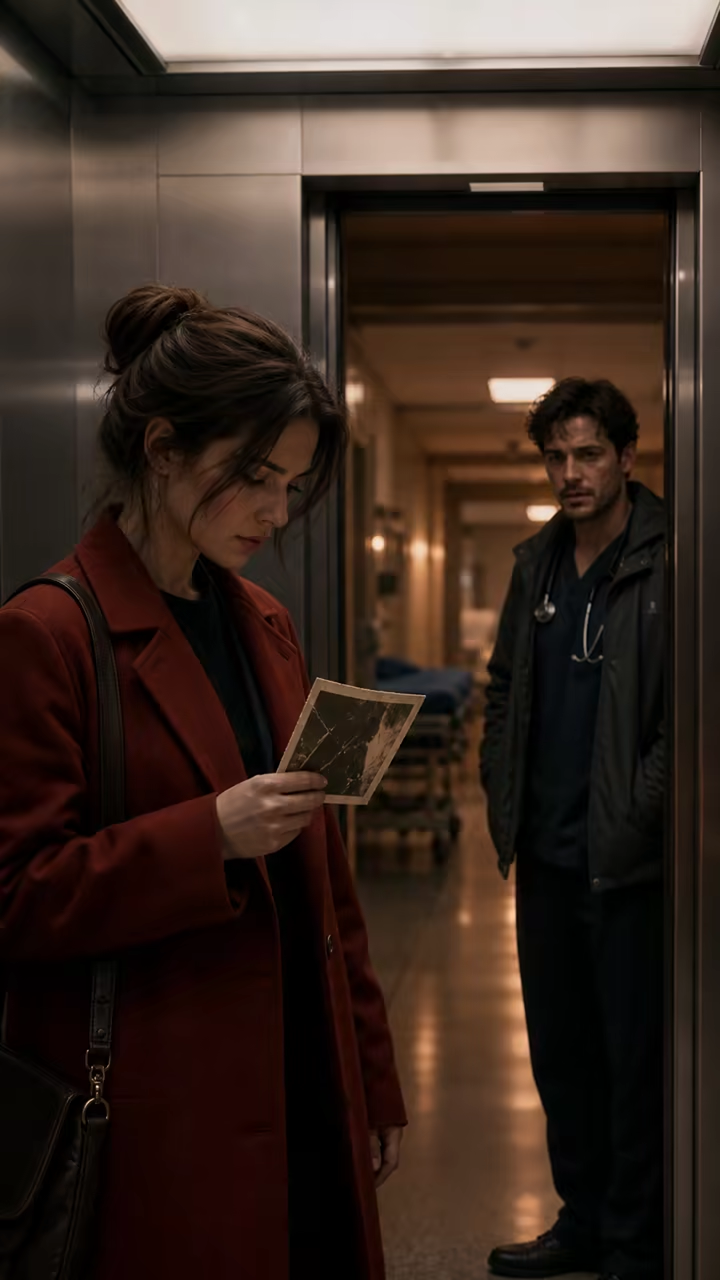
A journalist realizes that the doctor beside her is holding the same anonymous red envelope, ending on one controlled reaction.

Hospital elevator suspense reference

Hospital elevator suspense reference — still storyboard reference, not a generated video.

1/3

More AI Video Models & Effects

How the Free AI Drama Generator Uses 15 Story Materials

A strong reference board gives each file a clear production role. NanoPic's Seedance 2 reference-to-video workflow accepts a maximum of 15 uploaded materials in one request: no more than 9 images, 3 videos, and 3 audio files. The total is a ceiling, not a target. Most scenes work better with a small, intentional set than with fifteen contradictory references. Use material you own, created, licensed, or have permission to process.

Up to 9 image references

Use portraits for cast appearance, full-body images for wardrobe, location photographs for set design, prop close-ups for evidence or products, and storyboard frames for composition. Give each image one job. If two portraits disagree about hair, age, clothing, or lighting, the model must guess which details matter, so remove weak or duplicate files before generating.
Up to 3 video references

Short video references can communicate a camera push, walking cadence, fabric movement, gesture, rain behavior, or environmental motion. They guide motion rather than becoming an editing timeline. Do not expect NanoPic to splice the uploaded clips together or preserve every frame. Keep references brief, visually legible, and relevant to the same dramatic beat.

Up to 3 audio references

Audio can suggest room tone, rain, mechanical ambience, a music mood, or a sound-effect texture. It does not guarantee exact dialogue, perfect lip synchronization, or a finished soundtrack. Avoid uploading copyrighted songs you cannot use. For a dialogue-led drama, generate the visual shot first and add approved voice, music, and mixing during editing.

Original Reference Boards for Short Drama Scenes

These fictional images were created for our own workflow and demonstrate useful reference roles. They are not frames copied from a competitor, a film, or a social account. Each idea stays inside one location and resolves one visible dramatic turn.

Separate cast references from the storyboard

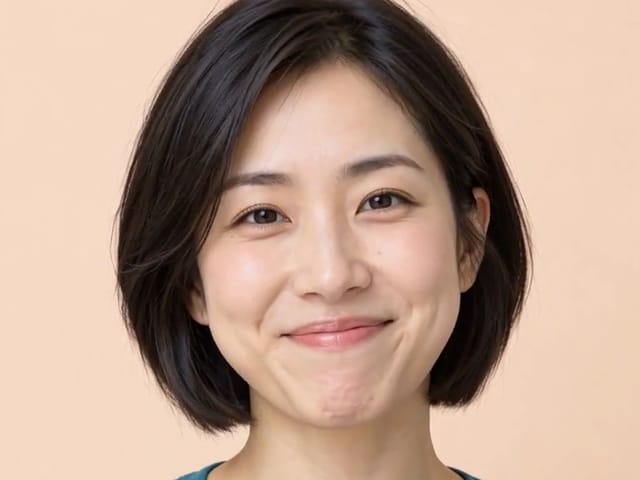
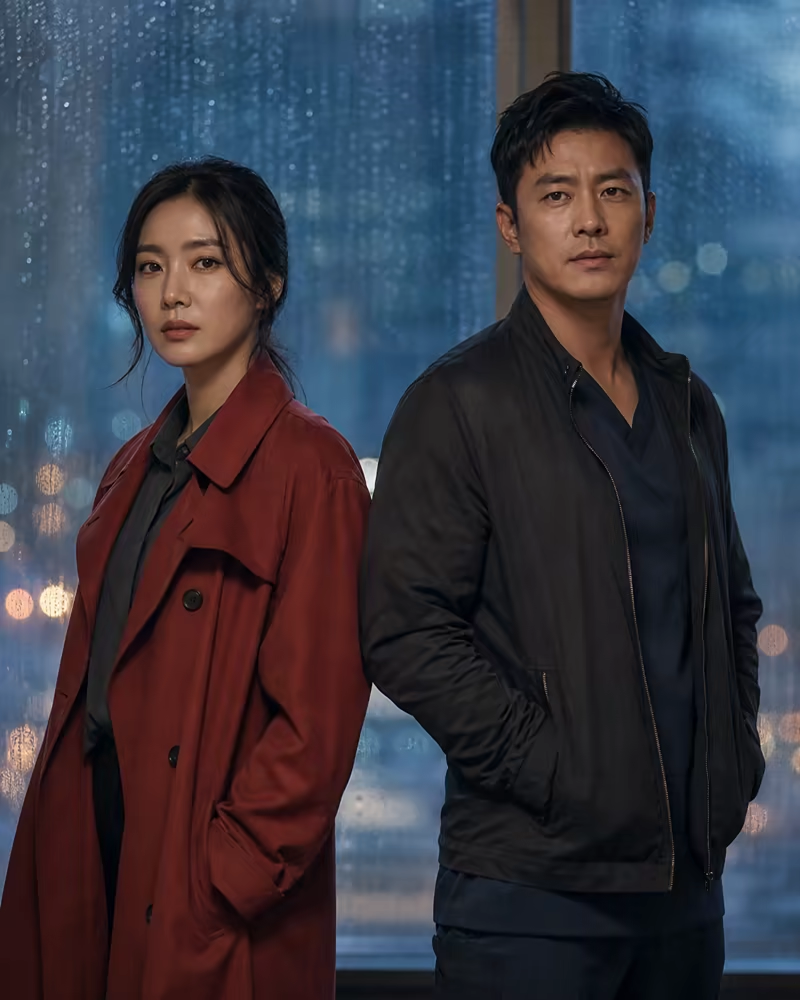
Start with a clean portrait or two-person cast image, then add a location or storyboard frame. In the elevator example, the character image establishes the fictional journalist while the vertical storyboard establishes framing, fluorescent light, and the red-envelope reveal. This is more precise than asking one image to define identity, wardrobe, setting, prop, camera, and action at once.

Start a Cast Board
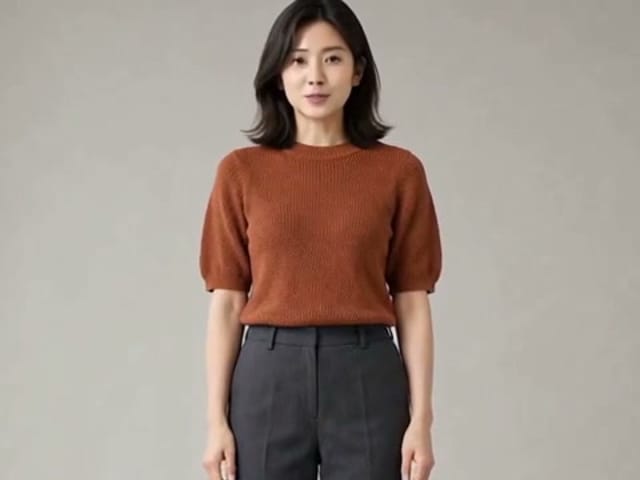
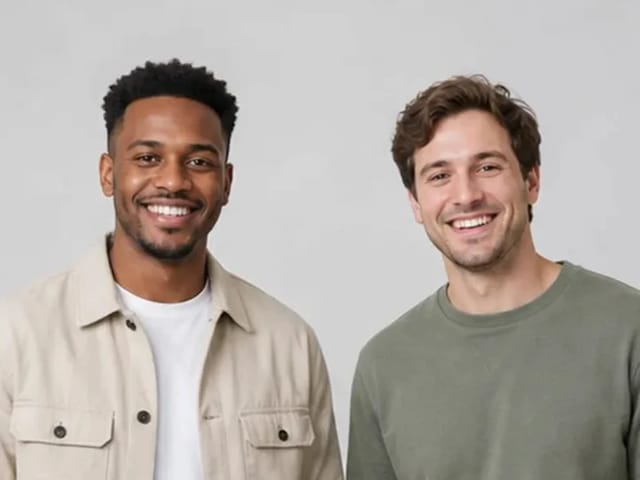
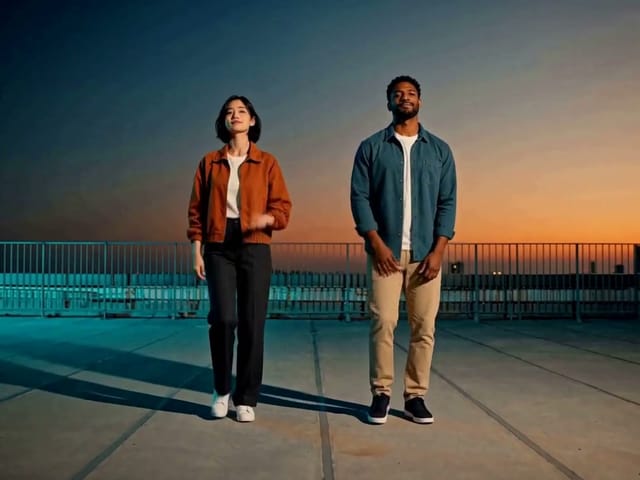
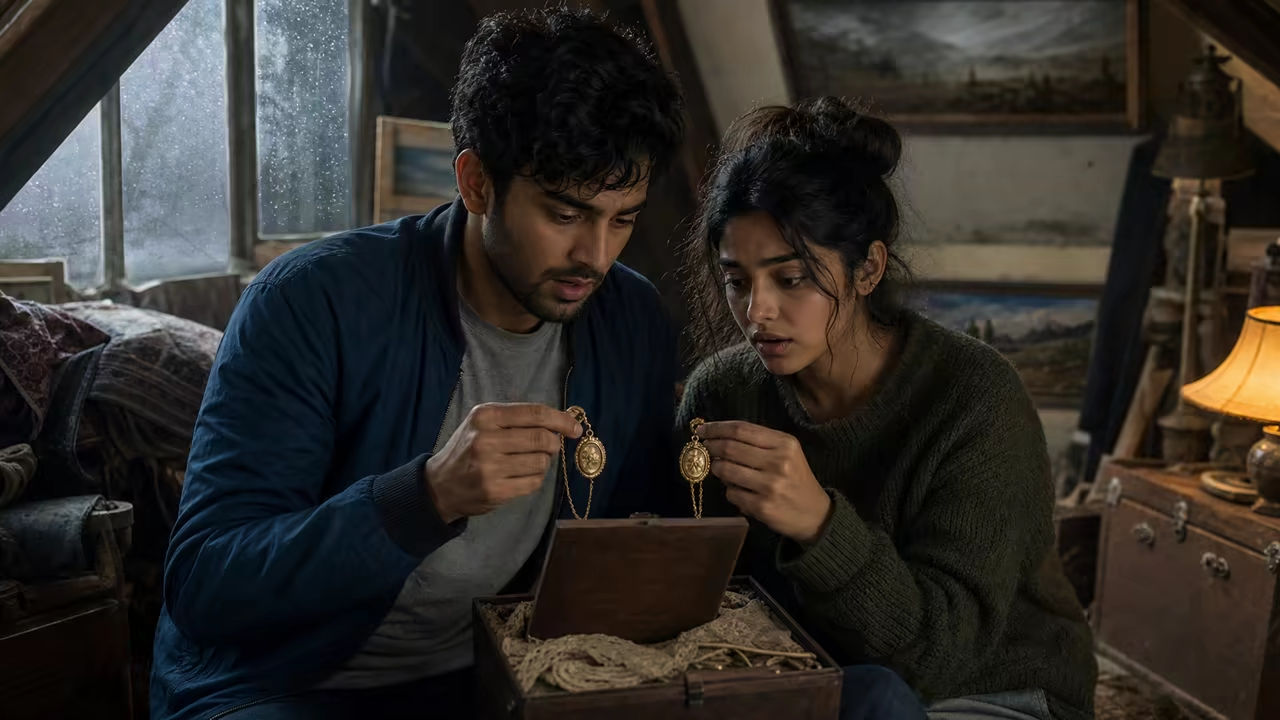
Original fictional two-character cast reference for an AI drama scene

Use one visible prop to carry the conflict

A letter, photograph, sketchbook, key, receipt, or damaged object gives the viewer something concrete to read without relying on generated dialogue. The family-secret example uses an old photograph hidden inside a recipe book. The prompt describes who reaches for it, who stops the hand, and where the camera holds. Later scenes can explain the secret in separate clips.

Try a Prop-Led Beat
Original family-secret storyboard with a recipe book and hidden photograph

Match the storyboard ratio to the destination

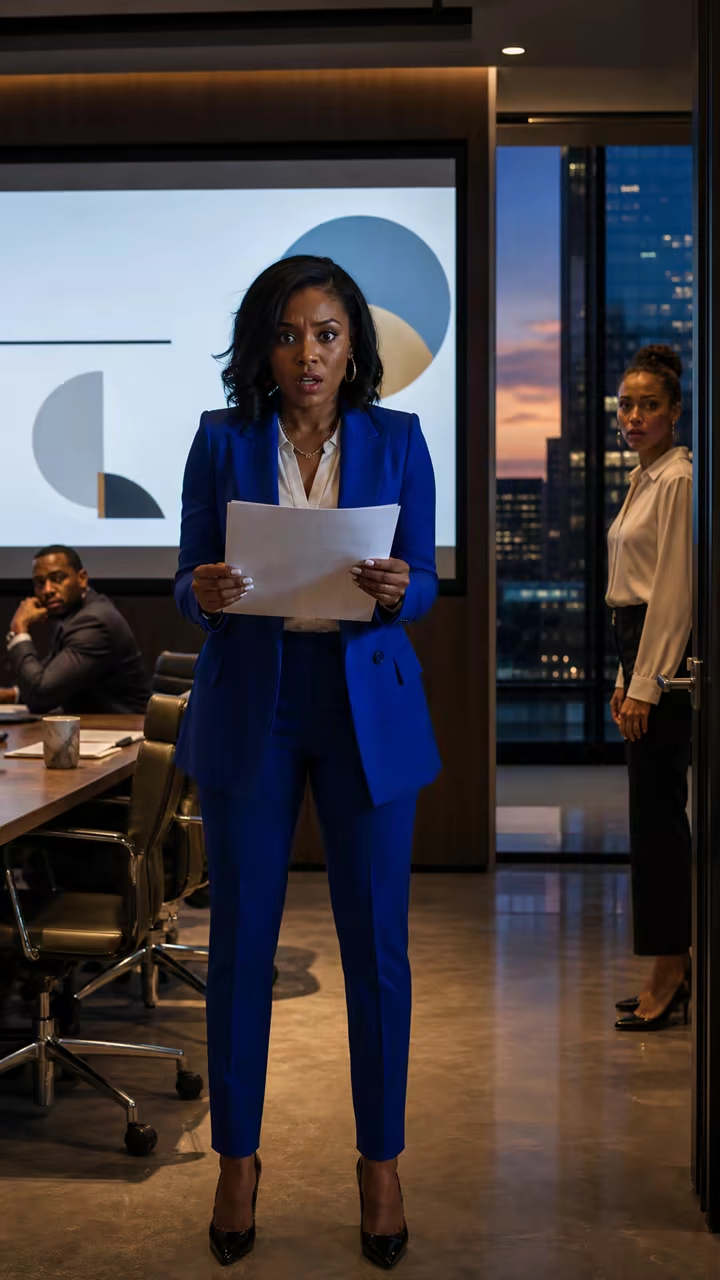
Use 9:16 when the shot is designed for a vertical feed and 16:9 when you need a landscape pitch frame or cinematic draft. The workplace cliffhanger keeps the character, laptop, and dated sketchbook readable in a tall composition. Planning the frame before generation is safer than cropping away the evidence or a character reaction afterward.

Create a Vertical Beat
Original vertical workplace cliffhanger storyboard reference

Write a Seedance 2 Drama Prompt the Camera Can Follow

A screenplay excerpt can inspire the shot, but a video model needs visible direction. Reduce the script to one dramatic beat, then describe format, location, cast, conflict, physical action, camera, lighting, sound, and the final visual reaction. Explicitly name which uploaded reference controls which detail when the relationship would otherwise be ambiguous.

Define one change

Choose the exact moment that changes the scene: a hidden message appears, a person recognizes someone, evidence is placed on a table, or a forbidden object begins to glow. A visible turn gives the clip a beginning and ending. Backstory, consequences, and alternate endings belong in later prompts, not in the same generation.

Direct action instead of emotion labels

Replace “she feels betrayed” with something the camera can see: she closes the laptop, steadies her breath, and places the dated sketchbook under the projector. Reference images establish appearance; the prompt still needs to state who moves, what changes, and which detail should be visible at the end.

Keep motion and sound restrained

Ask for one camera move and a small set of environmental sounds. A slow push-in with quiet elevator hum is easier to control than three cuts, a chase, dialogue, music, and an explosion. Uploaded motion and audio references are guidance, not a demand to recreate protected performances or exact recordings.

How to Make One AI Short Drama Clip

Treat the generator as a shot-development workspace. Each generation should answer one creative question before you spend credits on more variations or begin the next story beat.

1. Curate the reference board

Upload only the files that clarify this shot. A practical starting set is one cast portrait, one wardrobe image, one location frame, one prop close-up, and one storyboard. Add a motion or ambience reference only when words would be less clear. Stay below 9 images, 3 videos, 3 audio files, and 15 total materials.

2. Assign every file a role in the prompt

Tell Seedance 2 which image defines the protagonist, which frame defines the location, which clip supplies camera rhythm, and which audio file supplies ambience. If a reference is decorative rather than necessary, remove it. Clear relationships reduce conflicts between wardrobe, lighting, space, motion, and sound direction.

3. Generate a short reviewable draft

Begin at the displayed default settings and review face stability, hands, props, blocking, camera direction, timing, and sound. Generation consumes credits even when you are testing; free access to the workflow does not mean unlimited free renders. Simplify a drifting result before increasing duration or resolution.

4. Build the episode in an editor

Save the strongest shot, create the next beat as a separate generation, and assemble approved clips outside this page. Dialogue recording, lip sync, captions, music licensing, sound mixing, continuity review, transitions, color correction, and final delivery remain normal production and editing tasks.

Where a Multi-Reference AI Drama Generator Helps

The most useful projects need a fast visual draft or a consistent direction board, not a misleading promise that one click replaces an entire production team.

Vertical micro-drama hooks

Test several 9:16 opening reveals before scripting or producing a longer episode. Keep the protagonist, evidence, and final reaction readable on a phone, then compare which premise communicates fastest.

Previsualization and pitch scenes

Combine cast, set, wardrobe, and storyboard references into a motion draft that clarifies framing and mood for a client, editor, director, or internal review. Label AI-generated clips accurately and keep approved source references with the project notes.

Original fantasy and animation concepts

Use character art, environment studies, magical props, motion examples, and sound textures to explore a contained scene. Avoid recognizable copyrighted characters or unlicensed music, and expect to review every generated detail for consistency.

Brand-story shot development

Create a fictional spokesperson scene, product reveal, or customer-problem moment using authorized brand assets. Keep logos and readable claims out of the generative shot when accuracy matters; add approved graphics and disclosures during editing.

Credits, Watermarks, Model Limits, and Responsible Use

Free means you can open the page, arrange materials, edit the prompt, and inspect available controls without a subscription wall. A submitted Seedance 2 task still uses credits and remains subject to account, provider, safety, file, and output policies.

Credits are shown before generation

The generator displays the required NanoPic credits before submission. Cost can vary with the model route, duration, resolution, audio, and current pricing configuration. Promotional or earned credits may be used when available, but this page does not promise unlimited free video generation or a permanently fixed credit price.

Watermark and export conditions can vary

Preview, download, watermark, visibility, and retention behavior can depend on the active plan and provider response. Review the result and download options shown in your account before publishing. Do not treat a clean storyboard image on this landing page as a guarantee that every generated video is watermark-free.

Consistency is assisted, not guaranteed

Multiple references can improve guidance, but Seedance 2 may still change a face, hand, costume detail, prop, background, timing, or audio interpretation. Conflicting uploads can reduce consistency. Review every frame and sound before continuing the story, especially when a real person, sensitive topic, or factual claim is involved.

This is not a full editing timeline

The workflow creates one generated clip per task. It does not automatically produce an unlimited-length drama, cast actors, write a full screenplay, maintain perfect continuity across episodes, synchronize exact dialogue, license music, or deliver a final multi-scene edit. Those steps require separate generation, review, and editing.

Free AI Drama Generator FAQ

Answers about the 15-material reference workflow, Seedance 2, credits, sound, consistency, and final editing.

Is the NanoPic AI drama generator free?

You can open the workflow, arrange materials, write the prompt, and inspect controls for free. Submitting a Seedance 2 video task uses NanoPic credits, and the required amount is displayed before generation. Available promotional or earned credits may help cover a task, but the page does not promise unlimited free renders.

How many materials can I upload?

The Seedance 2 reference-to-video workflow supports up to 15 materials in one request: a maximum of 9 images, 3 videos, and 3 audio files. Both the per-type limits and the 15-file total apply. You do not need to fill every slot; fewer, more consistent references are often better.

What should the image references contain?

Use authorized portraits for cast appearance, full-body images for wardrobe, location photos for the set, close-ups for important props, and storyboards for composition. Tell the prompt what role each image plays, and remove duplicates or files that disagree about the same character or place.

Will uploaded videos be edited together?

No. Video references guide motion, camera rhythm, gesture, or environmental behavior; they are not automatically placed on a timeline or stitched into the output. The generated result is one new short clip. Assemble approved shots and source media later in a video editor.

Can audio references create exact dialogue and lip sync?

Do not rely on this workflow for exact spoken dialogue or perfect lip synchronization. Audio references are best used for ambience, pacing, music mood, or sound texture. Record and license final voices, music, and effects separately, then mix them during post-production.

Can it create a complete drama series in one generation?

No. NanoPic creates one short, reviewable drama clip per task. Split a longer script into visual beats, generate and review each shot separately, and use an editor for scene order, continuity, dialogue, captions, sound design, transitions, color, and final delivery.

Does Seedance 2 guarantee the same characters in every scene?

No generative video workflow guarantees perfect identity or wardrobe continuity. Clear cast references and consistent prompts can improve guidance, but faces, hands, clothing, props, and backgrounds may still drift. Review every result before using it as the reference for another shot.

Will every generated video be watermark-free?

Watermark and export conditions can depend on the active plan, provider response, and current product policy. Check the download and visibility information shown with your task. Landing-page examples are original visual references, not a promise about every account's final export.

Create One Clear Drama Beat with Seedance 2

Choose a small set of authorized cast, setting, prop, motion, and audio references. Define one visible turn, review the required credits, and generate a short clip you can evaluate before building the next scene.

Related tools

25th Anniversary Video Maker

25th Anniversary Video Maker

Make a short silver 25th anniversary video concept from one or two authorized couple photos. Add names, year, mood, motion, and editor-ready greeting space.

Open tool
Storyboard cover of two fictional adults sharing a hug

AI Hug Video Generator

AI Hug Video Generator turns an authorized photo of consenting adults into a five-second friendly hug. Review faces, hands, clothing and scene throughout.

Open tool
Animate Picture

Animate Picture

Animate a picture into a short AI video. Upload one authorized photo, describe subject and camera motion, review the live credit cost, and generate with Seedance.

Open tool
Birthday Video Maker

Birthday Video Maker

Create a short birthday video concept from one or two authorized photos. Direct the theme, transition, motion, format, and clean space for exact editor-added greetings.

Open tool
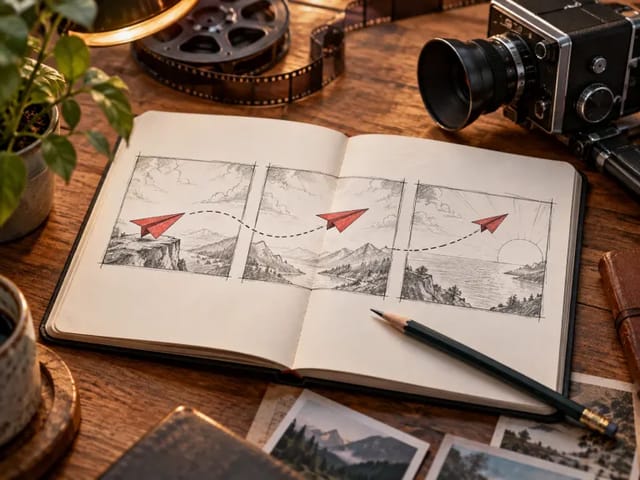
Draw to Video: Animate Images with Motion Arrows

Draw to Video: Animate Images with Motion Arrows

Draw to Video lets you add arrows, text and brush strokes to an image, then generate an AI video from your motion guide. Edit, save, create and download.

Open tool
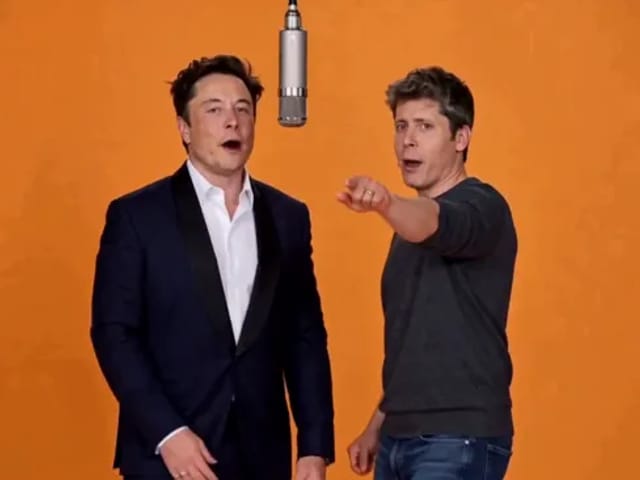
Elon Musk + Sam Altman

Hotel Lobby AI

Turn two photos into a 15-second orange-studio rap duo with MiniMax H3. Explore five actual videos, inspect their inputs and choose your left and right performers.

Open tool
STORM II dance with a lead and coordinated supporting dancers

STORM II Dance AI Video Generator | NanoPic

Create a STORM II dance with your lead photo and an AI-generated motion reference. Add a supporting cast, compare three videos and review your result.

Open tool
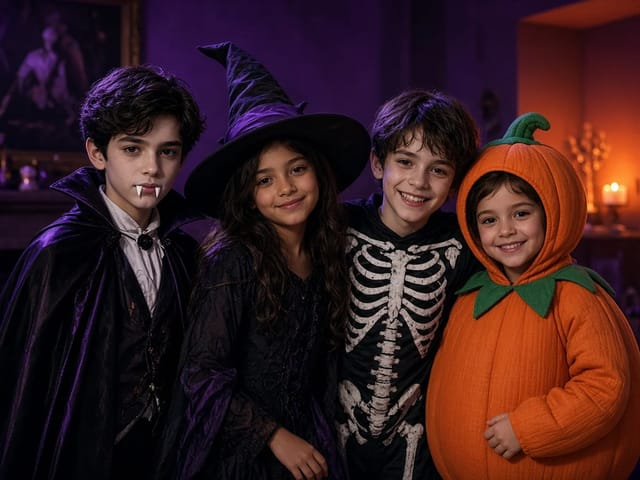
Four children dressed as a vampire, a witch, a skeleton and a pumpkin posing together in a candlelit room

AI Halloween Costume Transformation Video | NanoPic

AI Halloween costume transformation from one photo: pick a vampire, witch, skeleton or pumpkin look and watch your outfit change in smoke in a short video.

Open tool
AI Rap Battle Generator

AI Rap Battle Generator: Two Photos, One Battle Video | NanoPic

Upload two photos and create an AI rap battle video. Each side takes a turn in a short widescreen clip you can review before posting.

Open tool
Cover still for anijam ai video maker

Anijam AI Video Maker Online | NanoPic

Use anijam ai video maker on NanoPic: upload one authorized photo, describe motion in plain words, review credits, and check every frame before sharing.

Open tool
Silhouette of a witch riding a broomstick across a full moon over a misty forest

Broom Riding AI - My Ride Is Here Broom Video | NanoPic

Broom Riding AI puts you on a flying broom beside a moving car in the My Ride Is Here trend. Upload one photo, get a 10-second clip and add your own sound.

Open tool

EveryGen AI Video Generator | NanoPic

EveryGen AI video generator: describe a scene in plain words, choose a frame shape and turn your idea into a short AI video you can watch and download.

Open tool
Creative desk with a printed lake photo, a phone showing a sunset and a watercolour flower sketch

EzCreate AI Image & Video Generator: Edit and Animate Photos

Use the EzCreate AI Image & Video Generator online to turn your own photos and ideas into new pictures and short video clips.

Open tool

Hedra Character 3 AI Video Generator: Lip Sync | NanoPic

Hedra Character 3 AI video generator: upload a portrait, mascot or cartoon, type a line, and get a lip-synced talking or singing character video.

Open tool
Two stills side by side: a bearded man playing guitar on a park bench in autumn on the left, and an elderly woman in a red cardigan in the same pose on the same bench on the right

Higgsfield Genjutsu AI Video Generator – Recast | NanoPic

Higgsfield Genjutsu style video editing on NanoPic: keep the motion and camera of your clip and recast the person, outfit, product or setting from photos.

Open tool
Open notebook on a desk at night with glowing film frames of a castle, a forest and a starry sky rising from the page

LoreMotion AI Video Generator: Text to Video | NanoPic

Write a short scene or upload a photo and the LoreMotion AI video generator turns it into a short AI video clip you can download and share.

Open tool
White and orange sneaker on a round turntable with a circular motion arc

MiniMax H3 360 Orbit AI Video Generator | NanoPic

Turn one photo into a MiniMax H3 360 orbit video: upload a product, shoe, figure or portrait and watch your subject turn a full circle in place.

Open tool

Opus Clip Free AI Video Generator: Vertical Clips | NanoPic

Opus Clip free AI video generator: describe a scene in a few sentences and turn it into a short vertical 9:16 video clip.

Open tool
Pavo AI Video Generator: Turn Text into AI Video

Pavo AI Video Generator: Text to Video | NanoPic

Pavo AI video generator: write one scene, pick the length and frame shape, and turn your text into a short AI video with natural motion and steady framing.

Open tool
Orange tabby cat and pug rapping in a grand lobby for a pet rap video cover

Pet Rap Video Generator: Make Your Dog or Cat Rap | NanoPic

Turn clear pet photos into a short pet rap video. Cast left and right subjects, generate a vertical draft, and review identity before you share.

Open tool
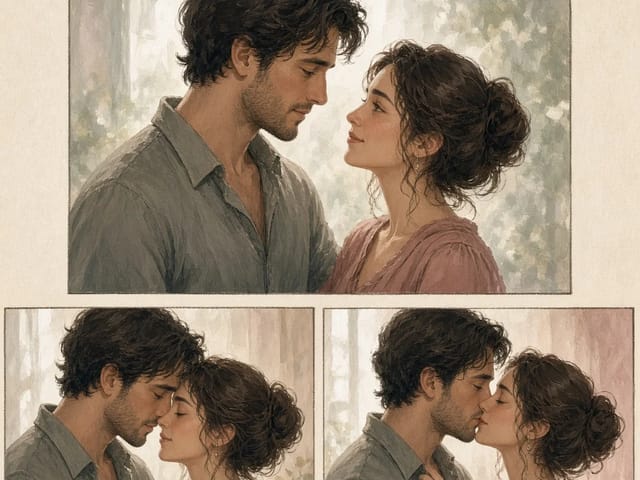
Storyboard cover of fictional adults for a kissing motion

pollo ai kissing — Couple Photo or Two Singles | NanoPic

Run pollo ai kissing on NanoPic: upload one authorized adult couple photo or two single adult photos for a five-second tender kiss clip. Confirm consent and review every frame.

Open tool
Illustrative tiny desk ai desk-concert cover

tiny desk ai — Desk-Concert Video from Photos | NanoPic

Make a tiny desk ai desk-concert clip from 1–5 adult photos. Vertical 15s 9:16 office soul-band with model-generated audio.

Open tool