
One style, many looks
Vikas editing covers saree, festival, romantic, studio and profile looks. Pick the one you like and make it yours by changing the outfit color or setting.
Save up to 73% on plans
Vikas editor style is the viral Vikas Edit look from Indian editing creators: rich saree portraits, festival scenes, romantic studio shots, moody monsoon frames and clean profile pictures. Upload your photo, pick a vikas editor prompt and get a restyled portrait that still looks like you.
Vikas editing covers saree, festival, romantic, studio and profile looks. Pick the one you like and make it yours by changing the outfit color or setting.
Start with a vikas editor photo here, then turn the finished picture into a Reel or Short.
The popular Vikas editor prompts follow the calendar: Navratri and Diwali portraits, saree and wedding looks, birthday posts, couple and anniversary edits, monsoon moods and profile pictures.
Choose a recent picture with one person, a front or three-quarter angle, even light and nothing covering the eyes. A file straight from your camera roll holds more detail than one saved from a chat.
Press Use on a card. The full prompt loads into the generator. Change the [bracketed] color or details to suit you.
Choose the frame that fits where you will post: feed, profile picture or Stories. Look at the face first. If it looks off, run the same prompt again before you start rewriting it.
The prompts here are plain text, so they work in other image tools too.
Every vikas editor prompt here is plain text. Open a card and press Copy. In the image tool you use, attach one clear photo of yourself, paste the prompt and send. If it does not look like you, ask it to keep your face unchanged and try again.
Create a tall photo for Stories, then make it move with the NanoPic AI video generator and post it as a Reel or Short.
You want your vikas editor result to look like you. These habits help the AI keep your features.
A face in shadow is hard to match. Soft daylight on your face and no beauty filter help your edit look like you.
Change the outfit and scene freely, but keep the closing sentence of each card, which asks to keep your face.
Each run gives you a new picture, so try a few and keep your favorite.
Upload only photos of yourself or of people who agreed to it. Keep the people in your edits recognizable as themselves, and do not present a made-up scene as a real event.
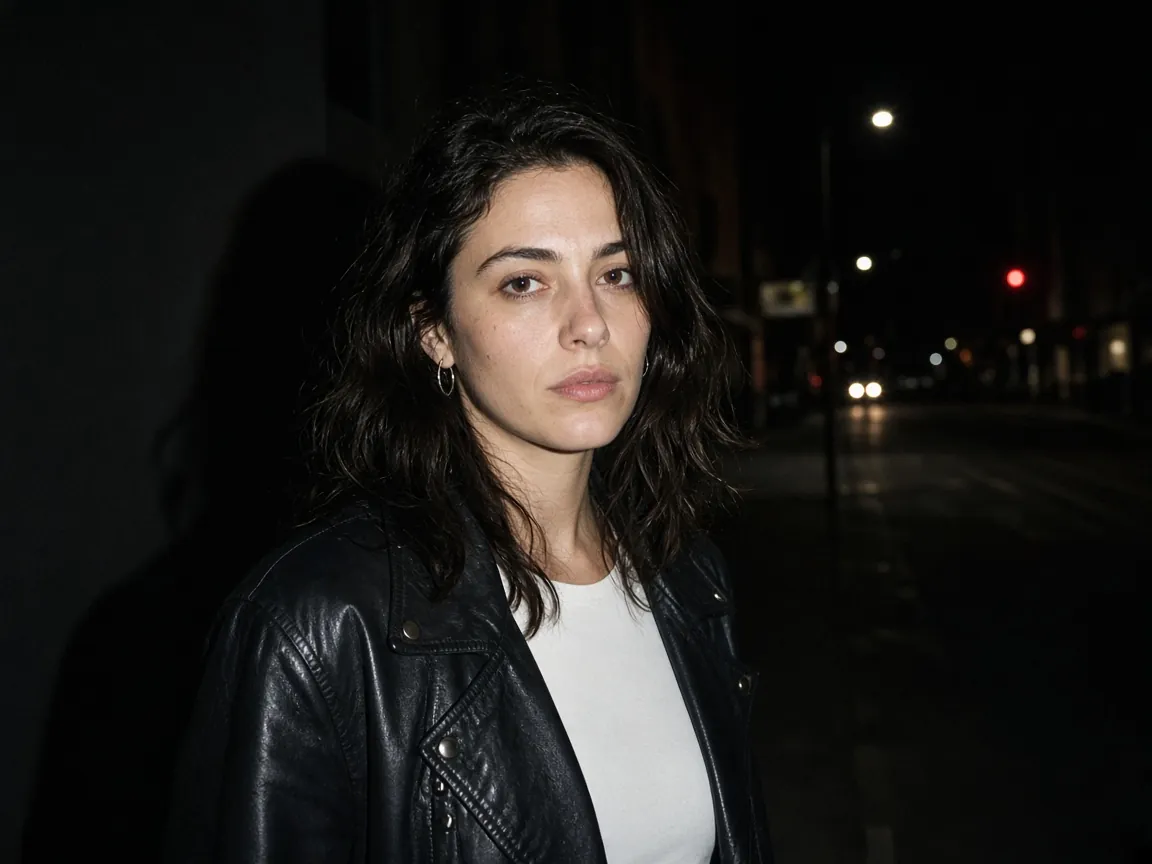

Vikas Editor is the Vikas Edit style of AI photo editing. You upload a photo, pick a look such as saree, festival or studio, and get a new portrait of yourself in that style.
NanoPic is an independent AI image tool and is not affiliated with Vikas Editor or any Vikas creator.
Upload one clear photo to the vikas editor generator, press Use on a prompt card, adjust the [bracketed] details and create. You can also copy a card into another image tool together with your photo.
You can use the vikas editor generator in your mobile browser, with nothing to install. Upload straight from your phone gallery on Android or iPhone.
Start from the vikas editor card closest to the look you saw, change the color, outfit or place to fit you, and create.
Yes. Create a tall vikas editor photo, then turn it into a short video with the NanoPic AI video generator.
The vikas editor prompt cards are ready-made photo looks you can edit. Your finished portrait can then go into any Reel or Short you edit afterward.
Upload only photos of yourself or of people who agreed. Do not use these prompts to create misleading images of real people. The NanoPic privacy policy explains how uploads are handled.
The usual causes are a dark or filtered photo, several faces in one picture, or a prompt with too many changes. Use a clear single-person photo and create again.
Yes. Any vikas editor card can be adapted. For couples, make sure both faces are clear and ask for each person to stay recognizable. For birthdays, add cake, balloons or a party backdrop to any card.
Go back to the generator, pick a Vikas editor prompt, upload your photo and create your own saree, festival or studio look.