




















Save up to 73% on plans

Bicep Heart Trend AI
Sign In

Bicep Heart Trend AI

Your photo (required)*(0/1)

Please add the required Your photo (required) before generating.

0 / 300

Public VisibilityAllow this result to appear in public inspiration surfaces.

Your bicep heart trend video

Video

Bicep heart trend at home
1 / 4

More AI Video Models & Effects

What is the bicep heart trend?

The bicep heart trend is a short vertical video format that took off on TikTok in late October 2026 and spread to Instagram Reels and Facebook within days. Facing the camera, you raise one arm into a classic flex with the fist near your head, then bring your free hand across your chest, curve it into a C and rest it against the upper arm so your fingertips meet the fist. The curve of the hand and the curve of the muscle close into one heart. The bicep heart trend works because it mixes the toughest pose in the gym with the softest message, and you do not need big arms: the hand draws most of the heart. People post it as a playful thirst trap, a gym check-in, or a little heart sent to a partner, a crush or a friend. Bicep Heart Trend AI on NanoPic lets you join without filming, lighting or practicing in the mirror. You upload one photo, and the effect follows a fixed bicep heart performance so the clip moves from a calm start to the flex and finally to the held heart, while your photo decides who appears on screen. Every result is AI-generated, so label it as AI when you post.

How to make a bicep heart trend video

Three steps from one photo to a finished bicep heart clip.

Upload one waist-up photo

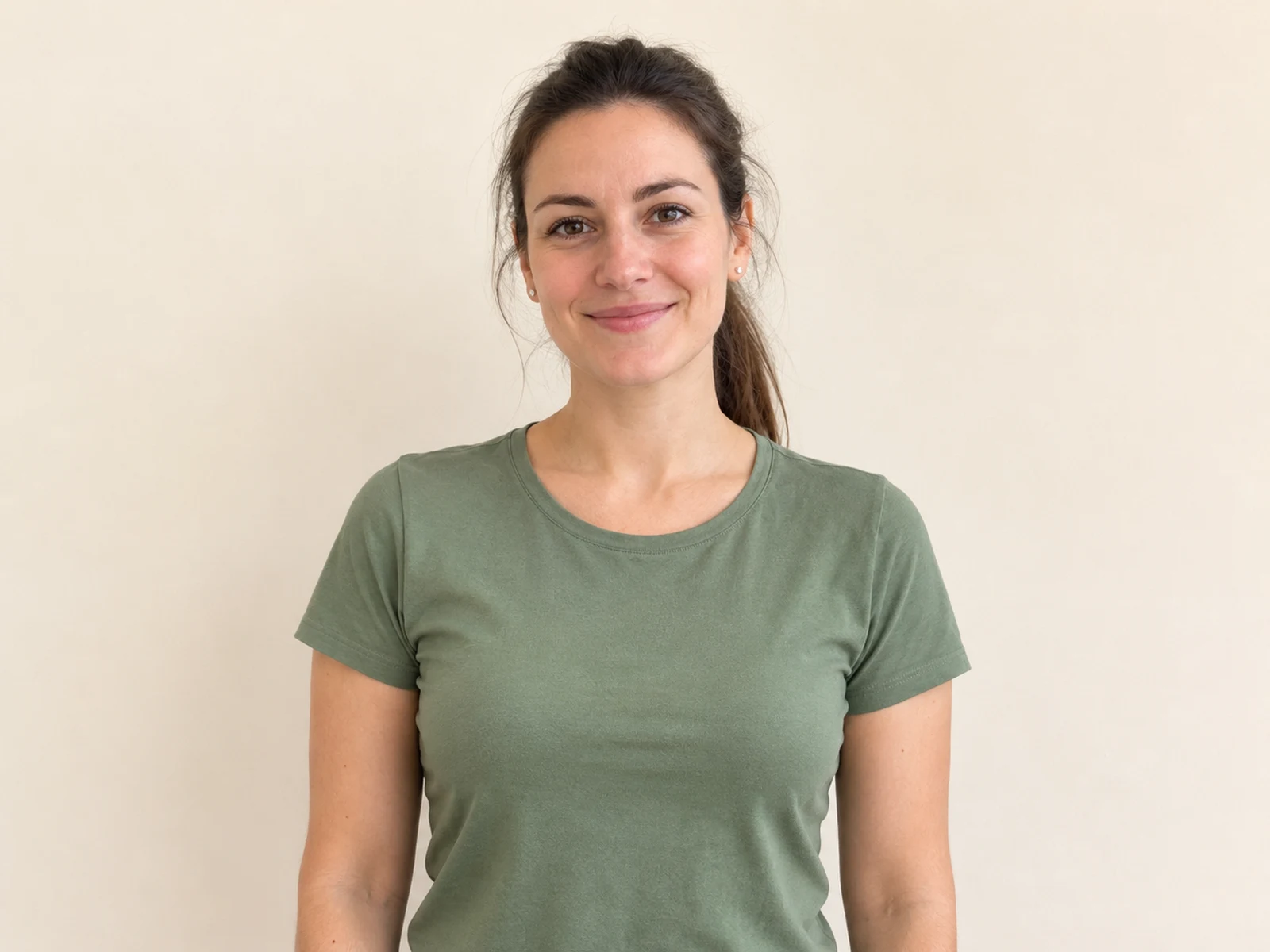
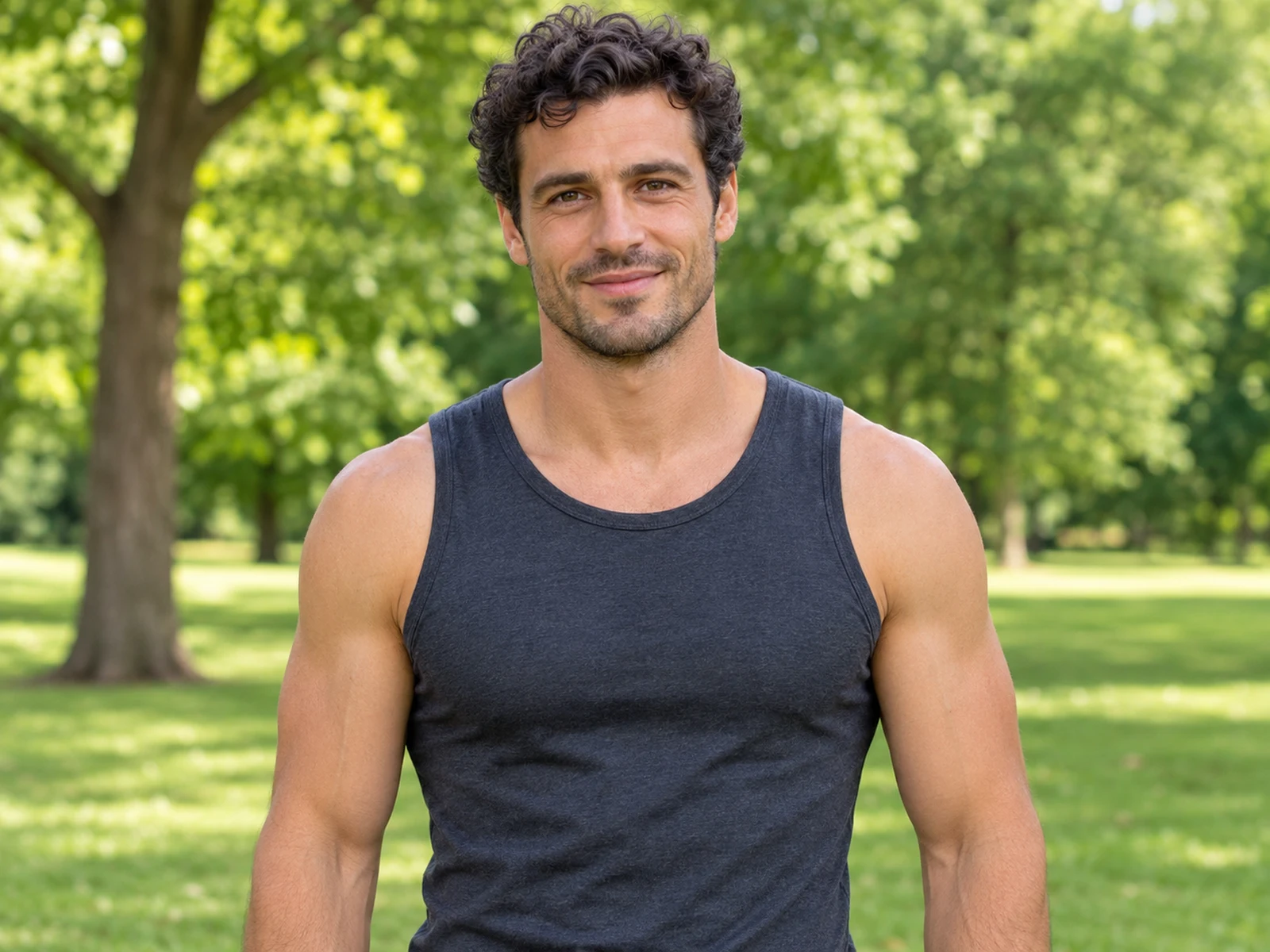
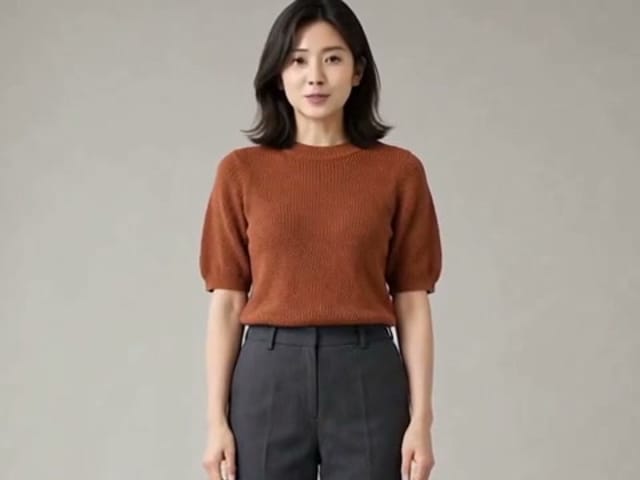
Start with one sharp JPG, PNG or WebP of one consenting adult, up to 10 MB. Frame the person from the waist up, facing the camera, with both arms and the space beside the elbows in view, because the flex rises above the shoulder. Short sleeves, a tank top or a fitted tee show the bicep heart trend best, since a loose sleeve hides the curve of the arm. Skip group photos, crossed arms, sunglasses and heavy beauty filters. Never upload anyone under 18 or anyone who has not agreed to be animated.

Try the bicep heart
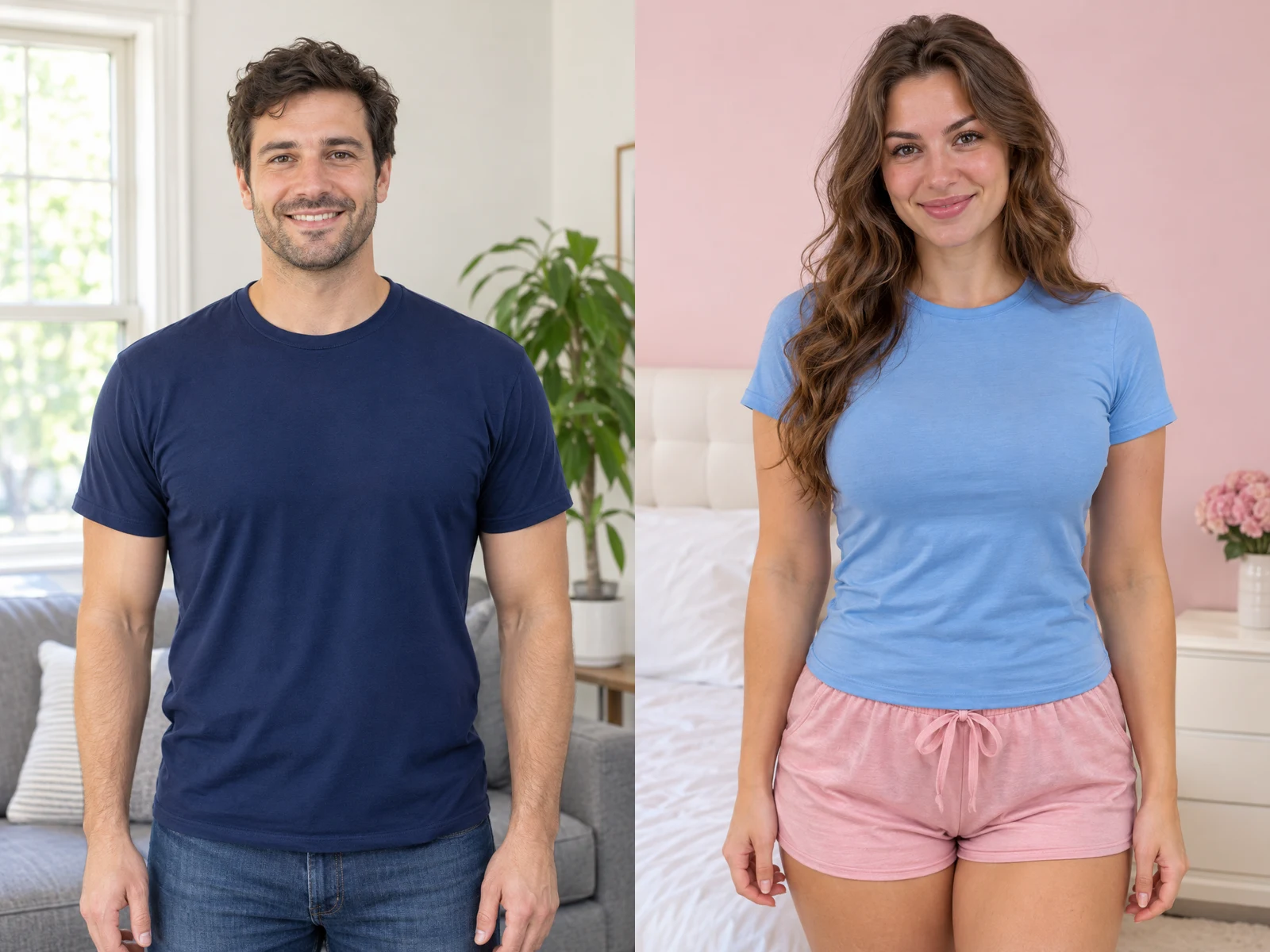
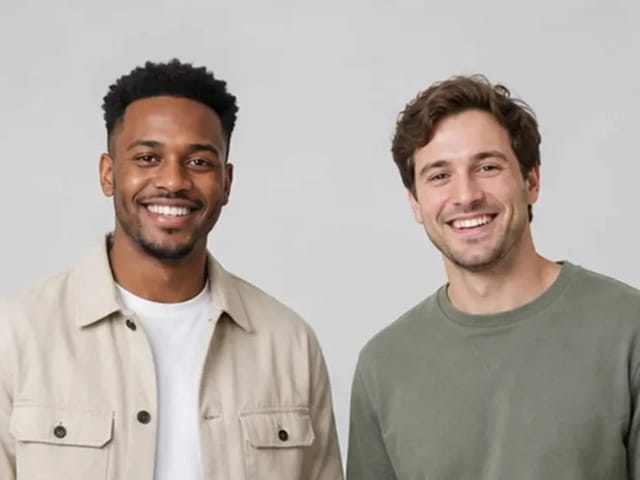
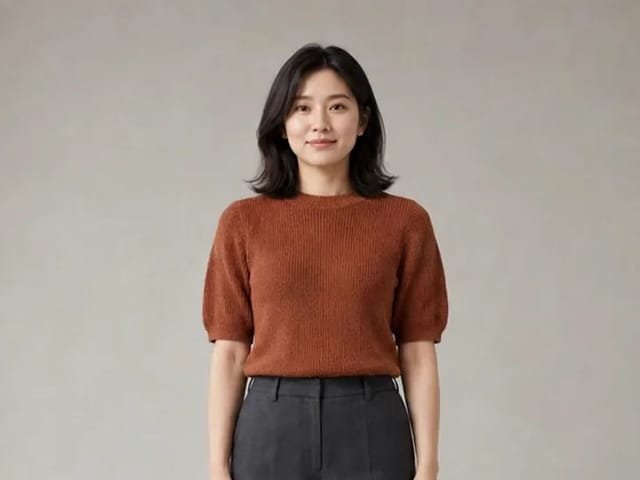
Two good input photos: a man and a woman, waist-up, facing the camera, arms relaxed

Add an optional note and generate

The bicep heart move is already set, so you do not need to describe the pose. If you like, type a short note such as a shy smile, a proud grin or warm evening light, and keep it to one sentence. Do not ask for a different person, a celebrity look or extra people in the frame. Press generate; credits for each render show in the generator before you start. You can leave the tab open and come back when the result panel is ready.

Try the bicep heart
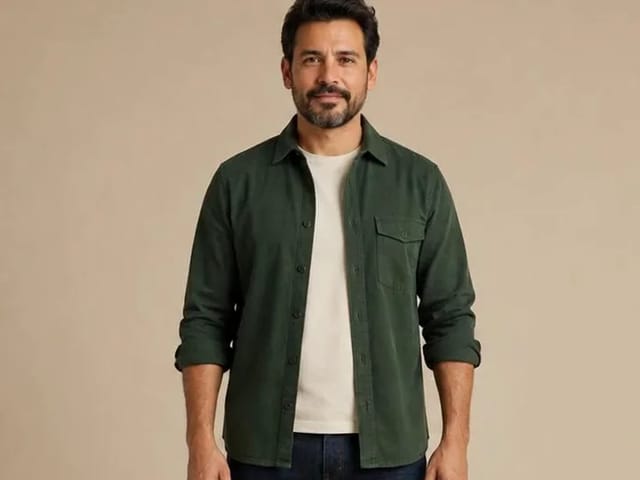
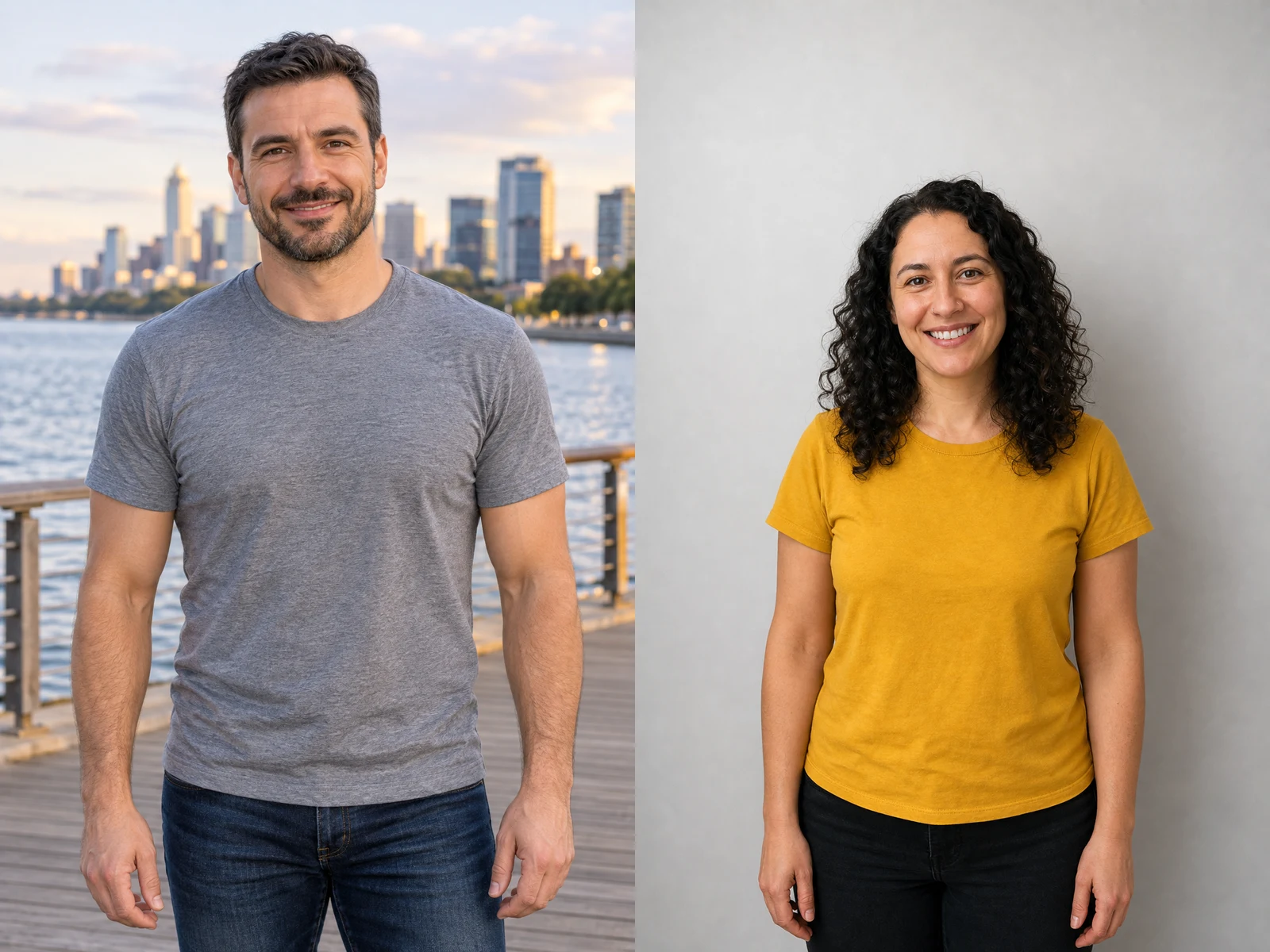
Two more input photos: waist-up adults in short sleeves with both arms in view

Review, download and share

Play the whole clip before you save it, not only the opening frame. Check that the face stays recognizable, that both hands keep five fingers, and that the gap between hand and arm really reads as a heart. Download the MP4, which carries no NanoPic watermark, and post it to TikTok, Reels or Shorts with the AI label switched on. If the hand lands too low or the likeness drifts, try again with a sharper, better-lit photo rather than a longer note. Many people keep two takes and send the cutest one to the person the heart is for.

Try the bicep heart

What your bicep heart clip shows

A calm start, a confident flex and a heart that holds for the camera, all built from your own photo.

From a relaxed smile to a held heart

The clip opens the way most bicep heart trend posts do: the person stands relaxed and smiles at the lens. One arm then lifts and bends until the fist sits beside the head, and the free hand travels across the chest to meet it. The fingers curve over the upper arm just under the fist, the gap between hand and forearm turns into a heart, and the pose holds with a proud little grin. Because the movement follows a fixed performance, the pacing feels like the posts people already know. Your photo supplies the face, hair, skin tone and clothes, so the result looks like you doing the bicep heart trend rather than a stranger.

Try the bicep heart

A little heart to send someone

Much of the bicep heart trend is about who the heart is for. People reply to a partner's comment, tag a crush, or answer a friend who asked everyone to send bicep hearts. A clip made from a favorite photo of yourself, in your room, on a balcony or on a street, turns that message into something they can replay. The setting and outfit from your picture keep it personal, so it never looks like a borrowed clip. Add a caption in the app you post with, and the heart does the rest.

Try the bicep heart

A lighter gym update

Gym regulars were among the first to pick up the bicep heart trend, and it still works as a check-in after a good session. A photo in a fitted tee or tank top shows the flex clearly, but you do not need a bodybuilder's arm for the heart to read. The joke is the contrast: a serious flex that suddenly turns soft. Use a well-lit photo from the gym floor or the locker room mirror area, keep the arms uncovered, and the clip will look like a natural follow-up to your training posts. Friends who never lift can join in too, since the hand shape matters more than muscle size.

Try the bicep heart

Photo tips for a clear bicep heart

The effect can only animate what it can see, so a minute spent choosing the photo saves a retry.

Waist-up, facing the camera, arms free

The raised fist is the highest point of the bicep heart trend, so leave space above the head and beside both elbows. A portrait framed from the waist up, taken straight on at chest height, gives the clearest heart. Even daylight or a bright room keeps the face and fingers sharp. Plain backgrounds help the outline stand out, while busy patterns can blur into the hand. An upright, vertical photo matches the vertical clip and avoids awkward cropping.

Try the bicep heart
A waist-up input photo with space above the head and beside both elbows

One consenting adult, nothing covering the arms

Use your own photo or a photo of an adult who has agreed to be animated. Keep one person in the frame; group shots and couples confuse which arm should flex. Avoid long sleeves pulled over the hands, bags on the shoulder, stickers or text over the picture, and masks or sunglasses on the face. Celebrities and public figures are not allowed, and neither are photos of minors. When the photo is clean, the bicep heart trend clip needs less guessing and the heart closes more neatly.

Try the bicep heart
An input photo of one adult with bare arms, nothing covering the hands

Bicep heart trend FAQ

What is the bicep heart trend?

It is a short video format where you flex one arm with the fist near your head and curve your other hand against the bicep so the hand and the arm close into a heart. It started on TikTok in late October 2026 and spread to Reels.

How do I make a bicep heart trend video with AI?

Upload one waist-up photo of a consenting adult, add an optional note, press generate, then review the clip and download the MP4. The pose is already set for you.

Do I need big biceps?

No. The heart comes mostly from the curved hand meeting the flexed arm, so slim arms still make a clear heart. A small flex is part of the charm for many people.

What photo works best?

One adult, waist-up, facing the camera, both arms in view and not crossed, in good light. Short sleeves or a tank top show the curve of the arm best. JPG, PNG or WebP up to 10 MB.

Can two people or a couple do it together?

This effect is made for one person per photo. For a couple version, make one clip each and post them side by side or as replies.

Does it work with a pet photo?

Not on this effect. It is built around one adult person, so pet photos are not supported here.

What if the face does not look like me?

Try a sharper photo with the face fully visible, even light and no heavy filter. Every take varies, so another run with a better photo usually helps more than a longer note.

Can I use someone else's photo?

Only with their permission, and only if they are an adult. Do not upload minors, celebrities or anyone who has not agreed.

How do credits work and what if a run fails?

Credits for each render show in the generator before you start. If a run fails, the credits return automatically.

Is this an official TikTok or creator product?

No. NanoPic is independent and is not affiliated with TikTok, Instagram or the creators who started the bicep heart trend.

Ready to send your bicep heart?

Upload one waist-up photo, let the AI flex and curve your arm into a heart, and download the clip when it looks right.

Related tools

25th Anniversary Video Maker

25th Anniversary Video Maker

Make a short silver 25th anniversary video concept from one or two authorized couple photos. Add names, year, mood, motion, and editor-ready greeting space.

Open tool
Storyboard cover of two fictional adults sharing a hug

AI Hug Video Generator

AI Hug Video Generator turns an authorized photo of consenting adults into a five-second friendly hug. Review faces, hands, clothing and scene throughout.

Open tool
Animate Picture

Animate Picture

Animate a picture into a short AI video. Upload one authorized photo, describe subject and camera motion, review the live credit cost, and generate with Seedance.

Open tool
Birthday Video Maker

Birthday Video Maker

Create a short birthday video concept from one or two authorized photos. Direct the theme, transition, motion, format, and clean space for exact editor-added greetings.

Open tool
Draw to Video: Animate Images with Motion Arrows

Draw to Video: Animate Images with Motion Arrows

Draw to Video lets you add arrows, text and brush strokes to an image, then generate an AI video from your motion guide. Edit, save, create and download.

Open tool
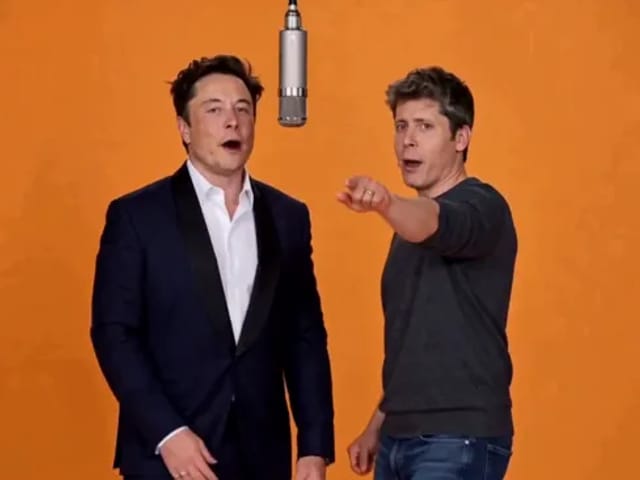
Elon Musk + Sam Altman

Hotel Lobby AI

Turn two photos into a 15-second orange-studio rap duo with MiniMax H3. Explore five actual videos, inspect their inputs and choose your left and right performers.

Open tool
STORM II dance with a lead and coordinated supporting dancers

STORM II Dance AI Video Generator | NanoPic

Create a STORM II dance with your lead photo and an AI-generated motion reference. Add a supporting cast, compare three videos and review your result.

Open tool
AI Cheek Pinch Video Generator

AI Cheek Pinch Video Generator – Pinch Cheeks From One Photo | NanoPic

Turn one photo of an adult (with consent) or your pet into an ai cheek pinch video: hands gently squeeze the cheeks and let go. Download and share.

Open tool
AI Christmas Video

AI Christmas Video from One Photo | NanoPic

Make an ai christmas video from one photo of your pet or yourself: Santa outfit, glowing tree, fireplace and soft snow. Download and share the clip.

Open tool
Golden retriever on a marigold memorial path

AI Day of the Dead Pet Video Generator from One Photo | NanoPic

Make an ai day of the dead pet video from one dog or cat photo: warm marigold bridge, vertical 9:16, memorial not horror for keepsakes.

Open tool
Corgi standing on its hind legs in a living room for an ai dog dance video

AI Dog Dance Generator: Make Your Dog or Cat Dance | NanoPic

Upload one clear dog or cat photo and get a vertical ai dog dance clip: your pet stands up and dances a living-room routine.

Open tool
Four children dressed as a vampire, a witch, a skeleton and a pumpkin posing together in a candlelit room

AI Halloween Costume Transformation Video | NanoPic

AI Halloween costume transformation from one photo: pick a vampire, witch, skeleton or pumpkin look and watch your outfit change in smoke in a short video.

Open tool
AI Rap Battle Generator

AI Rap Battle Generator: Two Photos, One Battle Video | NanoPic

Upload two photos and create an AI rap battle video. Each side takes a turn in a short widescreen clip you can review before posting.

Open tool
AI Stop Motion Video Maker

AI Stop Motion Video Maker | NanoPic

Use an ai stop motion video maker to turn one still into clay, paper-craft, or blocky tabletop motion you can preview before download.

Open tool

AI Zombie Trend Video Generator from Two Photos | NanoPic

Make the AI zombie trend video from two photos: one person turns, the other lowers the weapon for a hug, then a warm memory. Vertical 9:16, no gore.

Open tool
Cover still for anijam ai video maker

Anijam AI Video Maker Online | NanoPic

Use anijam ai video maker on NanoPic: upload one authorized photo, describe motion in plain words, review credits, and check every frame before sharing.

Open tool
Birthday Rap Video

Birthday Rap Video Maker from a Photo | NanoPic

Make a birthday rap video from one clear photo: a fixed studio rap reference drives lip motion in a vertical clip. Add a name and review.

Open tool
Silver watch in an open black gift box with red ribbon and gold confetti, Black Friday product clip

Black Friday Video Maker: Product Photo to Sale Clip | NanoPic

Black Friday video maker: upload one product photo and get a promo clip with seasonal lighting and a slow camera move, ready for your sale text.

Open tool
Silhouette of a witch riding a broomstick across a full moon over a misty forest

Broom Riding AI - My Ride Is Here Broom Video | NanoPic

Broom Riding AI puts you on a flying broom beside a moving car in the My Ride Is Here trend. Upload one photo, get a 10-second clip and add your own sound.

Open tool
Bulin 47 AI

Bulin 47 AI Video Generator: Your Photo in a Street Freestyle

Turn one photo into a Bulin 47 AI freestyle clip: shoulder rolls, a cheering friend and a laughing crowd under red lights, in vertical 9:16.

Open tool
Burning Bridges AI Video Generator

Burning Bridges AI: One Photo Party Video | NanoPic

Make a Burning Bridges AI video from one photo: toast, hand to heart, point at the camera, then turn in a vertical chandelier party clip.

Open tool

Check One Check Two AI Video Generator | NanoPic

Make a check one check two AI video from one photo: you lean into the lens and shout the mic check over a night crowd. Vertical MP4, ready to post.

Open tool