























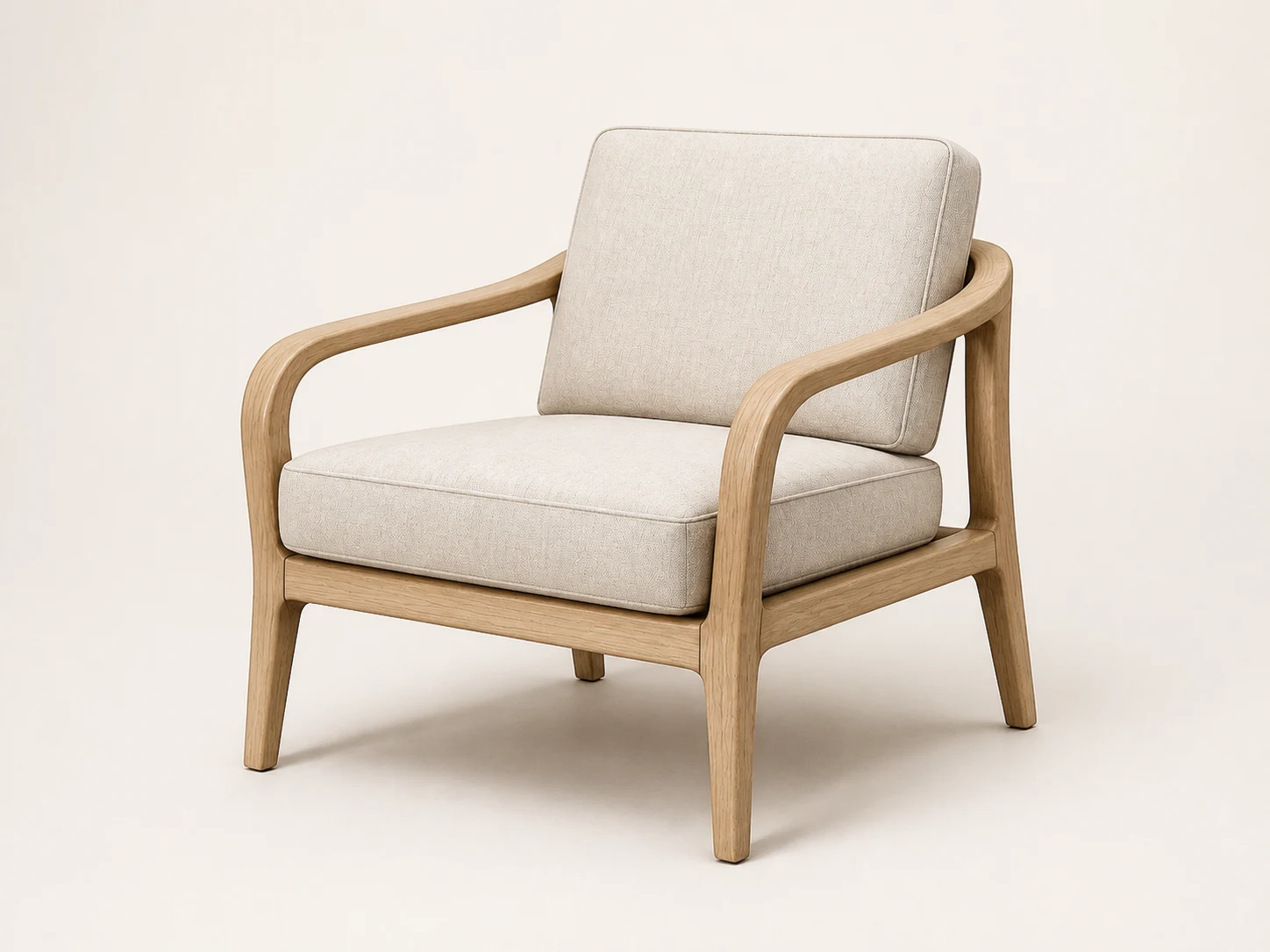




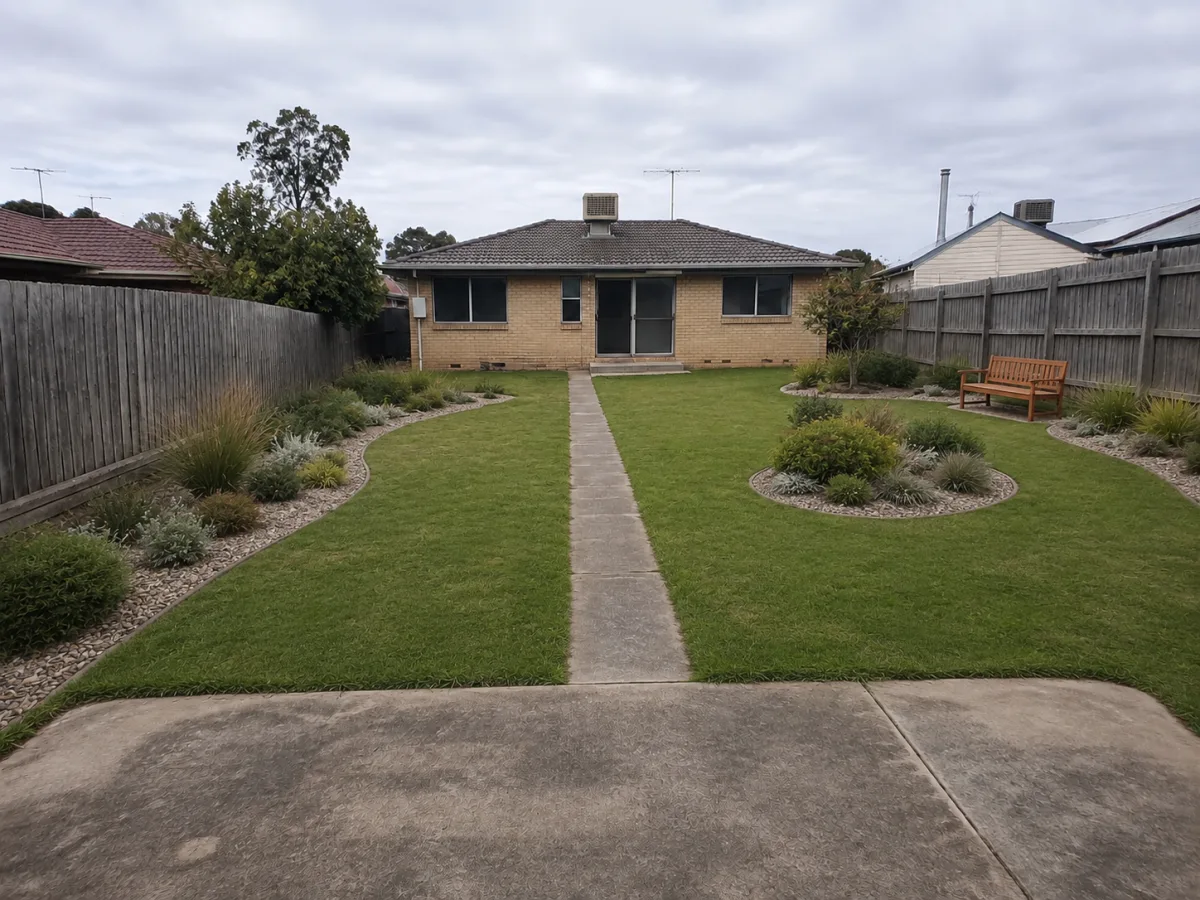













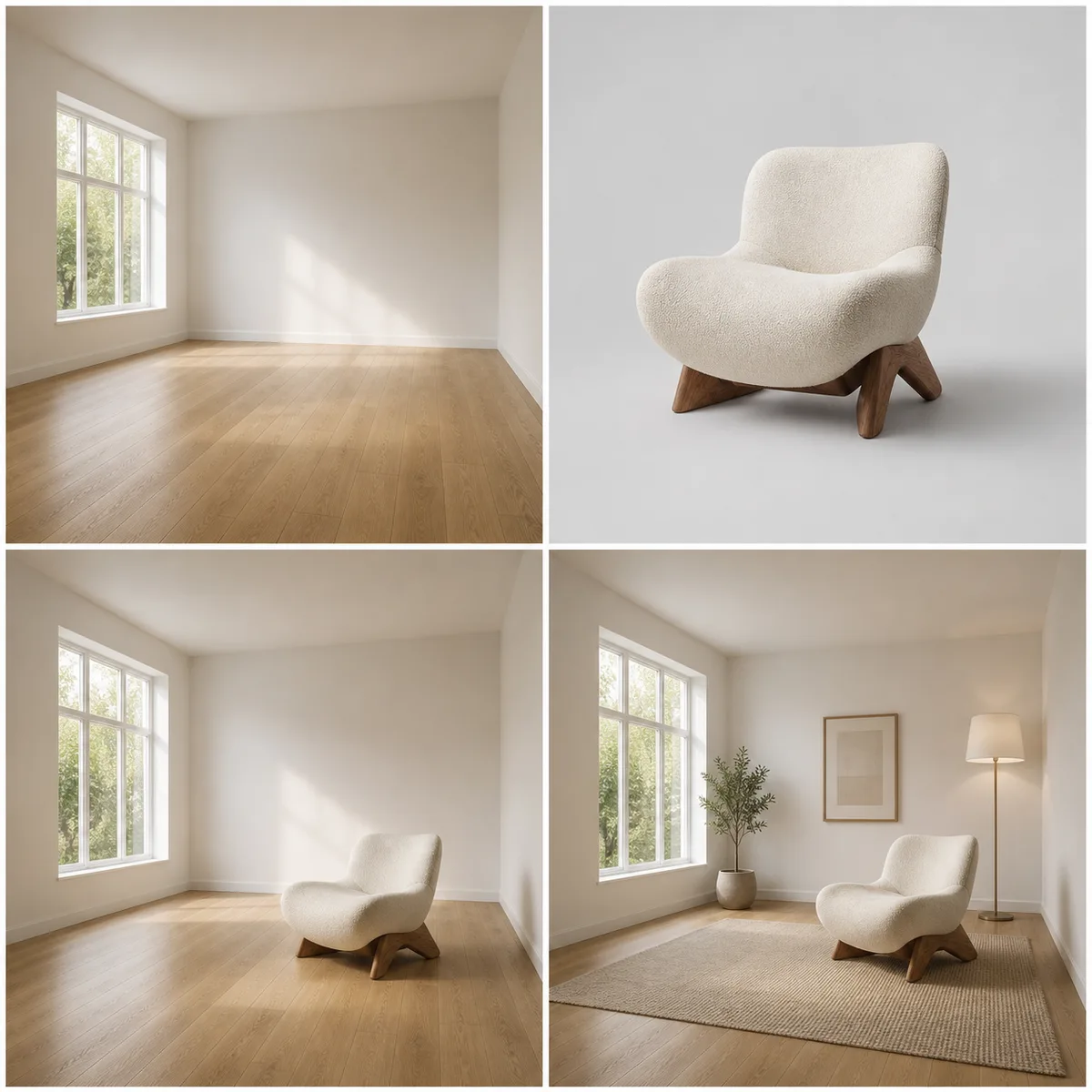










Room Layout Preservation
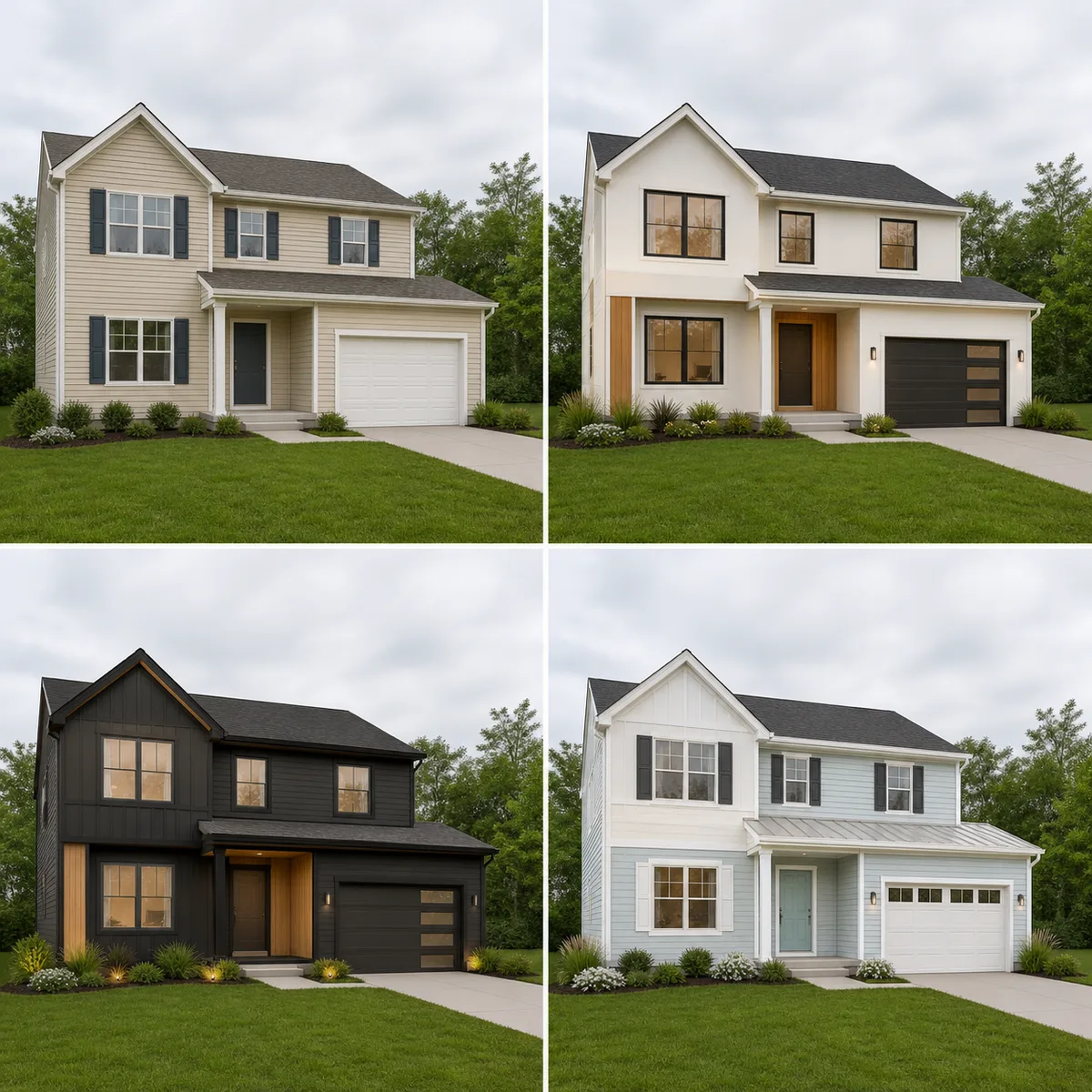
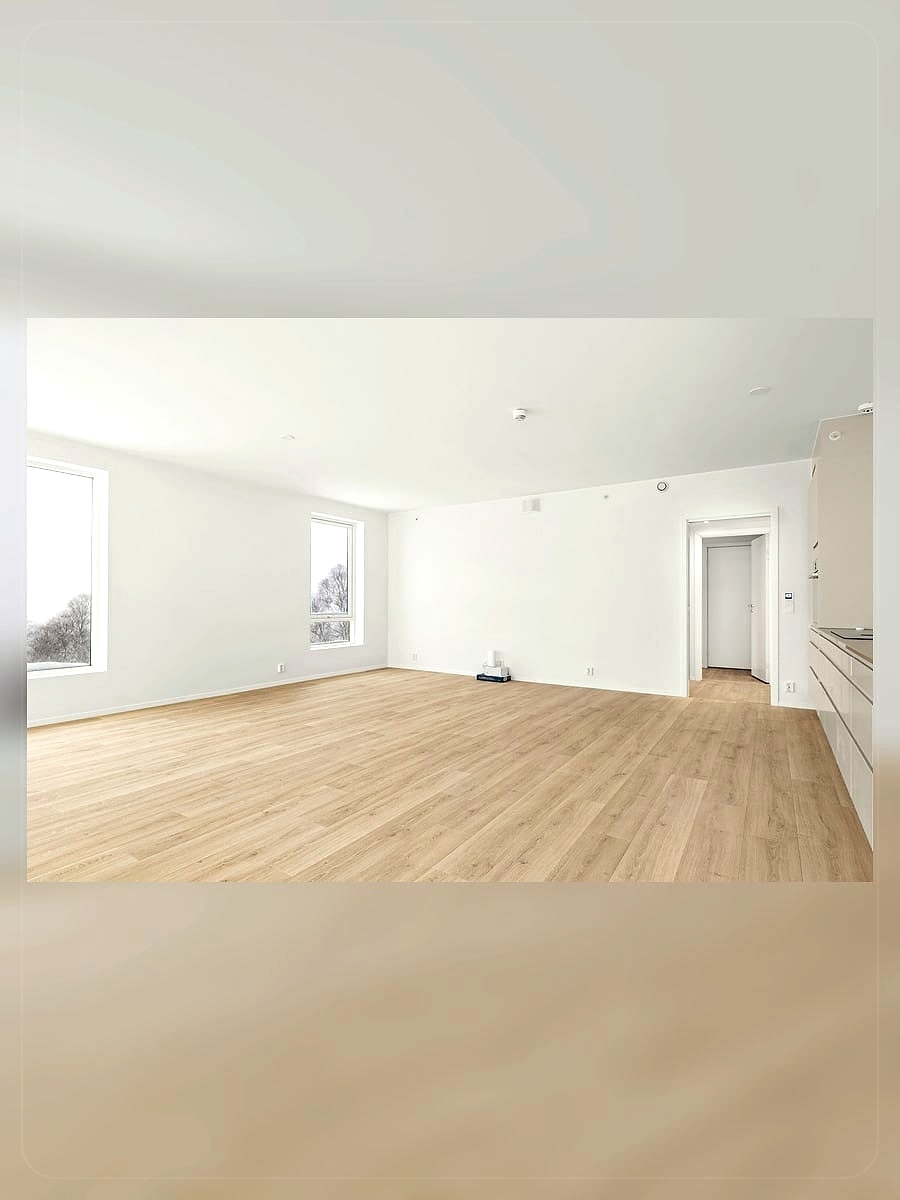
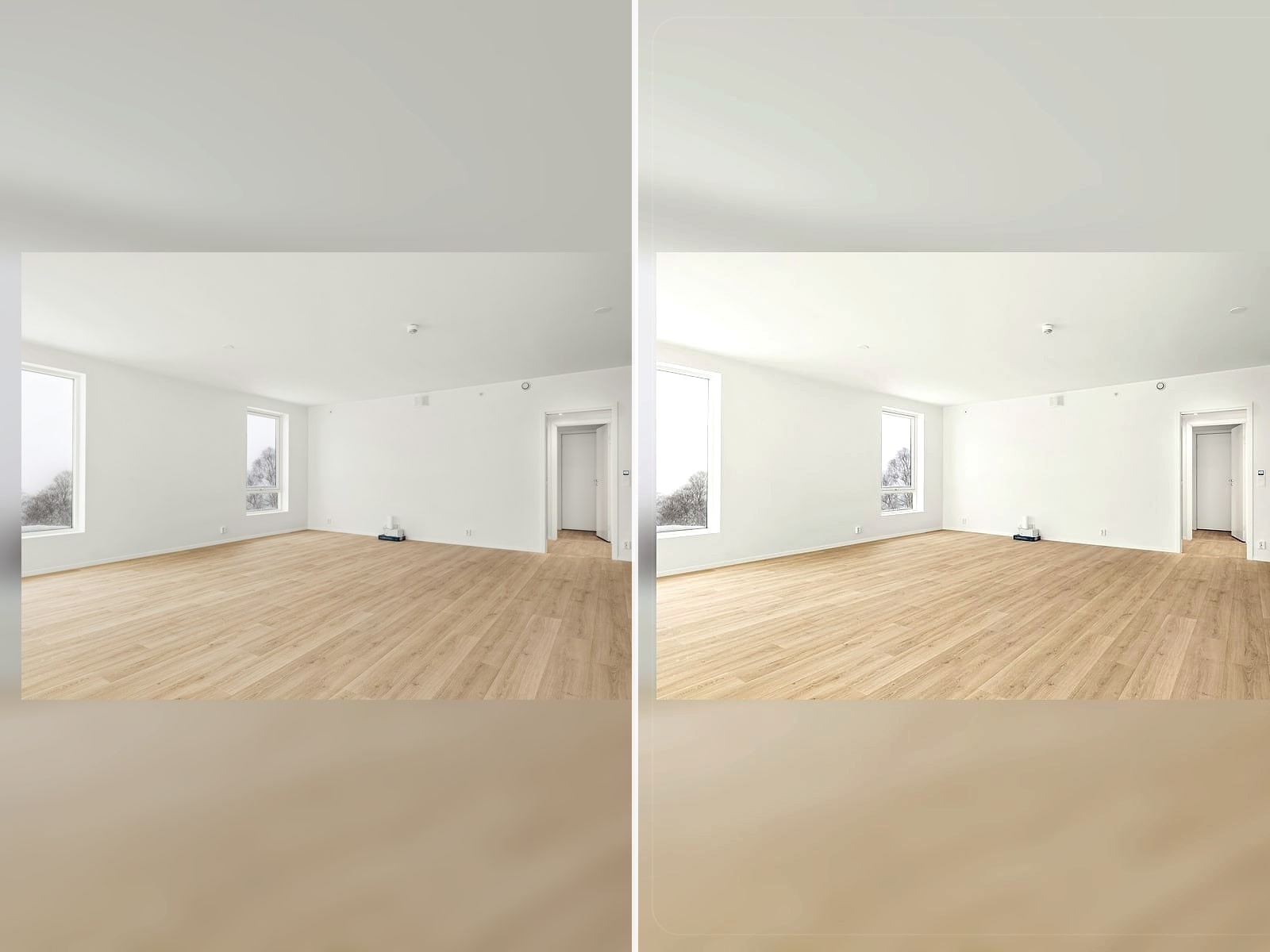
The prompt asks the image model to keep the exact same room, camera angle, walls, windows, doors, ceiling, floor plan, and fixed architecture before changing furniture, finishes, lighting, and decor.
Save up to 73% on plans
Image
Browse every other AI image model and effect published on this site in a continuous carousel.
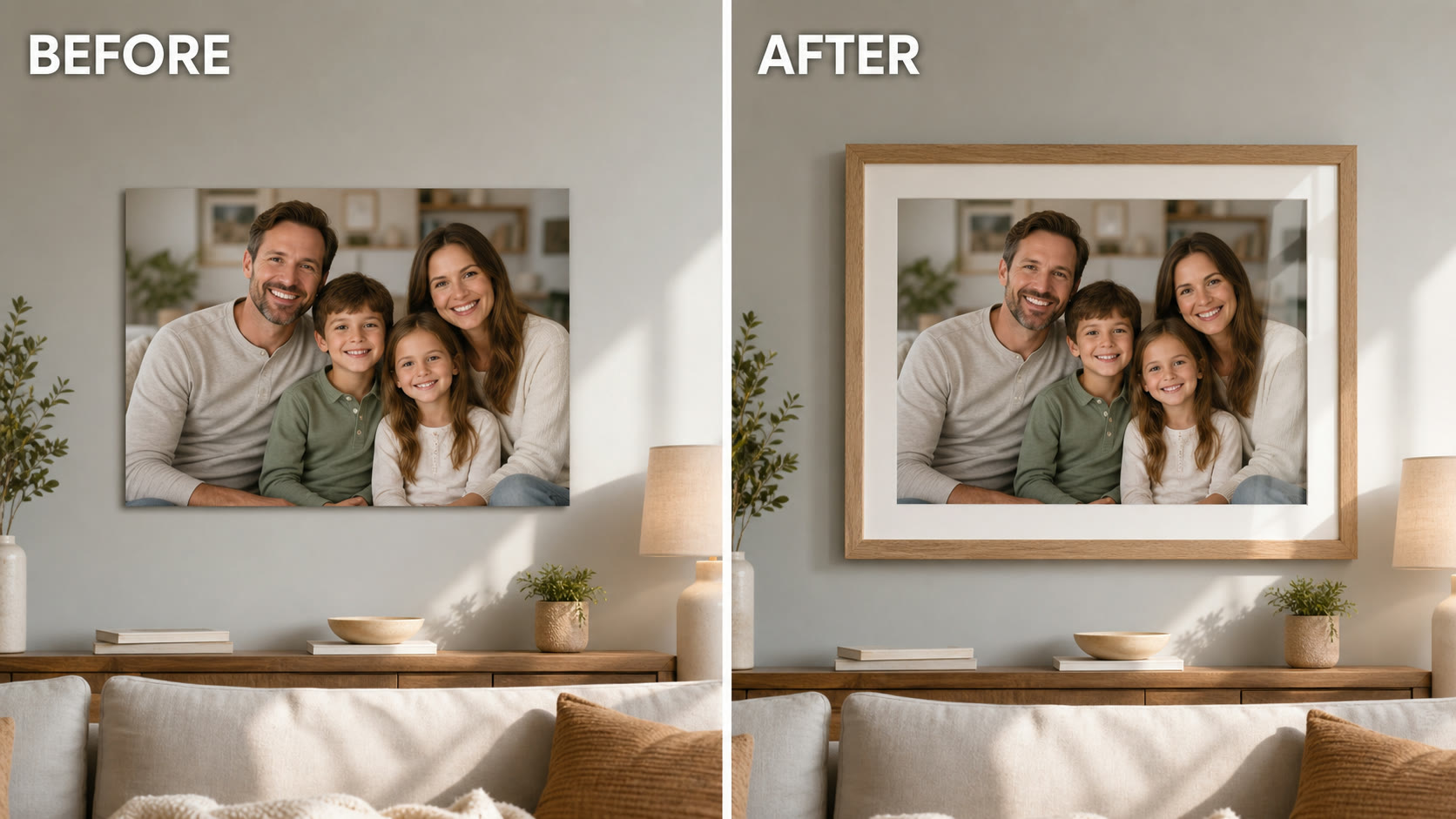
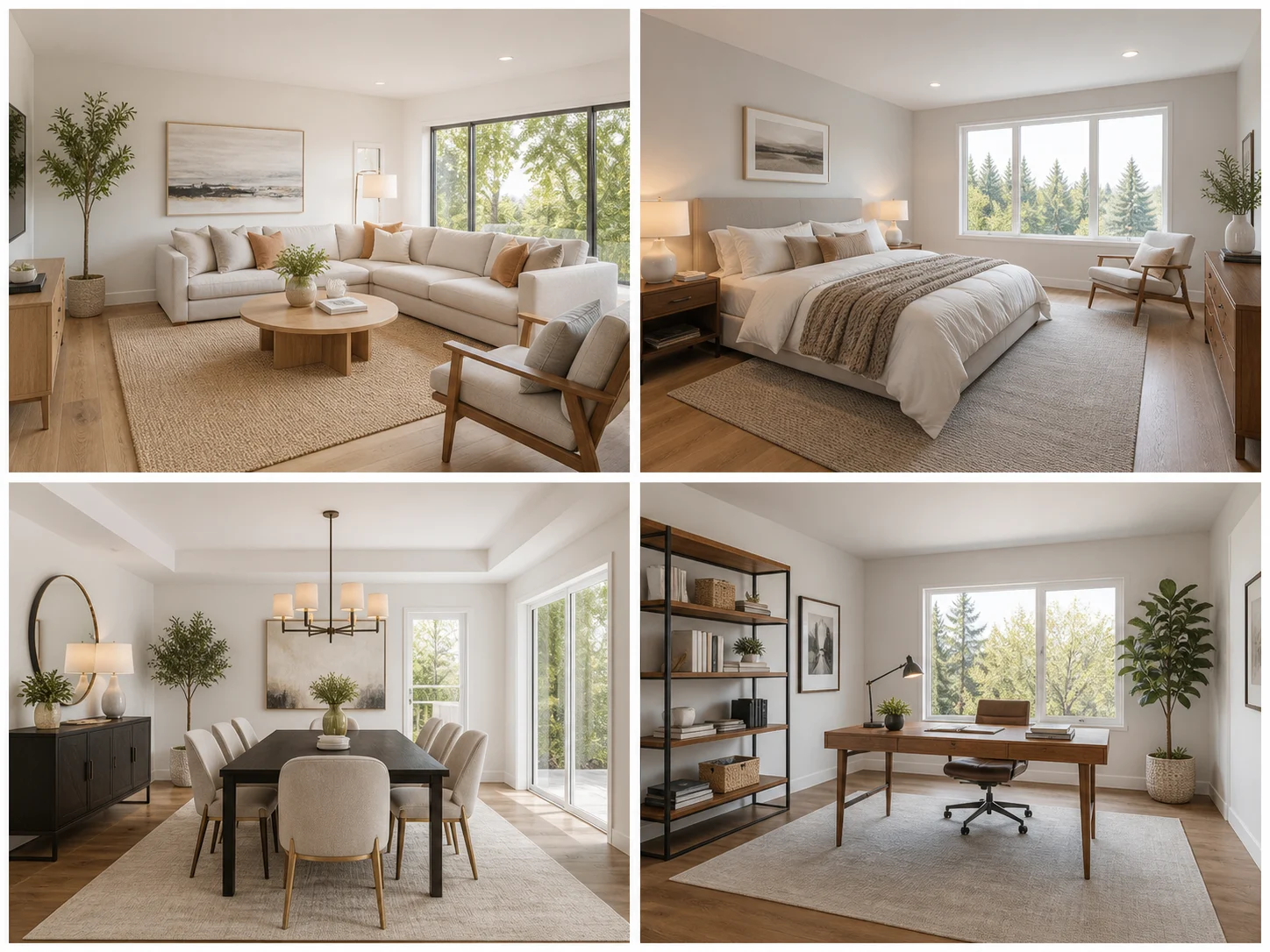
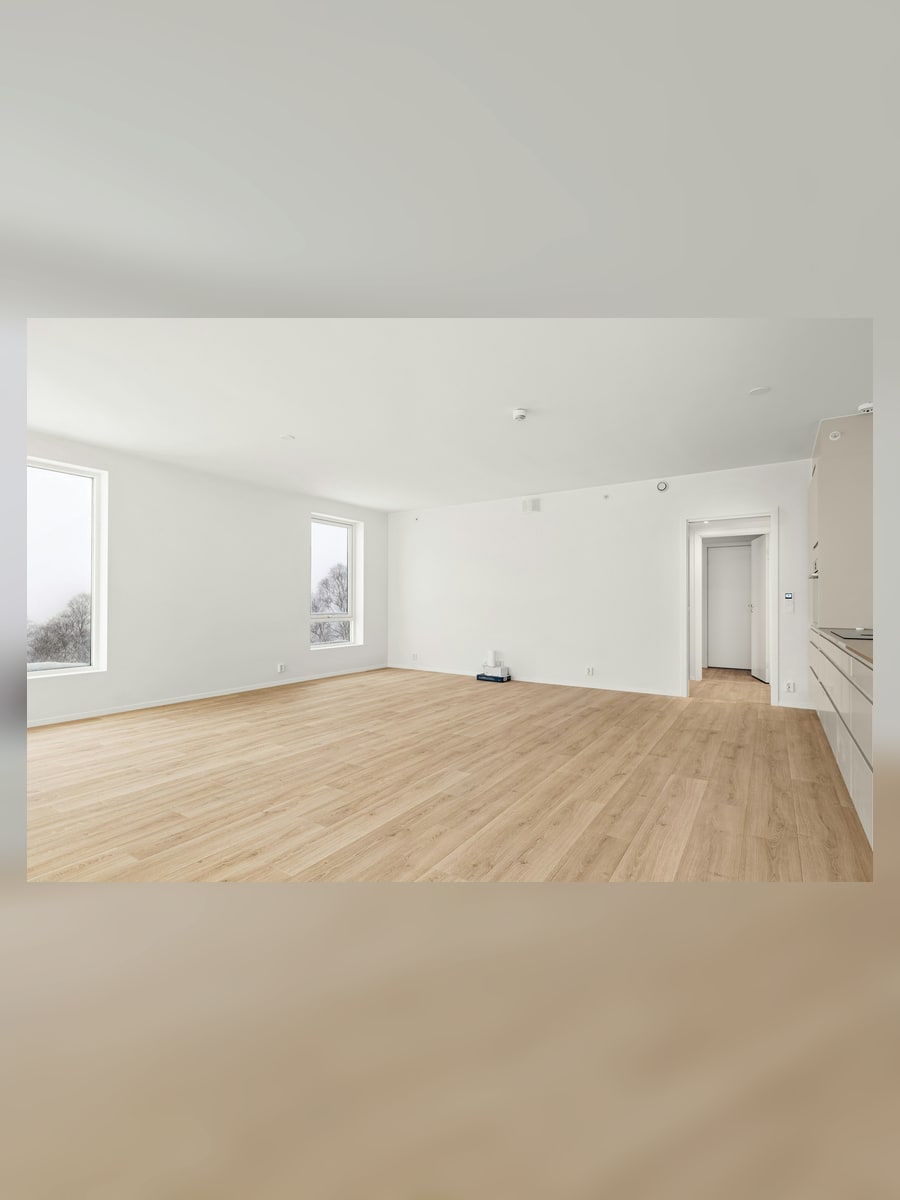
NanoPic turns an existing room photo into realistic interior design concepts. Upload a room, choose a style such as Japandi, Scandinavian, industrial loft, or warm boho, then add constraints like preserve sofa position, keep windows unchanged, brighten the walls, or add more storage.
The workflow is designed for realistic room redesign concepts, not fantasy architecture.
The prompt asks the image model to keep the exact same room, camera angle, walls, windows, doors, ceiling, floor plan, and fixed architecture before changing furniture, finishes, lighting, and decor.
Start from Japandi, Scandinavian, industrial loft, or warm boho, then edit materials, furniture, lighting, and constraints.
Generate room makeover ideas for apartments, rental spaces, listings, home offices, bedrooms, and renovation mood boards.
A clear input photo and practical constraints produce better redesign drafts.
Use a photo that shows the room shape, windows, doors, floor, and major furniture. Avoid extreme fisheye angles and very dark photos.
Upload RoomPick a preset and add practical instructions such as keep the bed, preserve window placement, add storage, use brighter walls, or avoid structural changes.
Choose Style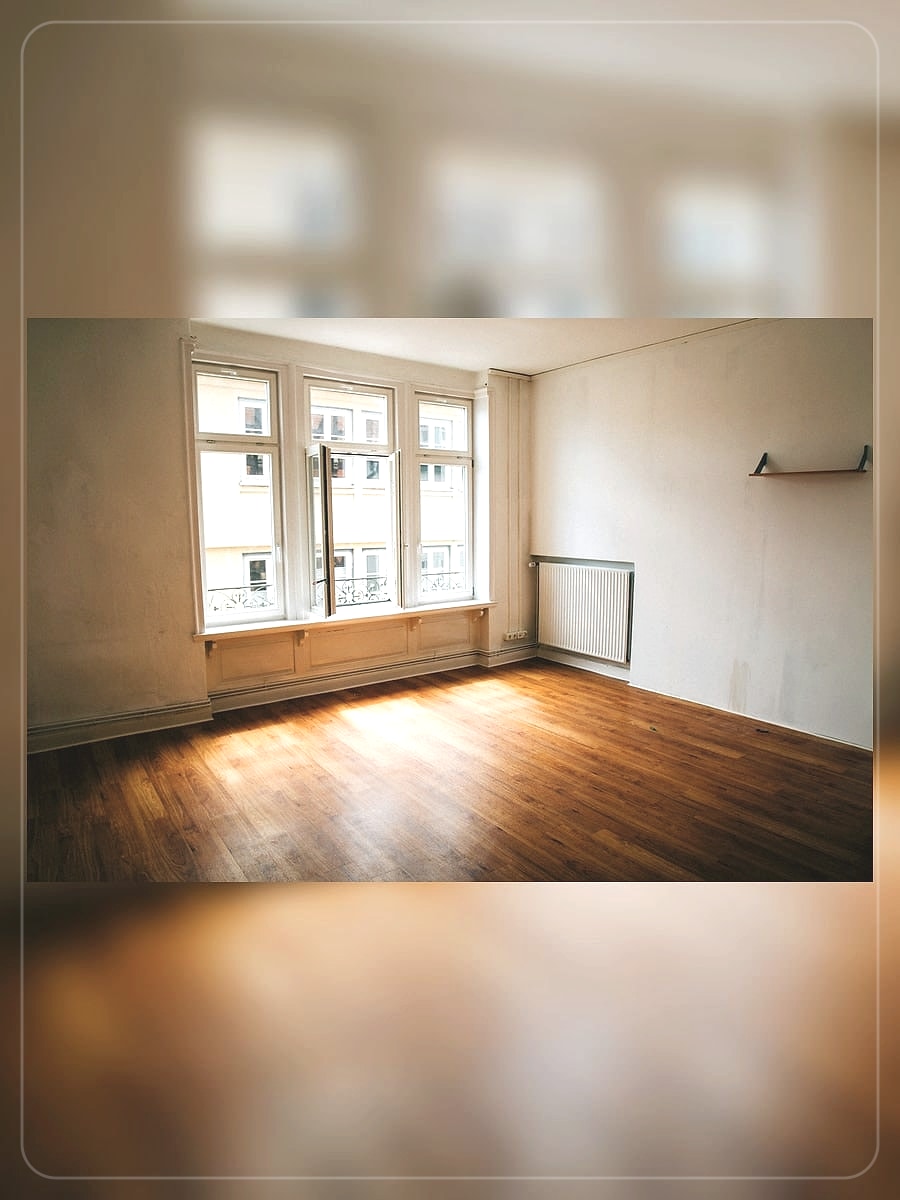
Save outputs for mood boards, client discussion, rental staging, furniture planning, and renovation direction before buying materials.
Generate Draft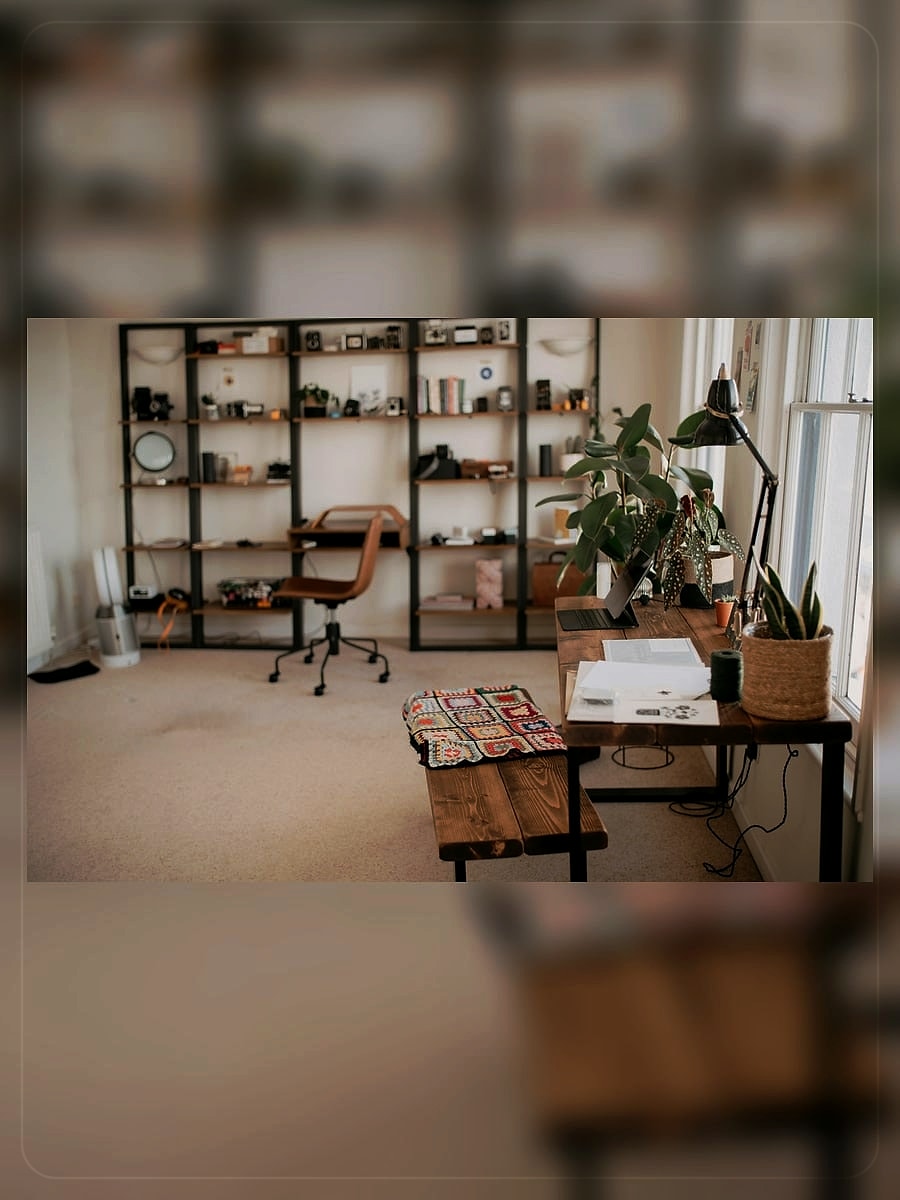
Quick answers for creating room design concepts with NanoPic.
Use a clear photo that shows the room geometry, windows, doors, floor, and main furniture. Good daylight and a normal camera angle help.
The saved prompt explicitly tells the model to keep the exact same room, camera angle, walls, windows, doors, ceiling, floor plan, and fixed architecture. AI outputs can still drift, so review details before using them for real planning.
Yes. Choose a preset such as Japandi or Scandinavian, then add constraints such as brighter walls, walnut storage, keep the sofa, or no structural changes.
No. It is useful for early visual concepts, mood boards, staging ideas, and renovation direction. Final decisions still need practical measurements and expert review.
Upload a room photo, choose a style, and create a realistic interior redesign draft.