



















































































































Free AI Pokemon Generator for Original Creatures
Sign In

Free AI Pokemon Generator for Original Creatures

Describe a new elemental creature or add one authorized reference image. Choose a direction, edit the visible brief, and generate an original design.

Start with one direction, then edit the brief so the creature is genuinely yours.

221 / 800

Public Visibility
Copy Protection
Credits required:-

Your Original Creature Preview and Result

Image

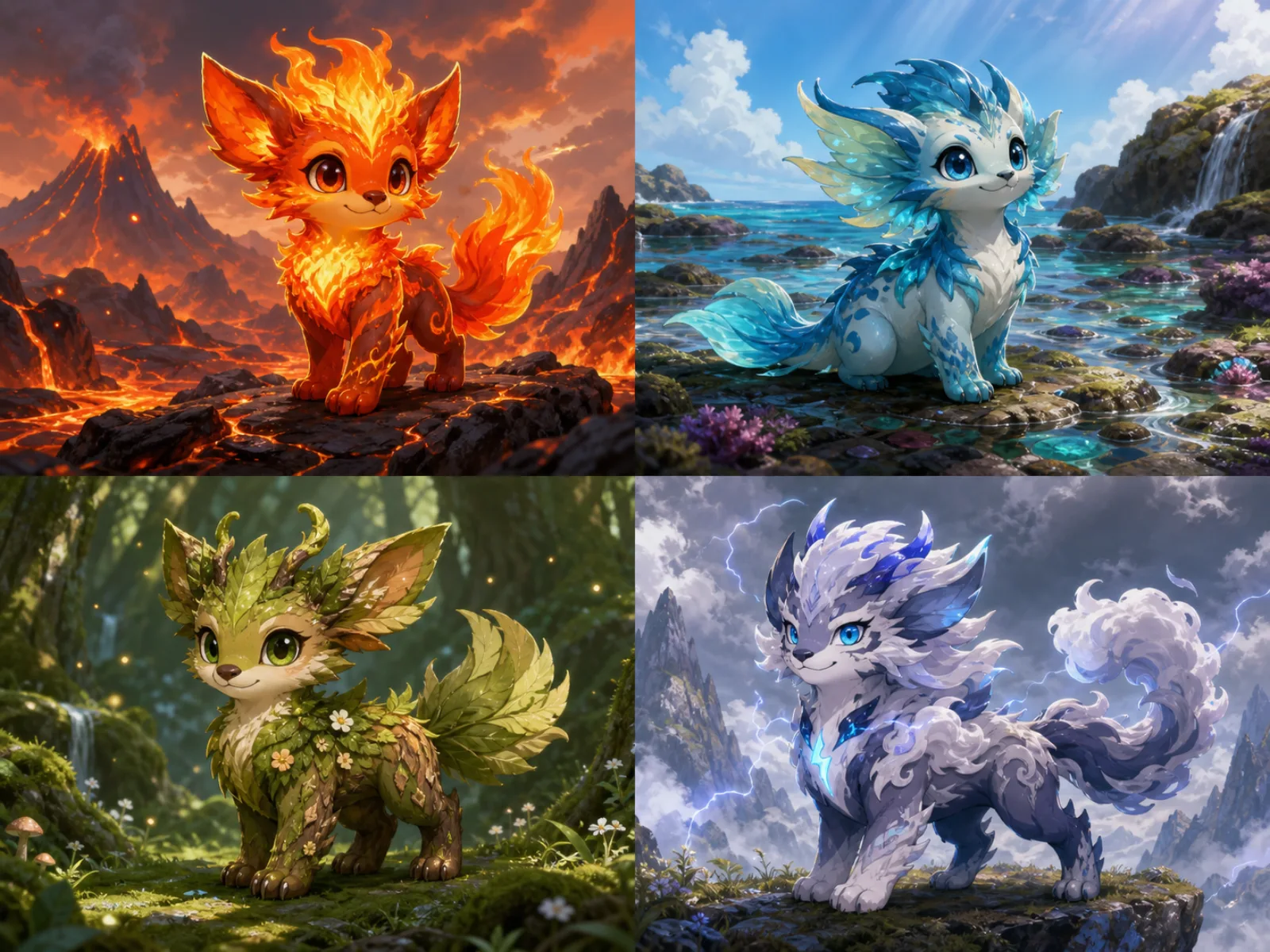
Four completely original elemental creature directions: ember, tide, grove, and storm, with distinct silhouettes and no franchise assets.

Create a New Monster Companion Instead of Copying One

This independent AI Pokemon Generator is built around original creature ideation. Start with an animal, object, habitat, temperament, or elemental material; then shape the silhouette, palette, anatomy, pose, and setting in the editable brief. The tool can begin from text or use an authorized pet photo, animal photo, or original sketch as loose inspiration. It intentionally excludes named characters, official props, logos, cards, uniforms, type symbols, and recognizable franchise designs. NanoPic is not affiliated with or endorsed by Nintendo, Game Freak, Creatures, or The Pokémon Company.

Four Original Elemental Creature Directions

Each example uses a different silhouette, material language, habitat, and personality rather than recoloring one base character.

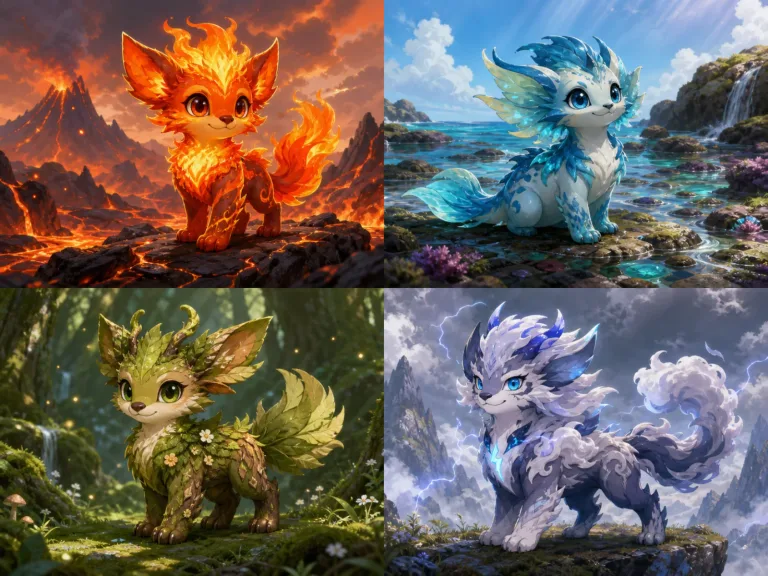
Four original elemental monster companions representing ember, tide, forest, and storm

Ember, Tide, Grove, and Storm Companions

The ember companion uses flame-like fins and charcoal paws; the tidal guardian uses translucent frills and ocean markings; the forest sprout combines leaf fur with branch horns; and the storm runner uses cloud-like fur with restrained electric accents. Use these as structural prompt examples, not as fixed characters to reproduce.

Write a Creature Brief

How to Use the Free AI Pokemon Generator

A focused brief produces a more coherent original creature than a list of franchise references.

1. Start from Text or One Authorized Reference

Describe an animal base, natural material, habitat, personality, size, and key feature. Or switch to Image to Image and upload one pet photo, animal photo, or original sketch you are allowed to use.

2. Choose a Direction and Edit the Brief

Pick Ember, Tidal, Forest, or Storm as a starting point. Replace colors, materials, body features, expression, and setting. Avoid names, official objects, copied silhouettes, and requests to match an existing character.

3. Generate and Review the Whole Creature

Check the complete body, limb count, face, ears, horns, wings, tail, and background. If one detail is wrong, change one instruction at a time and regenerate instead of stacking conflicting directions.

Controls for an Original Collectible Creature

The workflow emphasizes authorship, readable anatomy, and useful prompt control.

Editable Creature Brief

The full prompt remains visible so you can control species cues, materials, palette, temperament, pose, maturity, and habitat.

Text and Reference Modes

Begin with text for a fresh design, or use one authorized image as loose inspiration without asking the model to reproduce the source literally.

Originality Guardrails

The template rejects named characters, official props, logos, cards, uniforms, symbols, and recognizable franchise designs.

Flexible Canvas Shapes

Use square for a clean creature portrait, 3:4 for a taller full-body design, 4:3 for a habitat view, or 16:9 for a wider scene.

Ways to Use an Original AI Creature Design

Treat the output as creative exploration and review applicable rights before commercial publication.

Creature Concept Art

Explore silhouettes, materials, palettes, and personalities before drawing a final original character sheet.

Tabletop and Story Inspiration

Build a companion, guardian, wild creature, or habitat idea for an original campaign or story world.

Avatar and Social Art

Create an original square companion portrait, then review anatomy and crop before using or sharing it.

Pet-Inspired Fantasy Concepts

Use an authorized pet photo as loose inspiration for coat colors, posture, or personality while creating a distinctly new creature.

AI Pokemon Generator FAQ

Answers about originality, references, prompts, affiliation, output, and suitable uses.

What does this AI Pokemon Generator create?

It creates one original collectible monster companion from a text brief or an optional authorized reference image. You control broad animal cues, elemental materials, palette, personality, pose, maturity, and habitat.

Is this an official Pokémon product?

No. NanoPic is independent and is not affiliated with or endorsed by Nintendo, Game Freak, Creatures, or The Pokémon Company. Pokémon and related names and marks belong to their respective owners.

Can I generate an existing Pokemon character?

This template is designed for original creatures, not replicas. Do not request a named character, official prop, logo, card, trainer outfit, type symbol, badge, or a design that closely matches a protected character.

What makes a useful original creature prompt?

Combine one animal or object base, one distinctive anatomical feature, an elemental material, a limited palette, a temperament, a habitat, and a clear full-body pose. Concrete choices are more controllable than many unrelated adjectives.

Can I upload a pet photo or sketch?

Yes. Switch to Image to Image and upload one photo or sketch you are authorized to use. Treat it as loose inspiration for broad shape, color, posture, or personality, and ask for a distinctly new creature rather than a literal copy.

Can the generator make evolution lines?

The current page returns one image at a time and does not guarantee a consistent multi-stage evolution set. You can describe baby-like, mature, or guardian-scale traits, then iterate carefully while keeping the core anatomy and palette in the brief.

Which aspect ratio should I choose?

Use 1:1 for a centered creature portrait, 3:4 for a taller full-body design, 4:3 when habitat matters, and 16:9 for a wide scene. Leave safe space around ears, horns, wings, feet, and tails.

Can I use the output commercially?

Review NanoPic terms, the rights to any uploaded reference, and the laws that apply to your use. AI generation does not guarantee exclusivity or legal clearance, especially when a prompt asks for protected brands or recognizable characters.

Is the AI Pokemon Generator free to try?

Sign in to receive the welcome credits shown in the live generator. Generation uses NanoPic credits, and the current balance and request cost displayed in the interface are authoritative.

Design an Original Elemental Creature

Choose a starting direction, edit the full creature brief, and generate one independent design without official franchise assets.