



Save up to 73% on plans

Birthday Video Maker from One or Two Photos
Sign In

Birthday Video Maker from One or Two Photos

Upload an opening birthday photo and optionally a second closing memory. Choose format and duration, then describe the theme, motion, transition and sound. Generate one short clip and add exact names or greetings afterward in a video editor.

1. Opening Birthday Photo*(0/1)
Try 1. Opening Birthday Photo sample
2. Closing Birthday Photo(0/1)

Please add the required 1. Opening Birthday Photo before generating.

192 / 1,400

Public VisibilityAllow this result to appear in public inspiration surfaces.

Birthday Video Maker from One or Two Photos

Video

More AI Video Models & Effects

Browse every other AI video model and effect published on this site in a continuous carousel.

Actual Materials and Result

Start a Celebration Shot from a Portrait

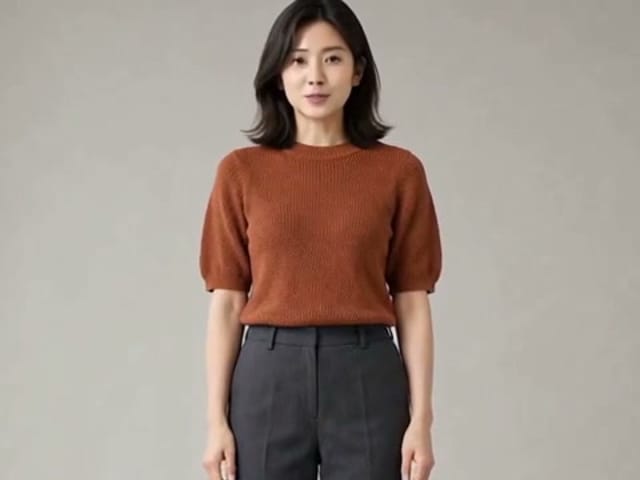
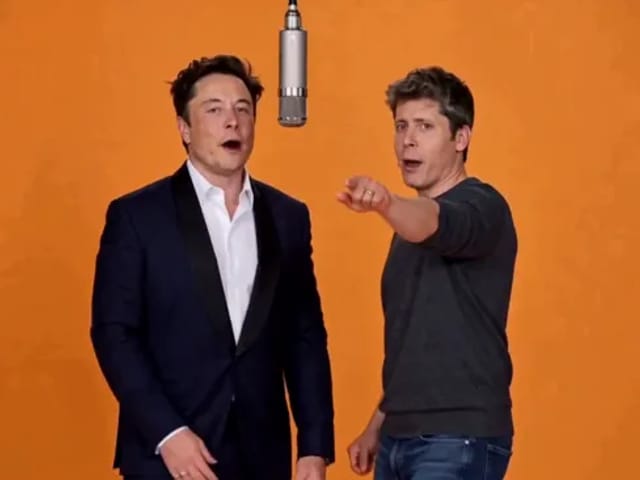
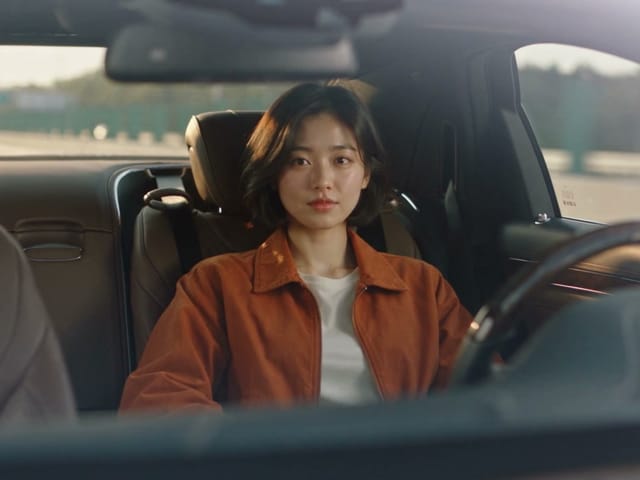
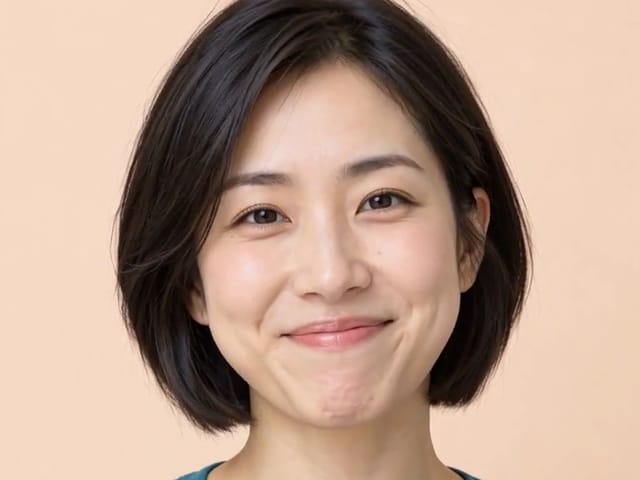
This example uses Seedance 2.5 with a portrait reference. Inspect the person’s appearance and expression through the entire clip before including it in a birthday greeting. The example does not promise accurate names, dates or readable text.
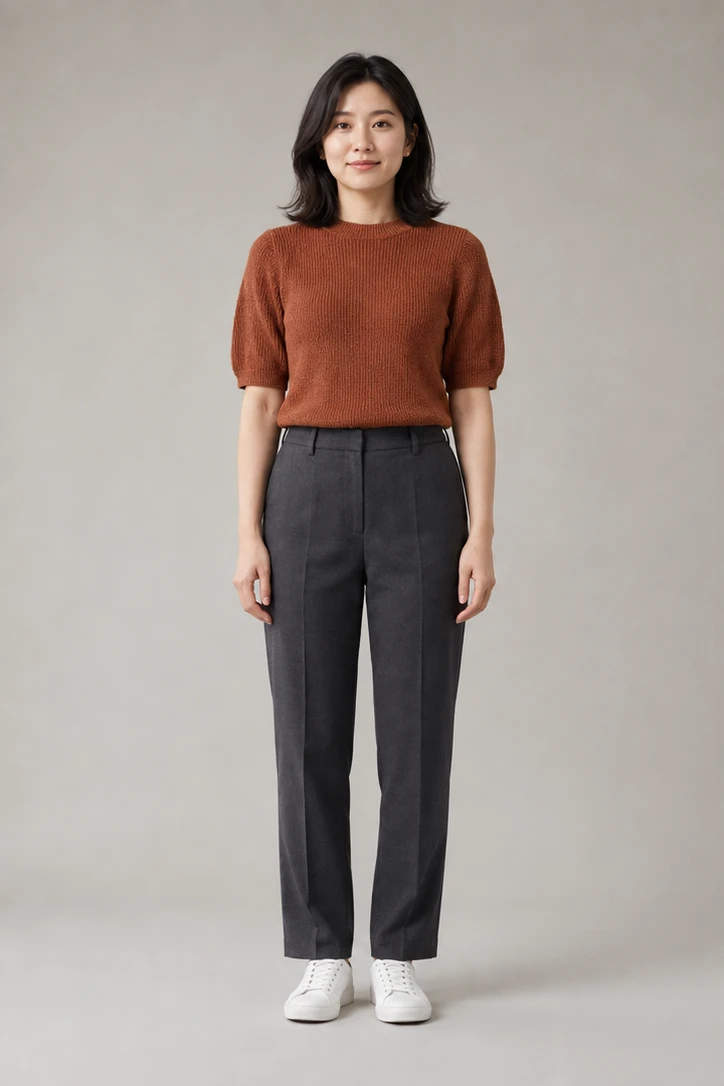
Fictional adult portrait used as a birthday video opening frame

Create a Focused Birthday Clip, Then Finish It Precisely

Turn one birthday photo, or a pair of memories, into a short celebration clip with Seedance. Use the first image for the opening and the optional second image for the ending, then describe a gentle camera move, decorations and space for your greeting. Review the complete result for changes to faces, hands and important details. The output is one generated clip; a longer photo sequence needs a video editor. Add exact names, dates, captions and properly licensed music after downloading so you can control spelling and timing.

How to Make a Birthday Video Concept

Use the generator for motion and transition, then use an editor for exact delivery details.

1. Choose the Opening and Optional Closing Photo

Pick authorized images with a clear main person or group. The first image anchors the opening frame; the second, if supplied, anchors the closing frame. Similar subject size and orientation can make the transition more coherent. Keep private documents, addresses, school information, and other sensitive details out of the frame.

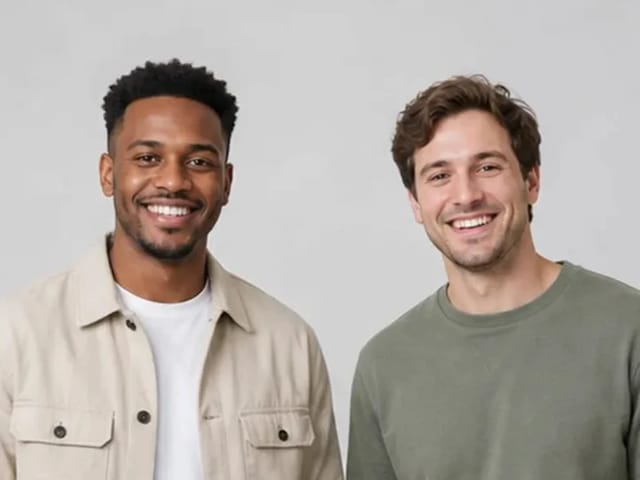
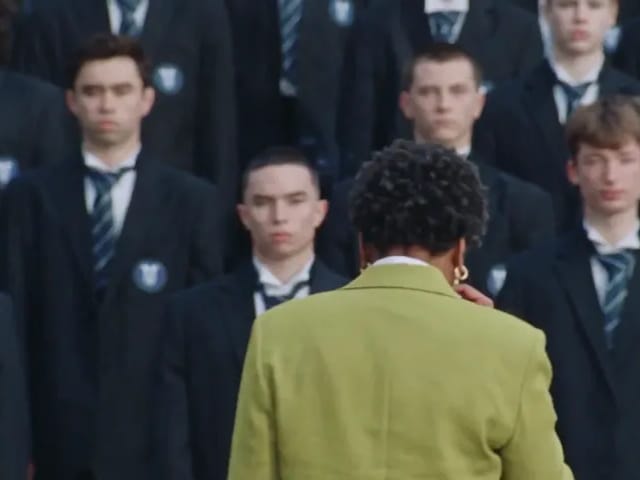
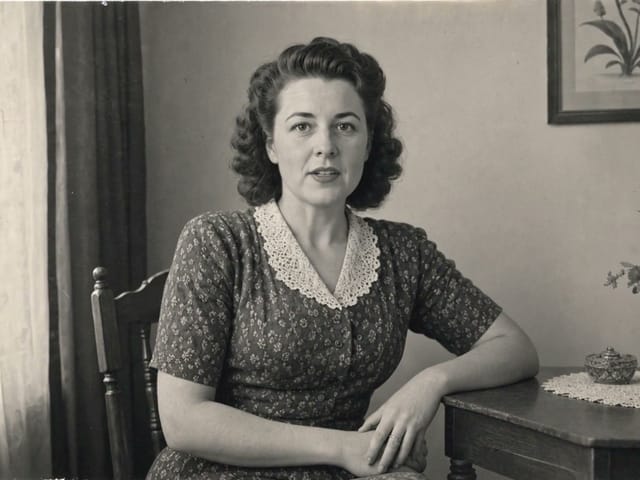
Fictional adult opening photo for a birthday video

2. Describe the Birthday Theme and Motion

Name the person for planning, choose a visual direction such as elegant gold, colorful confetti, garden brunch, neon party, or quiet family memory, and describe the desired movement and transition. Ask the model to reserve clean space rather than render exact letters. Keep the request family-safe and appropriate to every person shown.

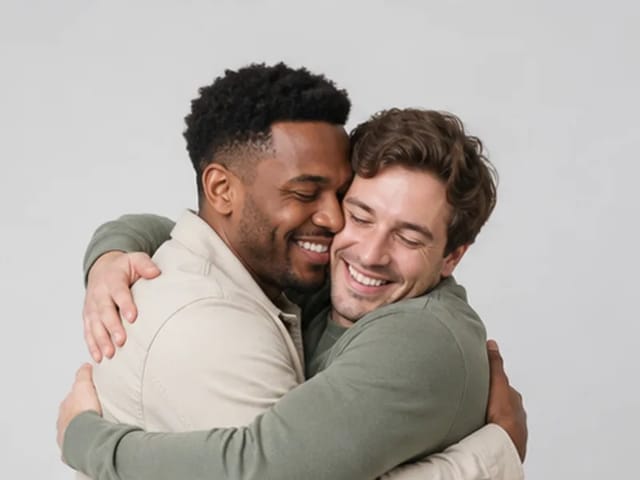
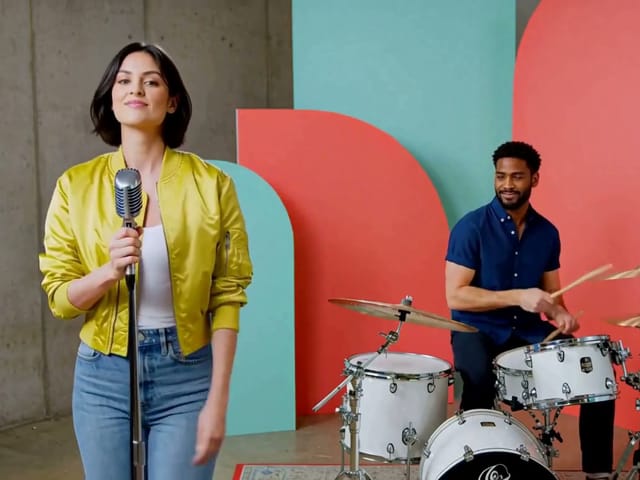
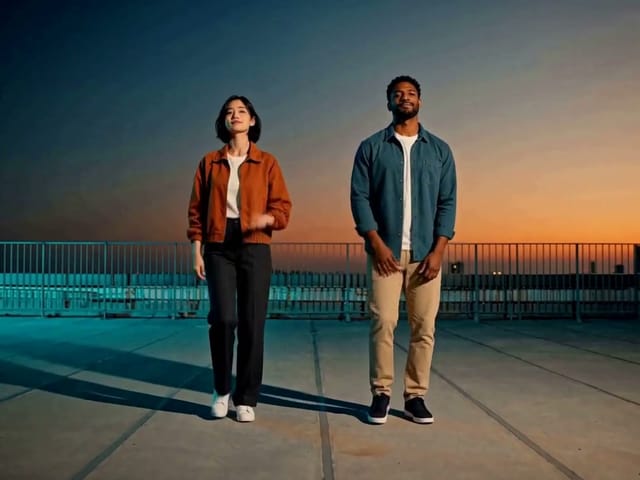
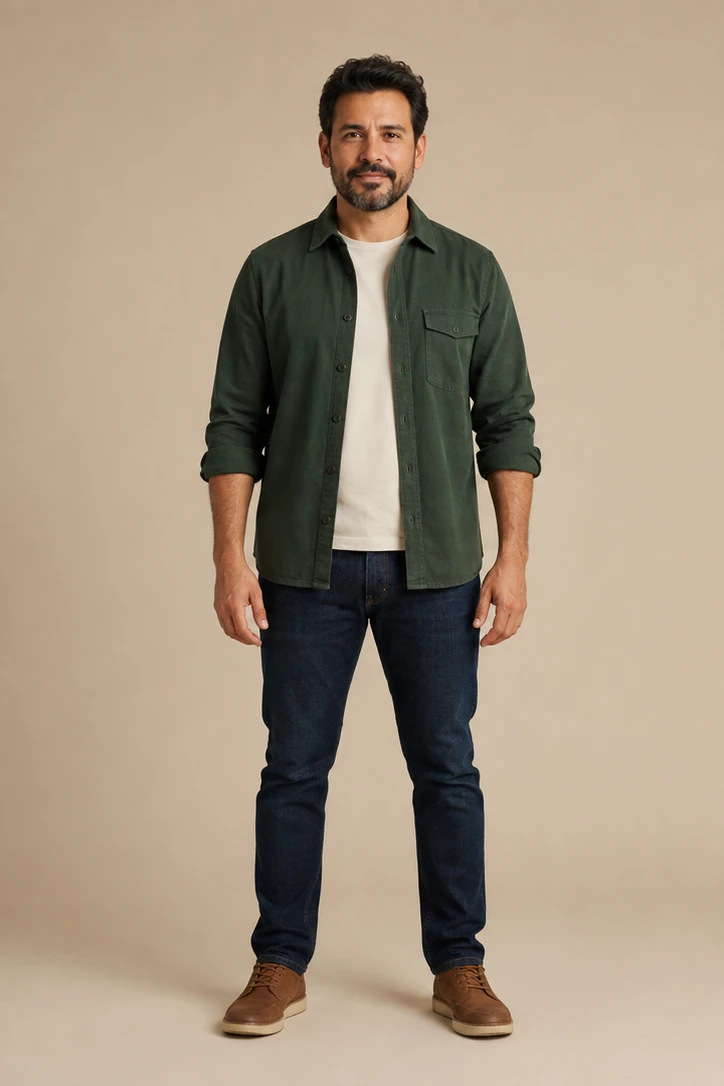
Second fictional adult photo that can anchor a closing frame

3. Review the Clip and Add Exact Finishing Elements

Inspect faces, age, clothing, hands, background, transition, and audio from start to finish. Download an acceptable result, then add the correctly spelled name, age if appropriate, exact greeting, subtitles, licensed song, invitation details, brand mark, and additional photos in a timeline editor.

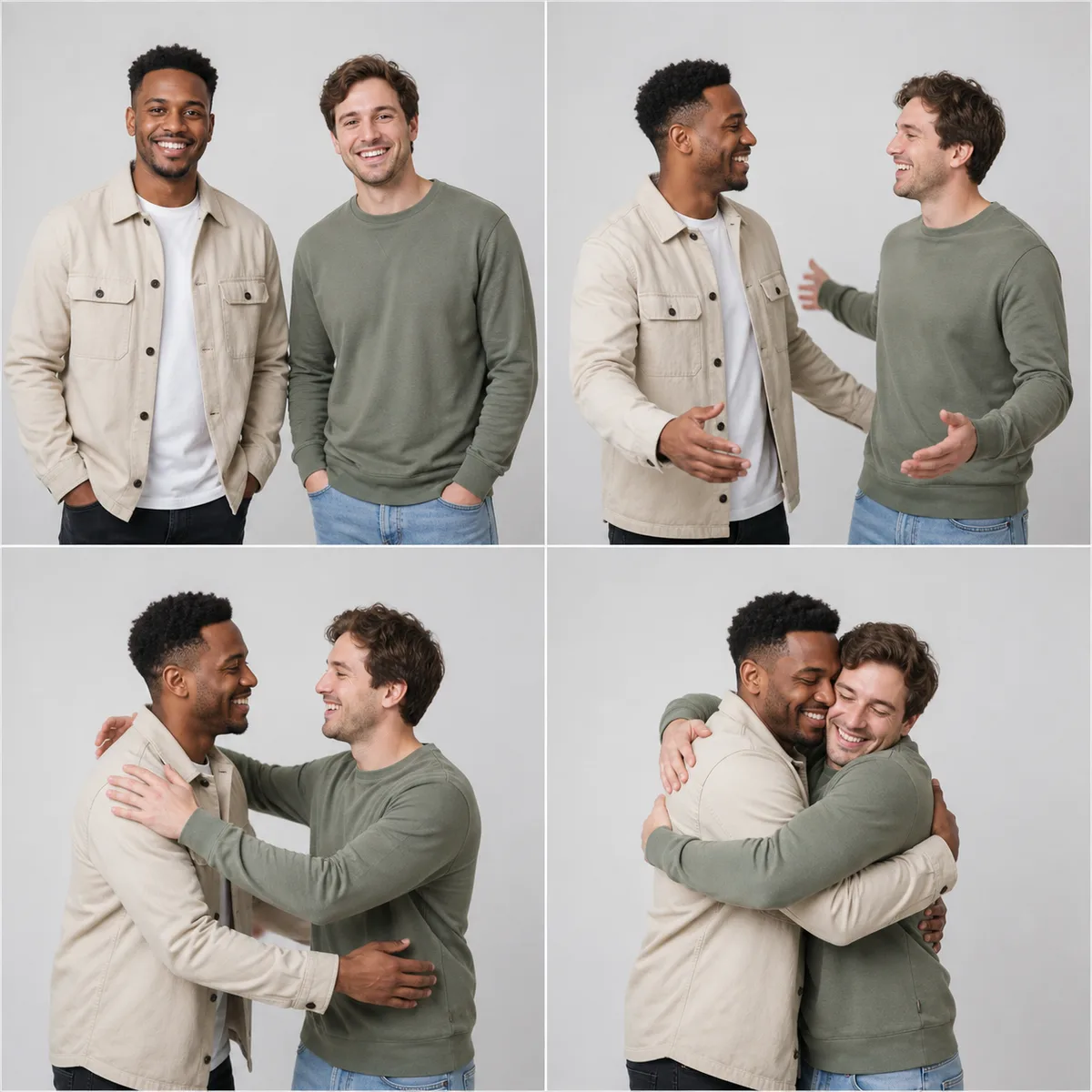
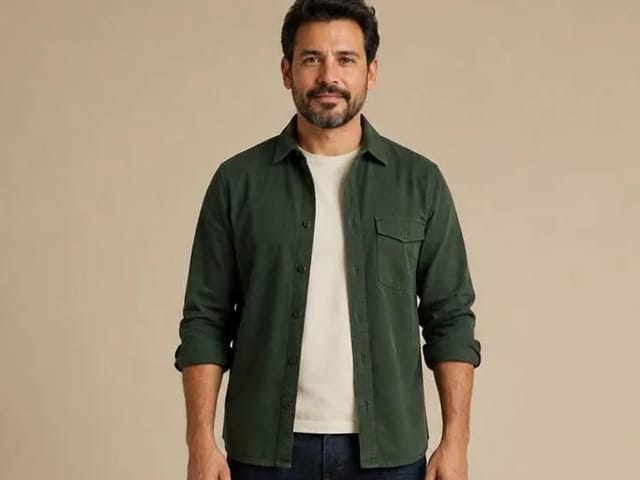
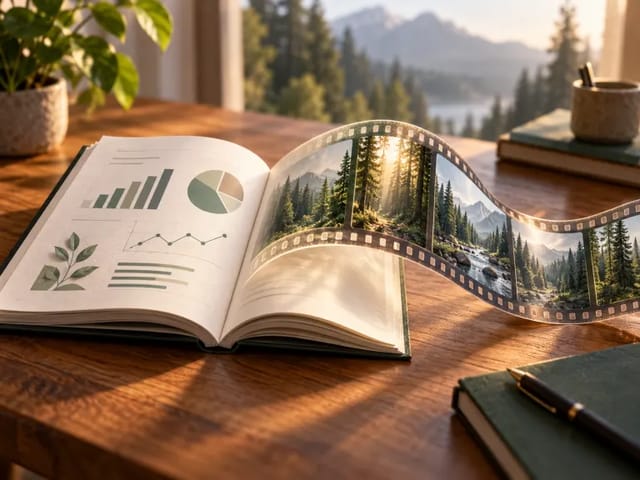
Contact sheet used to review a short people-focused video concept

Birthday Themes to Describe in the Prompt

Use one consistent direction so the short clip remains visually coherent.

Elegant Milestone

Warm gold or silver light, restrained confetti, a slow camera move, and clean typography space suit adult milestone birthdays and formal invitations.

Colorful Party

Use bright coordinated colors, balloons, streamers, lively but controlled motion, and a vertical social format. Avoid covering faces with effects.

Quiet Family Memory

Request natural smiles, gentle movement, soft daylight, and minimal camera motion. Add family captions and music later rather than asking the model to invent dialogue.

Pet Birthday

Use a clear authorized pet photo and species-appropriate motion. Keep decorations safe and avoid unrealistic handling, food, or costumes that obscure the animal.

What to Finish Outside the AI Generator

Use a video editor for exact wording, timing and music placement.

Exact Names and Greetings

Add exact wording in an editor. Generative video may misspell, redraw, or change text between frames even when the prompt includes the correct phrase.

Long Multi-Photo Slideshows

This page accepts up to two source frames for one short clip. Use a timeline editor to order more photos, choose per-slide duration, and preserve every image exactly.

Licensed Music and Narration

Choose music you are permitted to use and record narration separately. Do not imply that an AI-generated voice belongs to the pictured person.

Invitations and Event Facts

Add the date, time, venue, RSVP details, and accessibility information with deterministic text tools, then proofread before publishing.

Birthday Video Maker FAQ

Answers about photos, text, duration, themes, minors, audio, credits, and editing.

Can I make a birthday video from photos?

Yes. Upload one required opening photo and optionally one closing photo. NanoPic generates one short motion-and-transition concept from those inputs.

Does it make a full slideshow?

No. It is not an unlimited photo timeline. For many images, exact ordering, transitions, and per-slide timing, assemble the generated clip and original photos in a video editor.

Will the name and birthday message be spelled correctly?

Do not rely on generative video for exact text. Ask for clean title space and add the final name, greeting, age, date, and invitation details after download.

Can I use a child's photo?

Only when you are the parent or authorized guardian, the use is lawful and appropriate, and the page's current safety rules permit it. Never reveal school, address, location, medical, or other sensitive information.

Can I add my own music?

The selected model may create audio when enabled, but this page does not upload a custom song. Add properly licensed music or narration in an editor after generation.

What format should I choose?

Use 9:16 for vertical stories and reels, 16:9 for displays and landscape videos, or 1:1 for square posts. Leave margin around the subject for later captions.

How much does it cost?

The generator shows the live NanoPic credit requirement for the selected duration and resolution before submission. That notice reflects the selected model and is the authoritative amount.

Why did a face or hand change?

The model synthesizes new frames and can drift on fine details. Use clearer photos, reduce requested movement, keep the scene simple, and reject any result that materially changes a person.

Create a Short Birthday Video Concept

Upload one or two authorized photos, describe one coherent theme and transition, then finish exact text, music, and longer sequencing in an editor.

Related tools