AI Outfit Generator
Sign In

AI Outfit Generator

Upload a reference photo or describe a look to generate outfit ideas with NanoPic.

0 / 100

Public Visibility
Copy Protection
Credits required:-

AI Outfit Generator

Image

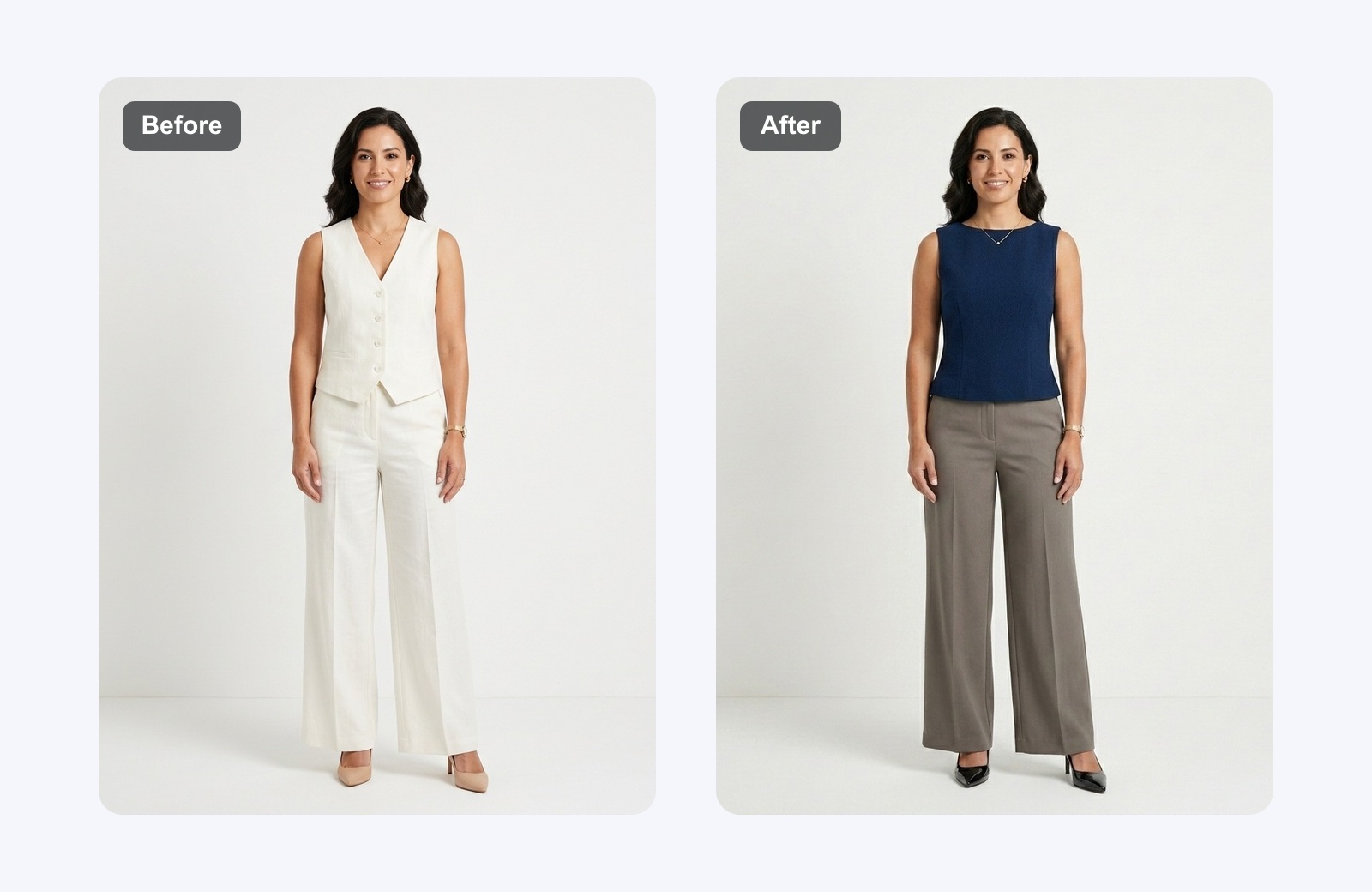
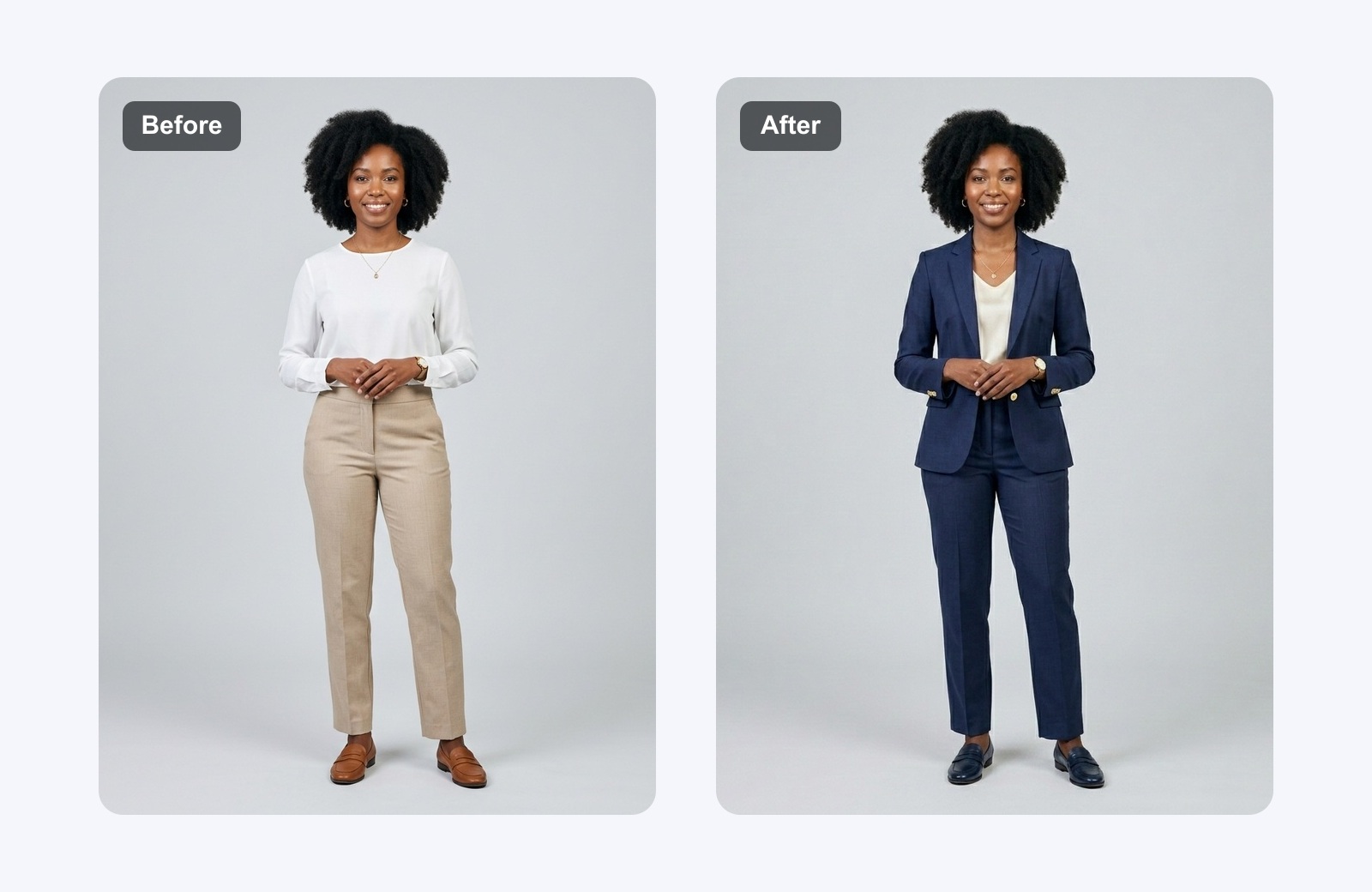
Before and after AI outfit generator example with a formal model photo

AI Outfit Generator for Realistic Fashion Looks

NanoPic's AI outfit generator helps you create polished outfit ideas from a short prompt or a reference photo. Instead of starting with a blank canvas, you can describe a streetwear look, a business casual outfit, a vacation wardrobe, a seasonal campaign, or a full ecommerce styling direction and generate visual options in seconds. Use it as an AI outfit maker for social content, product planning, creator thumbnails, lookbook drafts, virtual try-on concepts, and fashion mood boards. The workflow is built around practical visual decisions: clothing type, color palette, fabric texture, layering, accessories, shoes, lighting, and overall style consistency.

Why Use NanoPic's AI Outfit Generator?

Create outfit concepts that are useful for real styling, ecommerce, and creator workflows instead of generic fashion images.

Reference-Photo Outfit Generation

Upload a portrait or model photo and use the AI outfit generator to explore new clothing directions while keeping the subject recognizable. This is useful when you want to test a blazer, jacket, dress, hoodie, summer set, or layered outfit before arranging a shoot. The template prompt is designed to preserve natural proportions, lighting, pose, and facial identity when a reference image is provided.
Text-to-Outfit Exploration

Describe an outfit idea in plain English and turn it into a visual concept. You can prompt for minimalist office wear, Korean streetwear, capsule wardrobe looks, festival outfits, wedding guest styling, gym-to-street athleisure, or product-specific campaigns. NanoPic turns the prompt into a complete look with clothing, shoes, accessories, color harmony, and fabric detail.

Creator and Commerce Ready

Use generated outfit visuals for mood boards, social posts, ad concepts, landing page drafts, thumbnails, and ecommerce planning. The page is tuned for people who need many variants quickly: creators testing a visual angle, marketers preparing a campaign, small stores planning product bundles, and stylists explaining options to clients before committing production budget.

How the AI Outfit Generator Fits Your Workflow

Use the page as a fast fashion concepting tool: start with a person or an idea, refine the outfit direction, and export images for review.

Turn a Reference Photo into Styled Outfit Concepts

A reference photo gives the AI outfit generator a clear visual anchor. Upload a photo of a person, mannequin, product model, or creator portrait, then describe the clothing direction you want to test. NanoPic can help visualize a clean office look, premium streetwear set, resort outfit, formal event style, or seasonal campaign option while maintaining the original pose and overall composition. This saves time when you need to compare wardrobe directions before a shoot, pitch several styling routes to a client, or create early concepts for an ecommerce product page.

Try a Reference Photo
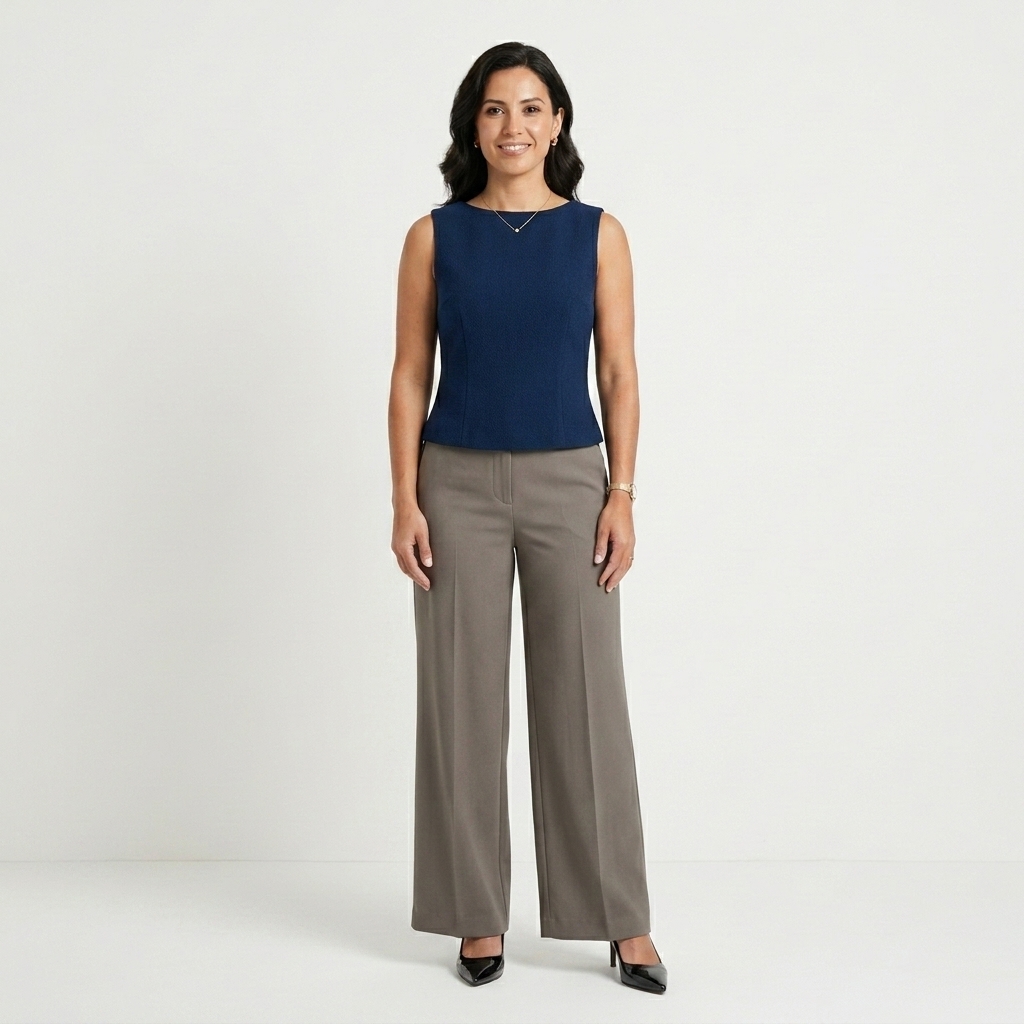
Before and after formal outfit transformation generated by AI

Explore Styles Before a Campaign or Shoot

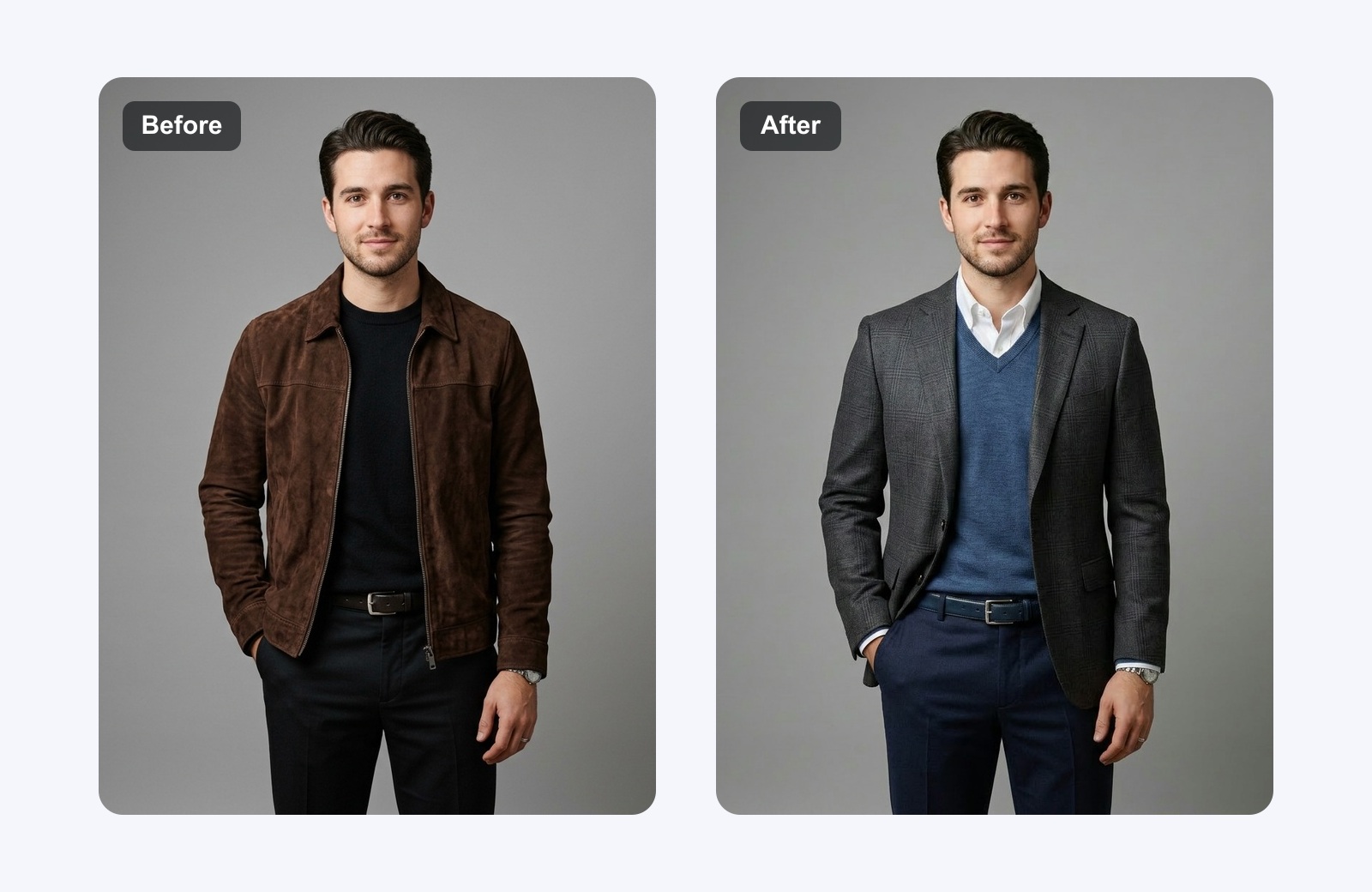
The fastest way to improve outfit planning is to see options side by side. Use the AI outfit maker to test different style families such as streetwear, business casual, editorial fashion, outdoor performance, date-night outfits, wedding guest looks, or holiday capsule wardrobes. Each prompt can specify season, color palette, materials, silhouette, accessories, and background. The result gives your team a visual starting point for decision making, which is especially helpful when a brief is still loose and you need direction quickly.

Explore Style Ideas
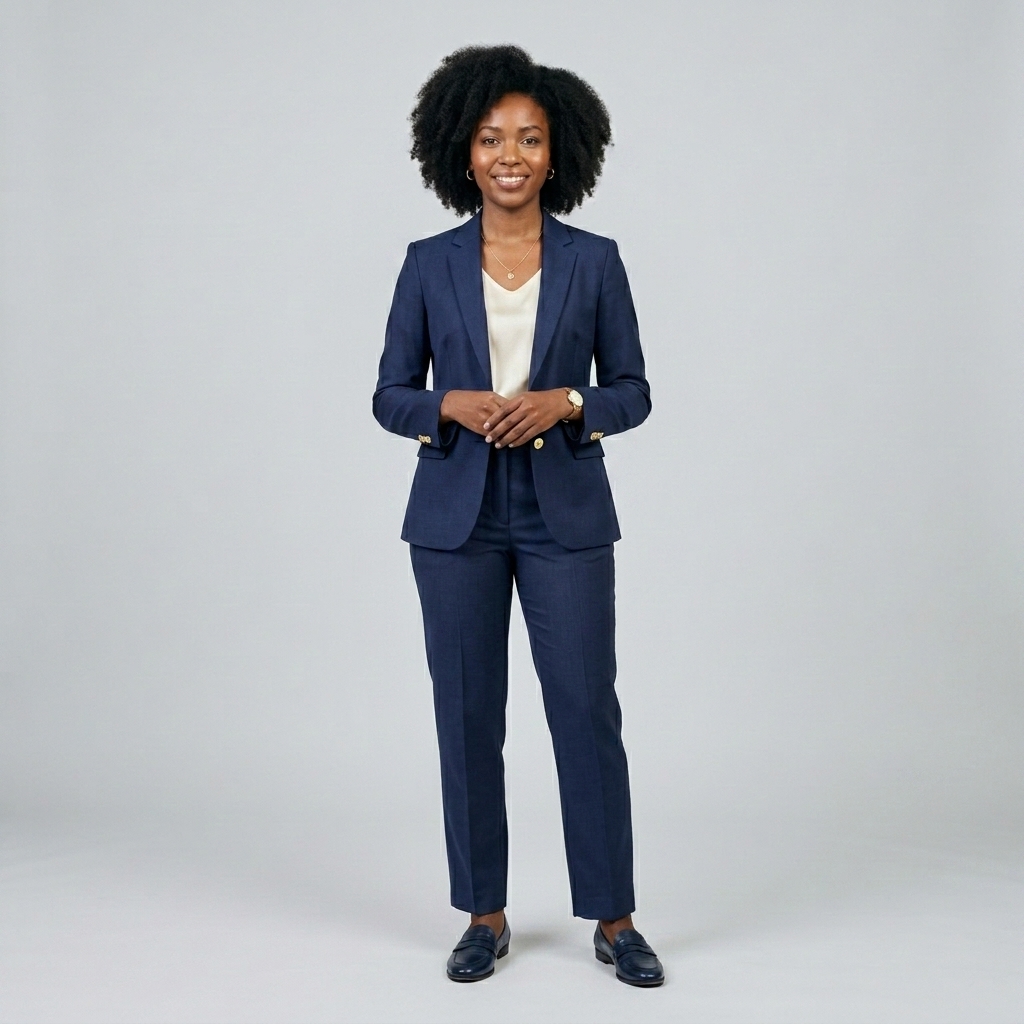
Before and after business outfit transformation generated by AI

Create Product and Creator Visuals Faster

Fashion content often needs more visual tests than a manual design workflow can comfortably provide. NanoPic's AI outfit generator can create campaign directions, lookbook covers, product styling ideas, and creator-ready outfit posts from the same concept. Use it to plan how a jacket pairs with shoes, how a dress reads under studio lighting, or how a capsule collection might appear across several social assets. For ecommerce and creator teams, this turns vague styling discussions into concrete images that are easier to compare, edit, and approve.

Create Campaign Looks
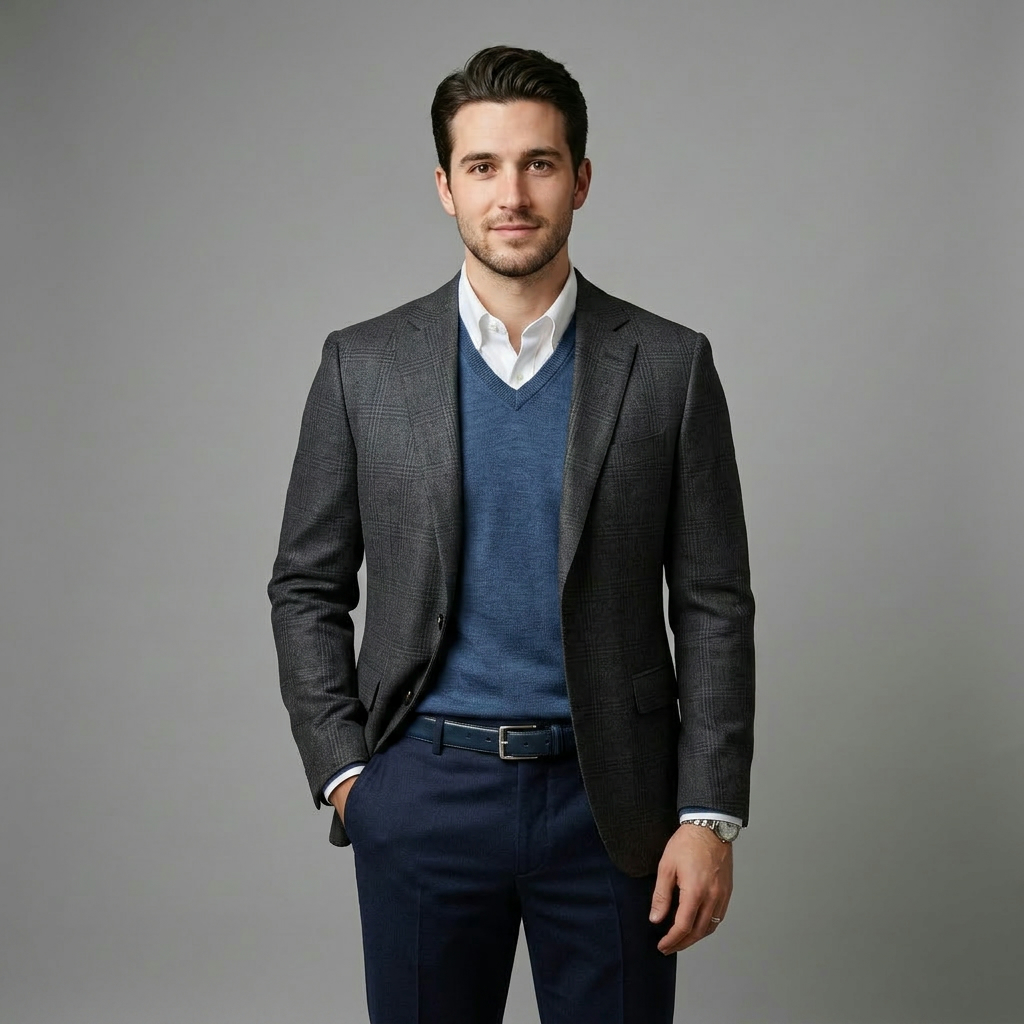
Before and after smart casual outfit transformation generated by AI

Built for Practical Outfit Creation

NanoPic focuses the AI clothes generator experience around speed, clarity, and visual usefulness.

Better Creative Briefs

A written outfit brief can be interpreted in many ways. The AI outfit generator gives your team a shared visual reference early in the process, so everyone can discuss actual clothing shape, color, texture, accessories, and brand fit. This reduces vague feedback and helps move from idea to production with clearer alignment.

More Variants Without More Shoot Time

If you need to compare multiple looks, an AI outfit maker can generate early visual alternatives before you schedule talent, styling, photography, or post-production. It is not a replacement for final brand photography, but it is useful for narrowing options and choosing the most promising outfits before spending on production.

Useful for Fashion, Content, and Retail

The same AI outfit generator page can support a stylist building client mood boards, a creator planning a post, a small store testing product bundles, or a marketing team drafting campaign visuals. Because the generator supports both text prompts and reference images, it adapts to lightweight ideation and more directed image-to-image outfit work.

AI Outfit Generator FAQ

Answers to common questions about creating outfit ideas, AI clothes visuals, and virtual try-on concepts with NanoPic.

How does the AI outfit generator work?

The AI outfit generator uses your prompt, reference photo, or both to create a new fashion visual. You can describe the clothing type, style, season, color palette, materials, accessories, shoes, and lighting. When you upload a reference image, the template is designed to keep the person and composition recognizable while changing or creating the outfit direction.

Can I use it as an AI clothes changer?

Yes, you can use the page for AI clothes changer workflows when you upload a reference photo and describe the outfit you want. It is also useful for text-only outfit ideation, so the page works as both an AI outfit maker and a practical AI clothes generator for early visual planning.

What prompts work best for outfit generation?

Strong prompts include the occasion, style family, clothing pieces, color palette, material, fit, accessories, and output purpose. For example: create a polished business casual outfit with a navy blazer, cream trousers, leather loafers, subtle jewelry, clean studio lighting, and a premium ecommerce look.

Can ecommerce teams use AI outfit visuals?

Ecommerce teams can use AI outfit visuals for planning, concept approval, campaign drafts, product bundle ideas, and internal mood boards. For final public use, check your brand standards, model releases, and commercial usage requirements for the generated image and any reference photo you upload.

Is this page only for fashion designers?

No. Fashion designers can use it, but the AI outfit generator is also useful for creators, marketers, small ecommerce stores, stylists, photographers, and anyone who wants quick outfit ideas. It is especially helpful when you need several visual directions before choosing one to refine.

Create Your Next Outfit Concept with NanoPic

Use the AI outfit generator to turn a simple styling idea into a visual direction. Upload a reference image, write a clear outfit prompt, and generate fashion concepts for content, ecommerce, campaigns, or personal style planning.