
Virtual Ring Try On Generator
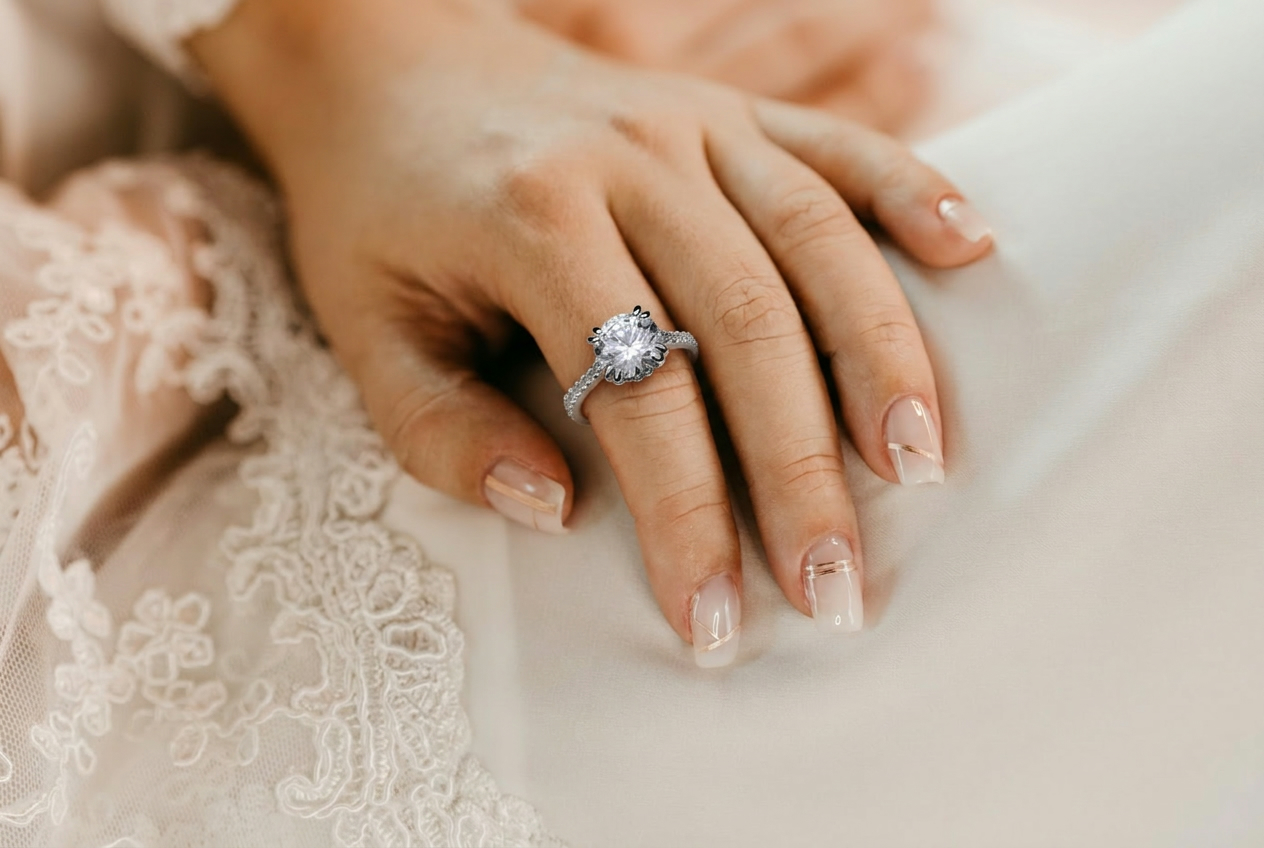
Virtual Ring Try On for Realistic Jewelry Previews
NanoPic's virtual ring try on workflow helps you preview a ring on a hand photo before a purchase, campaign, listing, or client review. Upload one clear hand image, add a separate ring reference, and describe the result you want. The AI ring try-on prompt focuses on preserving the hand, nails, lighting, pose, and background while placing the ring with believable scale, perspective, reflections, and contact shadows. It is useful for engagement ring previews, ecommerce jewelry images, creator content, gift planning, and early product visualization.
Why Use NanoPic Virtual Ring Try On?
Create more convincing ring previews by using both a real hand photo and a jewelry reference image.
Hand Photo Plus Ring Reference
A strong virtual ring try on result starts with two inputs: the customer's hand photo and a separate ring image. This gives the model enough context to preserve the hand while borrowing the ring shape, stone setting, band color, and diamond detail from the jewelry reference.
Realistic Placement and Scale
The default prompt asks Nano Banana 2 to match finger perspective, ring size, occlusion, metal highlights, and contact shadows. This helps the AI ring try-on image look like a natural photo instead of a sticker placed on top of the hand.
Useful for Jewelry Decisions
Use the page for engagement ring previews, online jewelry shopping, product listing drafts, social content, client mood boards, or campaign concepts. It is especially helpful when you need a visual direction before arranging a physical try-on or product shoot.
How to Get Better Ring Try-On Results
Treat the page like a visual fitting room: start with clean inputs, give the ring a clear role, and review realism before using the image.
Start with a Clean Hand Photo
Choose a photo where the target finger is visible, reasonably sharp, and not covered by heavy jewelry. Natural window light, neutral backgrounds, and well-framed nails usually produce the best virtual ring try on results. If the hand already has a ring, ask NanoPic to replace it rather than simply adding another one.
Use a Clear Ring Reference
The ring reference should show the band, stone shape, prongs, and metal color clearly. A product photo on a simple background is easier for the model to read than a crowded lifestyle image. For ecommerce work, keep one reference ring per generation so the output does not mix several jewelry styles.
Review Finger Anatomy and Shadows
After generation, check the ring finger first: the band should wrap around the finger, not float above it. Then inspect nail shape, finger count, skin texture, and the ring's shadow. A good AI ring try-on output should keep the hand believable while making the jewelry easy to inspect.
Built for Jewelry Preview Workflows
NanoPic's virtual jewelry try-on page is designed for practical review and iteration.
Virtual Ring Try On FAQ
Common questions about using AI to preview rings on hand photos.
Try a Ring on a Hand Photo with NanoPic
Upload a hand image, add a ring reference, and generate a realistic AI ring try-on preview for shopping, ecommerce, or creative planning.